
flutter-in-practice
该项目可作为 Flutter 应用开发的起点,包含一个用于学习 Flutter 组件的演示应用,以及一个名为 weiguan 的社交视频应用,类似于 TikTok。

- 星标
- 206
- 复刻
- 56
- 最近推送(UTC)
- 2023年3月21日
- 项目状态
- 未归档
原始 README
以下为英文项目原文快照,最新内容请访问 GitHub。
Flutter in Practice
This project can be used as a starter for flutter app development, including a demo app for learning flutter components and a social video app named weiguan which is similar to TikTok. There is also an article Flutter 移动应用开发指南 for learning this project.
To students of course: 最新的实战项目目录结构已按照新版 干净架构最佳实践 进行了重构,目录结构调整较大。如想获取之前版本,可查看提交记录。
Dependent frameworks and packages
- Flutter
- cached_network_image
- carousel_slider
- cookie_jar
- dio
- flutter_redux
- functional_data
- image_picker
- injector
- json_annotation
- logging
- meta
- package_info
- provider
- redux
- redux_logging
- redux_persist
- redux_persist_flutter
- redux_thunk
- video_player
- build_runner
- flutter_launcher_icons
- functional_data_generator
- json_serializable
How to run
Install flutter sdk
Please refer to flutter official document Install.
Clone repository
git clone git@github.com:jaggerwang/flutter-in-practice.git && cd flutter-in-practice
Install dependent packages
flutter packages get
Connect a device or run a simulator
Connet your Android or iOS device to your computer or run a simulator using the following commands.
$ flutter emulators
2 available emulators:

9.0-1080p           • 9.0-1080p     • Google • android
apple_ios_simulator • iOS Simulator • Apple  • ios

...
$ flutter emulators --launch apple_ios_simulator
Run Flutter Demo
flutter run -t lib/demo/main.dart
Run Weiguan APP
flutter run -t lib/weiguan/mobile/main.dart
The video player can not work on iOS simulator, you should use an Android emulator or a real device.
Weiguan app needs a api service to get and post data. It use mock apis by default, but you can configure it to use a real REST or GraphQL api service. For development purpose, you should configure and run main file main_dev.dart.
Use Sanic in Practice REST api service.
  final container = WgContainer(WgConfig(
    enableRestApi: true,
    apiBaseUrl: 'http://localhost:8000',
  ));
Use Spring Boot in Practice REST api service.
  final container = WgContainer(WgConfig(
    enableRestApi: true,
    apiBaseUrl: 'http://localhost:8080',
  ));
Use Spring Boot in Practice GraphQL api service.
  final container = WgContainer(WgConfig(
    enableGraphQLApi: true,
    apiBaseUrl: 'http://localhost:8080',
  ));
Use Spring Cloud in Practice GraphQL api service.
This api service only support GraphQL protocol.
  final container = WgContainer(WgConfig(
    enableGraphQLApi: true,
    apiBaseUrl: 'http://localhost:8080',
  ));
This api service also support OAuth2 login at branch oauth2, you can enable OAuth2 login as following:
  final container = WgContainer(WgConfig(
    enableOAuth2Login: true,
    oAuth2Config: OAuth2Config(
      clientId: 'fip',
      redirectUrl: 'net.jaggerwang.fip:/login/oauth2/code/hydra',
      authorizationEndpoint: 'http://localhost:4444/oauth2/auth',
      tokenEndpoint: 'http://localhost:4444/oauth2/token',
      scopes: ['offline', 'user', 'post', 'file', 'stat'],
    ),
  ));
And you need create an OAuth2 client for this app.
hydra --endpoint 'http://localhost:4445/' clients create --id fip --name 'Flutter in Practice' --grant-types authorization_code,refresh_token --response-types token,code --scope offline,user,post,file,stat --token-endpoint-auth-method none --callbacks 'net.jaggerwang.fip:/login/oauth2/code/hydra'
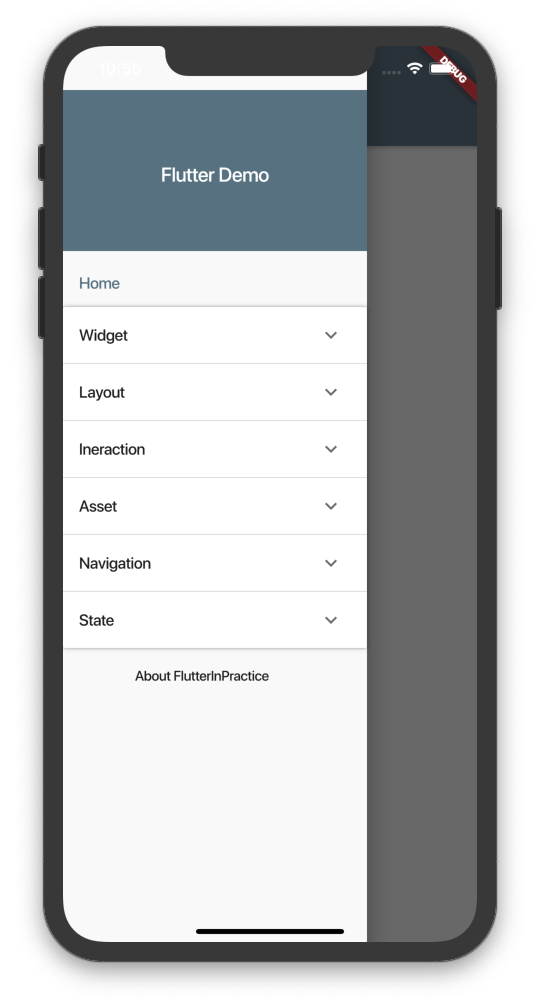
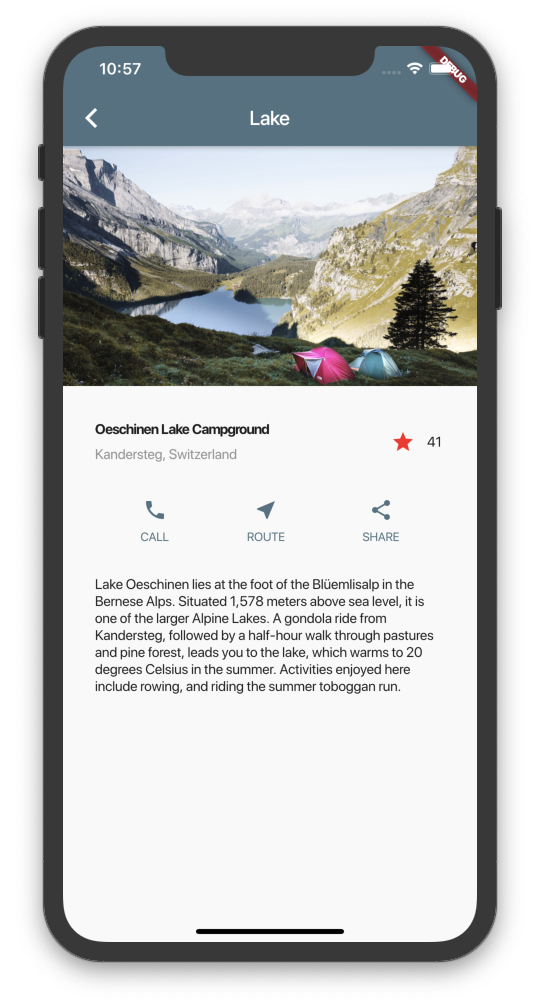
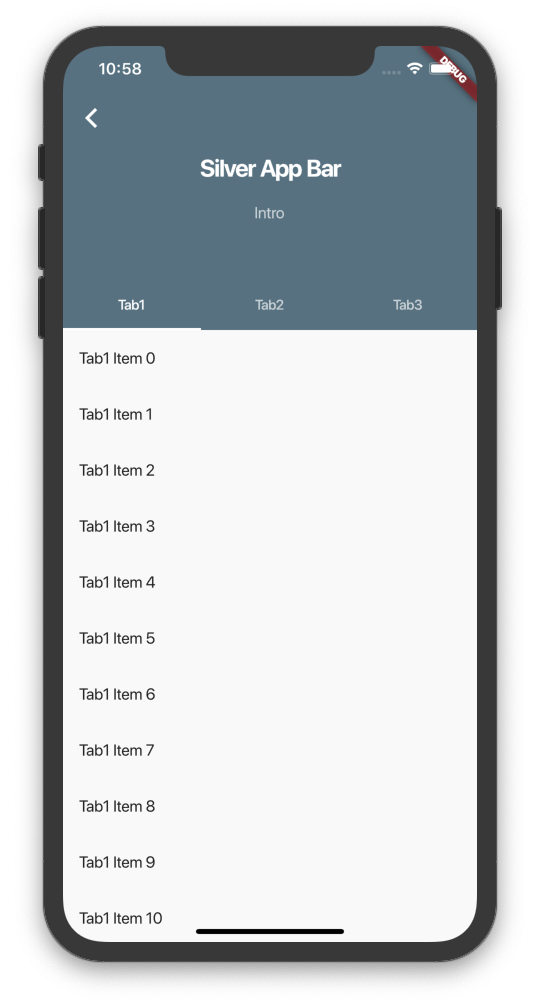
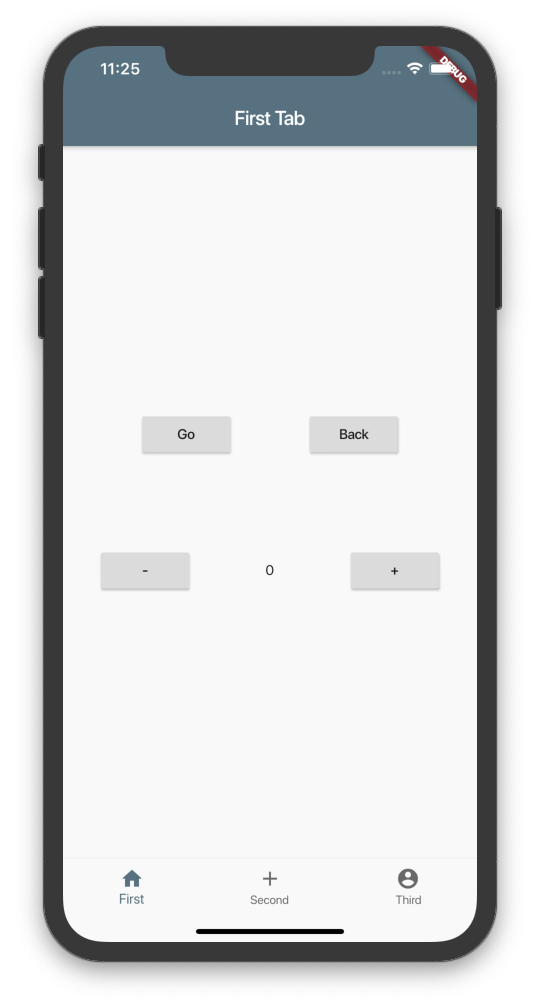
Screenshots
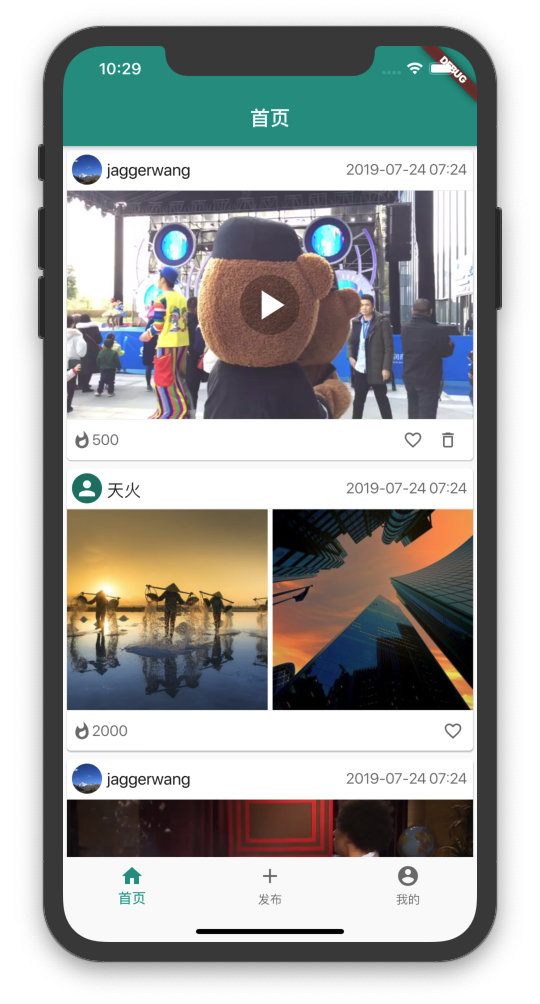
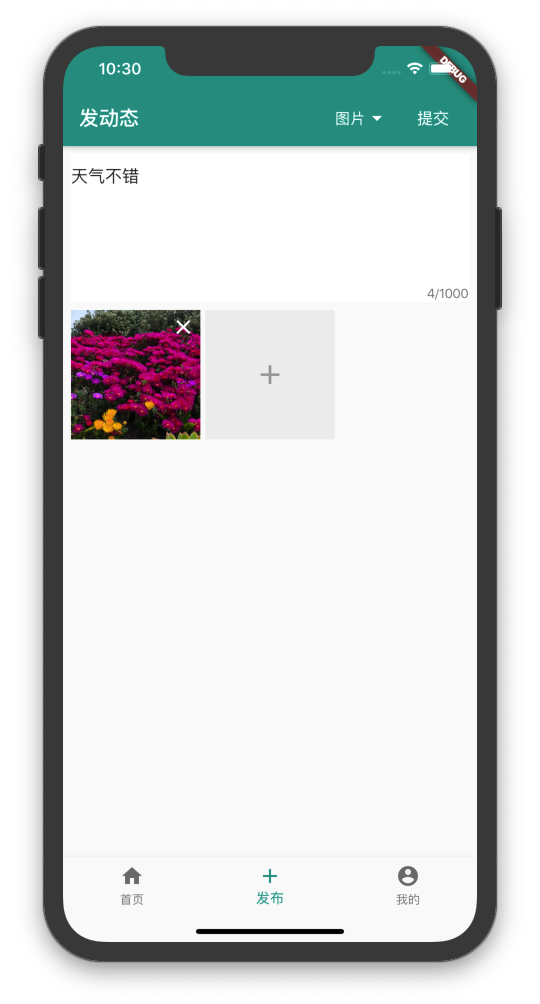
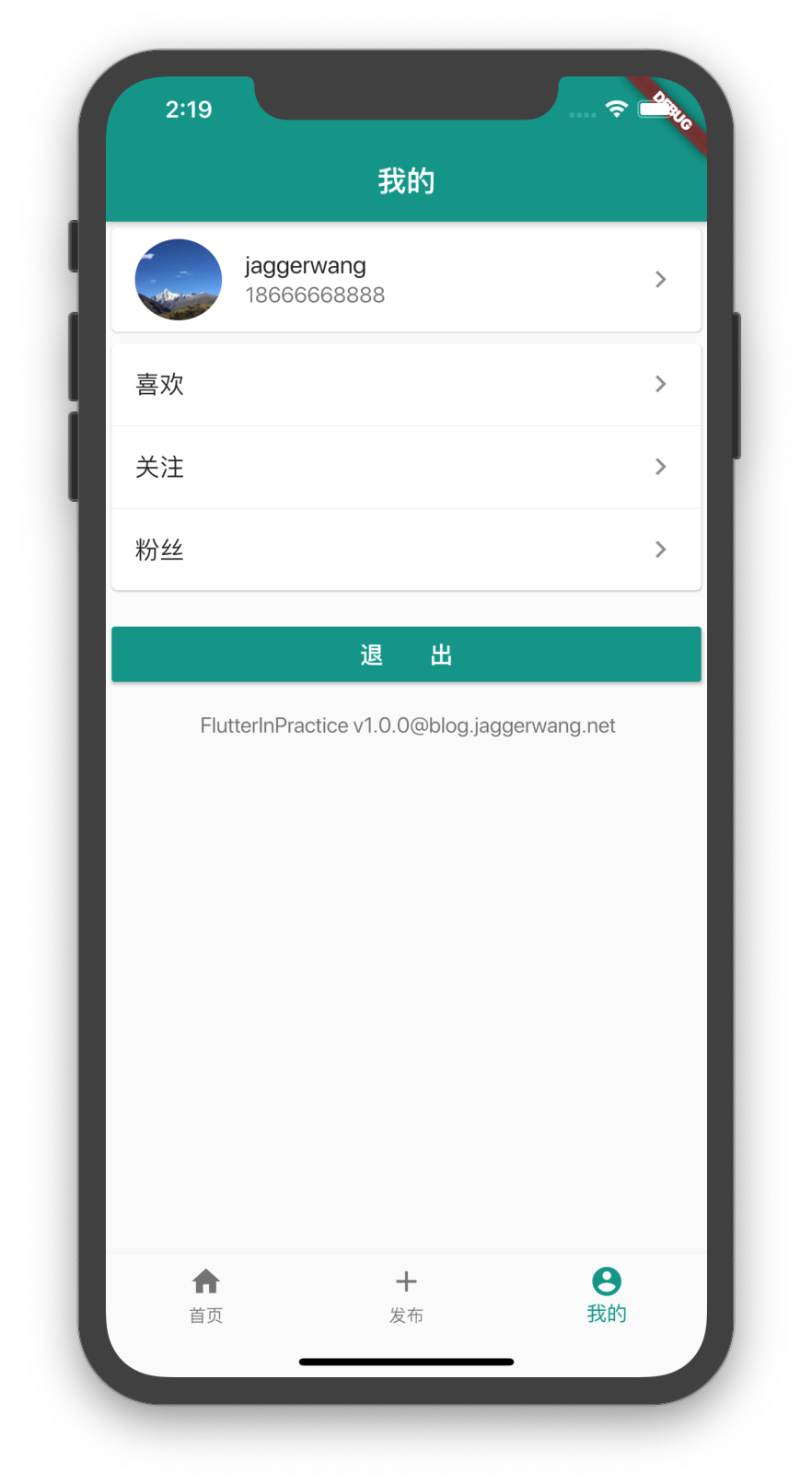
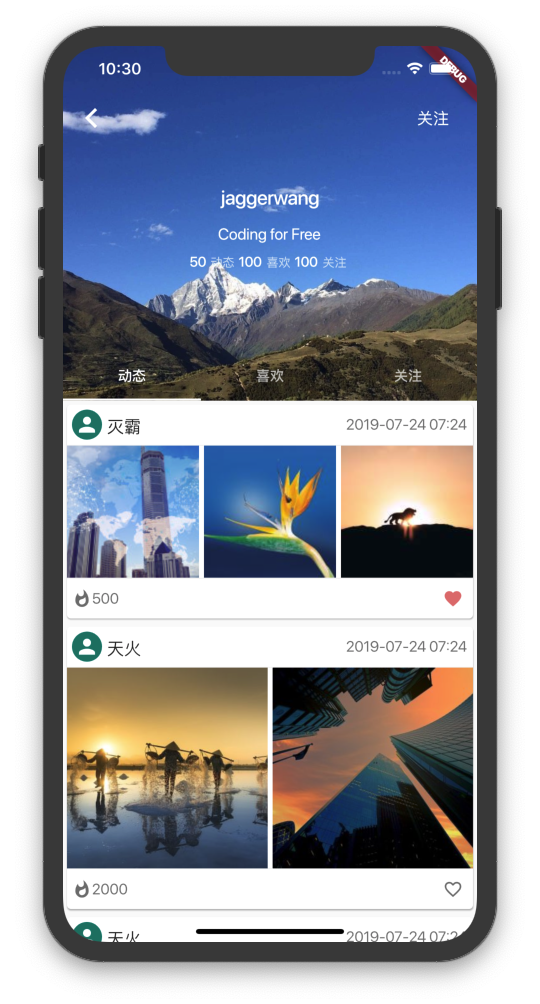

Jagger Wang ↗
使用的依赖
依赖清单 27 项
- flutter
{"sdk":"flutter"} - bot_toast
^2.1.1 - cached_network_image
^2.0.0-rc.1 - carousel_slider
^1.3.1 - cookie_jar
^1.0.1 - dio
^2.1.13 - flutter_appauth
^0.8.1 - flutter_redux
^0.5.3 - functional_data
^0.2.3 - image_picker
^0.6.1+3 - injector
^1.0.8 - json_annotation
^3.0.1 - logging
^0.11.3+2 - meta
^1.1.6 - package_info
^0.4.0+6 - provider
^3.1.0 - redux
^3.0.0 - redux_logging
^0.3.0 - redux_persist
^0.8.2 - redux_persist_flutter
^0.8.1 - video_player
^0.10.1+6 - flutter_test开发依赖
{"sdk":"flutter"} - analyzer开发依赖
^0.39.4 - build_runner开发依赖
^1.7.4 - flutter_launcher_icons开发依赖
^0.7.4 - functional_data_generator开发依赖
^0.2.5 - json_serializable开发依赖
^3.2.5
所在榜单
如何选择适合项目的代码仓?
先按使用场景筛选,再比较项目活跃情况,最后到原始仓库核对使用要求。
- 通过仓库名、作者或描述搜索,再按技术分类缩小范围。
- 结合星标、复刻与最近推送比较项目;星标反映社区关注,不代表质量保证。
- 使用前在 GitHub 核对 README、许可证与 Issues。
来源与维护
“A repository is the most basic element of GitHub.”
GitHub Docs — About repositories ↗