搜索插件、代码仓与 APP 分类

bot_toast 封面
插件详情v4.1.3

bot_toast

一个非常易于使用的 Flutter 吐司库。简单易用且功能丰富。

AndroidiOSWebmacOSWindowsLinux
近 30 天下载
24.8万
喜欢数
1000
Pub 分数
160

安装插件

flutter pub add bot_toast

插件介绍

基于插件公开信息、社区数据与项目使用情况整理的选型参考。

BotToast 是一个简单且功能丰富的 Flutter 吐司库,旨在实现轻松集成和自定义。它提供了一个简洁直观的 API,可在 Android、iOS、Web、macOS、Windows 和 Linux 等多个平台上显示吐司消息。支持多种吐司类型、动画效果和定位选项,无需复杂操作即可增强应用中的用户反馈。该库轻量且开发者友好,非常适合快速通知和状态更新。

适合场景

  • 显示用户简要反馈
  • 显示成功或错误消息
  • 通过细微的通知增强用户界面
  • 提供实时状态更新
  • 自定义吐司的外观和行为

主要特点

  • 易于使用的 API
  • 多种吐司类型
  • 跨平台支持
  • 可自定义动画
  • 灵活定位
  • 支持全局配置

适合对象

  • 简单通知需求
  • 需要轻量级提示的应用程序
  • 寻求快速实施的开发者
  • 针对多个平台的项目
  • 需要一致反馈的 UI

使用建议

  • 仅限基本吐司功能
  • 可能需要额外的样式才能实现复杂的设计
  • 不适用于持久通知
  • 依赖外部依赖管理
  • 无内置本地化支持

原始 README

以下为关联源码仓库的 README 原文快照,最新内容请访问源码仓库。

BotToast 🤖

A really easy to use flutter toast library!

Language: English | 中文简体
Overview
  • In the true sense of Toast, you can call it whenever you need it, without any restrictions!

  • Feature-rich, support for displaying notifications, text, loading, attachments, etc. Toast

  • Support for popping up various custom Toasts, or you can pop up any Widget as long as it meets the requirements of the flutter code.

  • API is simple and easy to use

  • Pure flutter implementation

  • Supports global configuration

Online Demo

Online demo (Web effects may be biased, the actual effect is subject to the mobile phone)

Example

Sample project

Renderings
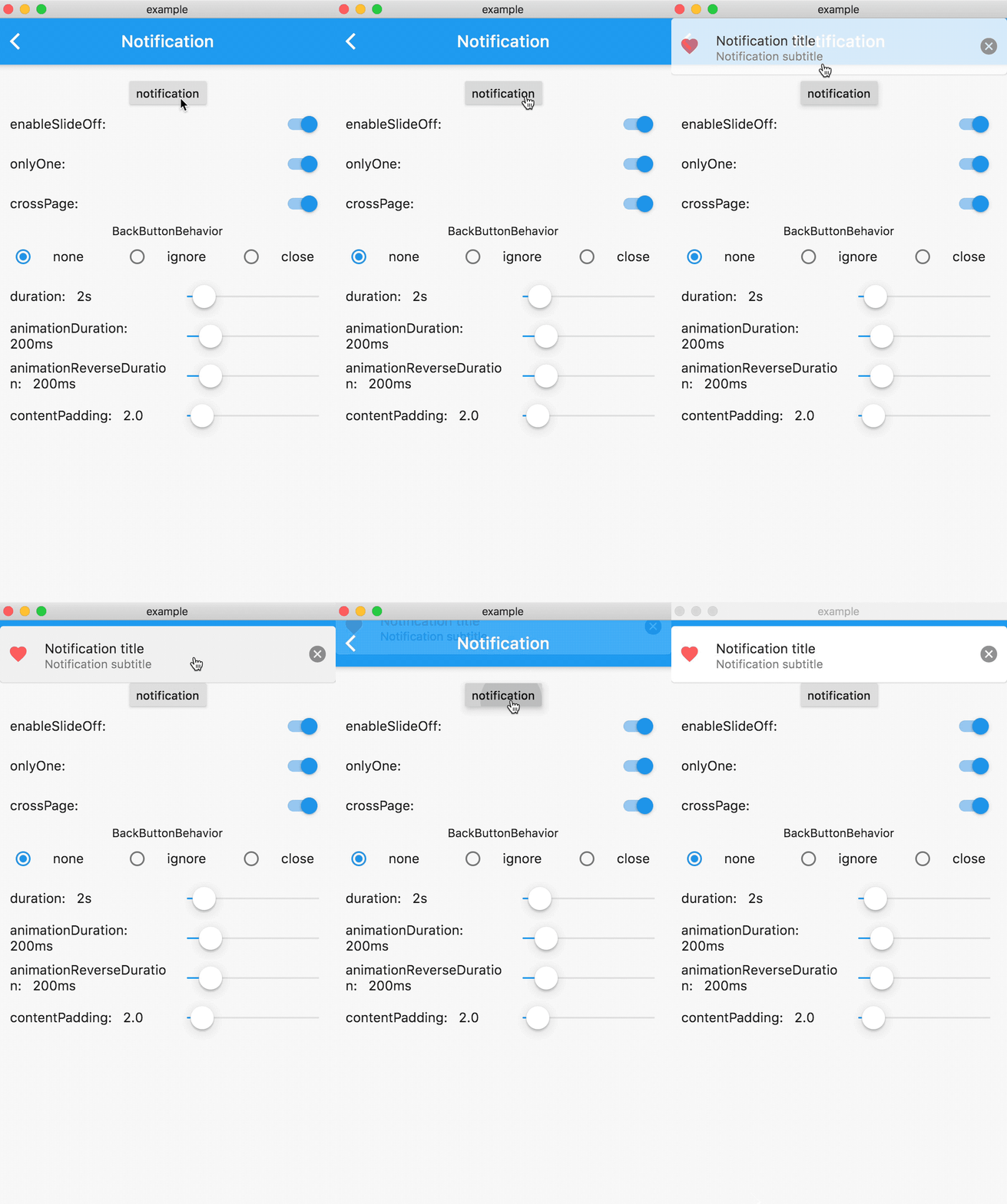
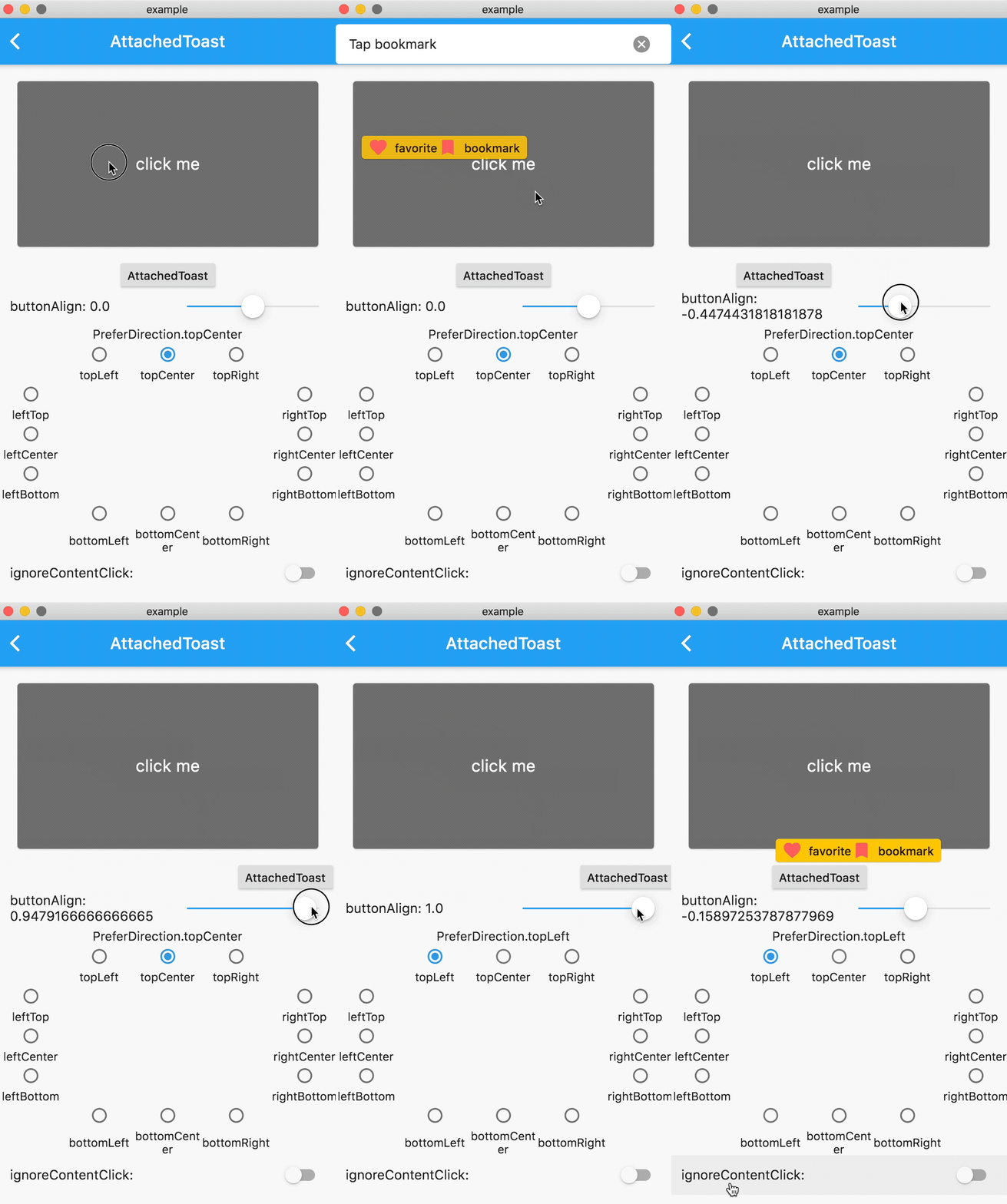
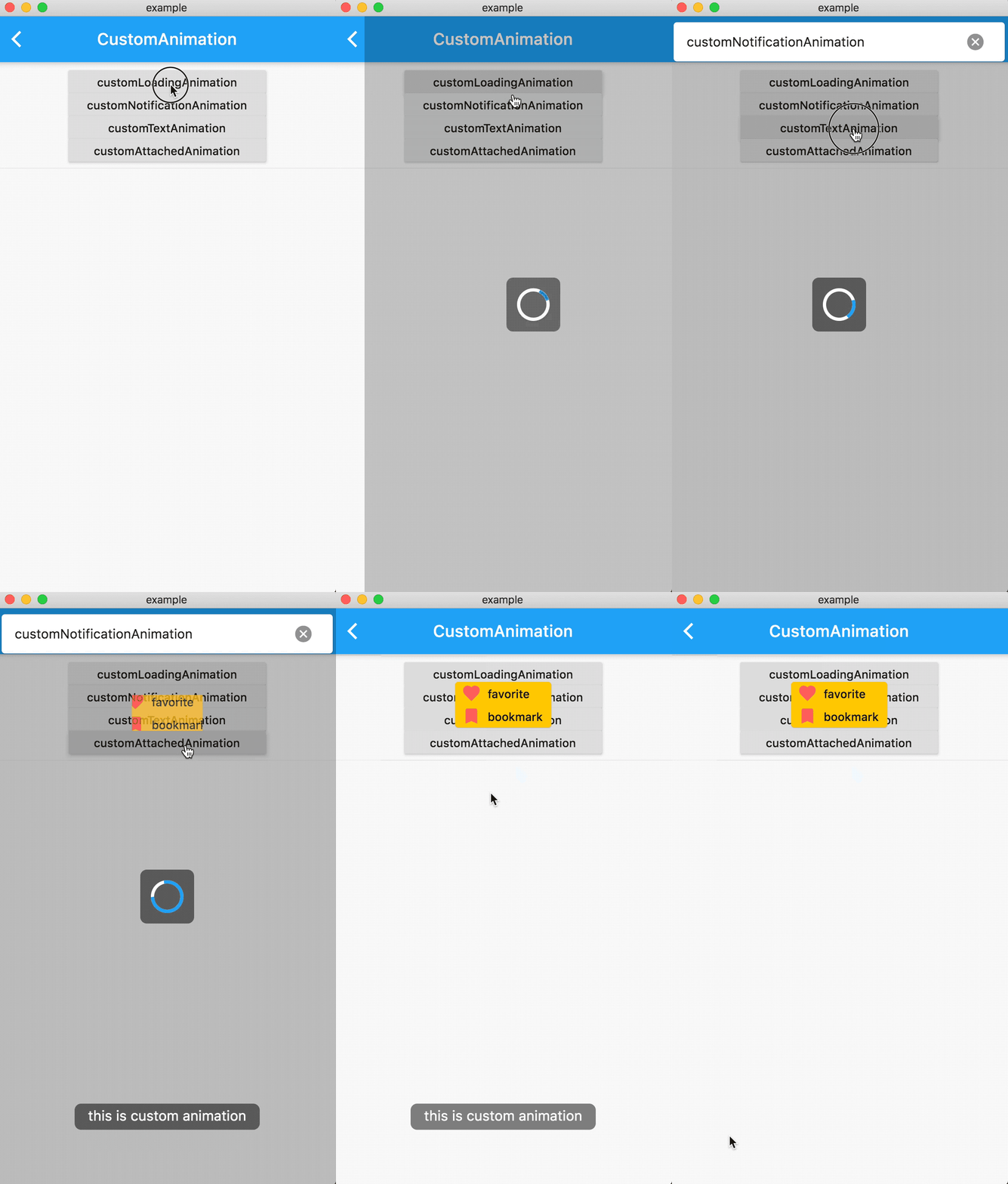
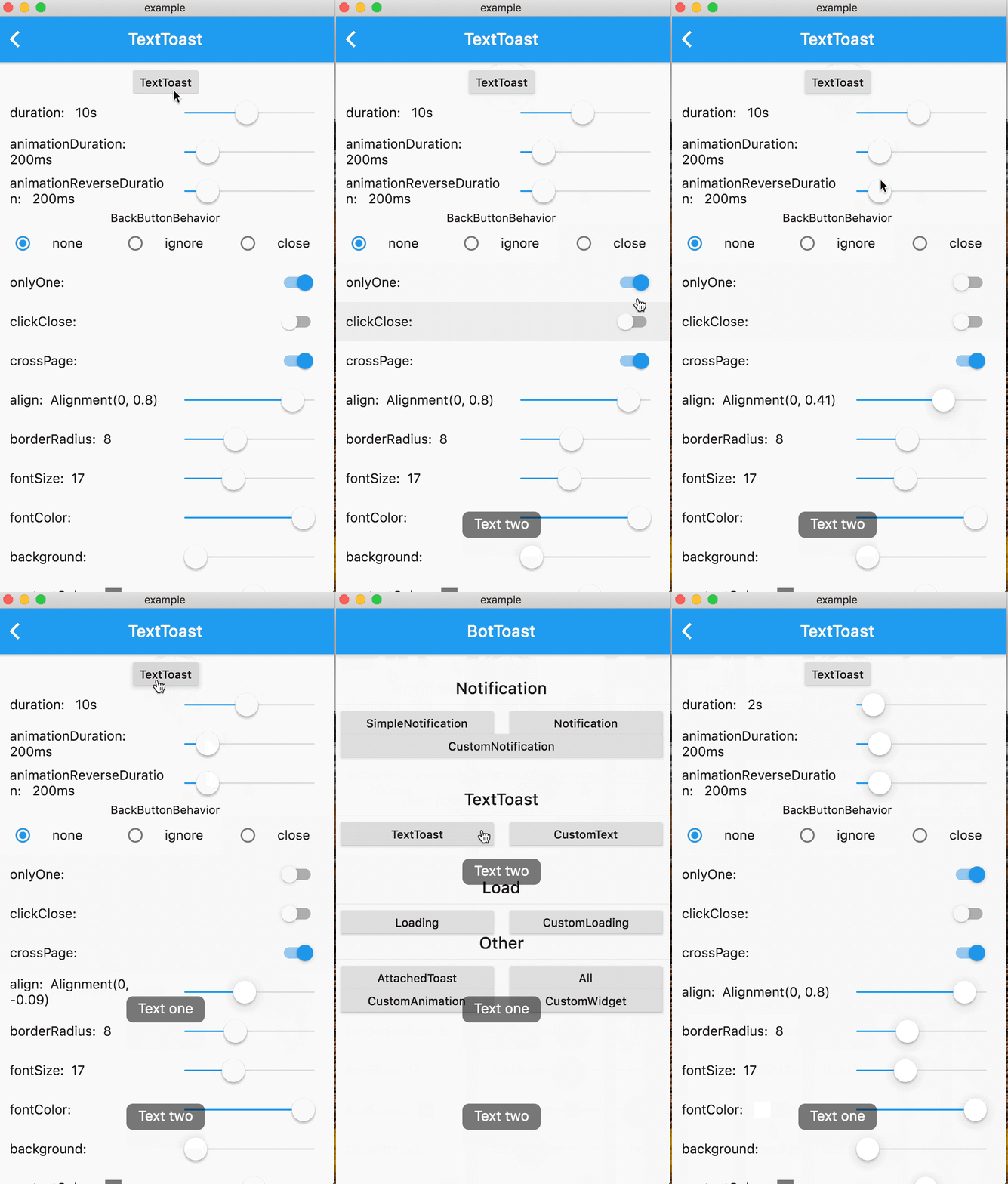
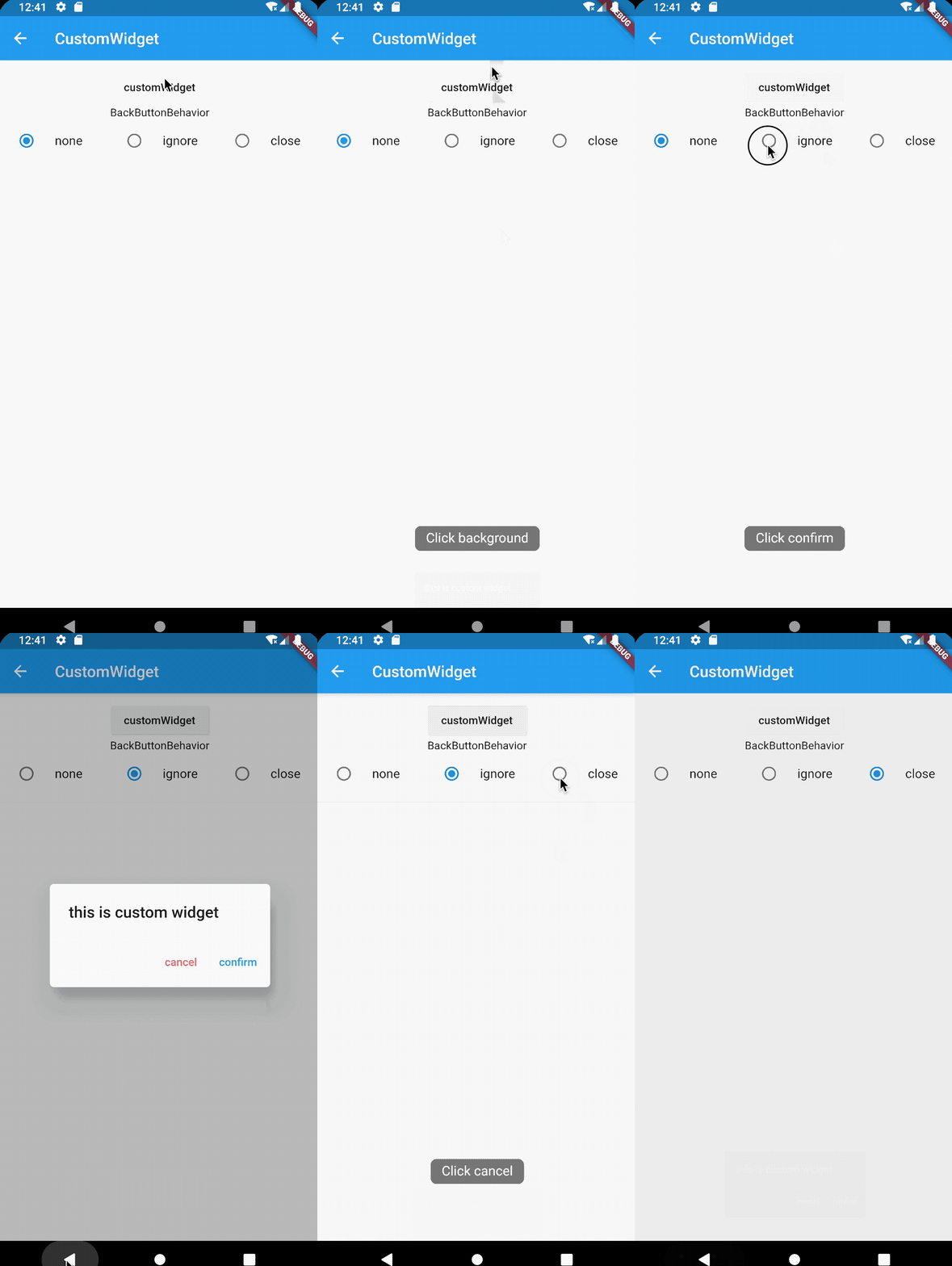
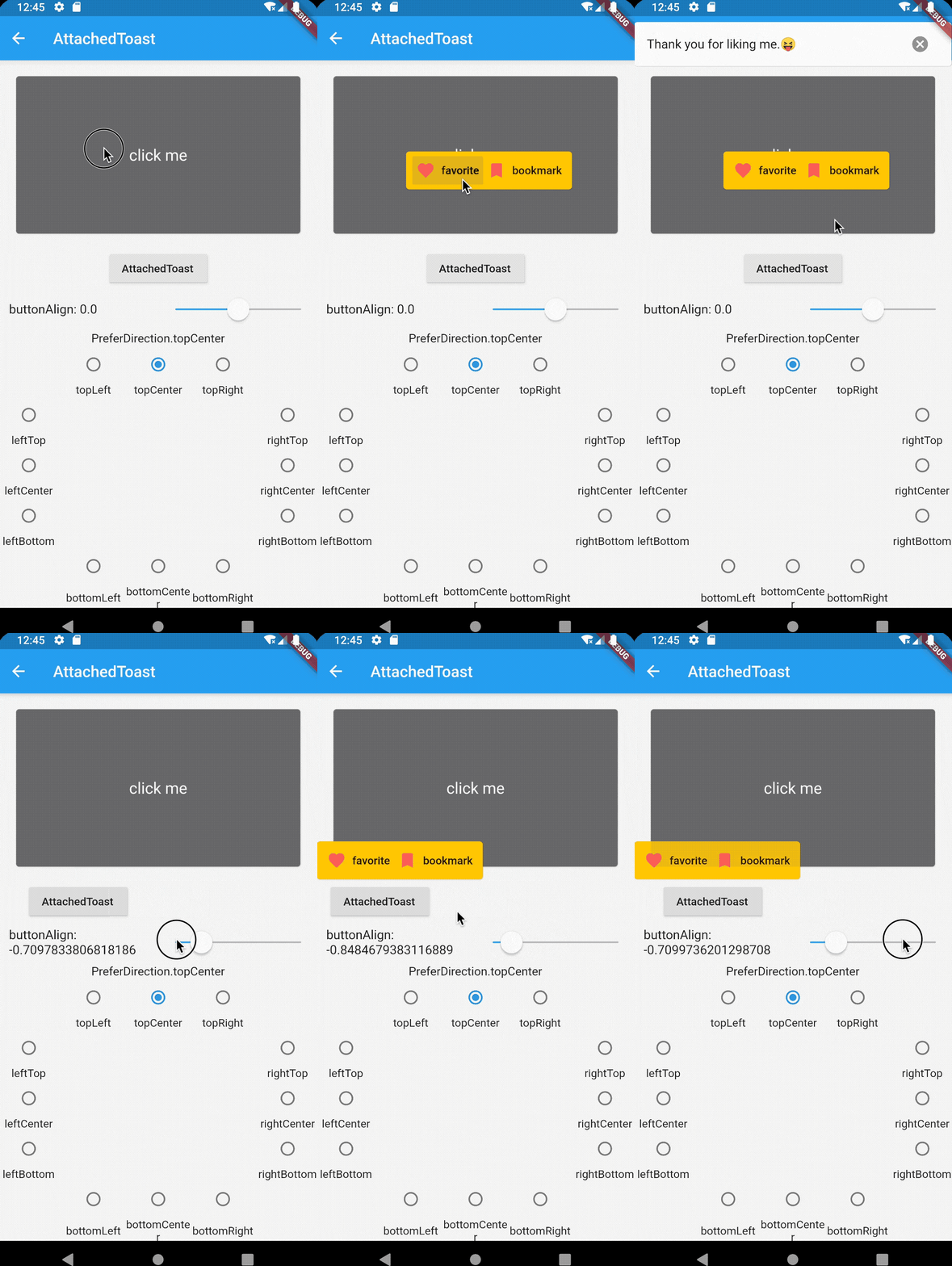
Notification Attached CustomAnimation
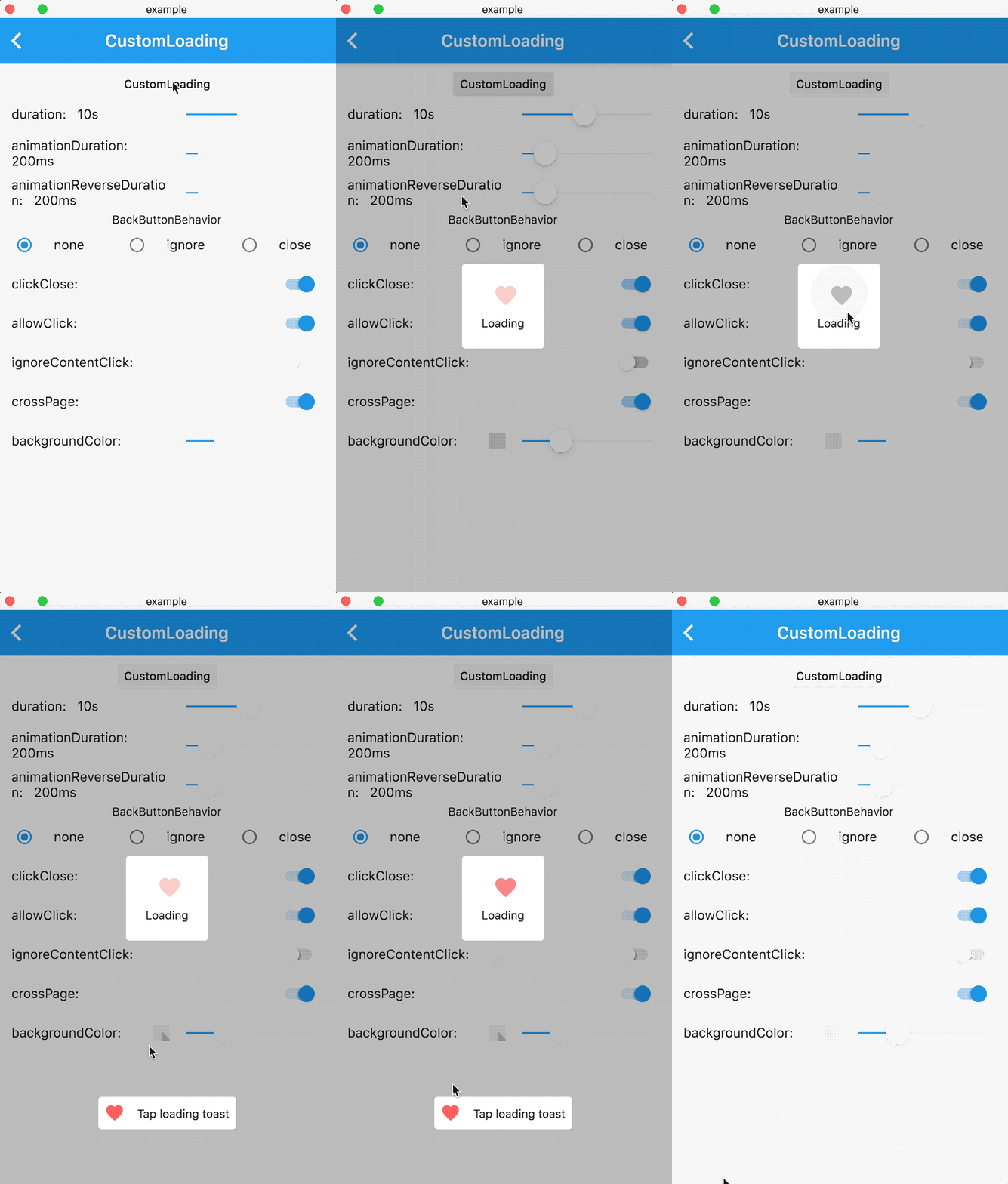
Loading Text CustomWidget
Getting started
1. Add dependencies into you project pubspec.yaml file
dependencies:
   bot_toast: ^4.1.0 #null safety
2. Import BotToast Lib
import 'package:bot_toast/bot_toast.dart';
3. Initialization BotToast
MaterialApp(
      title: 'BotToast Demo',
      builder: BotToastInit(), //1. call BotToastInit
      navigatorObservers: [BotToastNavigatorObserver()], //2. registered route observer
      home: XxxxPage(),
  )

or

//Warning: Don't arbitrarily adjust the position of calling the BotToastInit function 
final botToastBuilder = BotToastInit();  //1. call BotToastInit 
MaterialApp(
      title: 'BotToast Demo',
      builder: (context, child) {
        child = myBuilder(context,child);  //do something
        child = botToastBuilder(context,child); 
        return child;
      }, 
      navigatorObservers: [BotToastNavigatorObserver()], //2. registered route observer
      home: XxxxPage(),
  )
4. Use BotToast
var cancel = BotToast.showText(text:"xxxx");  //popup a text toast;
...
cancel();  //close
var cancel = BotToast.showSimpleNotification(title: "init"); // popup a notification toast;
...
cancel();  //close
var cancel = BotToast.showLoading(); //popup a loading toast
...
cancel();  //close
//popup a attachments toast
var cancel = BotToast.showAttachedWidget(
    attachedBuilder: (_) => Card(
          child: Padding(
            padding: const EdgeInsets.all(8.0),
            child: Icon(
              Icons.favorite,
              color: Colors.redAccent,
            ),
          ),
        ),
    duration: Duration(seconds: 2),
    target: Offset(520, 520));
...
cancel();  //close
//custom api
var cancel = BotToast.showCustomNotification(...)
var cancel = BotToast.showCustomText(...)
var cancel = BotToast.showCustomLoading(...)
var cancel = BotToast.showAnimationWidget(...)
...
cancel();  //close
5. Modify Global Configuration
/// For example: Globally change the animation duration for standard notifications to 1 second.
BotToast.defaultOption.notification.animationDuration = const Duration(seconds: 1);

/// For more default options, refer to the following configurations:
/// [BotToast.defaultOption.simpleNotification] corresponds to the default values of [showSimpleNotification].
/// [BotToast.defaultOption.notification] corresponds to the default values of [showNotification].
/// [BotToast.defaultOption.customNotification] corresponds to the default values of [showCustomNotification].
/// [BotToast.defaultOption.text] corresponds to the default values of [showText].
/// [BotToast.defaultOption.customText] corresponds to the default values of [showCustomText].
/// [BotToast.defaultOption.loading] corresponds to the default values of [showLoading].
/// [BotToast.defaultOption.customLoading] corresponds to the default values of [showCustomLoading].
/// [BotToast.defaultOption.attached] corresponds to the default values of [showAttachedWidget].
/// [BotToast.defaultOption.animation] corresponds to the default values of [showAnimationWidget].
/// [BotToast.defaultOption.enhanced] corresponds to the default values of [showEnhancedWidget].
3.0 version
Major changes:
  • Reimplemented the underlying initialization logic, the code is simpler and more general, and no longer depends on Navigator

  • Modify the initialization method

2.x version upgrade to 3.x version

change:

//2.x.x version initialization method
BotToastInit(
  child:MaterialApp(
      title: 'BotToast Demo',
      navigatorObservers: [BotToastNavigatorObserver()],
      home: XxxxPage(),
  )
);

to:

//3.x.x version initialization method
MaterialApp(
      title: 'BotToast Demo',
      builder: BotToastInit(), 
      navigatorObservers: [BotToastNavigatorObserver()],
      home: XxxxPage(),
  )

Documentation

API Documentation

所属分类

源码仓库

使用此插件的项目

所在榜单