
 v2.0.0+1
sliding_up_panel
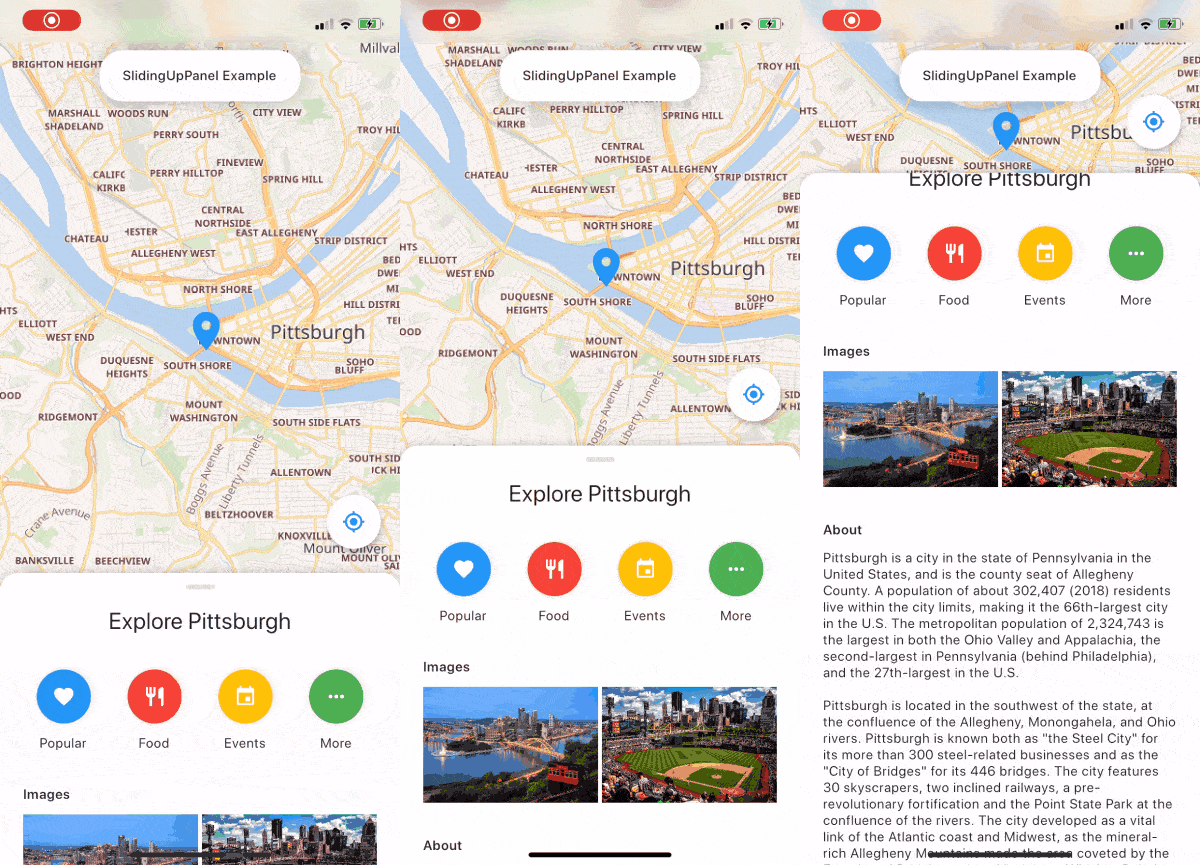
一个可拖动的 Flutter 小部件,让实现 SlidingUpPanel 变得更加简单!
2890喜欢 836近 30 天下载140Pub 分数
AndroidiOSWebmacOSWindowsLinux
使用 Flutter 制作的音乐播放器。由 @ashwinkey04 维护
 v2.0.0+1
一个可拖动的 Flutter 小部件,让实现 SlidingUpPanel 变得更加简单!
YouTube Explode 库的 Dart 版本。无需 YouTube API 密钥即可支持多个 API 功能。
 v2.0.7
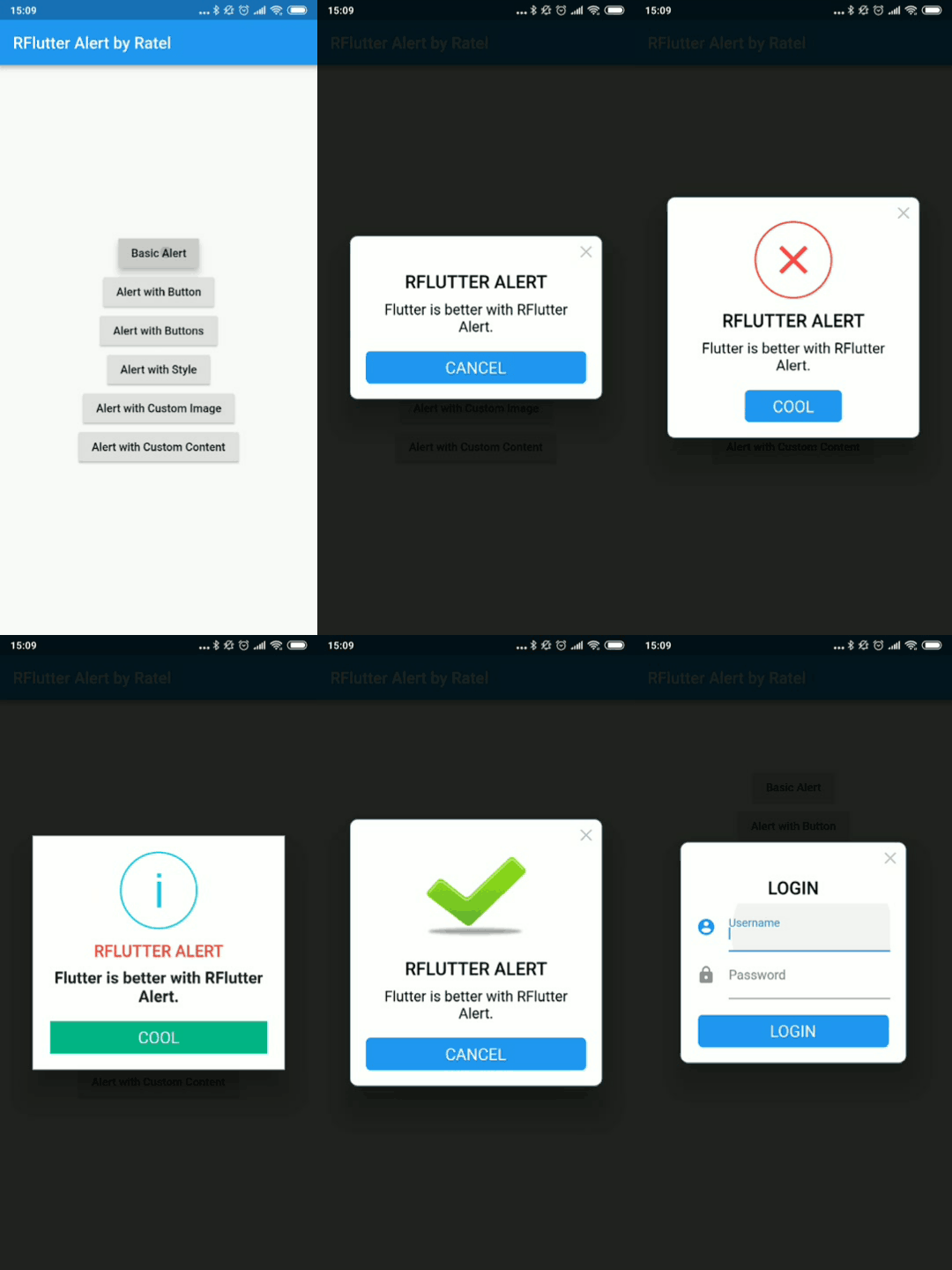
RFlutter Alert 是一个超灵活且易于使用的 Flutter 弹窗/提示对话框。您可以轻松创建可重用的弹窗样式,或随意添加任意数量的按钮。
一个无限滚动文本的 Flutter 小部件。提供多种自定义选项,包括自定义滚动方向、持续时间、曲线以及每轮之后的暂停。
一个插件,可以在 Flutter 中调用原生 APP 打开文件,并返回字符串结果,支持 iOS(UTI)、Android(Intent)、PC(FFI)和 Web(dart:html)
一个使动画更简单的 Flutter 库。它允许将动画设置与用户界面分离。
用于从设备存储中查询音频/歌曲信息(如标题、艺术家、专辑等)的 Flutter 插件。
Flutter 剪贴板支持文本、富文本(HTML)和图像。
 v1.0.2
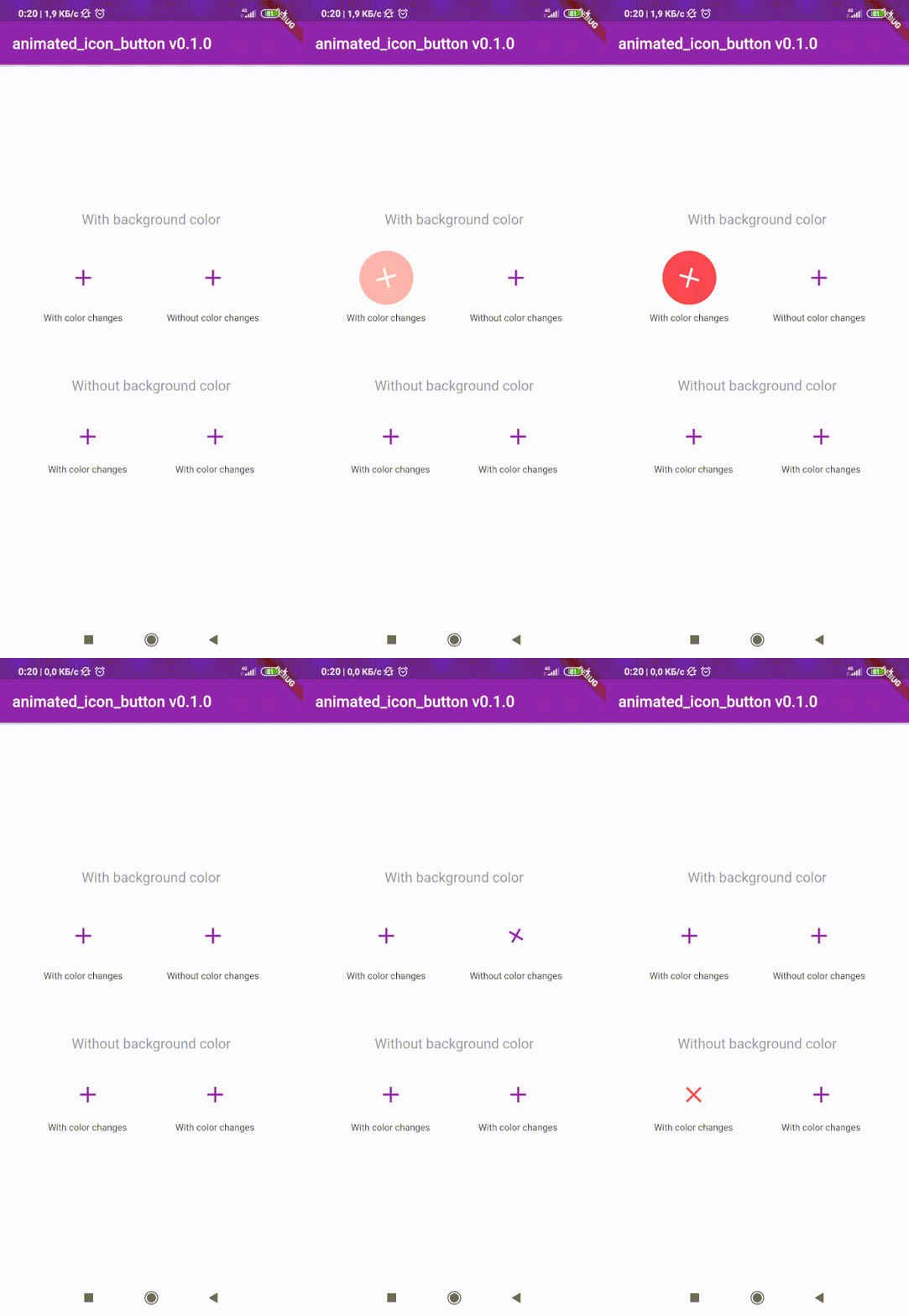
用于创建自定义动画 IconButton 的 Flutter 包。包含所有可用图标。基于原生 IconButton。
^1.0.2^3.1.0^0.18.3^0.1.2+8^3.0.6^1.0.0^4.3.2{"sdk":"flutter"}^8.0.8^2.0.5^1.1.0^0.13.3^0.9.18^2.2.0^2.5.3^3.2.0^2.0.0-nullsafety.1^6.0.1^1.4.5^2.0.4^2.0.3^2.0.0+1^2.0.0+3^2.1.1^1.10.9+1^0.9.2{"sdk":"flutter"}以下为英文项目原文快照,最新内容请访问 GitHub。
stars forks
issues Contrinutors License Release
| Get it on F-Droid | Get it on F-Droid | https://www.buymeacoffee.com/assets/img/custom_images/orange_img.png |
Download and install Git.
Fork Raag
Clone your fork of the project locally. At the command line:
$ git clone https://github.com/YOUR-GITHUB-USERNAME/raag.git
Open Raag in your favourite editor (VS Code, Android Studio etc)
To install the dependencies run the following command in the terminal.
$ flutter pub get
Connect your Android emulator or your mobile device to your computer.
Build the application in your device by clicking Run run button or run the following in terminal.
$ flutter run
| https://raw.githubusercontent.com/raag-music/raag/HEAD/fastlane/metadata/android/en-US/images/phoneScreenshots/1.png | https://raw.githubusercontent.com/raag-music/raag/HEAD/fastlane/metadata/android/en-US/images/phoneScreenshots/2.png |
| https://raw.githubusercontent.com/raag-music/raag/HEAD/fastlane/metadata/android/en-US/images/phoneScreenshots/3.png | https://raw.githubusercontent.com/raag-music/raag/HEAD/fastlane/metadata/android/en-US/images/phoneScreenshots/4.png |
To contribute to this project you can FORK & clone 🍴 the project as mentioned in Setting up your development environment, and make an issue on bug fixing or adding new features, and make a PR 😊.
This project is licensed under the GPL General Public License v2.0.
A few resources to get you started if this is your first Flutter project:
For help getting started with Flutter, view the online documentation, which offers tutorials, samples, guidance on mobile development, and a full API reference.