
v3.0.2
flare_flutter
适用于 Flutter 的矢量设计和运行时动画。
738喜欢 1.3万近 30 天下载40Pub 分数
平台暂无数据
简化版手册页,一个 tldr.sh 客户端

适用于 Flutter 的矢量设计和运行时动画。
 v6.0.0
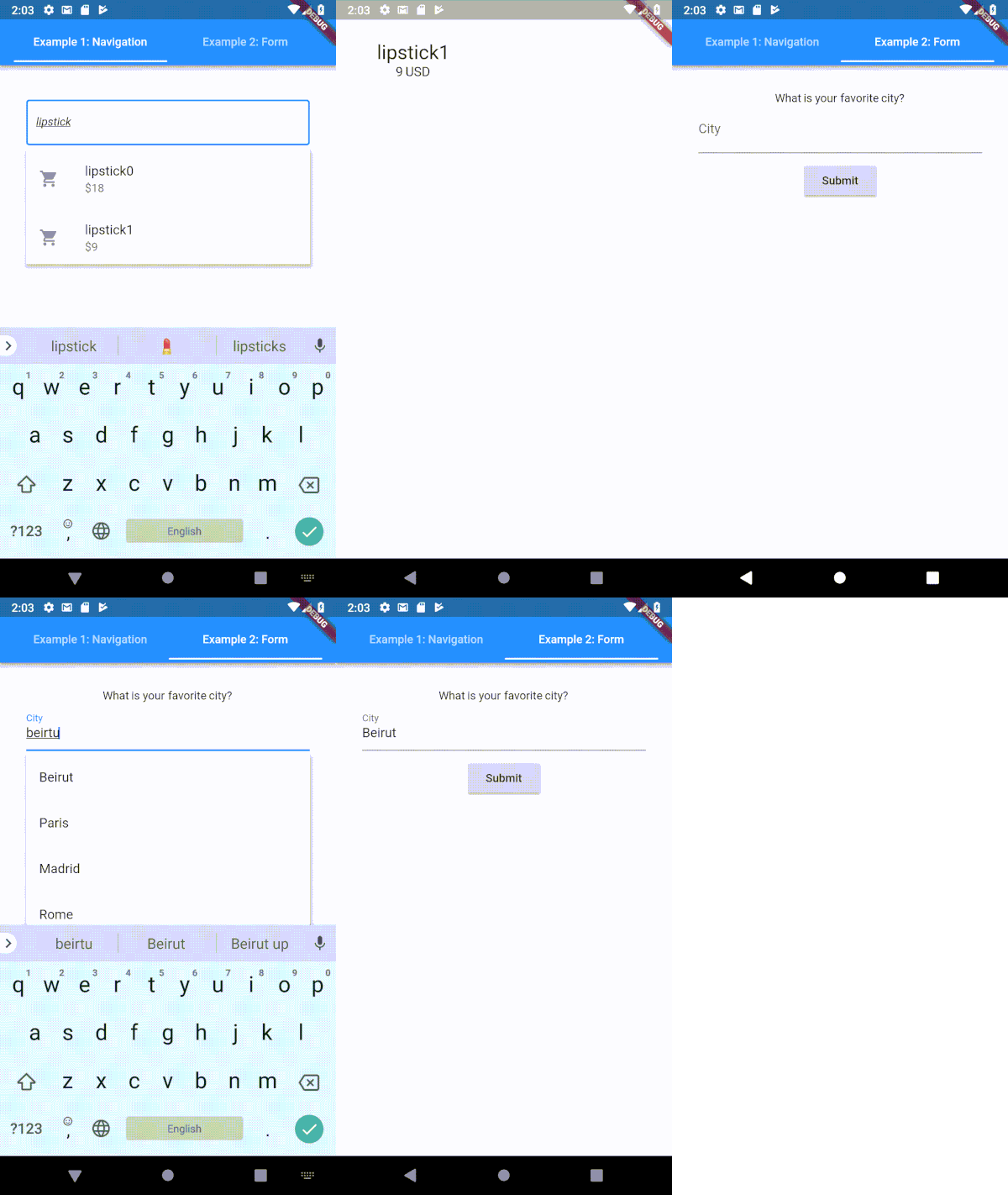
一个高度可定制的 Flutter 类型提示(自动完成)文本输入字段
 v2.3.2+8
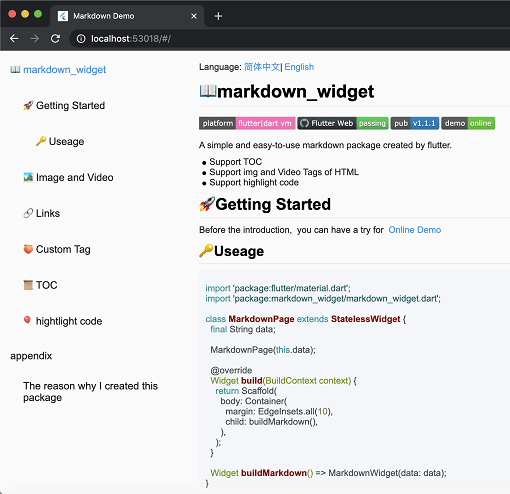
一个新的 markdown 包。它支持目录(TOC)功能、代码高亮,并且支持所有平台。
 v0.1.6
一个 Flutter 库,可为 TabBar 的标签指示器添加气泡效果。
自动整理您的 dart 导入
一个可插拔、可模拟的 Dart 文件系统抽象。支持本地文件系统访问,以及内存中的文件系统、记录回放文件系统和 chroot 文件系统。
SearchBar 小部件可自动处理大多数异步搜索场景。
^3.3.7^0.1.6^2.0.5^7.0.0^2.0.2^3.0.2{"sdk":"flutter"}^8.1.3^4.6.2^5.1.0^2.2.3^1.1.0^1.1.0^0.18.1{"git":"https://github.com/asjqkkkk/markdown_widget"}^2.1.0^6.1.12^2.4.6^0.13.1^2.3.2{"sdk":"flutter"}^2.0.1^4.6.0以下为英文项目原文快照,最新内容请访问 GitHub。
GitHub All Releases License: MIT bloc
| Get it on Google Play | Get it on F-Droid |
|---|
The tldr pages project is a collection of community-maintained help pages for command-line tools, that aims to be a simpler, more approachable complement to traditional man pages.
Maybe you are new to the command-line world? Or just a little rusty? Or perhaps you can't always remember the arguments to lsof, or tar?
It certainly doesn't help that the first option explained in man tar is:
-b blocksize
Specify the block size, in 512-byte records, for tape drive I/O.
This app is just that: an ever-growing collection of examples for the most common UNIX, Linux, macOS, SunOS and Windows command-line tools.
| https://raw.githubusercontent.com/techno-disaster/tldr-flutter/HEAD/android/fastlane/metadata/android/en-US/images/phoneScreenshots/1_en-US.png | https://raw.githubusercontent.com/techno-disaster/tldr-flutter/HEAD/android/fastlane/metadata/android/en-US/images/phoneScreenshots/2_en-US.png | https://raw.githubusercontent.com/techno-disaster/tldr-flutter/HEAD/android/fastlane/metadata/android/en-US/images/phoneScreenshots/3_en-US.png | https://raw.githubusercontent.com/techno-disaster/tldr-flutter/HEAD/android/fastlane/metadata/android/en-US/images/phoneScreenshots/4_en-US.png | https://raw.githubusercontent.com/techno-disaster/tldr-flutter/HEAD/android/fastlane/metadata/android/en-US/images/phoneScreenshots/5_en-US.png |
|---|
flutter pub getflutter runCurrently open to all contributions. Hit those issue and PR buttons.
Code released under the MIT License.