v3.5.0
dio_cookie_manager
一个 Cookie 管理器结合了 cookie_jar 和 dio,基于拦截器算法。
175喜欢 19.4万近 30 天下载160Pub 分数
AndroidiOSmacOSWindowsLinux
以社区为中心的去中心化加密货币视频应用,类似TikTok

以下为英文项目原文快照,最新内容请访问 GitHub。

DTok is a community powered video sharing app platform where users vote on videos to reward creators, curators, influences and viewers in cryptocurrency, like a decentralized Tiktok.
this project is continuously updated,Open source is not easy, please give it a Star★ (☺️ click ★Star in the upper right corner, easy, one second 🤣)! I will continue to update the code according to everyone's attention and personal time!

Clone repository
git clone https://github.com/telsacoin/telsavideo.git
Get packages
fluter pub get
Start your app
flutter run
Use the API
\minio.exe server d:\minio\data --console-address ":9001"
Build apk
flutter build apk --target-platform android-arm,android-arm64,android-x64 --split-per-abi --no-shrink
While adding an app on your Firebase Project, cross-check your android application's package name (e.g com.example.application) which you will find on AndroidManifest.xml or, build.gradle (app level) file. If the package name is wrong adding SHA1 or SHA512 won't be helpful.
Follow the Firebase SDK Instructions properly. Add the required lines of code which they are recommending you to add.
Don't forget to add the SHA1 or SHA512 to your project which you can easily generate using the following command using the terminal of Android Studio.
cd android
gradlew signingReport
Use the command flutter clean on the terminal before running the application.
Following the Firebase SDK Instructions properly will save you lots of time.
flutter pub run build_runner build
https://www.cnblogs.com/dalianpai/p/12347272.html
buttom
background-color: #e33100!important;
box-shadow: 0 15px 18px -6px rgb(227 49 0 / 65%)
flutter pub run flutter_launcher_icons:main
flutter clean && flutter pub get && flutter pub cache repair && flutter build apk --target-platform android-arm,android-arm64,android-x64 --split-per-abi --no-shrink
../../../development/flutter/packages/flutter/lib/src/material/scaffold.dart:1963:24: Context: Found this candidate, but the arguments don't match.
  311 line
  final ScaffoldState scaffold = Scaffold.of(context);
  static ScaffoldState of(BuildContext context) {
flutter pub deps
source ~/.bash_profile
adb uninstall "com.telsa.dtok"
https://github.com/marketplace/actions/flutter-action
./gradlew wrapper --gradle-version 7
flutter clean \
        && rm ios/Podfile.lock pubspec.lock \
        && rm -rf ios/Pods ios/Runner.xcworkspace
flutter pub upgrade --major-versions
curl -s "https://get.sdkman.io" | bash
sdk install java 11.0.18-amzn
If you want to contribute to the project, please read this page.
一个 Cookie 管理器结合了 cookie_jar 和 dio,基于拦截器算法。
使用 GetX 轻松实现无需上下文即可打开屏幕、snackbars、对话框,轻松管理状态并注入依赖项。
适用于 Firebase 云消息传递的 Flutter 插件,一种跨平台的消息解决方案,可让您在 Android 和 iOS 上可靠地传递消息。
一个用于控制相机的 Flutter 插件。支持预览相机画面、拍摄照片和视频,并将图像缓冲区流式传输到 Dart。
用于 Google 登录的 Flutter 插件,一种通过 Google 账户登录的安全身份验证系统。
一个用于应用内购买的 Flutter 插件。通过 App Store 和 Google Play 暴露了应用内购买的 API。
GetWidget 是一个开源库,包含 1000 多个预构建的 UI 组件。它能让开发更快、更愉快。您可以根据需要自定义组件。
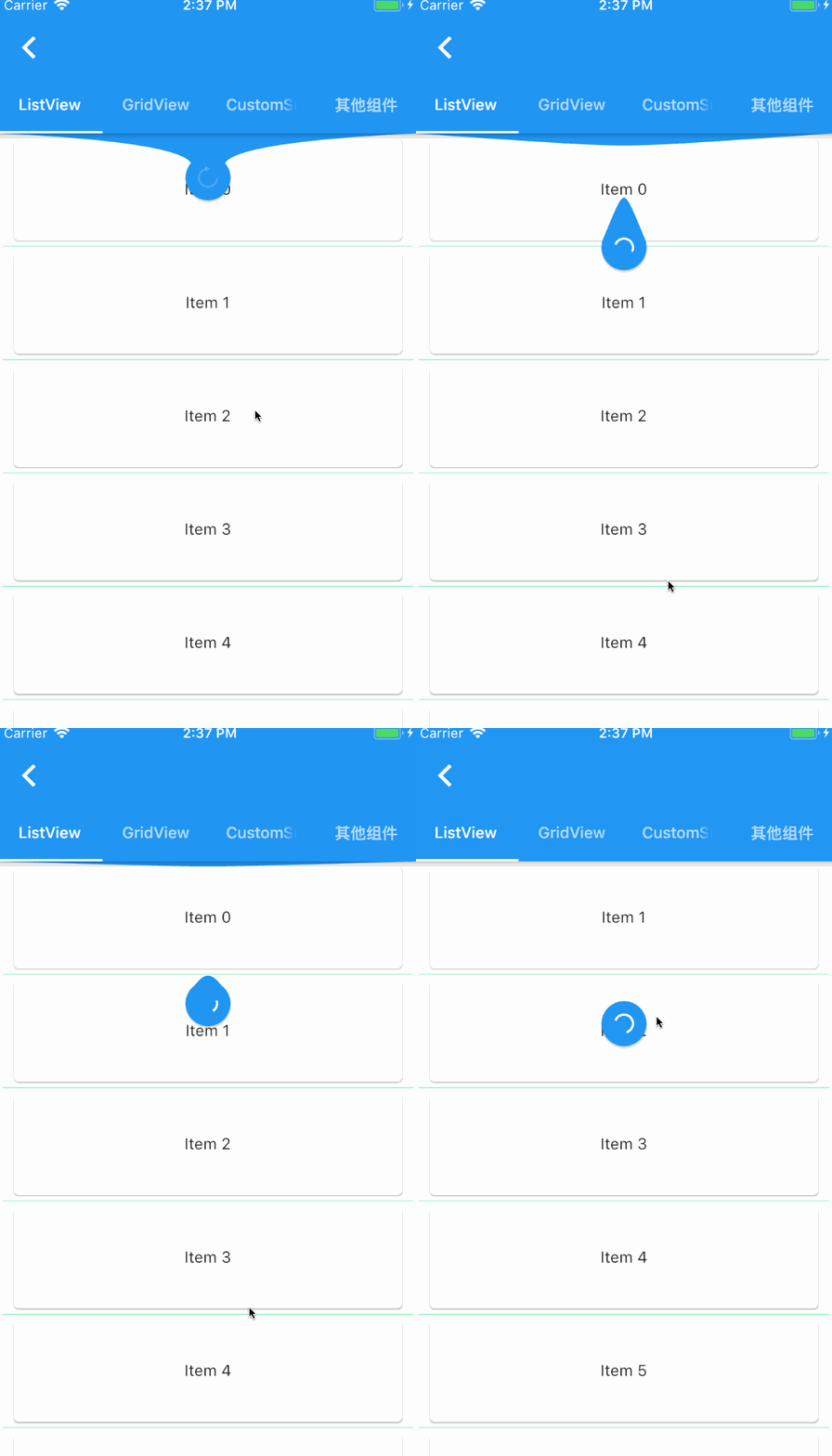
一个提供给 Flutter 滚动组件下拉刷新和上拉加载的控件。
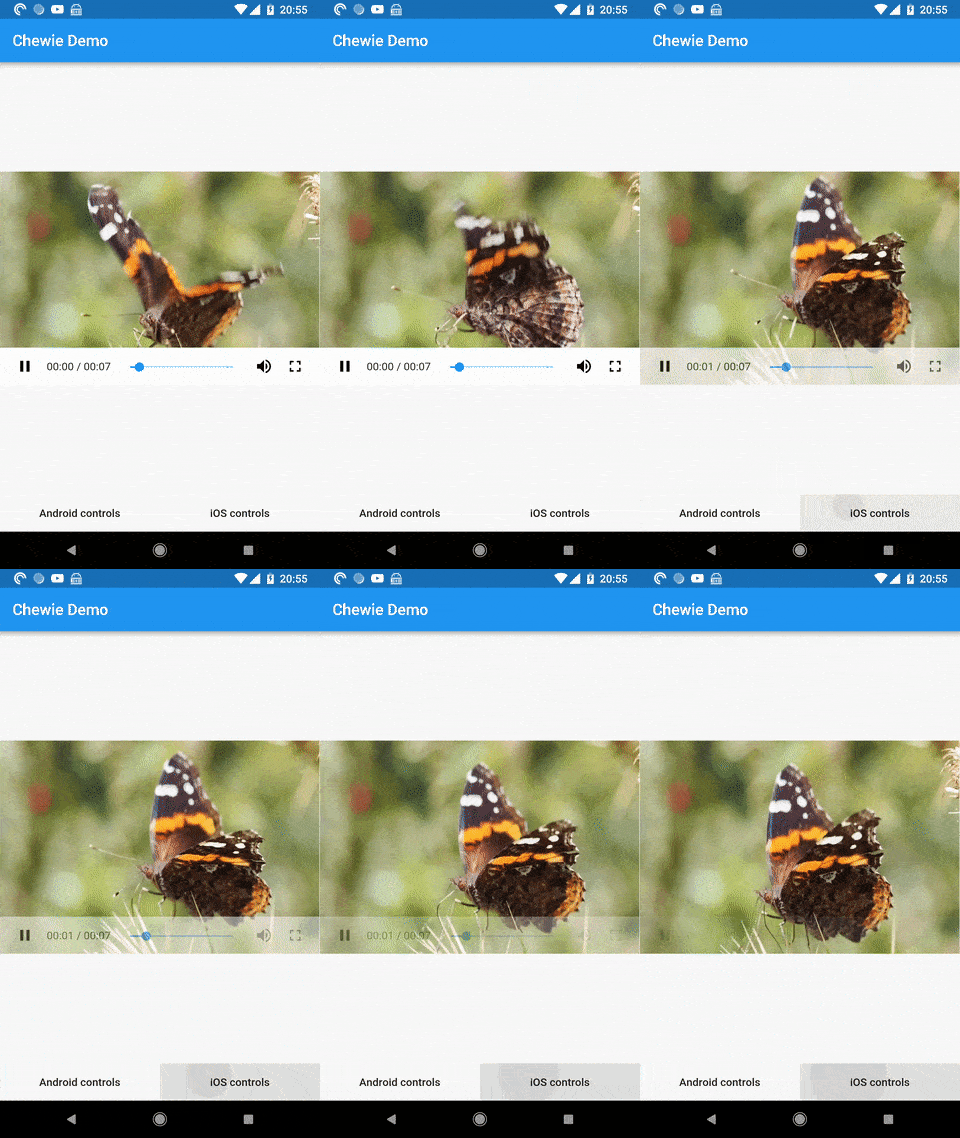
一个带有 Cupertino 和 Material 播放控件的 Flutter 视频播放器
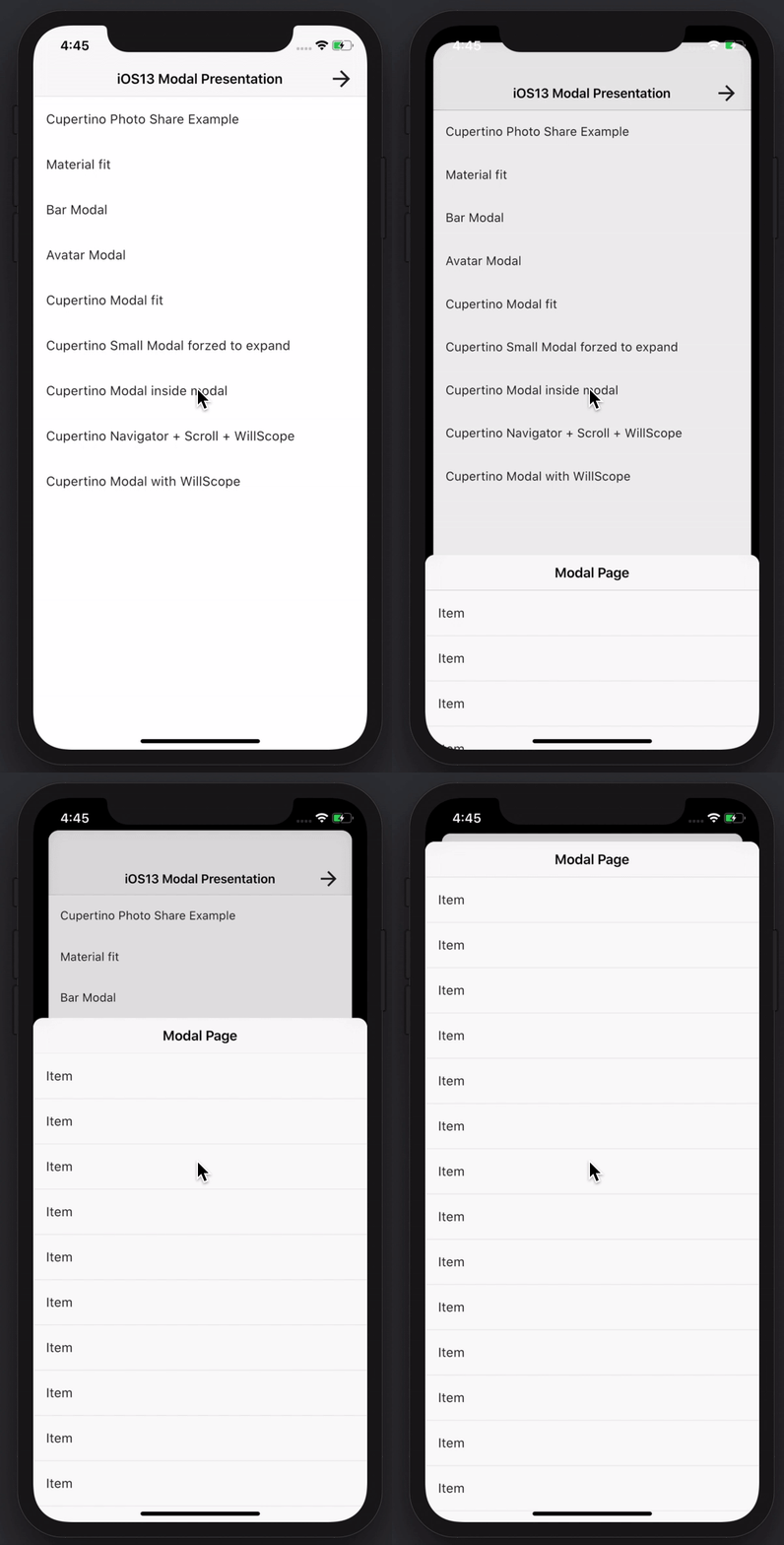
创建令人惊叹且功能强大的模态底部弹窗。支持 Material、Cupertino iOS 13 风格,或自定义样式
一个用于将静态 HTML 和 CSS 渲染为 Flutter 小部件的 Flutter 小部件。
该包通过消除样板代码、重用验证逻辑、响应变化并收集最终用户输入,帮助在 Flutter 中创建表单。
依赖清单 78 项
{"sdk":"flutter"}{"sdk":"flutter"}^0.19.0^2.1.0^2.24.2^14.7.10^8.1.3^4.8.1^2.0.2^9.2.0^5.4.0^4.6.6^6.2.2^3.1.3^2.1.1^2.1.1^2.2.2^3.0.6^3.0.0-pre^0.15.4^0.5.1^1.2.1^1.0.0^3.2.1^2.8.1^0.10.5+5^3.1.11^2.0.2^2.0.4^16.2.0^2.0.0^11.1.0^3.3.0^4.2.1^3.6.0^1.0.6^3.0.0-beta.2^1.7.4^4.2.2^2.0.9^6.1.1any^4.0.0^3.1.1^2.2.3^1.2.0^2.0.5^0.3.0^8.2.4^2.0.0^0.3.2^5.2.0^2.0.2^5.8.0^2.0.0^1.1.0^6.1.0^6.2.1^2.2.3^1.1.0^2.7.0^5.0.1^5.0.0^2.1.0^9.1.1^2.0.5^1.1.0^7.13.2^3.0.5^1.0.5^0.5.3^5.0.1^1.1.2^1.11.1^2.4.7^6.7.1^0.13.1{"sdk":"flutter"}先按使用场景筛选,再比较项目活跃情况,最后到原始仓库核对使用要求。
“A repository is the most basic element of GitHub.”
GitHub Docs — About repositories ↗