


 v2.1.0
like_button
लाइक बटन एक फ्लटर लाइब्रेरी है जो आपको कुछ को पसंद करते समय ट्विटर के हार्ट के समान एनिमेशन प्रभाव वाला बटन बनाने की अनुमति देता है।
1.4 हज़ारलाइक 32.2 हज़ार30-दिन डाउनलोड150Pub अंक
AndroidiOSWebmacOSWindowsLinux
लाइक बटन एक फ्लटर लाइब्रेरी है जो आपको कुछ पसंद करते समय ट्विटर के हृदय के समान एनीमेशन प्रभाव वाला बटन बनाने की अनुमति देती है और लाइक की संख्या बढ़ाने के लिए एनीमेशन प्रभाव भी देती है।

यह अंग्रेज़ी मूल स्नैपशॉट है। नवीनतम सामग्री GitHub पर देखें।


Like Button is a flutter library that allows you to create a button with animation effects similar to Twitter's heart when you like something and animation effects to increase like count.
Reference codes from jd-alexander and 吉原拉面 ,thank them for open source code.
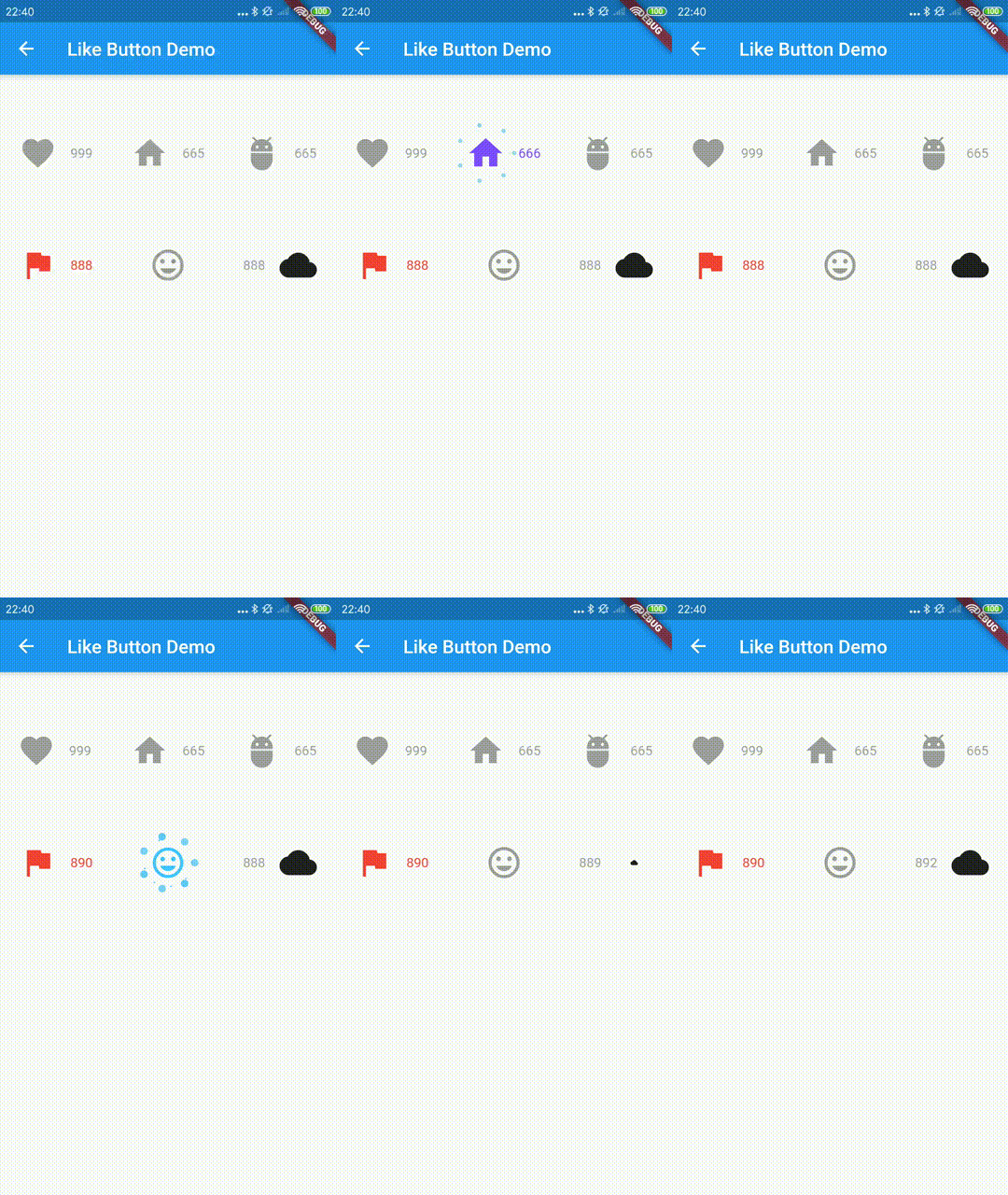
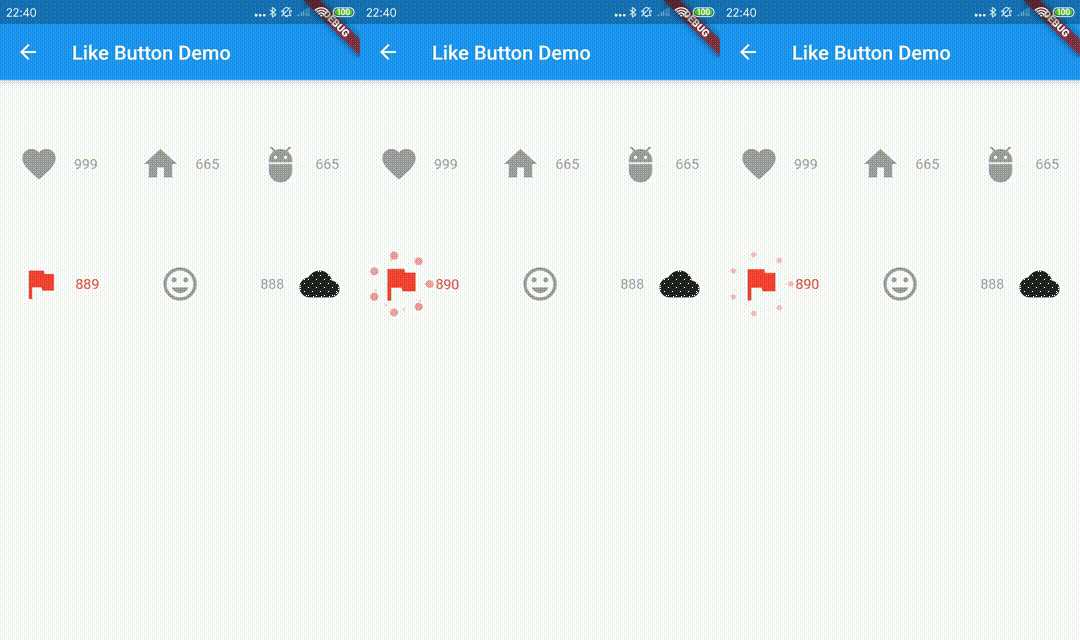
the default effects is Icons.favorite
LikeButton(),
and you can also define custom effects.
  LikeButton(
          size: buttonSize,
          circleColor:
              CircleColor(start: Color(0xff00ddff), end: Color(0xff0099cc)),
          bubblesColor: BubblesColor(
            dotPrimaryColor: Color(0xff33b5e5),
            dotSecondaryColor: Color(0xff0099cc),
          ),
          likeBuilder: (bool isLiked) {
            return Icon(
              Icons.home,
              color: isLiked ? Colors.deepPurpleAccent : Colors.grey,
              size: buttonSize,
            );
          },
          likeCount: 665,
          countBuilder: (int count, bool isLiked, String text) {
            var color = isLiked ? Colors.deepPurpleAccent : Colors.grey;
            Widget result;
            if (count == 0) {
              result = Text(
                "love",
                style: TextStyle(color: color),
              );
            } else
              result = Text(
                text,
                style: TextStyle(color: color),
              );
            return result;
          },
        ),
    LikeButton(
      onTap: onLikeButtonTapped,
    ),
  Future<bool> onLikeButtonTapped(bool isLiked) async{
    /// send your request here
    // final bool success= await sendRequest();

    /// if failed, you can do nothing
    // return success? !isLiked:isLiked;

    return !isLiked;
  }
| parameter | description | default |
|---|---|---|
| size | size of like widget | 30.0 |
| animationDuration | animation duration to change isLiked state | const Duration(milliseconds: 1000) |
| bubblesSize | total size of bubbles | size * 2.0 |
| bubblesColor | colors of bubbles | const BubblesColor(dotPrimaryColor: const Color(0xFFFFC107),dotSecondaryColor: const Color(0xFFFF9800),dotThirdColor: const Color(0xFFFF5722),dotLastColor: const Color(0xFFF44336),) |
| circleSize | final size of circle | size * 0.8 |
| circleColor | colors of circle | const CircleColor(start: const Color(0xFFFF5722), end: const Color(0xFFFFC107) |
| onTap | tap call back of like button,you can handle your request in this call back | |
| isLiked | whether it is liked(if it's null, always show like animation and increase like count) | false |
| likeCount | if null, will not show) | null |
| mainAxisAlignment | MainAxisAlignment for like button | MainAxisAlignment.center |
| likeBuilder | builder to create like widget | null |
| countBuilder | builder to create like count widget | null |
| likeCountAnimationDuration | animation duration to change like count | const Duration(milliseconds: 500) |
| likeCountAnimationType | animation type to change like count(none,part,all) | LikeCountAnimationType.part |
| likeCountPadding | padding for like count widget | const EdgeInsets.only(left: 3.0) |
| countPostion | top,right,bottom,left of like button widget | CountPostion.right |
| countDecoration | decoration of like count widget | null |
| postFrameCallback | call back of first frame with LikeButtonState | null |
निर्भरता सूची 2 आइटम
{"sdk":"flutter"}{"sdk":"flutter"}उपयोग के अनुसार छाँटें, गतिविधि की तुलना करें और अपनाने से पहले मूल प्रोजेक्ट की आवश्यकताएँ जाँचें।
“A repository is the most basic element of GitHub.”
GitHub Docs — About repositories ↗