
v3.0.0
flutter_html
静的なHTMLとCSSをFlutterウィジェットとしてレンダリングするためのFlutterウィジェットです。
2160いいね 82.8万30日間ダウンロード90Pub ポイント
AndroidiOSWebmacOSWindowsLinux
DailyAL - MyAnimeList クライアント

静的なHTMLとCSSをFlutterウィジェットとしてレンダリングするためのFlutterウィジェットです。
 v5.1.2
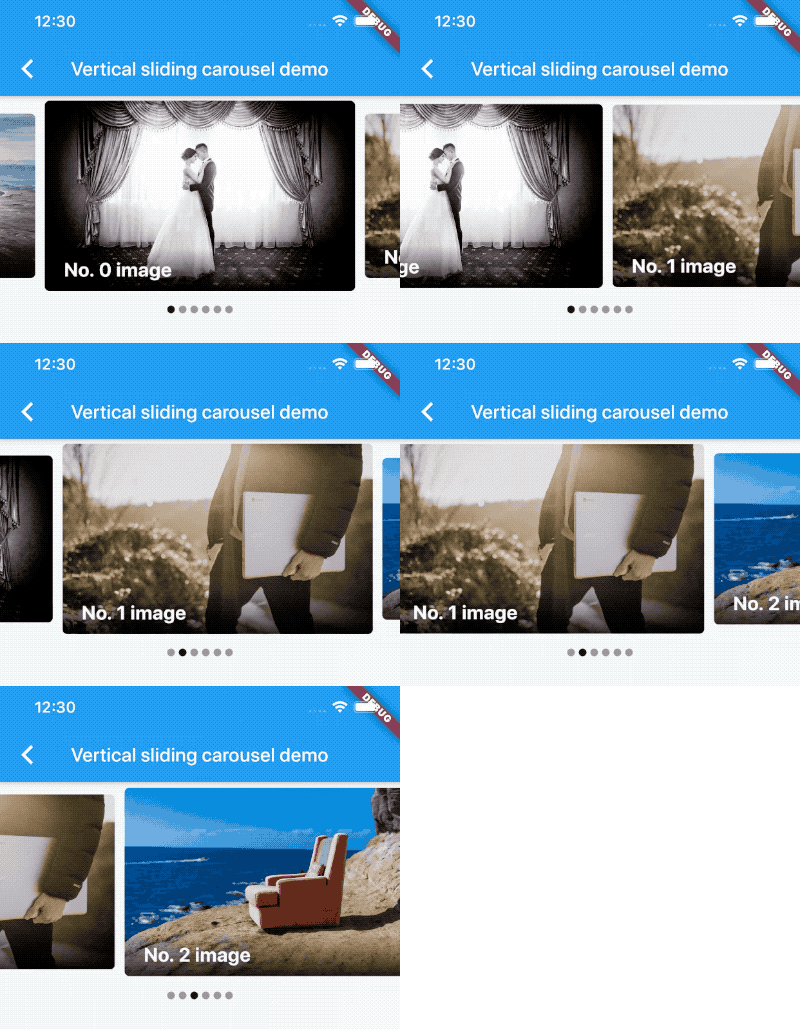
無限スクロールとカスタム子ウィジェットをサポートするカルーセルスライダー用ウィジェットです。
アイテムにプログラム的にスクロールするためのヘルパーメソッドを備えたリスト。
子要素の可視性を検出し、コールバックに通知するウィジェットです。
ユーザーが画面を下にスクロールするにつれて、アイテムのページを遅延して読み込み表示します。
Flutter で任意のスクロール可能なウィジェットの特定の子要素にスクロールする
ネットワーク経由でのリクエスト時に役立つ、非同期関数を自動再試行ロジックと指数バックオフでラップするためのユーティリティ。
 v1.5.1
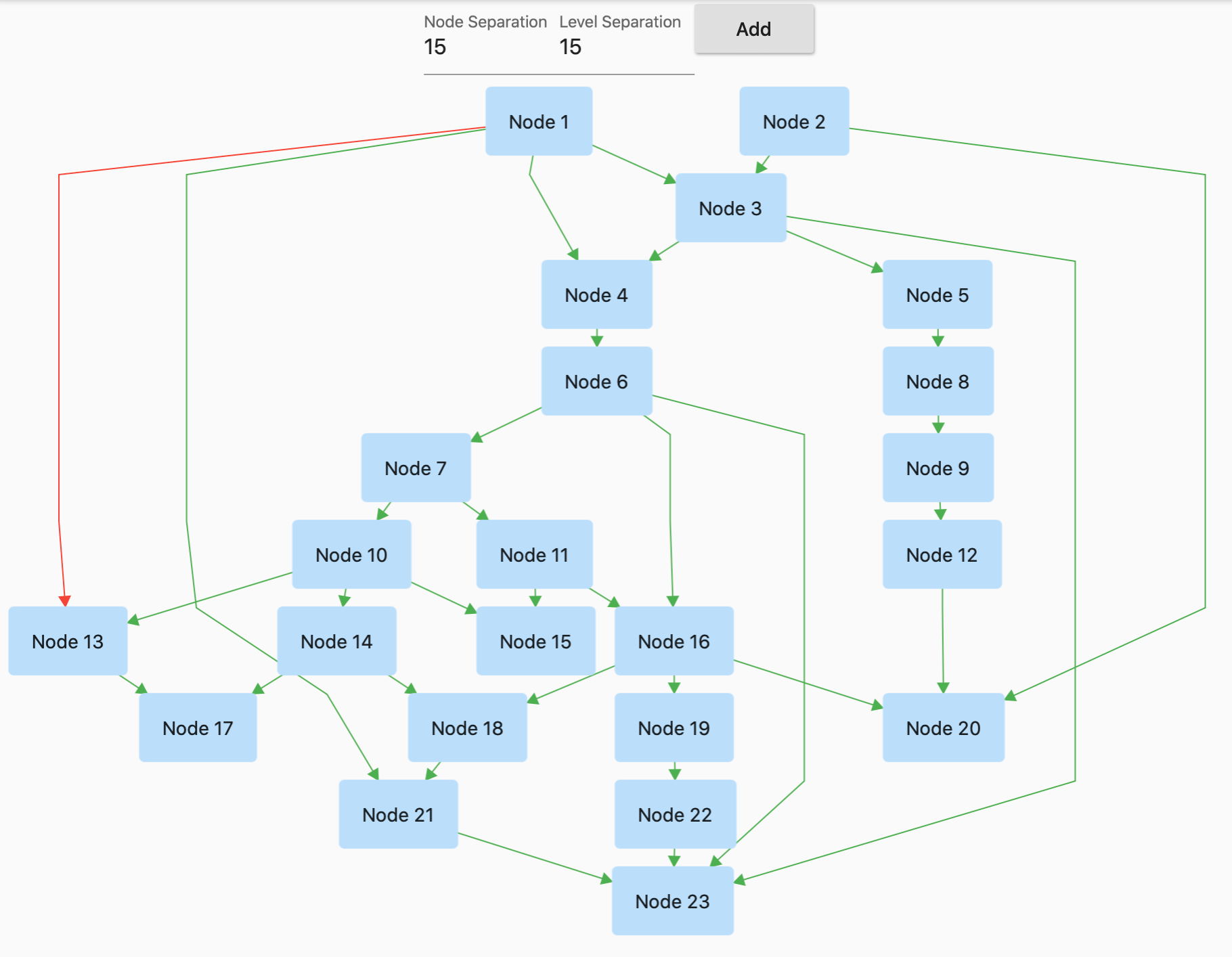
GraphView は、グラフ構造でデータを表示するために使用されます。ツリー形式のレイアウト、有向グラフ、レイヤードグラフを表示できます。家族図や階層ビューに役立ちます。
 v3.1.0
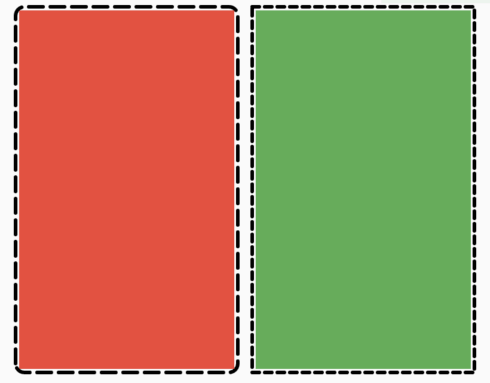
任意のウィジェットに点線ボーダーを簡単に追加できるFlutterパッケージです。
このプラグインにより、Flutter デスクトップアプリがシステムトレイを定義できます。
SDKのコレクションに基づく不変コレクション。各SDKコレクションクラスは、新しい不変コレクションクラスと対応する変更可能なビルダークラスに分割されています。
.env ファイルを使用して、任意の Flutter アプリケーションをグローバル変数で簡単に構成できます。
依存関係一覧 61 件
{"sdk":"flutter"}^1.2.2^6.1.2^2.3.2^0.5.1^0.5.2^3.4.1^9.2.2^6.3.0^5.0.0^3.0.0^0.20.0^9.0.0^6.0.5^5.0.0^0.15.0^2.0.0^0.3.8^0.68.0^3.0.0-beta.2^3.0.1^10.0.2^5.1.0^20.1.0^0.10.0^2.1.0^3.5.1^1.0.1^1.1.2^4.0.0^2.1.0^3.1.2^3.0.0^0.4.0+2^0.15.0^5.6.0^4.0.0^2.0.3^1.7.0^10.1.2^5.1.0{"path":"./dal-api"}{"path":"./dal-api/dal_commons"}{"sdk":"flutter"}^1.0.0^1.1.1^1.18.0^8.1.2^11.3.1^2.1.4^9.0.0^2.1.1^1.2.0^0.7.0{"git":{"url":"https://github.com/JICA98/add_2_calendar.git"}}{"sdk":"flutter"}^4.0.1^6.7.1^2.1.7^2.8.4^3.16.13以下は英語原文のスナップショットです。最新版は GitHub をご覧ください。
Discord Users Github downloads GitHub stars License: MIT Languages
Note: The app has been delisted from the Google Play Store. Please use GitHub Releases or F-Droid to download the app.
Explore the extensive MyAnimeList database to discover your favorite anime and manga. Engage in forums with millions of discussions at your fingertips. Access detailed reviews and receive numerous recommendations for all anime and manga on MyAnimeList.
Discover Seasonal Anime, Top Upcoming Anime, Most Popular Anime, Anime Ranking Lists, All-time Favorites, and more.
Access Anime/Manga Synopses, Related and Recommended content.
Read Detailed Anime reviews and view Anime/Manga Statistics.
Choose from 4 distinct Dark Themes: Spring, Summer, Fall, and Winter.
Customize the Bottom Navigation bar and adjust cache update frequency.
Perform advanced searches directly from the search bar using "@" and "#" with ease.
Experience faster search loading times with caching mechanisms.
Quickly Edit/Update your Anime/Manga List.
Sort your list by Title, List Score, Start Date, and Updated Date.
git clonedal-code.code-workspace to open the project in VSCodeupdate_gradle.sh to make the gradle files ready for developmentflutter pub get to install dependenciesflutter run or F5 in VSCodeintl generate to generate localization filesbuild runner to generate necessary filespython translate to generate translation files