 v2.0.0
pull_to_refresh
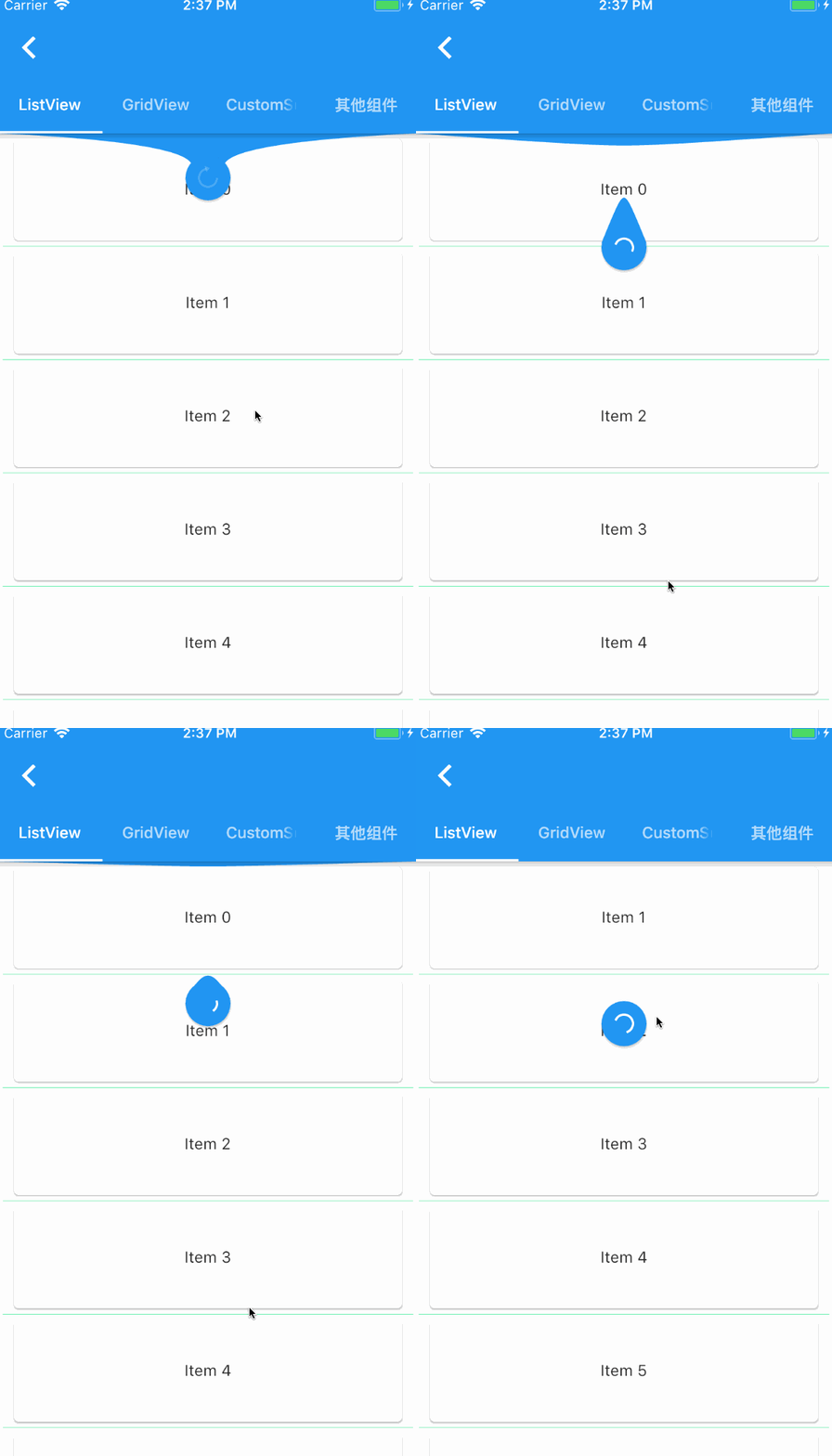
Flutter スクロールコンポーネントのドロップダウンリフレッシュおよびプルアップロードに使用されるウィジェットです。
2830いいね 17.8万30日間ダウンロード140Pub ポイント
AndroidiOSWebmacOSWindowsLinux
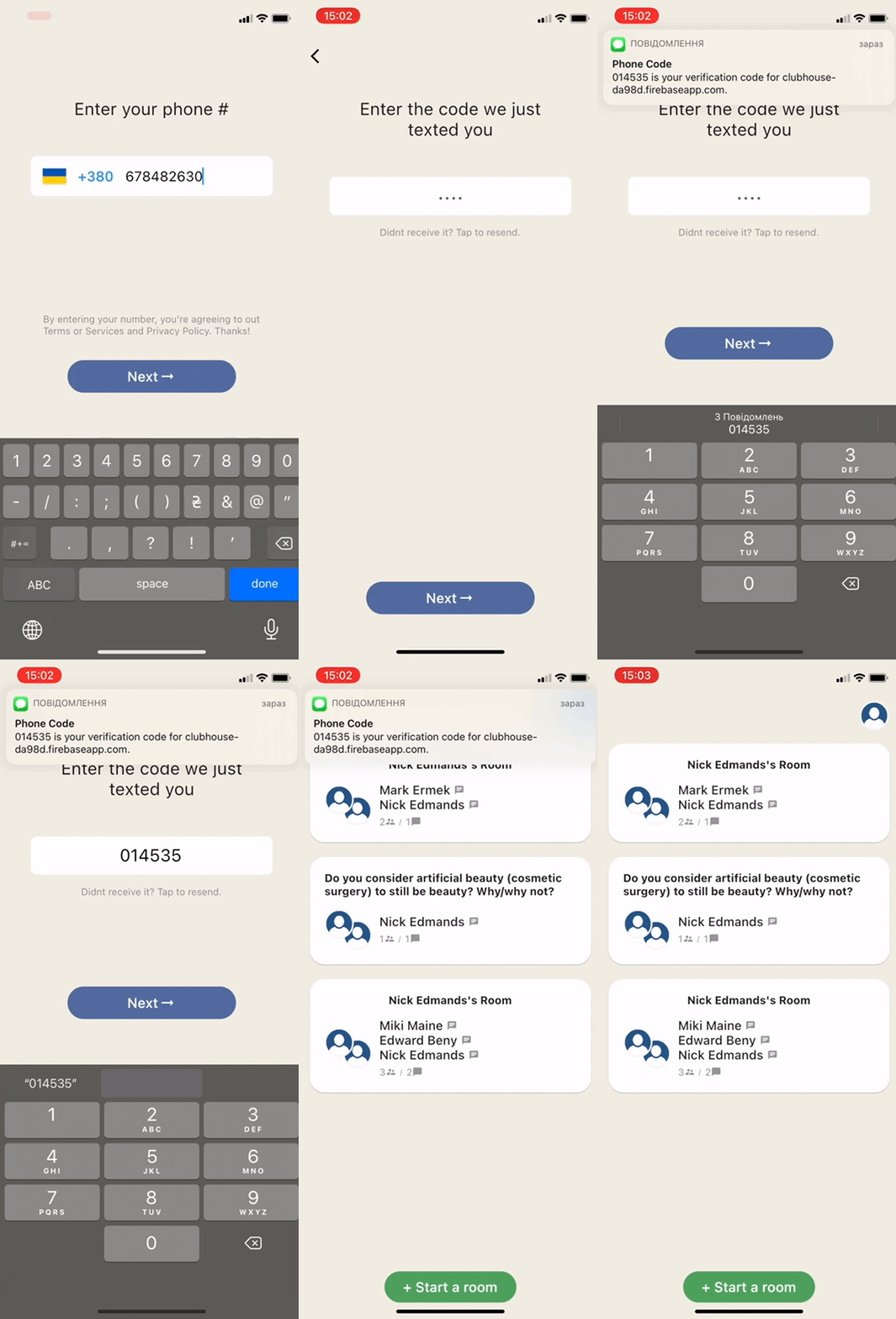
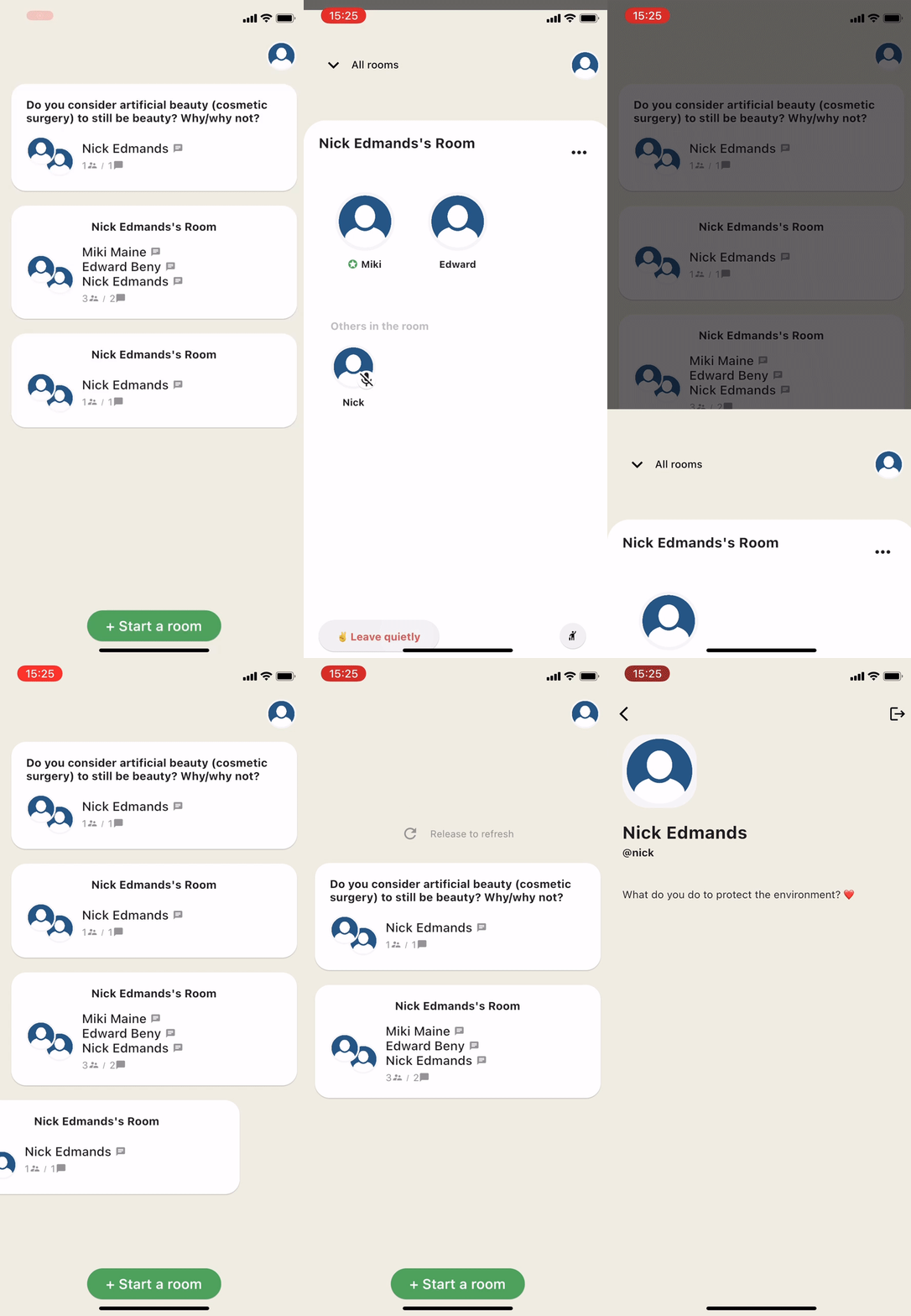
Firebase/Firestore および Agora サービスを使用して Flutter で作成された Clubhouse のクローン。

以下は英語原文のスナップショットです。最新版は GitHub をご覧ください。
Clubhouse clone written in Flutter using Firebase/Firestore and Agora services.
Part 1 - Setup Flutter project and create Clubhouse clone app UI
Part 2 - User login and registration with Firebase
Part 3 - Voice calling functionality with Agora
agora_rtc_engine: https://pub.dev/packages/agora_rtc_engine
permission_handler: https://pub.dev/packages/permission_handler
firebase_auth: https://pub.dev/packages/firebase_auth
cloud_firestore: https://pub.dev/packages/cloud_firestore
country_code_picker : https://pub.dev/packages/country_code_picker
pull_to_refresh : https://pub.dev/packages/pull_to_refresh
$ git clone https://github.com/perpetio/clubhouse.git
flutter pub get.Create your own Firebase project.
Once your Firebase instance is created, you'll need to enable Phone authentication.
const APP_ID = '';
const Token = '';
const channelName = '';
flutter run or using your IDE's tools.Flutter スクロールコンポーネントのドロップダウンリフレッシュおよびプルアップロードに使用されるウィジェットです。
Agora RTC SDK の Flutter プラグインで、わずか数行のコードで Agora ビデオ通話またはライブビデオストリーミングをアプリに簡単に統合できます。
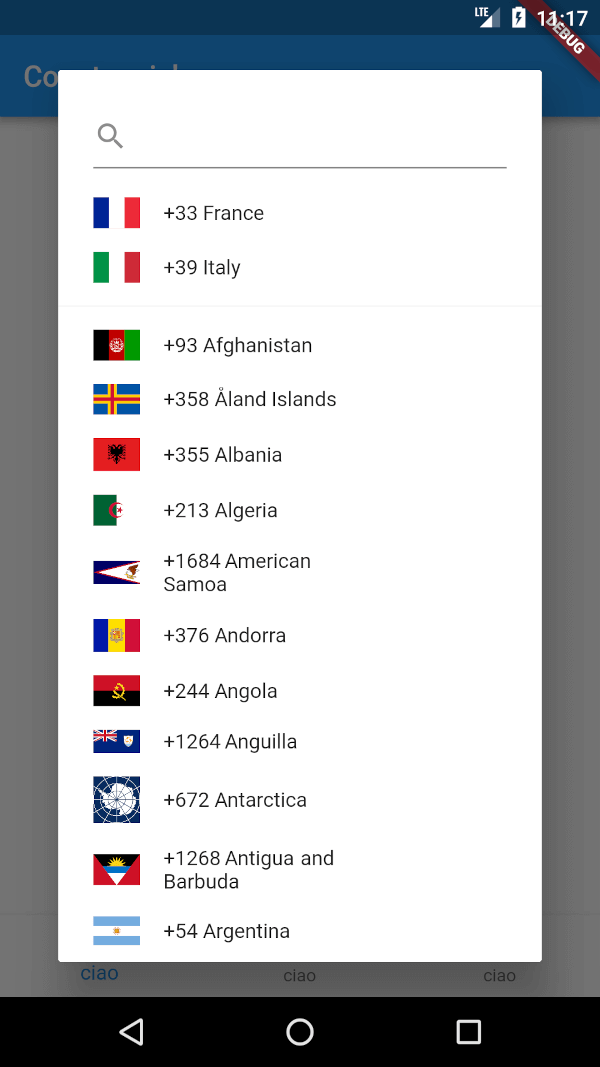
国コードセレクタを表示するためのFlutterパッケージです。さらに、お気に入りの国リストを選択したり、簡単な検索ボックスを使って検索することもできます。
依存関係一覧 10 件
{"sdk":"flutter"}^1.0.0^3.2.1^5.0.0—^0.4.4^0.12.9^2.0.1^1.6.4{"sdk":"flutter"}用途で絞り込み、開発状況を比較し、採用前に元のリポジトリで要件を確認しましょう。
“A repository is the most basic element of GitHub.”
GitHub Docs — About repositories ↗