
 v2.11.0
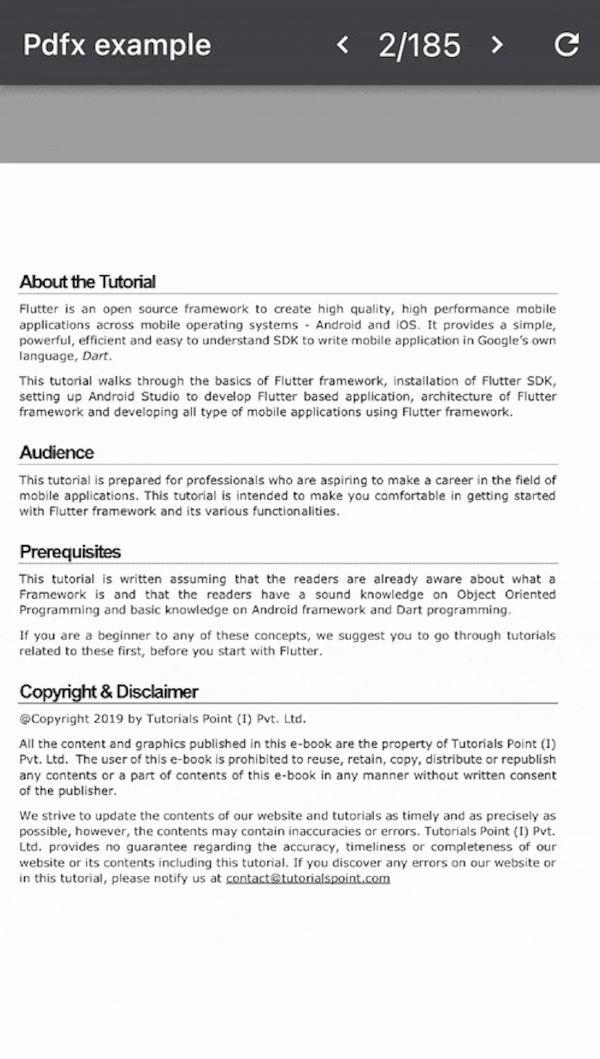
pdfx
Web, MacOS, Windows, Android 및 iOS에서 PDF 페이지를 이미지로 렌더링하고 표시하는 Flutter 플러그인입니다.
528좋아요 49만30일 다운로드160Pub 점수
AndroidiOSWebmacOSWindows
자신의 레퍼토리 관리를 돕는 오픈소스 플러터 기반 앱입니다!
 v2.11.0
Web, MacOS, Windows, Android 및 iOS에서 PDF 페이지를 이미지로 렌더링하고 표시하는 Flutter 플러그인입니다.
 v7.0.0
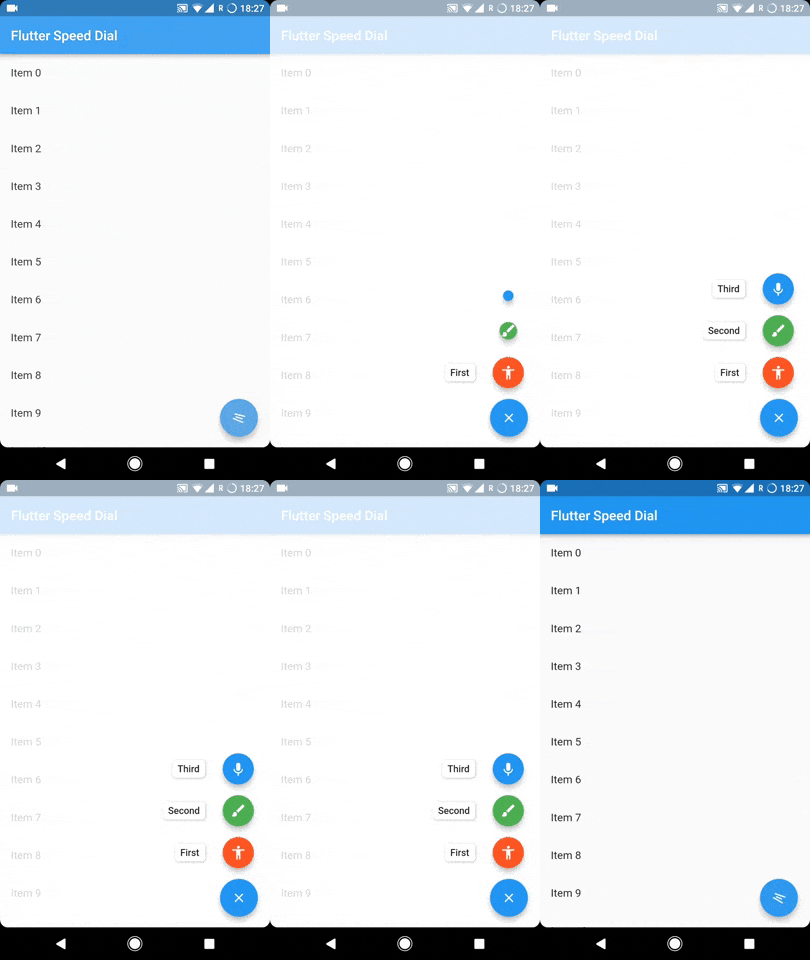
레이블, 애니메이션 아이콘, 다중 방향 자식 등과 함께 아름답고 동적인 마테리얼 디자인 스피드 다이얼을 구현하는 Flutter 플러그인.
 v2.0.2
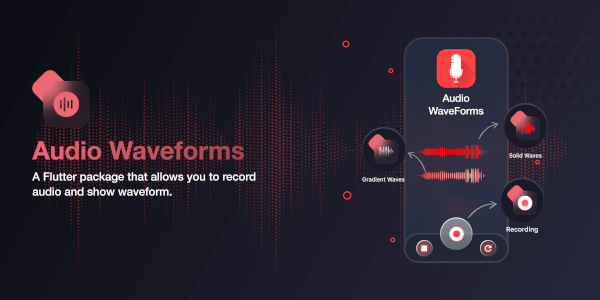
Flutter 패키지로 오디오를 녹음하거나 오디오 파일에서 파형을 생성할 수 있습니다.
video_player 플러그인 및 백엔드 API. 모든 데스크톱/모바일 플랫폼을 지원하며 하드웨어 디코더를 사용하고 최적의 렌더링을 제공합니다. FFmpeg를 통해 대부분의 형식을 지원합니다.
pub의 버전 정책을 구현하는 버전과 버전 제약 조건입니다. 이는 일반적인 semver와 매우 유사하지만 몇 가지 예외 사항이 있습니다.
임의의 크기의 입력을 처리할 수 있는 빠른 푸리에 변환(FFT) 라이브러리입니다. STFT 및 컨볼루션과 같은 관련 도구를 포함합니다.
순수한 Dart로 작성된 사운드포트 싱เธ사이저(즉 '.sf2' 플레이어).
웹 페이지의 메타데이터(OpenGraph, Meta, 트위터 카드, 구조화 데이터(Json-LD))를 추출하기 위한 다트 라이브러리
Windows용 비디오 플레이어, 가볍고 Windows 내장 미디어 포화 API를 사용합니다. video_player 플러그인의 Windows 구현입니다.
실시간 PCM 오디오(16비트 정수)를 기기 스피커로 전송합니다
just_audio의 Windows 플랫폼 구현. WinRT MediaPlayer를 사용하여 구현됨
의존성 목록 48 개
{"sdk":"flutter"}{"sdk":"flutter"}^2.3.3^2.3.3^2.1.3^4.4.0^1.2.1^10.3.6^2.2.24^1.0.5^0.15.0^0.10.5^4.5.0^0.2.0^0.1.1^6.3.0^2.2.3^2.1.4^1.9.0^7.0.0^6.1.2^1.5.0+1^2.0.0^0.20.2^9.0.0^0.4.1^3.3.1^4.0.7^12.0.1^3.0.7^12.0.1^0.7.1^2.2.0^0.18.18^1.4.01.8.1^2.0.0^1.0.2^1.0.4+2^2.4.0^4.7.0^1.2.6^2.0.1^1.0.7^2.1.2{"sdk":"flutter"}^6.0.0^0.14.4아래는 영문 원문 스냅샷입니다. 최신 내용은 GitHub에서 확인하세요.
🚀 We're launching on the Google Play Store! Join our Alpha Testing Group here.
GitHub Downloads Latest Release Downloads F-Droid Downloads
Repertoire logoDownload Latest Release | Download Nightly Build | Download from F-Droid
Repertoire is an app designed for musicians, dancers, magicians, or performers to help manage their repertoire, track practice sessions, and organize all related media in one place.
Keep your sheet music, notes, audio recordings, videos, links, and practice logs neatly organized for every piece in your collection.
.zip from the releases section, extract, and run.Once installed, you can:
Repertoire Library
Media Attachments
Practice Tracking
Organization
Backup & Restore
Create a gallery of all your pieces
Piece gallery view List layout view
Attach all relevant media and track practice sessions
Media attachments interface Practice tracking interface
Group your pieces and tag them as you wish
Piece organization Sorting options
Personalize your experience and keep your data safe
Customization settings Backup and restore
Where is my data stored?
How do I backup or restore my data?
What platforms does the app support?
We welcome contributions from everyone! Whether you're fixing bugs, adding features, or improving documentation, your help is appreciated.
Please read our Contributing Guidelines before getting started. It contains instructions on our dual-flavor setup, project structure, and up-to-date tech stack.
Thank you to all the people who have contributed! (Please contribute to help improve the app 🥺)
MyRepertoir app contributorsMade with contrib.rocks.
For help, bug reports, or feature requests, open an issue.
Distributed under the Apache 2.0 licence. See NOTICE and LICENSE for more information.