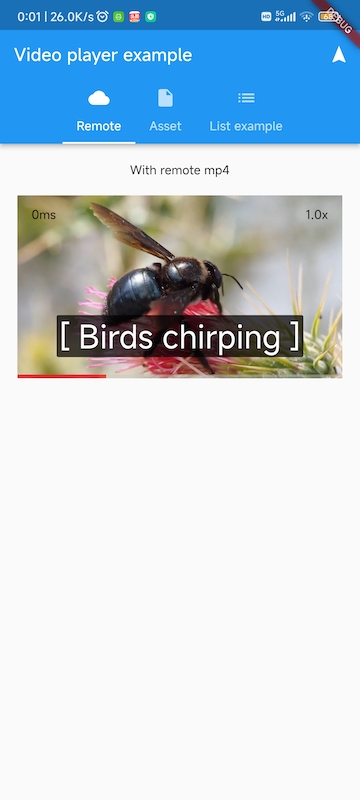
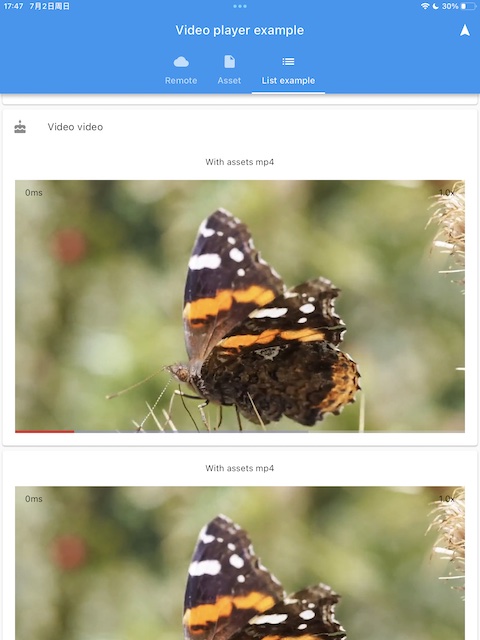
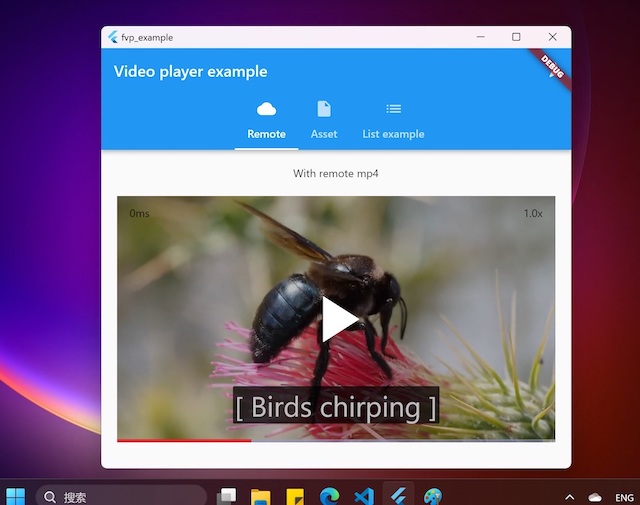
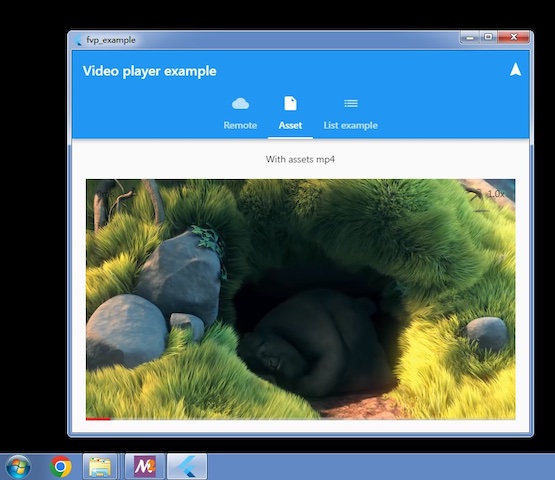
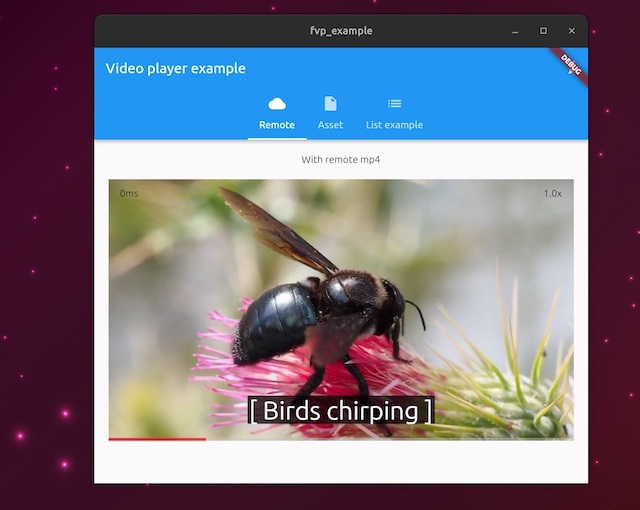
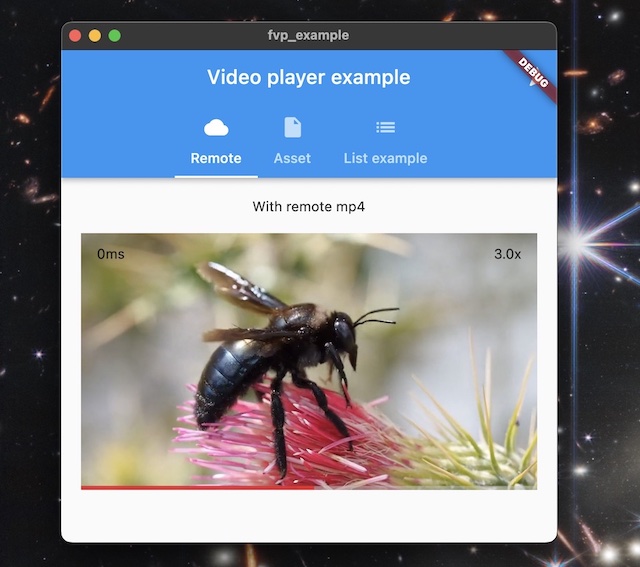
FVP는 video_player 기능을 백엔드 API와 통합하는 Flutter 플러그인으로, Android, iOS, macOS, Windows, Linux 등 주요 모든 플랫폼에서 고성능 비디오 재생을 가능하게 합니다. 하드웨어 디코더와 최적화된 렌더링을 활용하여 FFmpeg 통합을 통해 다양한 비디오 포맷을 지원하며 부드러운 재생을 제공합니다. 크로스플랫폼의 일관성과 효율성을 위해 설계되어 자원이 제한된 장치에서도 신뢰할 수 있는 비디오 재생을 보장합니다.
사용 사례
크로스 플랫폼 비디오 재생
스트리밍 애플리케이션
오프라인 비디오 플레이어
비디오 콘텐츠를 갖춘 교육 앱
미디어 풍부한 인터랙티브 경험
주요 기능
하드웨어 가속 디코딩
FFmpeg 기반 형식 지원
모든 플랫폼에서 최적화된 렌더링
모바일 및 데스크톱 간 일관된 API
내장형 백엔드 API 통합
적합한 대상
미디어 중심 앱을 개발하는 개발자
광범위한 형식 호환성이 필요한 앱
여러 운영 체제를 대상으로 하는 프로젝트
고성능 비디오 재생이 필요합니다
로컬 및 원격 비디오 소스를 모두 사용하는 애플리케이션
고려 사항
완전한 형식 지원을 위해서는 FFmpeg 컴파일이 필요합니다
네이티브 종속성으로 인해 앱 크기가 증가할 수 있습니다
고급 기능을 사용하려면 플랫폼별 설정이 필요할 수 있습니다
주류 플러그인과 비교해 문서가 제한적
사용자 정의 코덱 처리에서의 잠재적 복잡성
원본 README
연결된 소스 저장소의 README 원문 스냅샷입니다. 최신 내용은 저장소에서 확인하세요.
FVP
A plugin for official Flutter Video Player to support all desktop and mobile platforms, with hardware accelerated decoding and optimal rendering. Based on libmdk. You can also create your own players other than official video_player with backend player api
Prebuilt example can be download from artifacts of github actions.
project is create with flutter create -t plugin --platforms=linux,macos,windows,android,ios -i objc -a java fvp
Features
All platforms: Windows x64(including win7) and arm64, Linux x64 and arm64, embedded linux, macOS, iOS, Android(requires flutter > 3.19 because of minSdk 21) and HarmonyOS 5.0+.
You can choose official implementation or this plugin's
Optimal render api: d3d11 for windows, metal for macOS/iOS, OpenGL for Linux, Android(Impeller support) and HarmonyOS.
Hardware decoders are enabled by default
Dolby Vision support on all platforms
Minimal code change for existing Video Player apps
Support most formats via FFmpeg demuxer and software decoders if not supported by gpu. You can use your own ffmpeg 4.0~7.1(or master branch) by removing bundled ffmpeg dynamic library.
High performance. Lower cpu, gpu and memory load than libmpv based players.
Support audio without video
HEVC, VP8 and VP9 transparent video
Small footprint. Only about 10MB size increase per cpu architecture(platform dependent).
How to Use
Add fvp in your pubspec.yaml dependencies: flutter pub add fvp. Since flutter 3.27, fvp must be a direct dependency in your app's pubspec.yaml.
(Optional) Add 2 lines in your video_player examples. Without this step, this plugin will be used for video_player unsupported platforms(windows, linux), official implementation will be used otherwise.
import'package:fvp/fvp.dart'as fvp;
fvp.registerWith(); // in main() or anywhere before creating a player. use fvp for all platforms.
You can also select the platforms to enable fvp implementation
registerWith(options: {'platforms': ['windows', 'macos', 'linux']}); // only these platforms will use this plugin implementation
Now we also expose this backend player api so you can create your own players easily, and gain more features than official video_player, for example, play from a given position, loop in a range, decoder selection, media information detail etc. You can also reuse the Player instance without unconditionally create and dispose, changing the Player.media is enough.
This is an example
VideoPlayerController Extensions
With this extension, we can leverage mature video_player code without rewriting a new one via backend player api, but gain more features, for example snapshot(), record(), fastSeekTo(), setExternalSubtitle().
import'package:fvp/fvp.dart'as fvp;
fvp.registerWith(); // in main() or anywhere before creating a player. use fvp for all platforms.// somewhere after controller is initialized
_controller.record('rtmp://127.0.0.1/live/test');
Upgrade Dependencies Manually
Upgrading binary dependencies can bring new features and backend bug fixes. For macOS and iOS, in your project dir, run
For other platforms, set environment var FVP_DEPS_LATEST=1 and rebuilt, will upgrade to the latest sdk. If fvp is installed from pub.dev, run flutter pub cache clean is another option.
To use an immutable SDK release or mirror, set its base URL and expected SHA-256. The platform archive name, such as mdk-sdk-android.7z, is appended to the URL.
Replace the SHA-256 placeholder with the archive's 64-character digest. Both options can also be set as CMake cache variables. A non-empty CMake value takes precedence over the corresponding environment variable. When FVP_DEPS_SHA256 is set, the downloaded archive is verified and the extracted SDK cache is reused only if its recorded checksum matches. FVP_DEPS_LATEST is ignored in this mode.
Design
Playback control api in dart via ffi
Manage video renderers in platform specific manners. Receive player ptr via MethodChannel to construct player instance and set a renderer target.
Callbacks and events in C++ are notified by ReceivePort
Function with a one time callback is async and returns a future
Enable Hardware Decoders for Embedded Linux
delete libffmpeg.so.* in your app bundle, which is copied from libmdk sdk.
Raspberry Pi: install ffmpeg and system ffmpeg libraries with v4l2 acceleration will be used.
Rockchip: build and install https://github.com/nyanmisaka/ffmpeg-rockchip . You may also need environment var export GL_UBO=1 for arm mali driver on linux 6.x kernel to avoid gl driver bug.
Enable Subtitles
libass is required, and it's added to your app automatically for windows, macOS, ohos and android(remove ass.dll, libass.dylib and libass.so from mdk-sdk if you don't need it). For iOS, download and add ass.framework to your xcode project. For linux, system libass can be used, you may have to install manually via system package manager.
If required subtitle font is not found in the system(e.g. android), you can add assets/subfont.ttf in pubspec.yaml assets as the fallback. Optionally you can also download the font file by fvp like this