
 v10.1.1
pin_code_fields
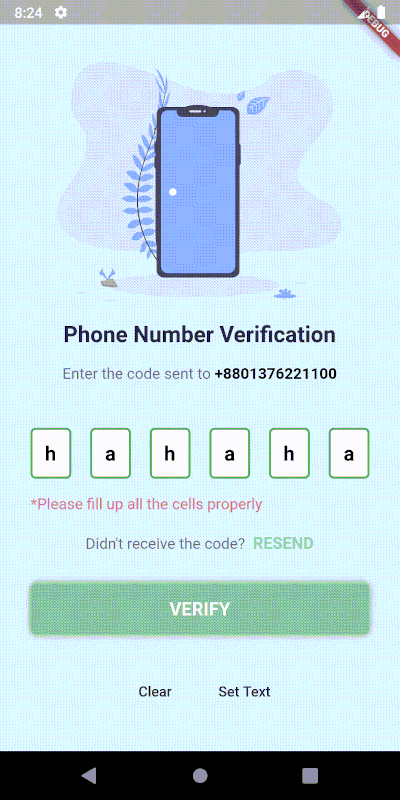
Flutter용으로 고도로 사용자 정의 가능한 PIN/OTP 입력 필드이며, Material Design 지원과 사용자 정의 UI를 위한 헤드리스 코어를 제공합니다.
2.4천좋아요 41.5만30일 다운로드160Pub 점수
AndroidiOSWebmacOSWindowsLinux
이것은 레스토랑 관리용 FE 코드입니다.
 v10.1.1
Flutter용으로 고도로 사용자 정의 가능한 PIN/OTP 입력 필드이며, Material Design 지원과 사용자 정의 UI를 위한 헤드리스 코어를 제공합니다.
웹, 플러터, dartvm용 socket.io-client의 다트랭 포트
 v4.0.1
Flutter용 간단하지만 완전히 사용자 정의 가능한 평점 바이며, 임의의 분수 평점을 지원하는 평점 바 인디케이터도 포함되어 있습니다.
 v3.1.0
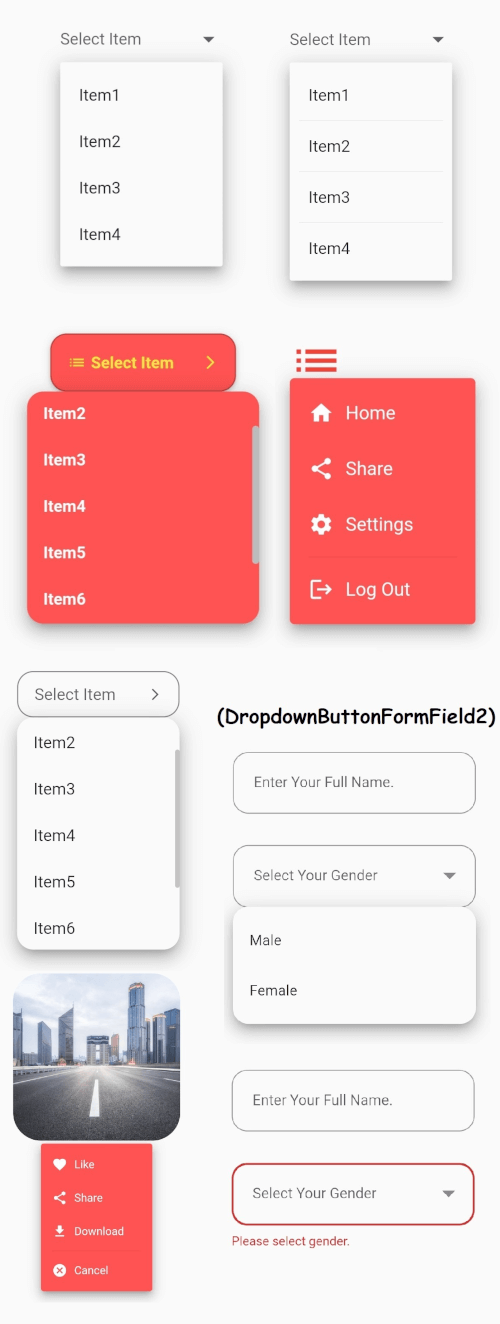
안정적인 드롭다운 메뉴를 갖춘 Flutter의 핵심 드롭다운 버튼 위젯과 귀하의 필요에 맞게 사용자 지정할 수 있는 기타 옵션들.
 v1.1.6
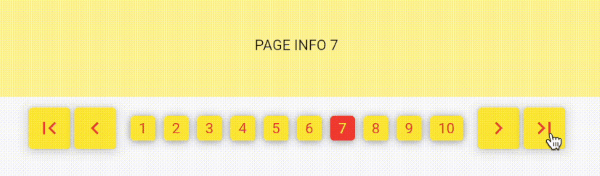
숫자를 사용한 페이지네이션으로, 전통적인 웹 스타일의 페이지네이션과 유사합니다. 무한 스크롤이 아닌 번호로 페이지를 탐색하세요!
의존성 목록 25 개
{"sdk":"flutter"}{"sdk":"flutter"}^1.0.2^10.0.0^0.18.0^2.0.5^3.2.3^2.1.0^8.2.2^4.0.1^5.3.2^8.1.2^2.0.5^3.0.0^0.0.3+2^4.2.1^2.3.7^8.0.1^3.0.3^3.5.0^2.0.3+1^6.0.20^5.2.0{"sdk":"flutter"}^2.0.0아래는 영문 원문 스냅샷입니다. 최신 내용은 GitHub에서 확인하세요.
https://raw.githubusercontent.com/DyNamite-TNT-1/restaurant_flutter/HEAD/assets/images/logo_website.png
Firestaurant is a website that helps users book tables online quickly, conveniently and without wasting much time and helps managers automate all processes for recording requests to book tables/change tables from clients.
This is a Frontend source code to help develop a restaurant reservation website - an academic project of the subject "Object-oriented programming techniques" - taught by lecturer Huynh Trung Tru.
Made by:
automatically arranges tables(without manager intervention) and notifies prepaid fees(if any). In case there is a prepaid fee, the person booking the table is required to pay before the specified time. Otherwise, the system will no longer hold the reservation.allows clients to message the manager and vice versa. This helps the restaurant easily connect and better understand clients' requests as well as make clients express their opinions more clearly to the restaurant.Visit Firestaurant
image
image
image
This tab helps you prepare a table reservation request by entering information such as the number of guests, date and time of the event, seating location, and a list of dishes, drinks, services, and notes you want to send to the restaurant.
image
image
image
Click on "Ghi chú" Tab to add your note.
Click on "Reservation Confirmation" to make a reservation(need Sign In).
image
image
image
image
This function need to Sign In.
image
image
Firstly, need an IDE/Editor where build and compile code. Highly recommend to using VSCode. Because it's very popular, easy to use and have many extension that make coding more funny and easier.
See this original document to more information.
Run flutter doctor -v to check version of Flutter and if any missing related to Flutter.
If you have VSCode and all of above things, now run this.
Step 1: Run flutter pub get to get all package/dependency is used in source code.
Step 2: Check the bottom right corner, you can see available devices (maybe IDE needs a few seconds to load it). Click on it and select any browser you have.
Screen Shot 2023-10-26 at 10 23 14 AMStep 3: Check the bar on top, you can see a button called "Run". Click on it. After that, click on "Run without debugging", or "Start debugging" if you want debug code.
Screen Shot 2023-10-26 at 10 31 40 AMStep 4: Check the result.
Step 5: Make a coffee and fix bug. :coffee: :hammer_and_wrench: :lady_beetle: