
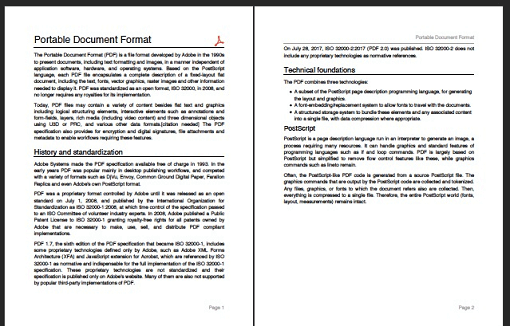
 v3.13.1
Dart용 PDF 생성기입니다. 웹 또는 플러터에서 PDF 파일을 만들 수 있습니다.
3.1천좋아요 202만30일 다운로드160Pub 점수
AndroidiOSWebmacOSWindowsLinux
마크다운 에디터 앱은 마크다운 파일을 쉽게 만들고 편집할 수 있도록 도와줍니다. 탐색기에서 직접 ".md" 파일을 열 수 있으며, 텍스트 스타일링 옵션, 간편한 링크 추가, 라이트 및 다크 테마 모드, 여러 뷰 모드를 제공합니다. Flutter로 개발되었으며, 현재 독립형 마크다운 에디터가 없기 때문에 주로 모바일 기기용으로 제작되었습니다.
 v3.13.1
Dart용 PDF 생성기입니다. 웹 또는 플러터에서 PDF 파일을 만들 수 있습니다.
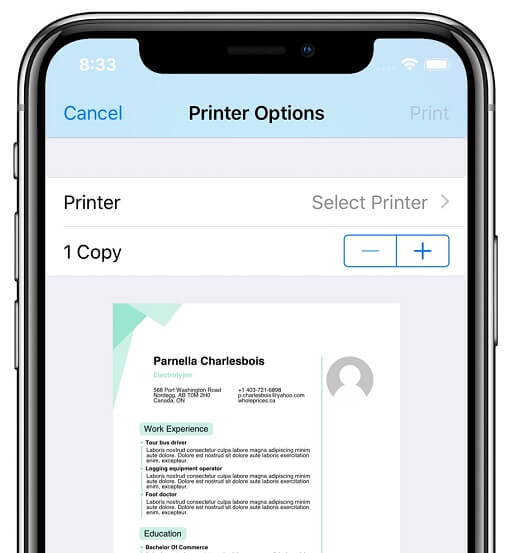 v5.15.1
Android, iOS, macOS, Windows 및 Linux에서 호환되는 프린터에 문서를 생성하고 인쇄할 수 있도록 해주는 플러터 플러그인입니다. 또한 웹 인쇄도 지원합니다.
정확성과 확장성에 중점을 둔 HTML을 위젯으로 렌더링하는 Flutter 패키지입니다.
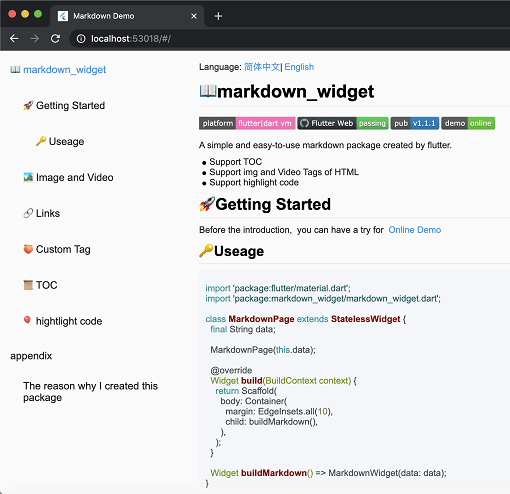 v2.3.2+8
새로운 마크다운 패키지입니다. 목차(TOC) 기능, 코드 강조 표시를 지원하며 모든 플랫폼을 지원합니다.
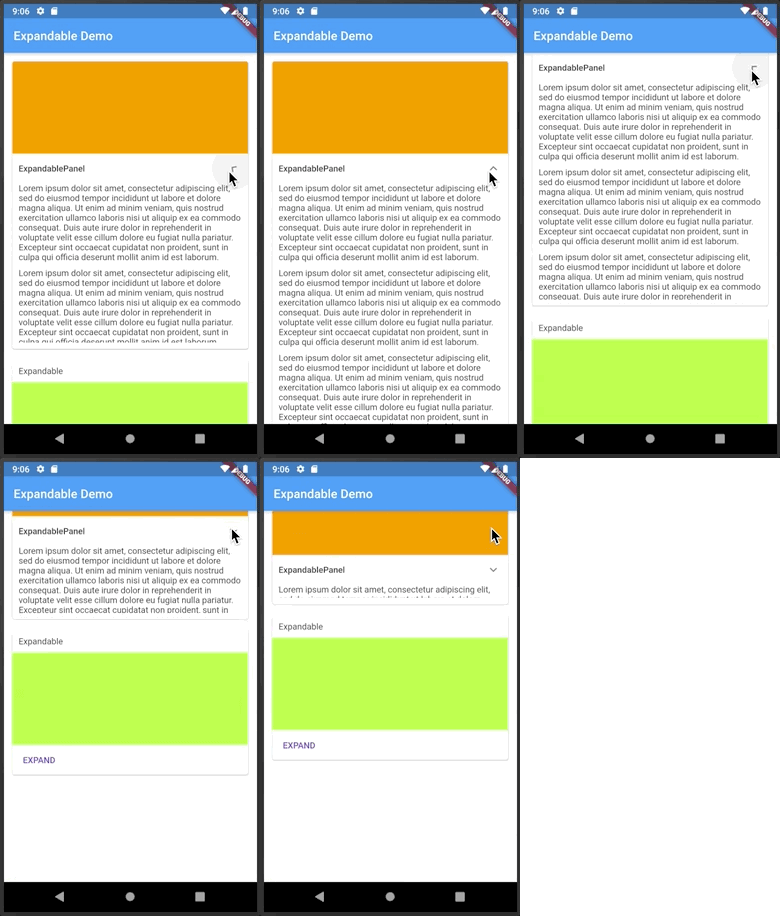 v5.0.1
헤더 또는 아이콘을 클릭하여 확장하거나 축소할 수 있는 플러터 위젯입니다.
Dart로 작성된 포터블 마크다운 라이브러리로, 마크다운을 HTML로 변환할 수 있습니다.
 v0.7.4
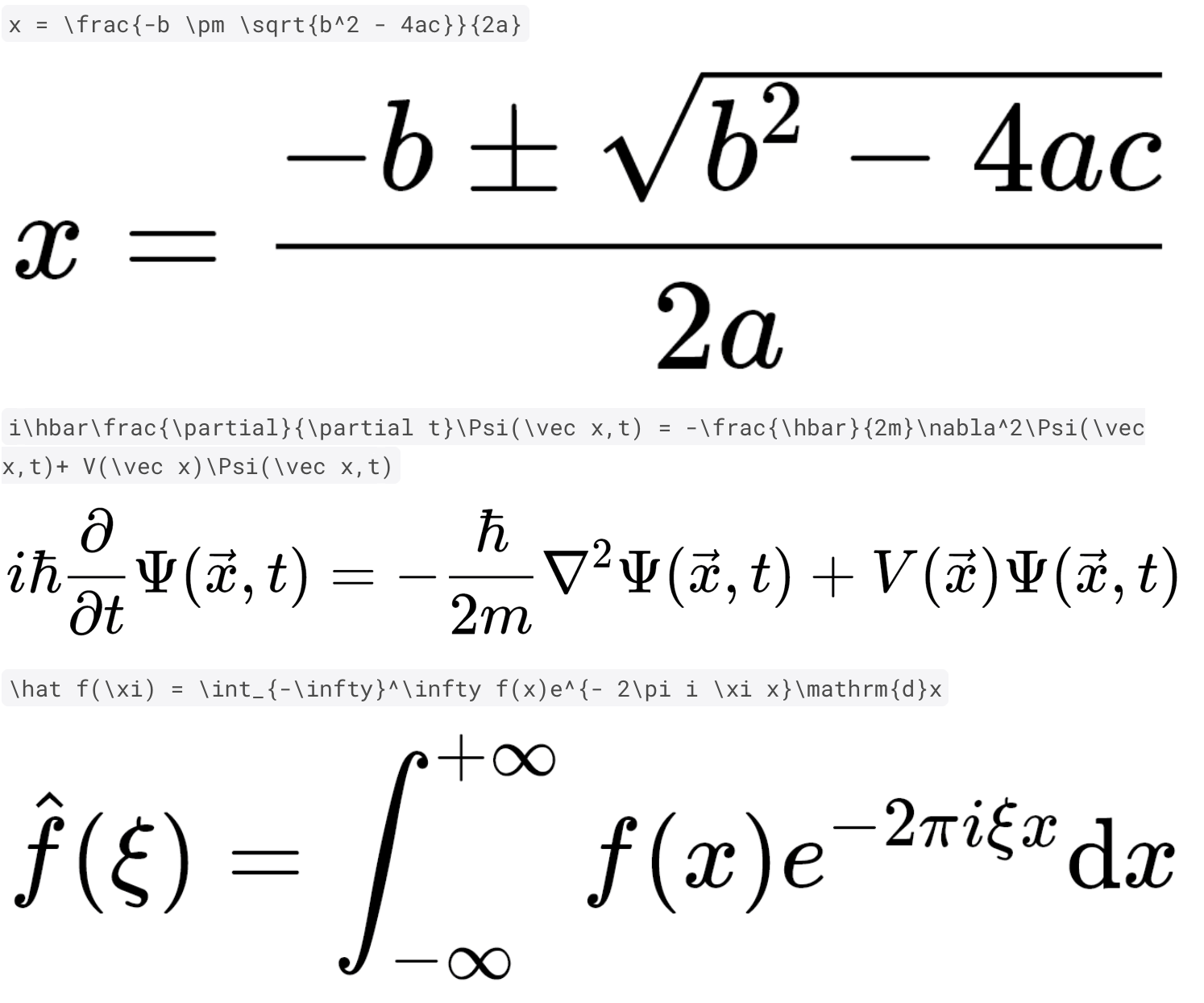
순수한 Dart와 Flutter를 사용하여 빠르고 고품질의 TeX 수식 렌더링
HTML 및 마크다운 풍부한 텍스트 콘텐츠를 고품질의 PDF 위젯으로 변환하는 Dart 패키지입니다. 구조화된 텍스트 콘텐츠를 인쇄 가능한 전문적인 PDF로 원활하게 변환하여 PDF 문서 생성을 간편하게 만듭니다. 보고서, 송장 등 제작에 적합합니다!
의존성 목록 23 개
^1.8.1^5.0.1^11.0.2{"sdk":"flutter"}{"sdk":"flutter"}^0.7.4^2.2.4^0.17.2^8.0.2^0.15.6^2.0.1any^7.3.1^2.3.2+8^2.1.5^3.12.0^12.0.1^5.14.3^12.0.2^2.5.5^6.3.2^6.0.0{"sdk":"flutter"}아래는 영문 원문 스냅샷입니다. 최신 내용은 GitHub에서 확인하세요.
Introducing the Markdown Editor app, the perfect tool for anyone who needs to create and edit markdown files with ease. With the ability to open ".md" files directly from the explorer, you can easily access your files and start working on them right away.
The app also offers a convenient way to style your text with options such as bold, italics, headings, and more. Adding links is also a breeze with the simple interface.
In addition, you can preview JPEG, PNG, GIF, WebP, BMP, and WBMP image formats right within the app. You can easily open links from the preview, making it easy to navigate between different files and sources.
Choose between Light and Dark Theme Modes, use Dynamic Color for improved theme customization, and use the Dual View Mode to simultaneously view both the preview and editing views. Alternatively, you can use Single View Mode to focus on either the preview or editing view.
The app also offers the ability to share your markdown files as plain text, markdown, or PDF, clear text and start from scratch, as well as create new .md files or edit existing ones.
This Editor was developed using Flutter and is mainly targeted for mobile devices as currently there aren't any standalone markdown editors available.
Please star⭐ the repo if you like what you see😊.
| Platform | Installation Links |
|---|---|
| Android |
Get it on Google Play
Get it on F-Droid APK download |
| Linux |
Download .AppImage
Download .deb Download .rpm Get it from the Snap Store |
| Windows | Download Windows Installer |
| Web App | Web App |
Light Mode Image Dark Mode Image File Explorer Image Add Link Image Markdown Preview Image Markdown Editor Image
| Name | Usage |
|---|---|
| dynamic_color | For improved theme customization |
| expandable | To create expandable header buttons |
| file_picker | To open markdown files directly from the app |
| flutter_localizations | Internationalizing app |
| flutter_math_fork | Help with LaTeX support |
| flutter_svg | To Display Svg Images |
| flutter_widget_from_html_core | To add html display support |
| google_fonts | To add custom fonts support |
| html | To help display html format |
| htmltopdfwidgets | To convert html to pdf for printing |
| intl | Provides internationalization and localization facilities |
| markdown | To convert markdown to html format |
| markdown_widget | To help display markdown/custom markdown |
| To help save/create a pdf | |
| permission_handler | To get storage permissions for opening and saving .md files |
| printing | To help printing a pdf |
| share_plus | To share markdown files in various formats |
| shared_preferences | To store device preferences for persistence |
| url_launcher | To launch markdown links |
| flutter_lints | For linting |
Copyright (c) 2023 Aditya R MIT LICENCE