 v5.9.3
flutter_screenutil
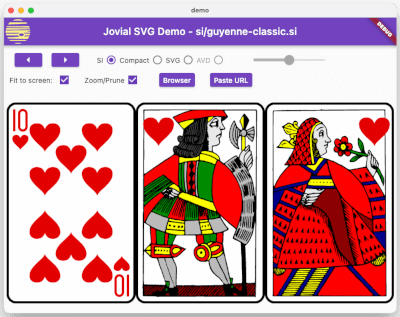
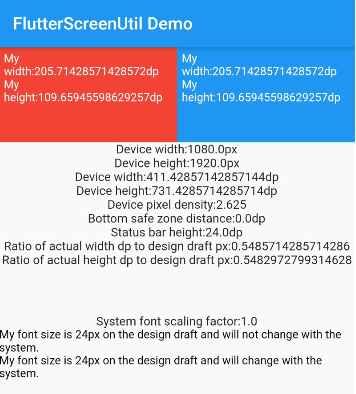
화면 및 글자 크기 조정을 위한 플러터 플러그인입니다. 다양한 모델에서 잘 보이도록 보장됩니다
5.1천좋아요 42.1만30일 다운로드150Pub 점수
AndroidiOSWebmacOSWindowsLinux
OpSo는 다양한 오픈소스 프로그램에 대한 포괄적인 정보를 제공하는 플러터 앱입니다

아래는 영문 원문 스냅샷입니다. 최신 내용은 GitHub에서 확인하세요.
OpSo is a Flutter app that provides comprehensive information about various open-source programs, including Google Summer of Code, Summer of Bitcoin, Linux Foundation, and more. It allows users to explore different open-source opportunities, learn about their eligibility criteria, and access important resources.
| 🌟 Stars | 🍴 Forks | 🐛 Issues | 🔔 Open PRs | 🔕 Close PRs |
 |
 |
 |
 |
 |
 License

This project is licensed under the MIT License.
Thank you for considering contributing to OpSo! We welcome contributions from the community to help improve the app and add new features. Below are some guidelines for contributing:
If you encounter any bugs or have ideas for new features, please open an issue on GitHub. Make sure to provide detailed information about the issue or feature request, including steps to reproduce the bug if applicable.
We appreciate any code contributions that enhance the functionality or improve the user experience of OpSo. To contribute code, follow these steps:
git checkout -b feature-name.git commit -m "Add feature XYZ".git push origin feature-name.main branch of the original repository.To run the OpSo app locally, you need to have Flutter and Dart installed on your machine. Follow these steps:
git clone https://github.com/andoriyaprashant/OpSo.git
cd OpSo
flutter pub get
flutter doctor
flutter run
If you would like to add information about a new open-source program to OpSo, you can contribute by:
Good documentation is essential for the success of any open-source project. If you notice any areas where the documentation can be improved, feel free to make updates or additions.
 Open Source Programs
|
|
GSSOC 2024 |
| This project is part of GirlScript Summer of Code. We enthusiastically welcome community contributions to enhance OpSo. |
 Code of Conduct
Please note that by contributing to OpSo, you agree to abide by the code of conduct. We expect all contributors to uphold the principles of respect, inclusivity, and collaboration.
화면 및 글자 크기 조정을 위한 플러터 플러그인입니다. 다양한 모델에서 잘 보이도록 보장됩니다
아름답고 멋진 텍스트 애니메이션 모음이 포함된 플러터 패키지 프로젝트입니다.
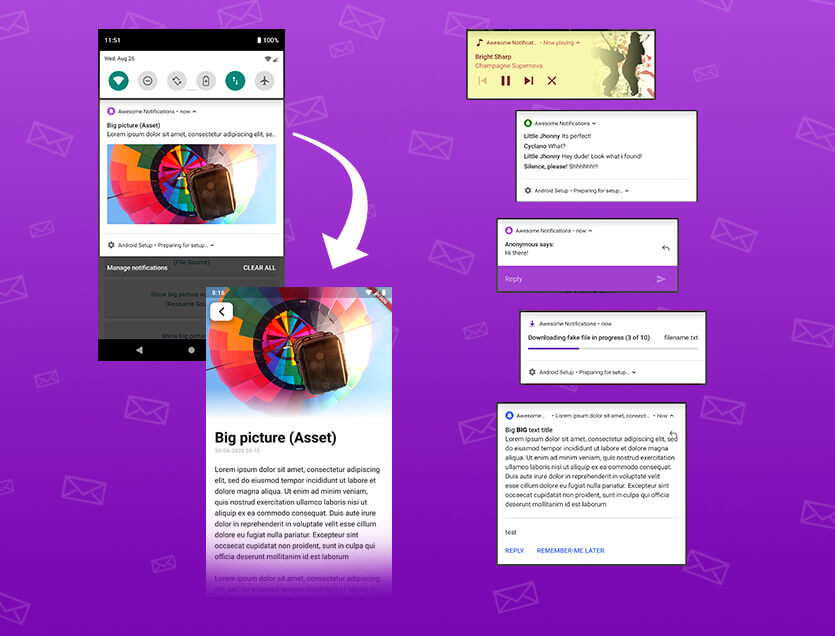
로컬 및 푸시 알림을 생성하기 위한 완전한 솔루션으로 버튼, 이미지, 사운드, 이모티콘을 사용자 지정하고 Flutter 앱에 다양한 레이아웃을 적용할 수 있습니다.
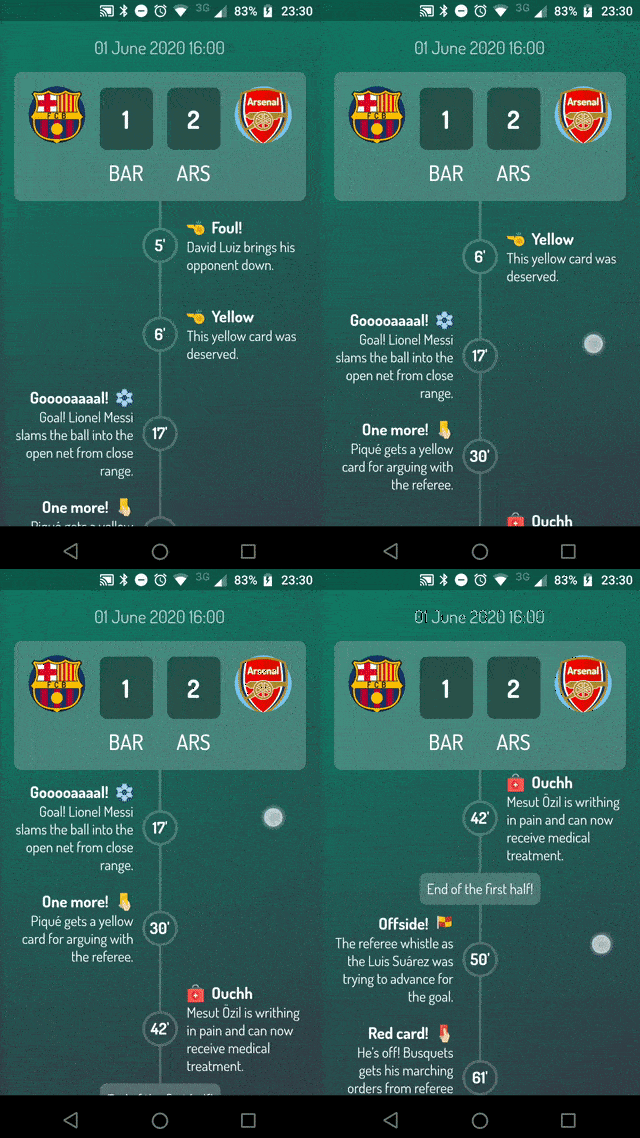
Flutter로 매우 사용자 정의 가능한 타임라인을 만들 수 있도록 도와주는 패키지입니다.
다이내믹하게 라이트 테마와 다크 테마를 전환하고 시스템 적응형 테마 지원을 추가할 수 있습니다.
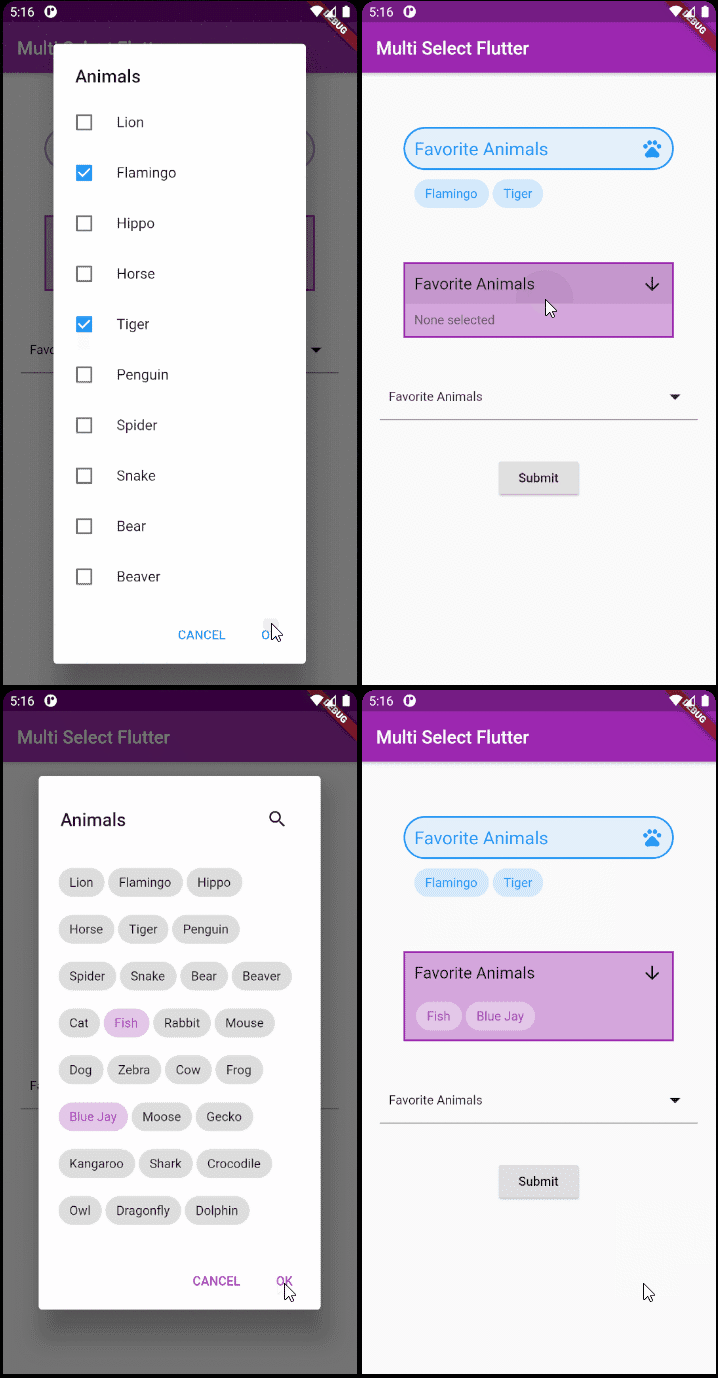
Flutter용 유연한 다중 선택 패키지입니다. 원하는 대로 다중 선택 위젯을 만들 수 있습니다.
SVG - 확장 가능한 벡터 그래픽 이미지의 강력한 렌더링을 지원하며, 명확하게 정의된 SVG 프로파일과 빠르게 로드되는 이진 저장 형식, 애니메이션을 모두 지원합니다.
Google AI Dart SDK는 개발자가 Google의 최첨단 생성형 AI 모델(예: Gemini)을 사용할 수 있도록 합니다.
의존성 목록 21 개
^1.0.6{"sdk":"flutter"}^10.7.0^0.15.4^1.2.1^6.2.6^2.0.11^0.4.7^5.4.3+1^4.2.2^3.6.0^2.0.0^2.0.10+1^5.9.1^4.1.3^1.1.23^0.10.1^5.2.1^0.14.2^5.0.0{"sdk":"flutter"}사용 목적에 따라 검색하고 개발 활동을 비교한 뒤 원본 저장소에서 요구 사항을 확인하세요.
“A repository is the most basic element of GitHub.”
GitHub Docs — About repositories ↗