

 v0.5.5
time_chart
Flutter에서 스크롤 가능한 시간 차트입니다. 현재 en, ko 언어를 지원합니다.
76좋아요 14130일 다운로드50Pub 점수
플랫폼 정보 없음
Flutter에서 스크롤 가능한 시간 차트입니다.

아래는 영문 원문 스냅샷입니다. 최신 내용은 GitHub에서 확인하세요.

An amazing time chart in Flutter.
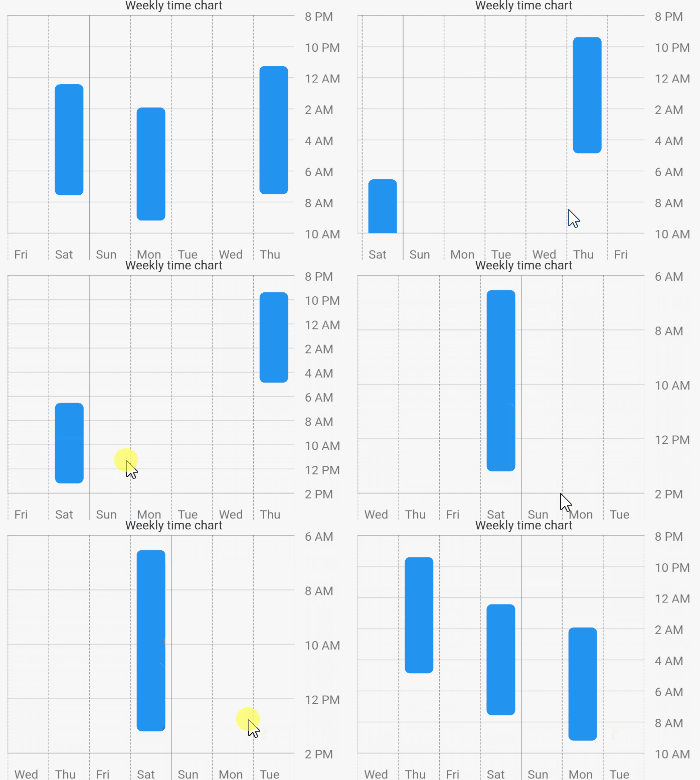
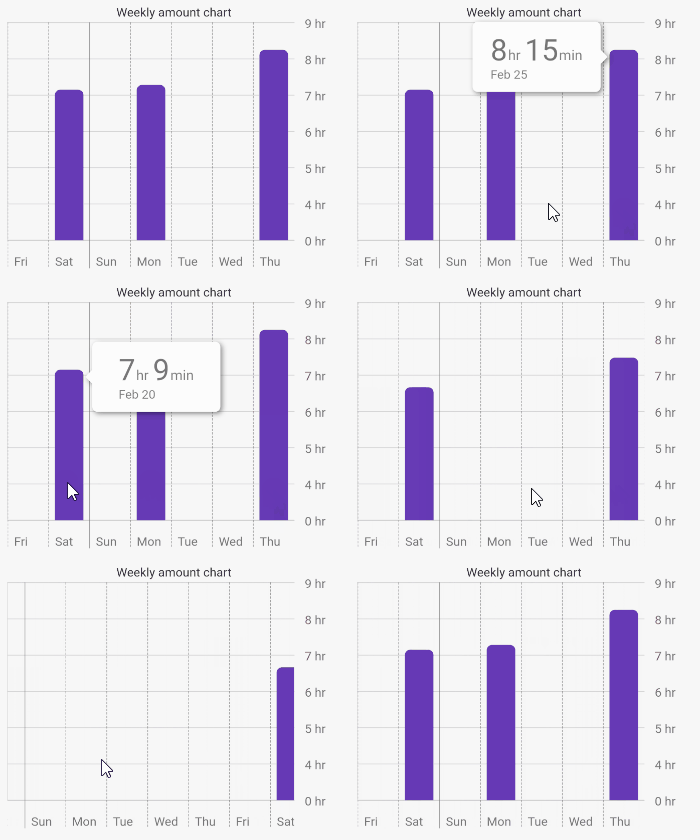
How the animation works?
The animation is created by determining the top hour and the bottom hour. The top hour denotes the most top hour displayed at the current scroll position, while the bottom hour represents its opposite. When scrolling occurs, the animation is triggered by comparing the previous top hour and bottom hour with the top hour and bottom hour after scrolling.
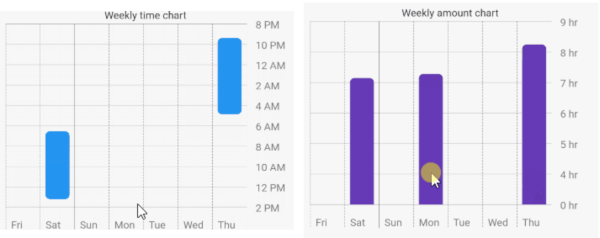
| TimeChart | AmountChart |
|---|---|
 |
 |
 |
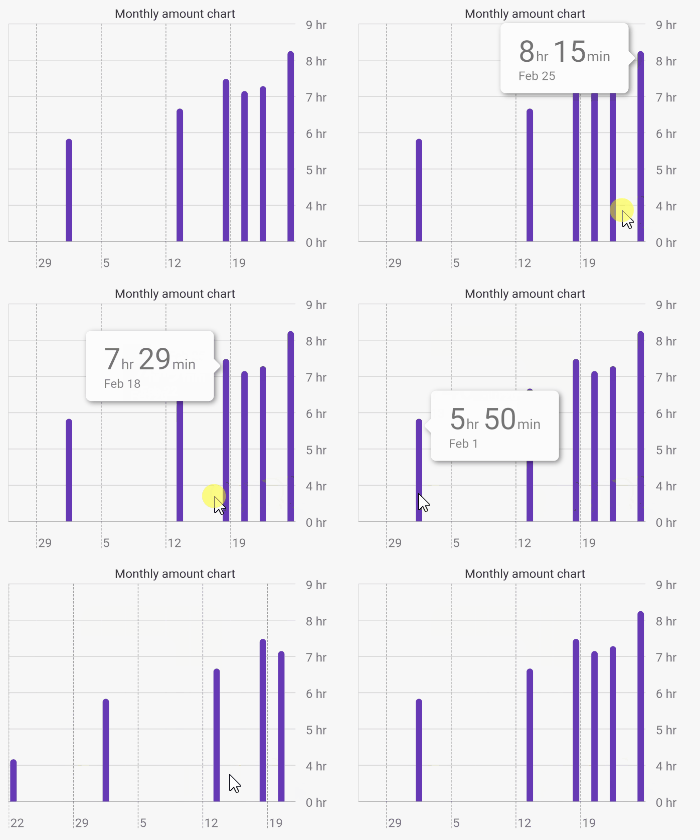 |
Add it to your package's pubspec.yaml file
dependencies:
  time_chart: ^0.5.4
Install packages from the command line
flutter packages get
Just input your DateTimeRange list to data: argument. The list must be sorted. First data is
latest, last data is oldest.
import 'package:flutter/material.dart';
import 'package:time_chart/time_chart.dart';

void main() => runApp(MyApp());

class MyApp extends StatelessWidget {

  // Data must be sorted.
  final data = [
    DateTimeRange(
      start: DateTime(2021,2,24,23,15),
      end: DateTime(2021,2,25,7,30),
    ),
    DateTimeRange(
      start: DateTime(2021,2,22,1,55),
      end: DateTime(2021,2,22,9,12),
    ),
    DateTimeRange(
      start: DateTime(2021,2,20,0,25),
      end: DateTime(2021,2,20,7,34),
    ),
    DateTimeRange(
      start: DateTime(2021,2,17,21,23),
      end: DateTime(2021,2,18,4,52),
    ),
    DateTimeRange(
      start: DateTime(2021,2,13,6,32),
      end: DateTime(2021,2,13,13,12),
    ),
    DateTimeRange(
      start: DateTime(2021,2,1,9,32),
      end: DateTime(2021,2,1,15,22),
    ),
    DateTimeRange(
      start: DateTime(2021,1,22,12,10),
      end: DateTime(2021,1,22,16,20),
    ),
  ];

  @override
  Widget build(BuildContext context) {
    final sizedBox = const SizedBox(height: 16);

    return MaterialApp(
      home: Scaffold(
        appBar: AppBar(title: const Text('Time chart example app')),
        body: SingleChildScrollView(
          child: Padding(
            padding: const EdgeInsets.all(16.0),
            child: Column(
              children: [
                const Text('Weekly time chart'),
                TimeChart(
                  data: data,
                  viewMode: ViewMode.weekly,
                ),
                sizedBox,
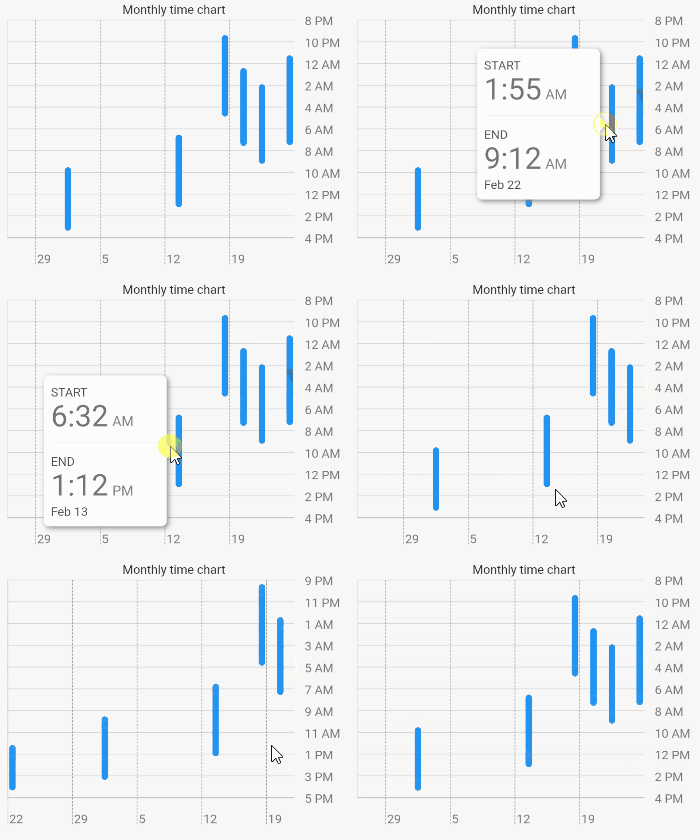
                const Text('Monthly time chart'),
                TimeChart(
                  data: data,
                  viewMode: ViewMode.monthly,
                ),
                sizedBox,
                const Text('Weekly amount chart'),
                TimeChart(
                  data: data,
                  chartType: ChartType.amount,
                  viewMode: ViewMode.weekly,
                  barColor: Colors.deepPurple,
                ),
                sizedBox,
                const Text('Monthly amount chart'),
                TimeChart(
                  data: data,
                  chartType: ChartType.amount,
                  viewMode: ViewMode.monthly,
                  barColor: Colors.deepPurple,
                ),
              ],
            ),
          ),
        ),
      ),
    );
  }
}
| English | Korean |
|---|---|
|
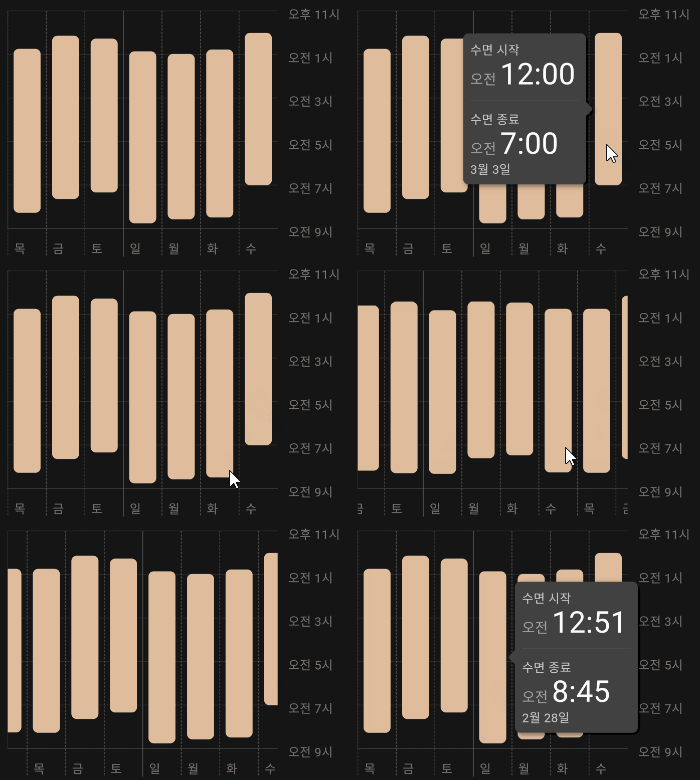 |
You can also use korean language by Internationalizing Flutter apps.
의존성 목록 8 개
{"sdk":"flutter"}{"sdk":"flutter"}^0.2.0^1.0.2^1.0.1^0.18.0{"sdk":"flutter"}^2.0.1사용 목적에 따라 검색하고 개발 활동을 비교한 뒤 원본 저장소에서 요구 사항을 확인하세요.
“A repository is the most basic element of GitHub.”
GitHub Docs — About repositories ↗