
 v35.1.42
syncfusion_flutter_pdfviewer
Flutter PDF 뷰어 라이브러리는 PDF 문서를 원활하고 효율적으로 표시하는 데 사용됩니다.
1.2천좋아요 24.3만30일 다운로드140Pub 점수
AndroidiOSWebmacOSWindowsLinux
SavePass는 비밀번호와 메모를 안전하게 저장할 수 있는 오픈소스 애플리케이션입니다.
 v35.1.42
Flutter PDF 뷰어 라이브러리는 PDF 문서를 원활하고 효율적으로 표시하는 데 사용됩니다.
의존성 주입과 라우팅 관리를 갖춘 스마트 프로젝트 구조
Supabase용 플러터 통합. 이 패키지는 개발자가 안전하고 확장 가능한 제품을 쉽게 구축할 수 있도록 도와줍니다.
logging 패키지에서 로그를 기록하는 기능을 추가하는 통합입니다.
추가적인 노력 없이 이미 빌드된 위젯을 스켈레톤 로더로 변환합니다.
Dart에서 폼 표현과 검증을 일반적인 방식으로 간소화하는 것을 목표로 하는 통합 폼 표현입니다.
Animate.css에서 영감을 받은 아름다운 애니메이션으로, 외부 종속성 없이 사용 가능한 사용자 정의 위젯 기반 애니메이션 제공
BouncyCastle 라이브러리에 기반한 암호 알고리즘 및 원시를 구현하는 Dart 라이브러리입니다.
 v8.2.0
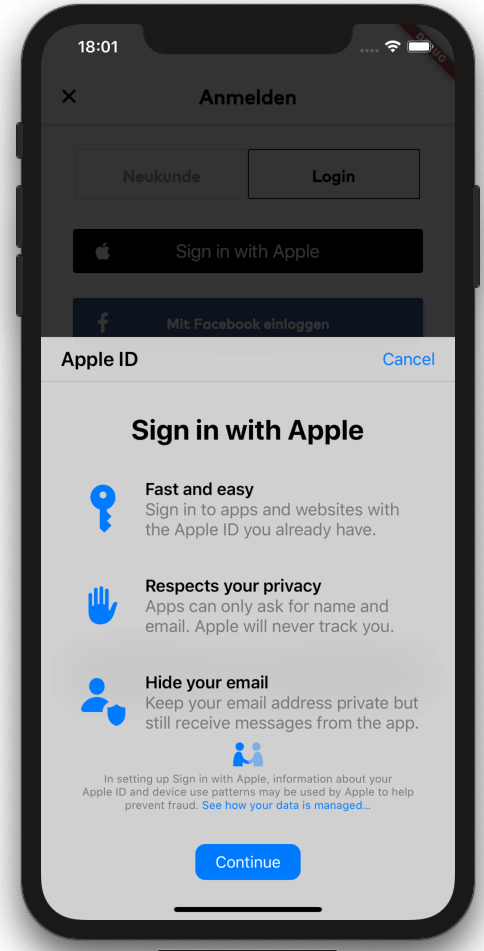
Flutter 브리지로 Apple 로그인(모바일 iOS, macOS, 안드로이드)을 시작합니다. 키체인 항목 및 Apple ID로 로그인 기능도 포함되어 있습니다.
더 많은 보안과 더 빠른 시작 시간을 위해 .env 파일에서 환경 변수를 Dart 파일로 명시적으로 읽어옵니다.
Envied 패키지용 생성기입니다. https://pub.dev/packages/envied 를 참조하세요.
암호화, 디지털 서명, 키 합의, 인증 및 해싱을 위한 암호 알고리즘. AES, Chacha20, ED25519 등. 크로스 플랫폼(모바일, 데스크톱, JS, WASM).
의존성 목록 42 개
^3.3.4{"git":{"url":"https://github.com/judatop/atomic_design_system","ref":"master"}}^3.4.1^5.0.0^3.0.6^2.7.0^1.0.6^0.10.1^11.0.0^5.0.3^0.5.4+1^2.0.5{"sdk":"flutter"}^8.1.6^0.14.1{"sdk":"flutter"}^6.3.2^9.2.2^2.0.14^0.7.0^6.2.2^1.1.2any^2.0.1^2.3.0^1.3.0^3.1.2^8.1.1^11.3.1^3.6.2^8.14.1^8.14.1^7.0.12.0.0^2.8.0^28.2.7^6.3.1^4.5.1^2.4.13^0.5.4+1^3.0.0{"sdk":"flutter"}아래는 영문 원문 스냅샷입니다. 최신 내용은 GitHub에서 확인하세요.
Image
Image
SavePass project is a password manager developed in Flutter. It's goal is to provide a secure and easy-to-use solution for storing and managing passwords. The app will allow users to create an account, log in, and store their passwords in a secure way. The project is open source and can be used as a starting point for building your own password manager app, just make sure to follow best practices for security and privacy and mention the original project.
If you find issues/improvements with this app, feel free to submit a PR or create a new issue. We want to keep this app with the best practices.
This projects depends on a few external services to work properly, so you'll need to set up a few things before running the app.
We are using Supabase as our database, API, storage and authentication manager. Create an account on https://supabase.com/ and create a new project, then, find and copy the values: SUPABASE_URL and SUPABASE_ANON_KEY.
Supabase Storage is used to store files/images related with the app. You'll need to set up your storage and create a new bucket and folder, copy the values: SUPABASE_BUCKET and SUPABASE_BUCKET_AVATARS_FOLDER.
One of the authentication methods we are using is Google. You'll need to create a new project on Google Cloud Platform and create a new OAuth client ID for web, Android and iOS. Then, copy the values: GOOGLE_WEB_CLIENT_ID and GOOGLE_IOS_CLIENT_ID. After that, you'll need to enable the Google Auth method on Supabase and fill the respective values.
Other authentication method we are using is Github. You'll need to create a new OAuth App on Github and get the Client ID and Client secret. Put these values on the Github configuration on Supabase. Set up the URL Configuration (deep link) on Supabase and assign the value for SUPABASE_REDIRECT_URL.
The database set up is up to you and your needs. You can create the tables and columns manually or use the Supabase SQL editor. The logic or the design for the database/api on this project is confidential for mantain the security of the app.
Flutter Secure Storage is used to store data in secure storage, Keychain for iOS and EncryptedSharedPreferences for Android, in order to use this plugin you need to define some keys with a random value:
Get a local copy of the project by running the following command:
git clone https://github.com/judatop/savepass.git
Use the following command to create your own .env file:
cp .env.sample .env
Fill your env file with the values you got from the previous steps.
Then, you can generate the offuscated values from the .env file using the following command:
dart run build_runner build -d
Install the dependencies with the following command:
flutter pub get
Run the app with the following command:
flutter run
This project is under the MIT License. See the LICENSE file.