패키지, 저장소 및 앱 카테고리 검색

패키지 상세v5.1.0

animate_do

Animate.css에서 영감을 받은 아름다운 애니메이션으로, 외부 종속성 없이 사용 가능한 사용자 정의 위젯 기반 애니메이션 제공

AndroidiOSWebmacOSWindowsLinux
30일 다운로드
10.2만
좋아요
4.9천
Pub 점수
160

패키지 설치

flutter pub add animate_do

패키지 개요

공개 정보를 바탕으로 생성한 선택 가이드입니다.

Animate_do는 Animate.css에서 영감을 받은 시각적으로 매력적인 위젯 기반 애니메이션을 제공하는 Flutter 패키지입니다. 개발자들이 외부 종속성에 의존하지 않고도 UI 요소에 부드럽고 사용자 정의 가능한 애니메이션을 쉽게 적용할 수 있도록 합니다. 간단한 API와 Android, iOS, Web, macOS, Windows, Linux를 포함한 모든 주요 플랫폼 지원을 통해 동적 전환을 통해 사용자 경험을 향상시킵니다. 이 패키지는 Flutter 앱에 원활하게 통합되어 위젯에 매력적인 움직임 효과를 추가하기 위한 가벼운 솔루션을 제공합니다.

사용 사례

  • UI 요소에 진입 애니메이션 추가하기
  • 인터랙티브 버튼 피드백 만들기
  • 동적 효과로 스플래시 화면 향상하기
  • 스크롤 중 리스트 또는 카드 애니메이션
  • 온보딩 경험 개선

주요 기능

  • Animate.css에서 영감을 받아
  • 외부 종속성 없음
  • 완전히 위젯 기반
  • 사용자 지정 가능한 애니메이션 지속 시간 및 지연
  • 모든 플러터 플랫폼을 지원합니다
  • 사용하기 쉬운 API

적합한 대상

  • 간단한 애니메이션을 찾는 플러터 초보자
  • 인터랙티브 UI를 구축하는 개발자
  • 매력적인 온보딩 흐름이 필요한 앱
  • 시각적 완성도에 중점을 둔 프로젝트
  • 경량 애니메이션 솔루션을 원하는 팀

고려 사항

  • 과도하게 사용할 경우 성능에 영향을 줄 수 있습니다
  • 사전 정의된 애니메이션 유형에 한정됨
  • 복잡한 사용자 정의 애니메이션에 적합하지 않습니다
  • 최적의 사용자 경험을 위해 신중한 조정이 필요합니다
  • 주의를 산만하게 하지 않도록 적절히 사용하세요

원본 README

연결된 소스 저장소의 README 원문 스냅샷입니다. 최신 내용은 저장소에서 확인하세요.

animate_do

A Flutter animation package inspired by Animate.css, built with zero external dependencies.

Dart 3 Null Safety Platforms pub.dev

Animate_do demo animation


Getting Started

Every animation widget ships with sensible defaults and is fully customizable. Drop it around any widget and you're done.


Properties

Property Type Description
key Key Optional widget key reference
child Widget Required widget to animate
duration Duration Duration of the animation
delay Duration Delay before the animation starts
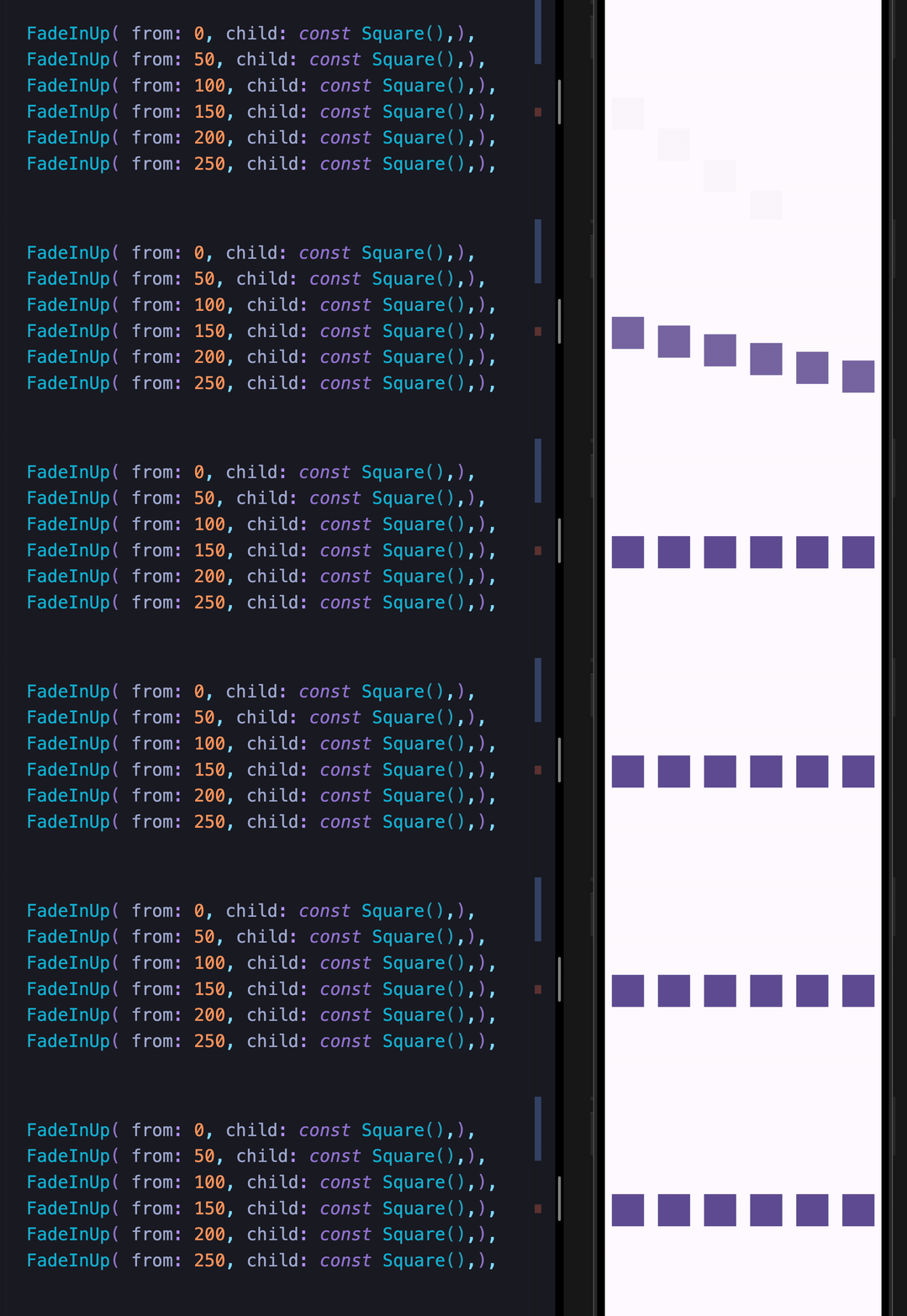
from double Initial or final value for more pronounced slide/fade effects
animate bool Toggle false → true to trigger; works with setState, Bloc, Provider, Redux, etc.
infinite bool Loops the animation indefinitely
spins double Number of rotations — applies to Spin, Roulette, SpinPerfect
manualTrigger bool Disables auto-play; requires the controller callback to drive the animation
controller Function Exposes the AnimationController for advanced control
onFinish Function Callback fired when the animation completes; receives an AnimateDoDirection (forward / backward)
curve Curve Custom easing curve

Available Animations

Fade In
FadeIn FadeInDown FadeInDownBig FadeInUp
FadeInUpBig FadeInLeft FadeInLeftBig FadeInRight
FadeInRightBig
Fade Out
FadeOut FadeOutDown FadeOutDownBig FadeOutUp
FadeOutUpBig FadeOutLeft FadeOutLeftBig FadeOutRight
FadeOutRightBig
Bounce In
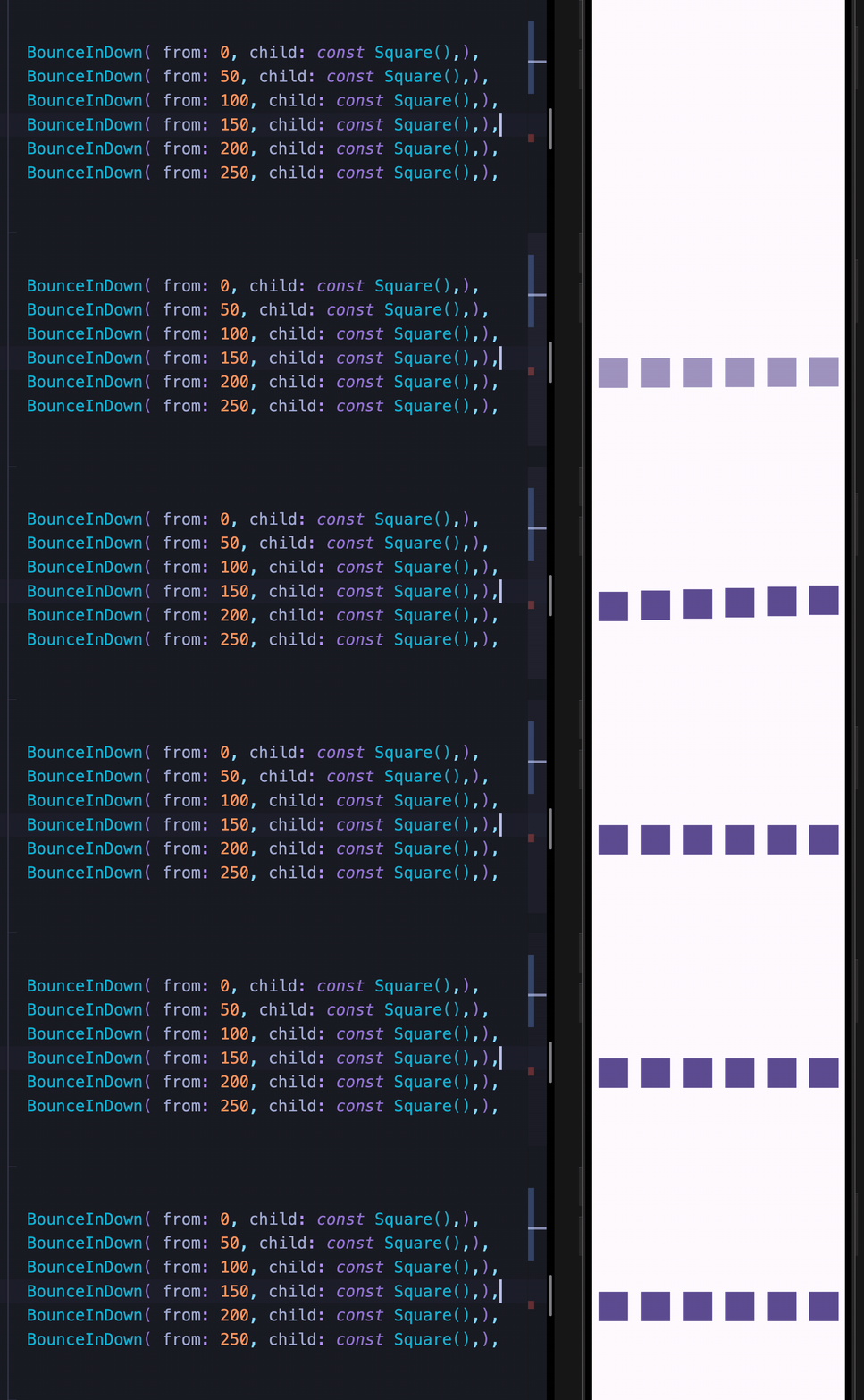
BounceInDown BounceInUp BounceInLeft BounceInRight
Elastic In
ElasticIn ElasticInDown ElasticInUp ElasticInLeft
ElasticInRight
Slide In
SlideInDown SlideInUp SlideInLeft SlideInRight
Back In / Back Out
BackInDown BackInUp BackInLeft BackInRight
BackOutDown BackOutUp BackOutLeft BackOutRight
Flip In
FlipInX FlipInY
Zoom
ZoomIn ZoomOut
Attention Seekers

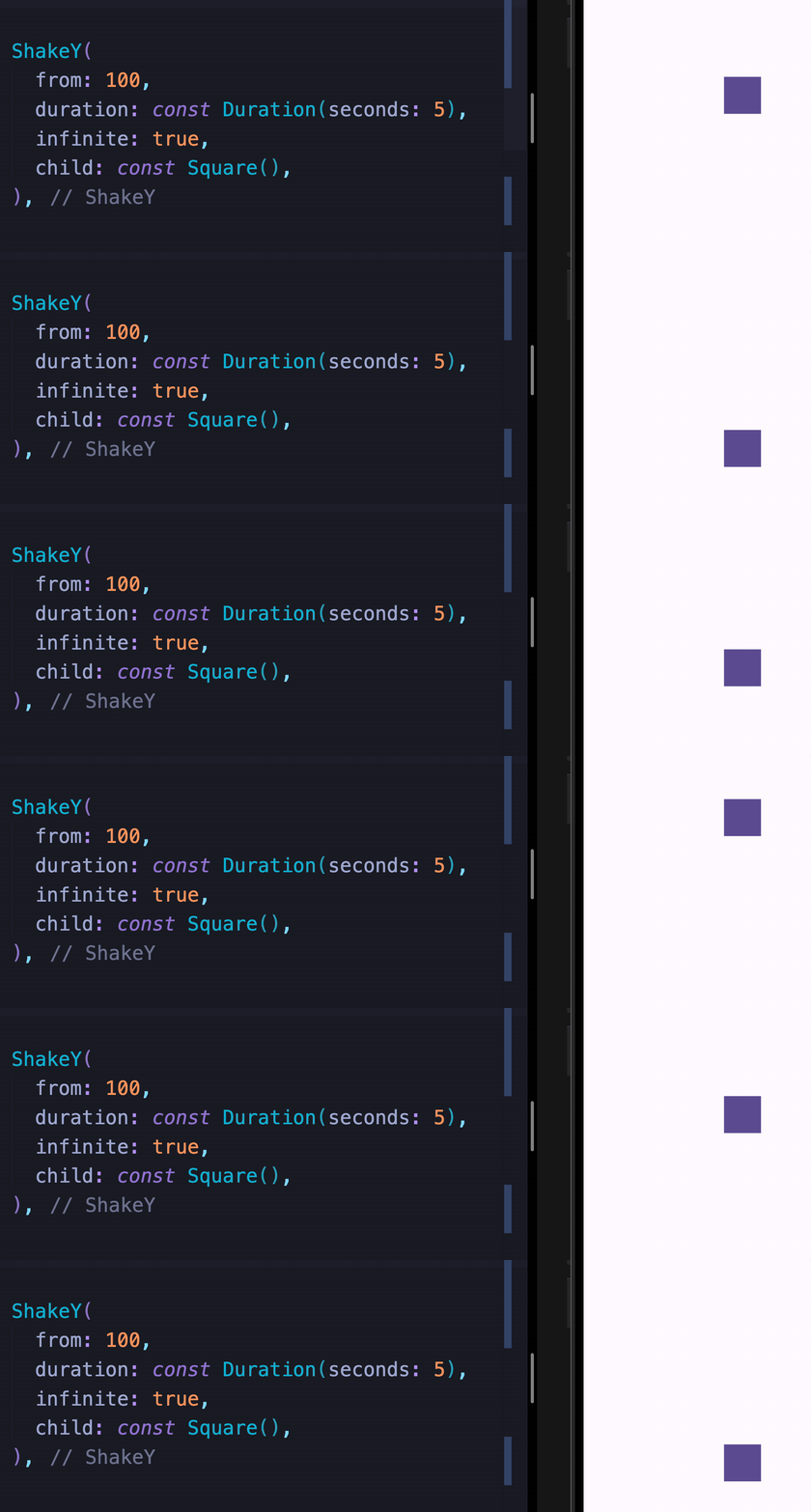
All attention seekers support the infinite property to loop indefinitely.

Bounce Dance Flash Pulse
Flip Roulette ShakeX ShakeY
Spin SpinPerfect Swing HeartBeat
Wobble Jello Tada RubberBand
Custom Animations

These widgets let you move widgets around the screen and chain them with any other animation.

MoveTo MoveToArc

Two Syntaxes

Both syntaxes are fully supported. Use whichever feels more natural to you.

Sugar Syntax
Row(
  mainAxisAlignment: MainAxisAlignment.spaceAround,
  children: [
    const Square().fadeInLeft(),
    const Square().fadeInUp(),
    const Square().fadeInDown(),
    const Square().fadeInRight(),
  ],
)
Class Syntax
Row(
  mainAxisAlignment: MainAxisAlignment.spaceAround,
  children: [
    FadeInLeft(child: Square()),
    FadeInUp(child: Square()),
    FadeInDown(child: Square()),
    FadeInRight(child: Square()),
  ],
)

Animation Chaining

Chain multiple animations sequentially using the sugar syntax:

Square()
  .tada()
  .wobble()
  .fadeIn()
Chaining with custom animations
const Square()
  .moveTo(top: 30)
  .moveTo(
    left: 30,
    delay: const Duration(seconds: 1),
  )
  .moveToArc(
    bottom: 30,
    right: 30,
    delay: const Duration(seconds: 2),
  )
  .fadeOut(
    delay: const Duration(seconds: 2),
  )

Triggering Animations

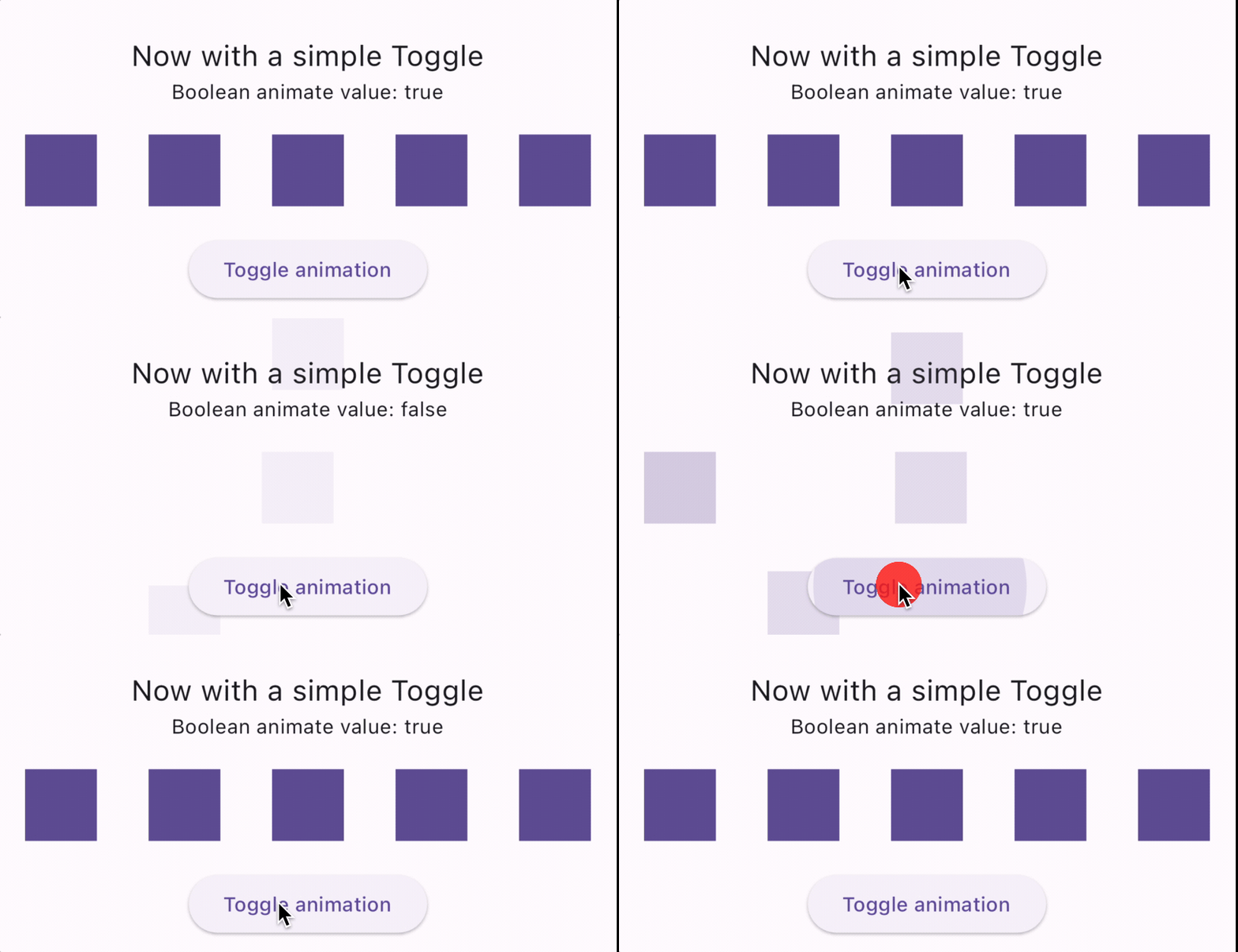
Toggle with animate

Set animate: true to play forward, animate: false to reverse. Works with any state management solution.

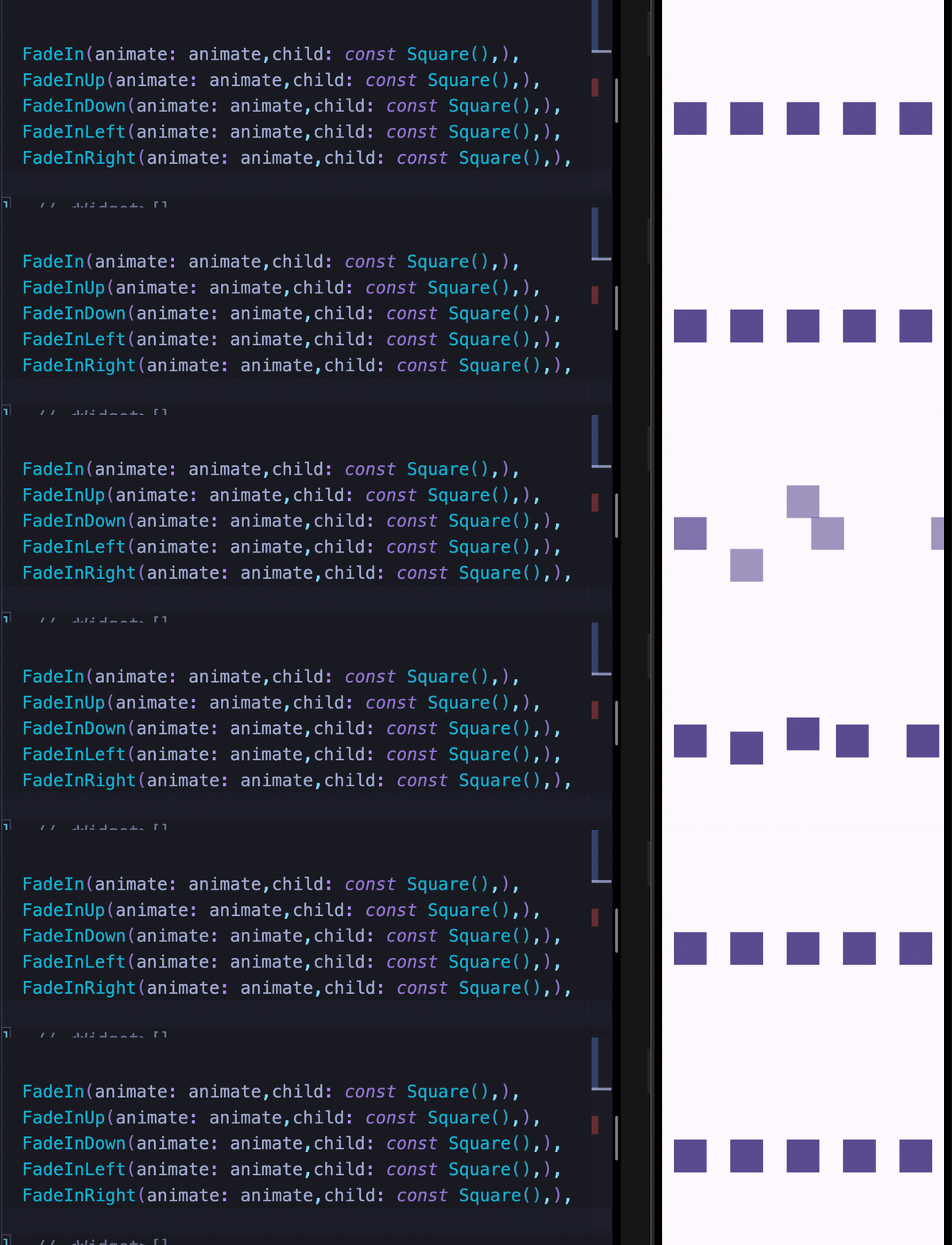
Animate_do animate property

FadeIn(animate: animate, child: const Square())
FadeInUp(animate: animate, child: const Square())
FadeInDown(animate: animate, child: const Square())
FadeInLeft(animate: animate, child: const Square())
FadeInRight(animate: animate, child: const Square())

Events — onFinish

The onFinish callback fires when an animation completes, passing an AnimateDoDirection value (forward or backward).

Sugar syntax

const Square().fadeIn(
  animate: animate,
  delay: const Duration(milliseconds: 100),
  onFinish: (direction) => print('$direction'),
),

Class syntax

FadeIn(
  animate: animate,
  delay: const Duration(milliseconds: 100),
  onFinish: (direction) => print('$direction'),
  child: const Square(),
),

Manual Trigger

Use manualTrigger: true together with the controller callback to drive the animation yourself — useful when you need full control over playback.

Note: When using manualTrigger, you are responsible for calling controller.forward() and controller.reverse() explicitly.

class _MyWidgetState extends State<MyWidget> {
  late AnimationController animateController;

  @override
  Widget build(BuildContext context) {
    return FadeInUp(
      manualTrigger: true,
      controller: (controller) => animateController = controller,
      child: YourWidget(),
    );
  }
}

Demos

Animate_do demo

Animate_do demo

Animate_do demo

Animate_do demo

For complete runnable examples, see the example folder.


If you find this package useful, consider leaving a like on pub.dev. Feedback and suggestions are always welcome.

카테고리

소스 저장소

이 패키지를 사용하는 프로젝트