

v2.13.0
flutter_rust_bridge
Flutter/Dart <-> Rust 바인딩 생성기, 기능이 풍부하지만 원활하고 간단함
668좋아요 62.4만30일 다운로드160Pub 점수
AndroidiOSWebmacOSWindowsLinux
AirDrop의 오픈소스 크로스 플랫폼 대안

아래는 영문 원문 스냅샷입니다. 최신 내용은 GitHub에서 확인하세요.


Homepage • Discord • GitHub • Codeberg
LocalSend is a free, open-source app that allows you to securely share files and messages with nearby devices over your local network without needing an internet connection.
LocalSend is a cross-platform app that enables secure communication between devices using a REST API and HTTPS encryption. Unlike other messaging apps that rely on external servers, LocalSend doesn't require an internet connection or third-party servers, making it a fast and reliable solution for local communication.
Browser testing via

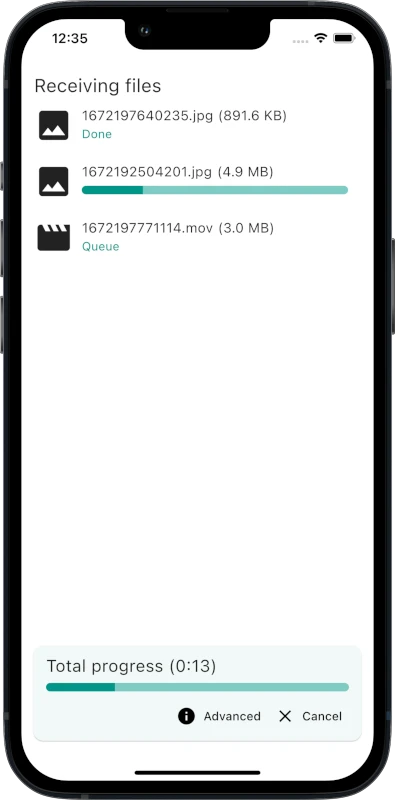
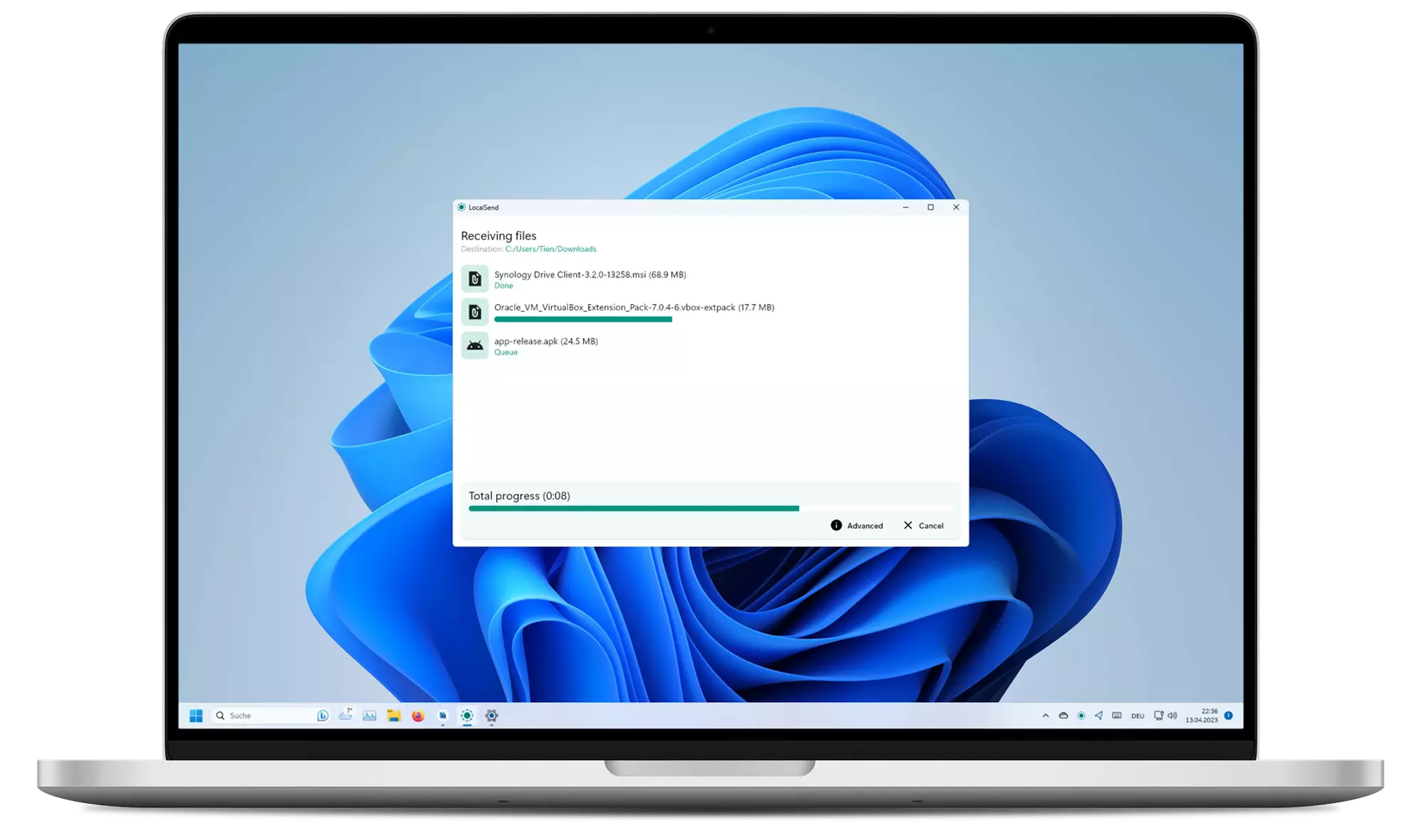
It is recommended to download the app either from an app store or from a package manager because the app does not have an auto-update.
| Windows | macOS | Linux | Android | iOS | Fire OS |
|---|---|---|---|---|---|
| Winget | App Store | Flathub | Play Store | App Store | Amazon |
| Scoop | Homebrew | Nixpkgs | F-Droid | ||
| Chocolatey | DMG Installer | Snap | APK | ||
| EXE Installer | AUR | ||||
| Portable ZIP | TAR | ||||
| DEB | |||||
| AppImage |
Read more about distribution channels.
Windows binaries are signed. Read more about the Code signing policy.
[!CAUTION] Unofficial MSIX preview: you can try builds from the latest commits at localsend.ob-buff.dev. Stability is not guaranteed and all custom code tweaks are listed on that site.
Compatibility
| Platform | Minimum Version | Note |
|---|---|---|
| Android | 5.0 | - |
| iOS | 12.0 | - |
| macOS | 11 Big Sur | Use OpenCore Legacy Patcher 2.0.2 (See #1005) |
| Windows | 10 | The last version to support Windows 7 is v1.15.4. There might be backports of newer versions for Windows 7 in the future. |
| Linux | N.A. | Deps: Gnome: xdg-desktop-portal and xdg-desktop-portal-gtk, KDE: xdg-desktop-portal and xdg-desktop-portal-kde |
In most cases, LocalSend should work out of the box. However, if you are having trouble sending or receiving files, you may need to configure your firewall to allow LocalSend to communicate over your local network.
| Traffic Type | Protocol | Port | Action |
|---|---|---|---|
| Incoming | TCP, UDP | 53317 | Allow |
| Outgoing | TCP, UDP | Any | Allow |
On Linux, for example with ufw: sudo ufw allow 53317. With firewalld: sudo firewall-cmd --permanent --add-port=53317/tcp, sudo firewall-cmd --permanent --add-port=53317/udp, then sudo firewall-cmd --reload.
Also make sure to disable AP isolation on your router. It should be usually disabled by default but some routers may have it enabled (especially guest networks). See troubleshooting for more information.
Portable Mode
(Introduced in v1.13.0)
Create a file named settings.json located in the same directory as the executable.
This file can be empty.
The app will use this file to store settings instead of the default location.
Start hidden
(Updated in v1.15.0)
To start the app hidden (only in tray), use the --hidden flag (example: localsend_app.exe --hidden).
On v1.14.0 and earlier, the app starts hidden if autostart flag is set, and the hidden setting is enabled.
LocalSend uses a secure communication protocol that allows devices to communicate with each other using a REST API. All data is sent securely over HTTPS, and the TLS/SSL certificate is generated on the fly on each device, ensuring maximum security.
For more information on the LocalSend Protocol, see the documentation.

To compile LocalSend from the source code, follow these steps:
LocalSend repositorycd app to enter the app directoryflutter pub get to download dependenciesflutter run to start the app[!NOTE] LocalSend currently requires an older Flutter version (specified in .fvmrc) and thus build issues may be caused by a mismatch between the required and the (system-wide) installed Flutter version.
To make development more consistent, LocalSend uses fvm to manage the project Flutter version. After installingfvm, runfvm flutterinstead offlutter.
The LocalSend CLI is a terminal client built on LocalSend Protocol v2.
Run localsend-cli --help to see every available option and hotkey.
Use the send command with one or more files, directories, or a mixture of both:
localsend-cli send report.pdf photo.jpg ./project-backup
The command opens the discovered-device list; select the destination interactively and press Enter to start the transfer.
To select the destination without an interactive device list, pass its exact alias or IP address:
localsend-cli send --to "Cute Tomato" report.pdf
localsend-cli send --to 192.168.27.26 report.pdf
An alias must uniquely identify a discovered device. An IP address is probed directly
over HTTPS on LocalSend's default port (53317).
Directories are collected recursively. Their selected root names and nested paths are preserved on the receiver. Empty directories are not sent because LocalSend transfers file entries rather than directory entries.
We welcome contributions from anyone interested in helping improve LocalSend. If you'd like to contribute, there are a few ways to get involved:
You can help translate LocalSend into other languages. We use the Weblate platform to manage translations.
Alternatively, you can also contribute by forking this repository and adding translations manually.
The translations are located in the app/assets/i18n directory. Edit the _missing_translations_<locale>.json or strings_<locale>.i18n.json file to add or update translations.

Take note: Fields decorated with @ are not meant to be translated; they are not used in the app in any way, being merely informative text about the file or to give context to the translator.
For more information, see the contributing guide.
| Issue | Platform (Sending) | Platform (Receiving) | Solution |
|---|---|---|---|
| Device not visible | Any | Any | Make sure to disable AP-Isolation on your router. If it is enabled, connections between devices are forbidden. |
| Device not visible | Any | Windows | Make sure to configure your network as a "private" network. Windows might be more restrictive when the network is configured as public. |
| Device not visible | macOS, iOS | Any | You can try to toggle the "Local Network" permission under "Privacy" in the OS settings. |
| Device not visible | Any | Any | If a VPN is active, allow local/LAN traffic or temporarily disable the VPN. Some VPNs block local network connections by default. |
| Device not visible | Any | Any | Use manual sending to enter the receiver's IP address directly. If that works, add the device to favorites so it is probed directly. |
| Speed too slow | Any | Any | Use 5 Ghz; Disable encryption on both devices |
| Speed too slow | Any | Android | Known issue. https://github.com/flutter-cavalry/saf_stream/issues/4 |
These commands are intended for maintainers only. Make sure to run them from the app directory.
Traditional APK
flutter build apk
AppBundle for Google Play
flutter build appbundle
flutter build ipa
flutter build macos
Traditional
flutter build windows
Local MSIX App
flutter pub run msix:create
Store ready
flutter pub run msix:create --store
Traditional
flutter build linux
AppImage
appimage-builder --recipe AppImageBuilder.yml
Snap
Instructions in localsend/snap/README.md
Flutter/Dart <-> Rust 바인딩 생성기, 기능이 풍부하지만 원활하고 간단함
네이티브 파일 선택 UI를 사용하여 파일을 열고 저장하거나 디렉터리를 선택하는 Flutter 플러그인.
좋은 코딩 관행을 장려하기 위한 Flutter 앱, 패키지 및 플러그인에 대한 추천 린트.
Android 및 iOS 이미지 라이브러리에서 이미지를 선택하고 카메라로 새 사진을 촬영할 수 있는 Flutter 플러그인입니다.
앱 내 구매를 위한 플러터 플러그인입니다. 앱 스토어 및 구글 플레이를 통해 앱 내 구매를 수행할 수 있는 API를 제공합니다.
호스트 플랫폼 파일 시스템에서 자주 사용되는 위치(예: 임시 및 앱 데이터 디렉터리)를 가져오는 Flutter 플러그인입니다.
path_provider 플러그인의 iOS 및 macOS 구현
간단한 키-값 쌍을 읽고 쓰기 위한 Flutter 플러그인입니다. iOS에서는 NSUserDefaults를, Android에서는 SharedPreferences를 래핑합니다.
URL을 실행하기 위한 Flutter 플러그인입니다. 웹, 전화, SMS 및 이메일 스키마를 지원합니다.
기능을 희생하지 않고 간단한 구문/API를 가진 불변 클래스에 대한 코드 생성.
freezed 코드 생성기용 주석입니다. freezed 없이 이 패키지는 아무것도 하지 않습니다.
Flutter용 권한 플러그인입니다. 이 플러그인은 iOS 및 Android를 포함한 크로스 플랫폼에서 권한 요청 및 확인을 위한 API를 제공합니다.
사용 목적에 따라 검색하고 개발 활동을 비교한 뒤 원본 저장소에서 요구 사항을 확인하세요.
“A repository is the most basic element of GitHub.”
GitHub Docs — About repositories ↗