v6.0.1
firebase_crashlytics
Firebase Crashlytics용 Flutter 플러그인입니다. 잡히지 않은 오류를 Firebase 콘솔로 보고합니다.
1.3천좋아요 249만30일 다운로드160Pub 점수
AndroidiOSmacOS
Fingrom -- 오픈소스 플랫폼 독립형 재무 회계 애플리케이션

아래는 영문 원문 스냅샷입니다. 최신 내용은 GitHub에서 확인하세요.
[ English | Deutsch | 简体中文 | ... ]
 Financial Accounting Application


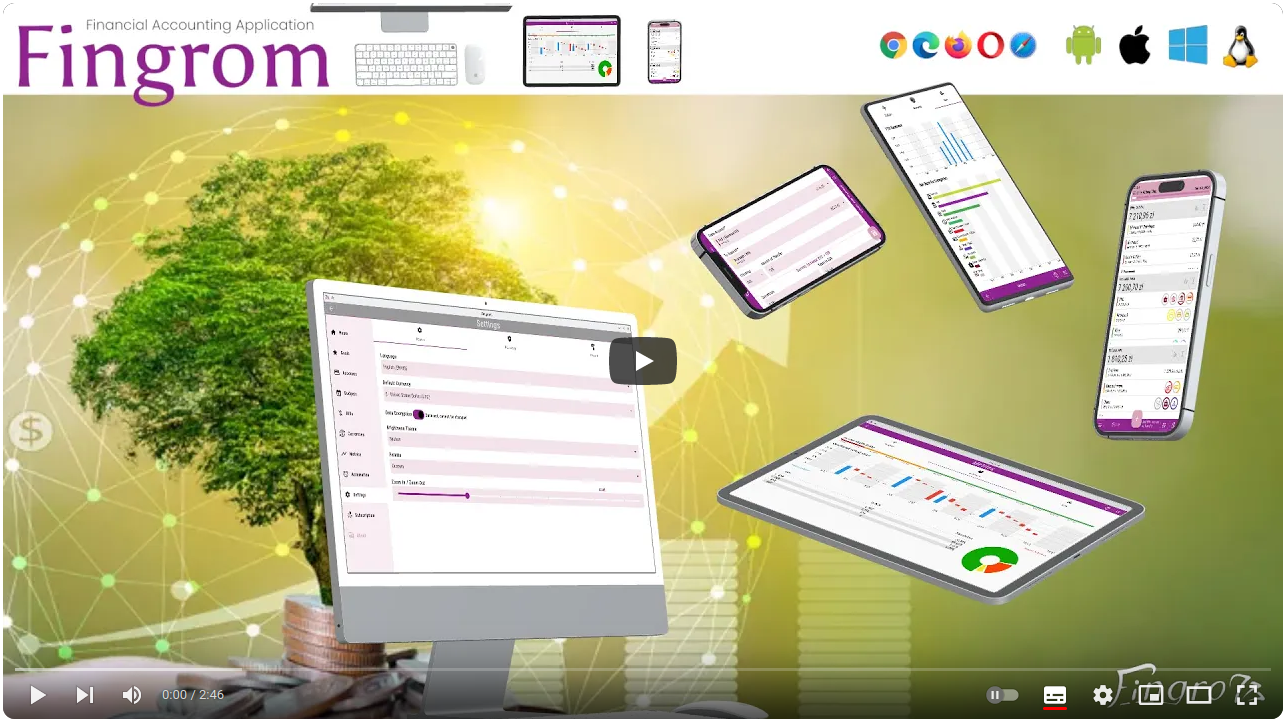
Fingrom -- open-source cross-platform financial accounting application without Ads and limitations. The goal of the solution is to create a financial accounting application that is intuitive, efficient, and inclusive. That empowers users to effortlessly manage their finances while ensuring that no one is left behind.
| Type | Alpha Version | Pre-Release | Release |
|---|---|---|---|
 iOS (Apple Store) |
fingrom_iOS.ipa | TestFlight: Fingrom |  |
| macOS (Apple Store) |
fingrom_macOS.zip | Not available for testing |  |
 Android (Google Play) |
fingrom_Android.aab | Google Play |  |
| Android (Galaxy Store) |
fingrom_Android.aab | Galaxy Store |  |
| Android (Huawei Gallery) |
fingrom_Android.aab | App Gallery |  |
| Android (Amazon Appstore) |
fingrom_Android.aab | Amazon Appstore |  |
 Linux (Snap Store) |
fingrom_LinuxSnap.snap |  |
 |
| Linux (Flathub) |
fingrom_LinuxFlatpak.flatpak | Not available |  |
| Linux (AppImage) |
fingrom_Linux.AppImage | Pling Store |  |
 Windows (Partner Center) |
fingrom_Windows.zip | App Center: Fingrom |  |
 Web |
fingrom_Web.tar.gz | GitHub Pages: Fingrom | terCAD: Fingrom |
/-symbol (in name) for the main page/-symbol (in name) for the main pageCSV, QIF, OFX files for Bills and InvoicesXLSX filewidth x height set)| Description | Shortcut |
|---|---|
| Open / Close the Navigation Drawer | Shift + Enter |
| Navigate Up | up |
| Navigate Down | down |
| Open Selected | Enter |
| Zoom In | Ctrl + + |
| Zoom In (with mouse) | Ctrl + scroll down |
| Zoom Out | Ctrl + - |
| Zoom Out (with mouse) | Ctrl + scroll up |
| Reset Zoom | Ctrl + 0 |
| Add new Transaction | Ctrl + N |
| Return Back | Ctrl + Backspace |
As an open-source project, subscribing will not unlock any additional features in the app. However, it would serve as an investment in the continuous evolution and improvement of the application. So, if you'd like to contribute financially towards the efforts, please consider these options:
Or, buy a :coffee:.
Any made contribution is greatly appreciated (also, by mentioning in Contributors section, Release notes, and
in the app About - Contributors as a gratitude), check Contribution Section for more details.
However, if it's been chosen a contribution (not just typo corrections) to this repo, you agree that you're giving me a non-exclusive license to use that content, as I (and my possible team) deem appropriate. You probably guessed that already, but I just wanted to be extra clear on that.
The content herein are all © 2023 terCAD Team (Viachaslau Lyskouski).

This work is licensed under a Creative Commons Attribution-NonCommercial-NoDerivs 4.0 Unported License:
Firebase Crashlytics용 Flutter 플러그인입니다. 잡히지 않은 오류를 Firebase 콘솔로 보고합니다.
앱 내 구매를 위한 플러터 플러그인입니다. 앱 스토어 및 구글 플레이를 통해 앱 내 구매를 수행할 수 있는 API를 제공합니다.
Android 및 iOS용 홈스크린 위젯을 생성하기 위한 공통 인터페이스를 제공하는 플러그인입니다.
클라이언트 및 서버 양쪽에서 호환되는 Flutter 및 Dart 라이브러리로 엑셀 시트의 읽기, 생성, 편집 및 업데이트가 가능합니다.
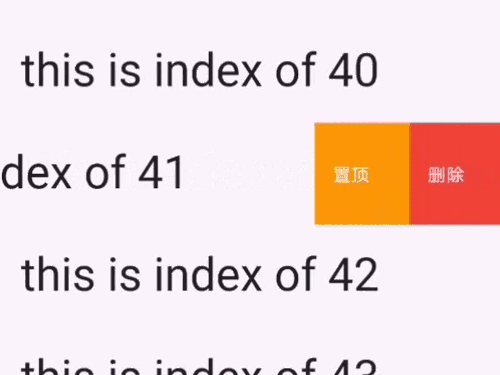
iOS 스타일의 셀 스와이프 액션 효과를 포함한 멋진 UI 패키지입니다. 이 패키지를 사용하여 iOS 스타일의 tableView 셀 스와이프 액션을 구현할 수 있습니다
Grinder는 Dart용 작업 실행기로, 일반적인 프로젝트 워크플로우를 정의하고 자동화하는 데 도움을 줍니다.
SolidJS에서 영감을 받은 Flutter 애플리케이션용 간단한 상태 관리 솔루션
Dart용 플러그인 가능하고 모킹 가능한 파일 시스템 추상화입니다. 로컬 파일 시스템 액세스뿐만 아니라 메모리 내 파일 시스템, 기록 재생 파일 시스템 및 chroot 파일 시스템을 지원합니다.
Dart용 간단한 피어 투 피어 WebRTC. Flutter용 PeerJS 포트.
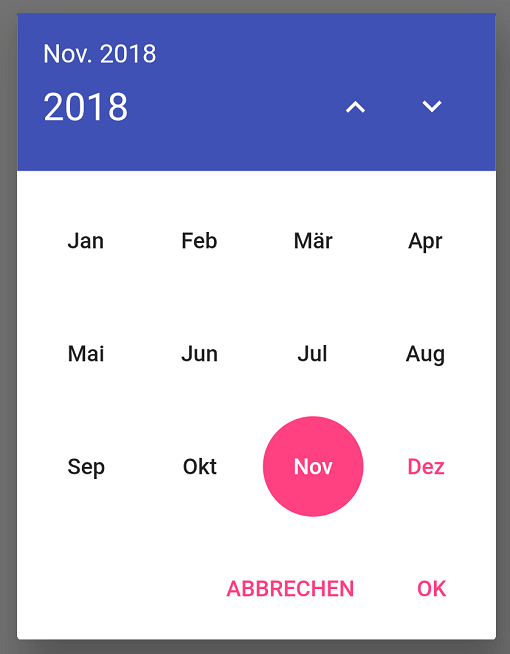
무한한 연도 목록에서 단일 월을 선택하기 위한 국제화 대화 상자입니다.
Dart용 플러그인 가능하고 모킹 가능한 플랫폼 정보 추상화입니다.
일부 일반적인 메서드를 지원하는 간단한 WebDAV 클라이언트입니다.
의존성 목록 53 개
{"sdk":"flutter"}{"sdk":"flutter"}^1.0.2^6.3.0^0.20.2^1.1.0^4.5.1^6.0.5^6.0.3^2.2.2^2.0.15^3.0.35.0.1^3.8.1^11.3.6^4.2.0^1.0.7^8.0.0^6.1.12^1.2.1^10.3.10^6.0.0^0.5.6^1.1.1^2.0.7^3.1.2^1.10.0^3.3.0^1.2.3^2.6.1+7^4.0.6^0.9.3^1.2.0^2.6.1^0.0.2^2.3.0{"sdk":"flutter"}{"sdk":"flutter"}{"sdk":"flutter"}^5.0.0^0.9.4^1.8.3^0.2.2^5.4.2^2.4.67.0.1^3.1.0^3.16.4^3.1.2^1.0.1^1.0.5^1.0.5^1.0.1사용 목적에 따라 검색하고 개발 활동을 비교한 뒤 원본 저장소에서 요구 사항을 확인하세요.
“A repository is the most basic element of GitHub.”
GitHub Docs — About repositories ↗