
v3.0.0
extension_google_sign_in_as_googleapis_auth
google_sign_in과 googleapis_auth 사이의 브리지 패키지로, google_sign_in 사용자 자격 증명을 사용하여 인증된 클라이언트를 생성합니다.
110좋아요 5.4만30일 다운로드160Pub 점수
AndroidiOSmacOS
더 나은 브레인덤프를 하세요.

google_sign_in과 googleapis_auth 사이의 브리지 패키지로, google_sign_in 사용자 자격 증명을 사용하여 인증된 클라이언트를 생성합니다.
Google 계정으로 로그인하는 데 사용되는 안전한 인증 시스템인 Google Sign-In용 Flutter 플러그인입니다.
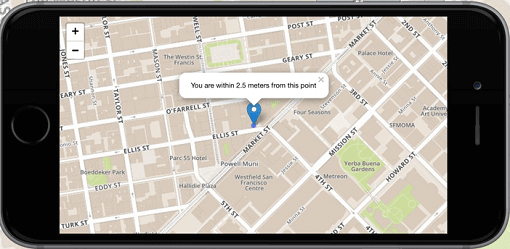 v8.3.2
Flutter의 1위 비상업적 목적의 지도 클라이언트: 사용이 간편하고 유연하며 공급업체에 의존하지 않으며, 완전히 크로스 플랫폼이며 100% 순수한 Flutter입니다
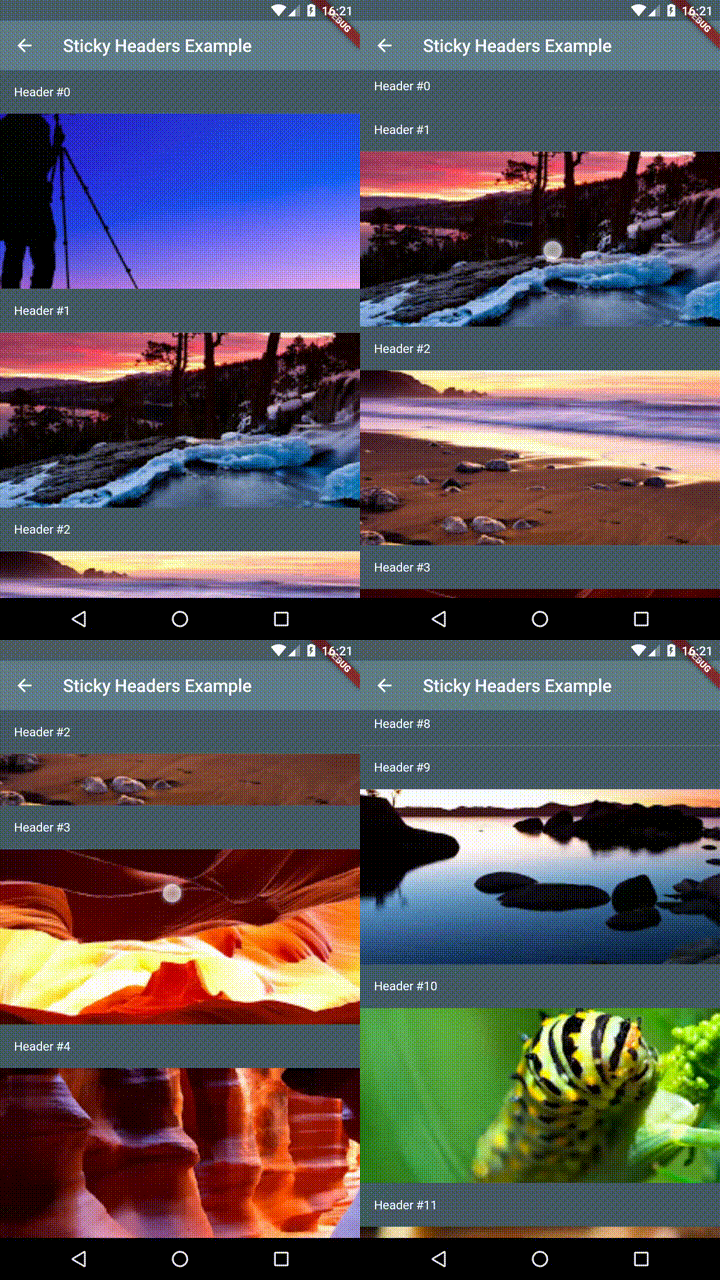 v0.3.0+2
Flutter 스티키 헤더 - 스크롤 가능한 콘텐츠 위에 헤더를 배치할 수 있으며, 콘텐츠를 스크롤할 때 컨테이너 상단에 고정됩니다.
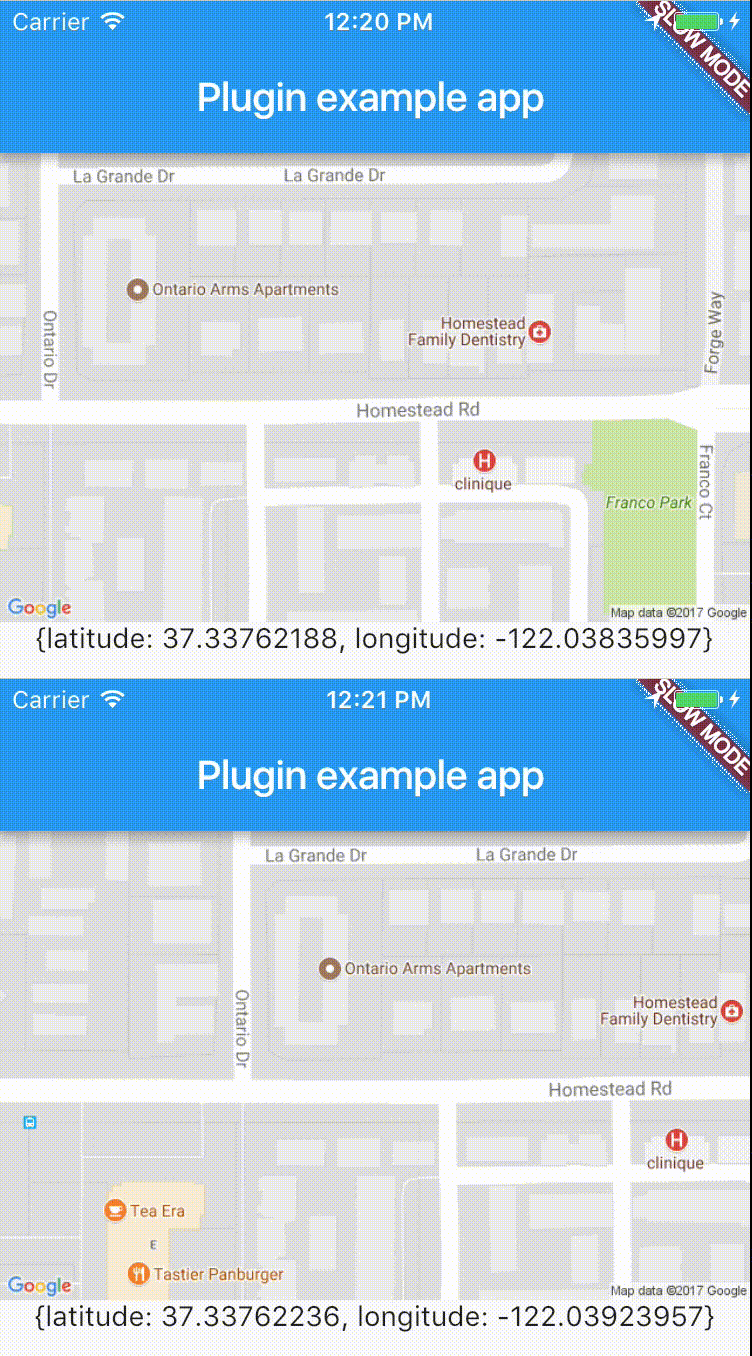 v10.0.2
실시간으로 장치 위치에 쉽게 액세스할 수 있는 크로스 플랫폼 플러그인입니다.
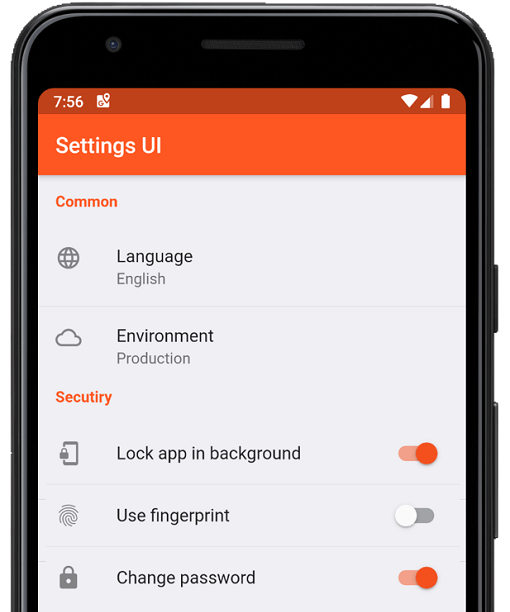 v4.0.1
몇 분 만에 Flutter 앱용 네이티브 설정을 생성하세요. 단일 인터페이스를 사용하여 빌드합니다
 v9.30.0
오디오 재생 및 녹음용 완전한 API입니다. Tau 가족의 일원입니다. 오디오 플레이어, 오디오 레코더. 우크라이나를 위해 기도하세요.
Flutter용 Sentry SDK입니다. 이 패키지는 Sentry가 네이티브 SDK로 지원하는 다양한 플랫폼에 의존하여, 다양한 Flutter 타겟을 지원하려는 목표를 가지고 있습니다.
 v5.0.1
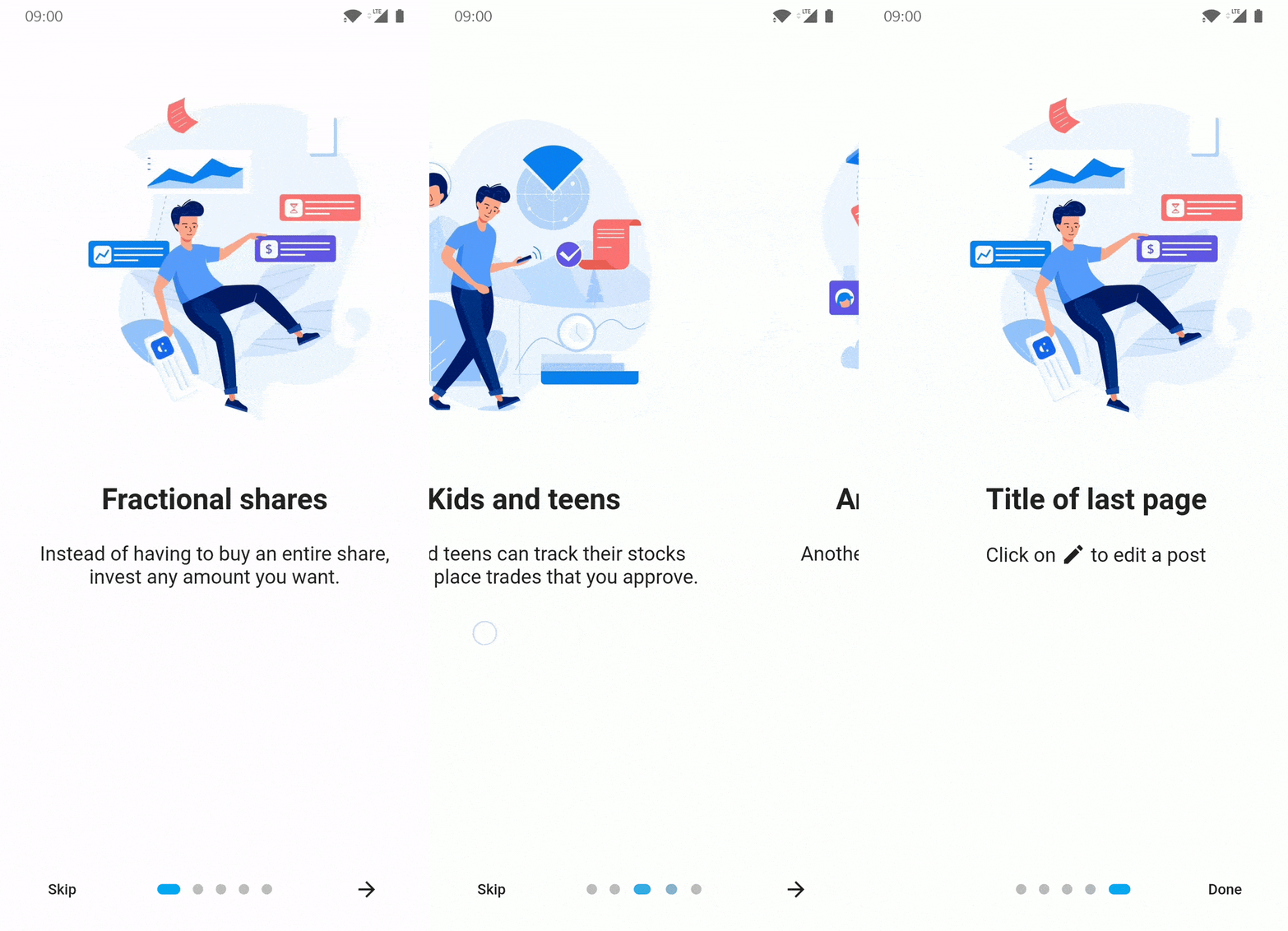
Flutter 앱용 소개/온보딩 패키지이며, 일부 사용자 정의 가능성이 있습니다
Flutter용 Timeago 위젯으로 흐린 타임스탬프(예: '15분 전')를 생성합니다.
Flutter에서 스크롤 가능한 위젯의 특정 자식으로 스크롤하기
API 발견 서비스를 통해 설명된 Google API에 액세스하기 위한 자동 생성 클라이언트 라이브러리.
{"sdk":"flutter"}^1.0.2^10.0.0^9.2.13^2.0.0+4^2.0.3^3.0.4^0.18.1^3.5.0^2.0.7^7.9.0^6.0.12^7.1.0^6.0.1^2.0.0^6.1.4^11.3.0^2.0.4^2.0.1^4.0.2^5.0.0^5.0.3^2.0.1^4.0.0^3.0.1^1.3.0^0.13.4^3.0.2^0.3.0+2^0.1.10^5.0.2^2.0.2^1.5.0^0.13.1{"sdk":"flutter"}^2.0.1아래는 영문 원문 스냅샷입니다. 최신 내용은 GitHub에서 확인하세요.
A voice memos-like for Android and iOS. Written in Flutter. Transcription on iOS uses the native transcription APIs (mostly on-device) and on Android, uses Vosk. The codebase is still quite messy, but contributions welcome!
| https://raw.githubusercontent.com/maxkrieger/voiceliner/HEAD/assets/screenshots/1.png | https://raw.githubusercontent.com/maxkrieger/voiceliner/HEAD/assets/screenshots/2.png | https://raw.githubusercontent.com/maxkrieger/voiceliner/HEAD/assets/screenshots/3.png |
This project is AGPLv3 but with an exception for the App Store. Learn More
flutter run lib/main.dartPlace a 1024x1024 icon.png in assets/icon/icon.png and run
flutter pub run flutter_launcher_icons:main
android/key.properties: storePassword=keystore password
keyPassword=key password
keyAlias=key alias
storeFile=/keystore/location
For continuous integration:
| Env Var | Value |
|---|---|
| APPLE_ID | apple account email" |
| APP_IDENTIFIER | ios com.blabla.blabla |
| PLAY_APP_IDENTIFIER | android com.blablabla.bla |
| ITC_TEAM_ID | documented in fastlane |
| TEAM_ID | documented in fastlane |
| MATCH_GIT | github SSH URI for fastlane match |
| MATCH_PASSWORD | documented in fastlane |
| FASTLANE_APPLE_APPLICATION_SPECIFIC_PASSWORD | app specific password for fastlane |
| FASTLANE_USER | documented in fastlane |
| FASTLANE_PASSWORD | documented in fastlane |
| CONNECT_KEY | app store connect .p8 file contents |
| CONNECT_KEY_ID | app store connect key id |
| CONNECT_ISSUER_ID | app store connect key issuer id |
| GOOGLE_PLAY_JSON_CONTENT | base64 encoded json keys for google play fastlane |
| KEYSTORE | base64 encoded keystore.jks |
| KEY_PROPERTIES | key.properties seen above |
| SSH_PRIVATE_KEY | for github access |
| SENTRY_DSN | for sentry logging |
For local deployment, populate the following .env files:
ios/fastlane/.env:
MATCH_GIT=...
APP_IDENTIFIER=...
CONNECT_KEY_ID=...
CONNECT_ISSUER_ID=...
APPLE_ID=...
FIRST_NAME=...
LAST_NAME=...
PHONE_NUMBER=...
EMAIL_ADDRESS=...
android/fastlane/.env:
PLAY_APP_IDENTIFIER=...
.env:
SENTRY_DSN=...
You can then use ./deploy_ios.sh and ./deploy_android.sh to deploy to the app stores.
ios/$ bundle update fastlane
android/$ bundle update fastlane
When running fastlane match development --generate_apple_certs, make sure to specify * for the bundle id, so that it can make provisioning profiles both for the .debug bundle identifier and the main one.