 v2.0.0+1
sliding_up_panel
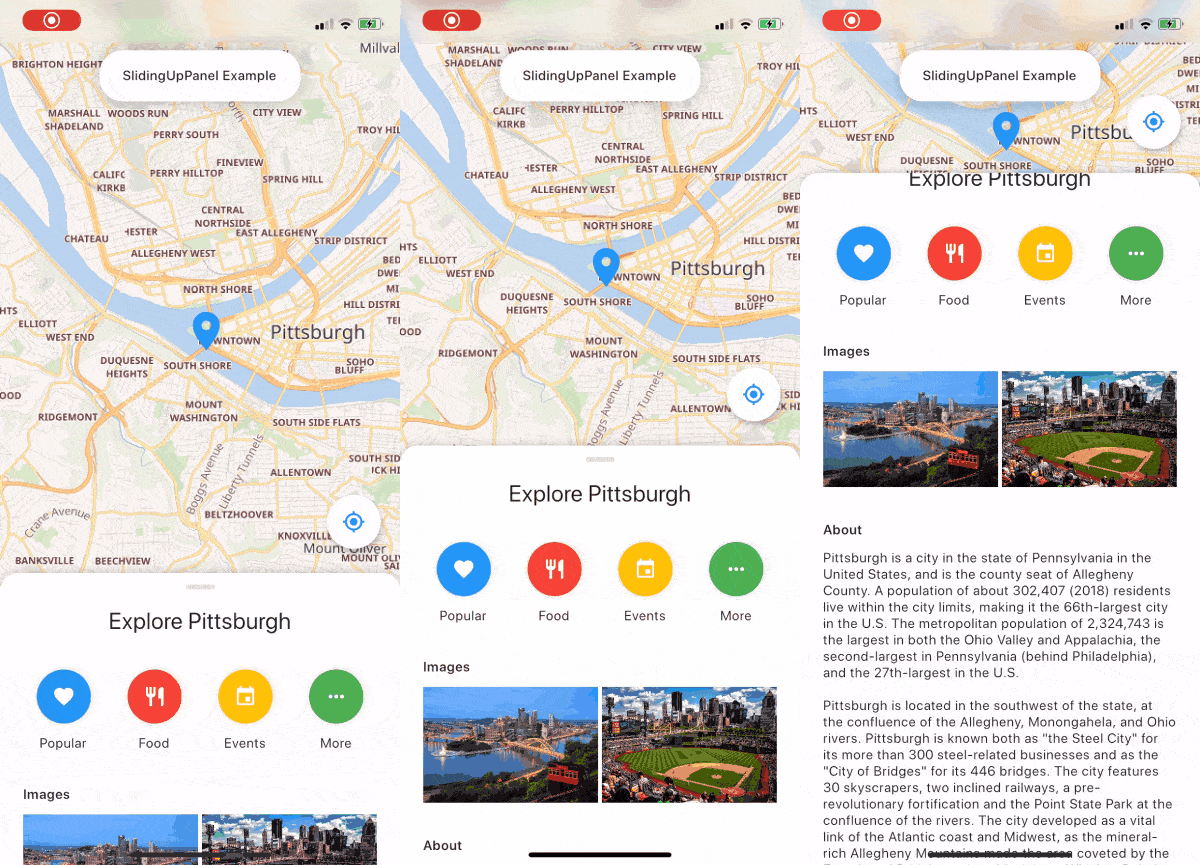
슬라이딩 업 패널을 구현하는 것을 훨씬 쉽게 만들어주는 드래그 가능한 Flutter 위젯입니다!
2.9천좋아요 1.6천30일 다운로드140Pub 점수
AndroidiOSWebmacOSWindowsLinux
Flutter를 사용하여 만든 음악 플레이어입니다. @ashwinkey04에 의해 유지 관리됩니다

아래는 영문 원문 스냅샷입니다. 최신 내용은 GitHub에서 확인하세요.



|

|

|
Download and install Git.
Fork Raag
Clone your fork of the project locally. At the command line:
$ git clone https://github.com/YOUR-GITHUB-USERNAME/raag.git
Open Raag in your favourite editor (VS Code, Android Studio etc)
To install the dependencies run the following command in the terminal.
$ flutter pub get
Connect your Android emulator or your mobile device to your computer.
Build the application in your device by clicking Run  button or run the following in terminal.
$ flutter run
 |
 |
 |
 |
To contribute to this project you can FORK & clone 🍴 the project as mentioned in Setting up your development environment, and make an issue on bug fixing or adding new features, and make a PR 😊.
This project is licensed under the GPL General Public License v2.0.
A few resources to get you started if this is your first Flutter project:
For help getting started with Flutter, view the online documentation, which offers tutorials, samples, guidance on mobile development, and a full API reference.
슬라이딩 업 패널을 구현하는 것을 훨씬 쉽게 만들어주는 드래그 가능한 Flutter 위젯입니다!
YouTube Explode 라이브러리의 다트 버전입니다. YouTube API 키 없이도 여러 API 기능을 지원합니다.
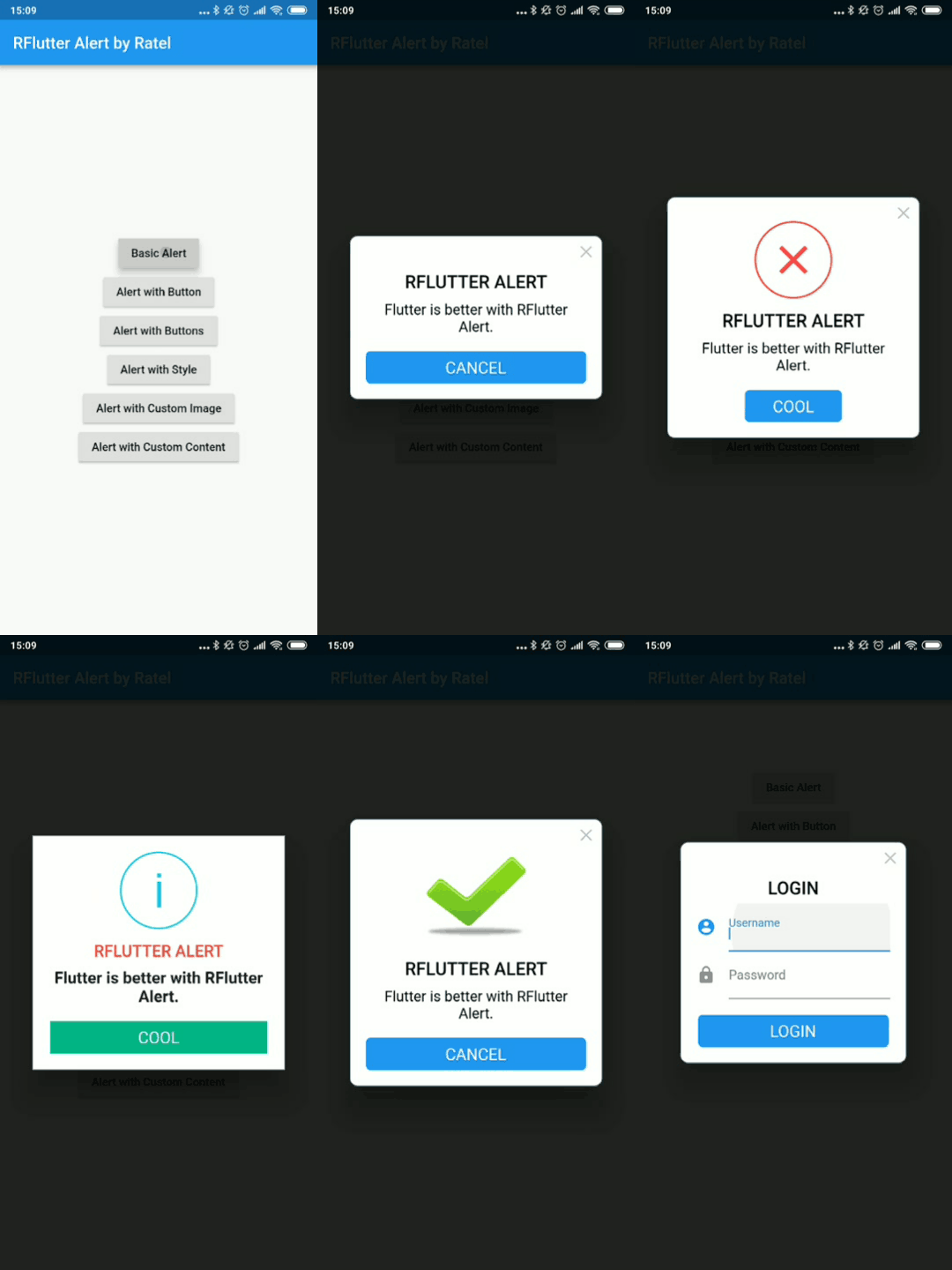
RFlutter Alert는 Flutter용으로 매우 사용자 정의가 가능하고 사용하기 쉬운 알림/팝업 대화상입니다. 재사용 가능한 알림 스타일을 만들거나 원하는 만큼 버튼을 추가할 수 있습니다.
무한히 텍스트를 스크롤하는 Flutter 위젯입니다. 사용자 지정 스크롤 방향, 지속 시간, 곡선 및 각 라운드 후 일시 정지와 같은 다양한 맞춤 설정을 제공합니다.
플러터에서 네이티브 앱을 호출하여 파일을 열고 문자열 결과를 반환할 수 있는 플러그인으로, iOS(UTI), Android(Intent), PC(FFI), 웹(dart:html)을 지원
애니메이션을 더 쉽게 만드는 플러터 라이브러리입니다. 애니메이션 설정을 사용자 인터페이스에서 분리할 수 있습니다.
기기 저장소에서 오디오/노래 정보(제목, 아티스트, 앨범 등)를 쿼리하는 데 사용되는 플러터 플러그인.
텍스트, 리치 텍스트(HTML), 이미지 지원이 있는 Flutter 클립보드.
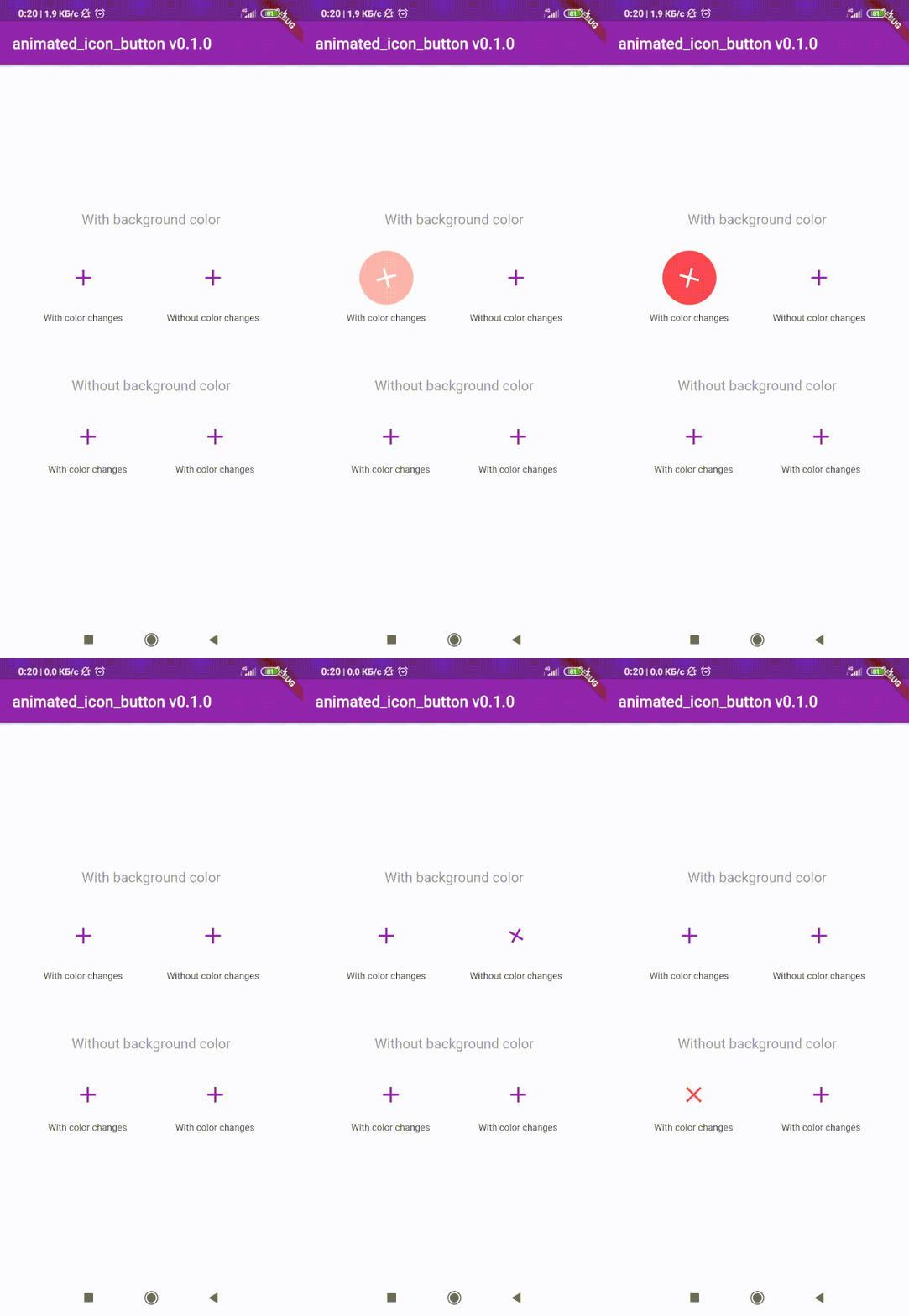
사용자 정의 애니메이션 IconButton를 생성하기 위한 Flutter 패키지입니다. 사용 가능한 모든 아이콘을 포함하고 있으며, 기본 IconButton 기반입니다.
의존성 목록 27 개
^1.0.2^3.1.0^0.18.3^0.1.2+8^3.0.6^1.0.0^4.3.2{"sdk":"flutter"}^8.0.8^2.0.5^1.1.0^0.13.3^0.9.18^2.2.0^2.5.3^3.2.0^2.0.0-nullsafety.1^6.0.1^1.4.5^2.0.4^2.0.3^2.0.0+1^2.0.0+3^2.1.1^1.10.9+1^0.9.2{"sdk":"flutter"}사용 목적에 따라 검색하고 개발 활동을 비교한 뒤 원본 저장소에서 요구 사항을 확인하세요.
“A repository is the most basic element of GitHub.”
GitHub Docs — About repositories ↗