
v3.0.2
flare_flutter
Flutter용 벡터 디자인 및 런타임 애니메이션.
738좋아요 1.3만30일 다운로드40Pub 점수
플랫폼 정보 없음
간소화된 매뉴얼 페이지, tldr.sh 클라이언트

Flutter용 벡터 디자인 및 런타임 애니메이션.
 v6.0.0
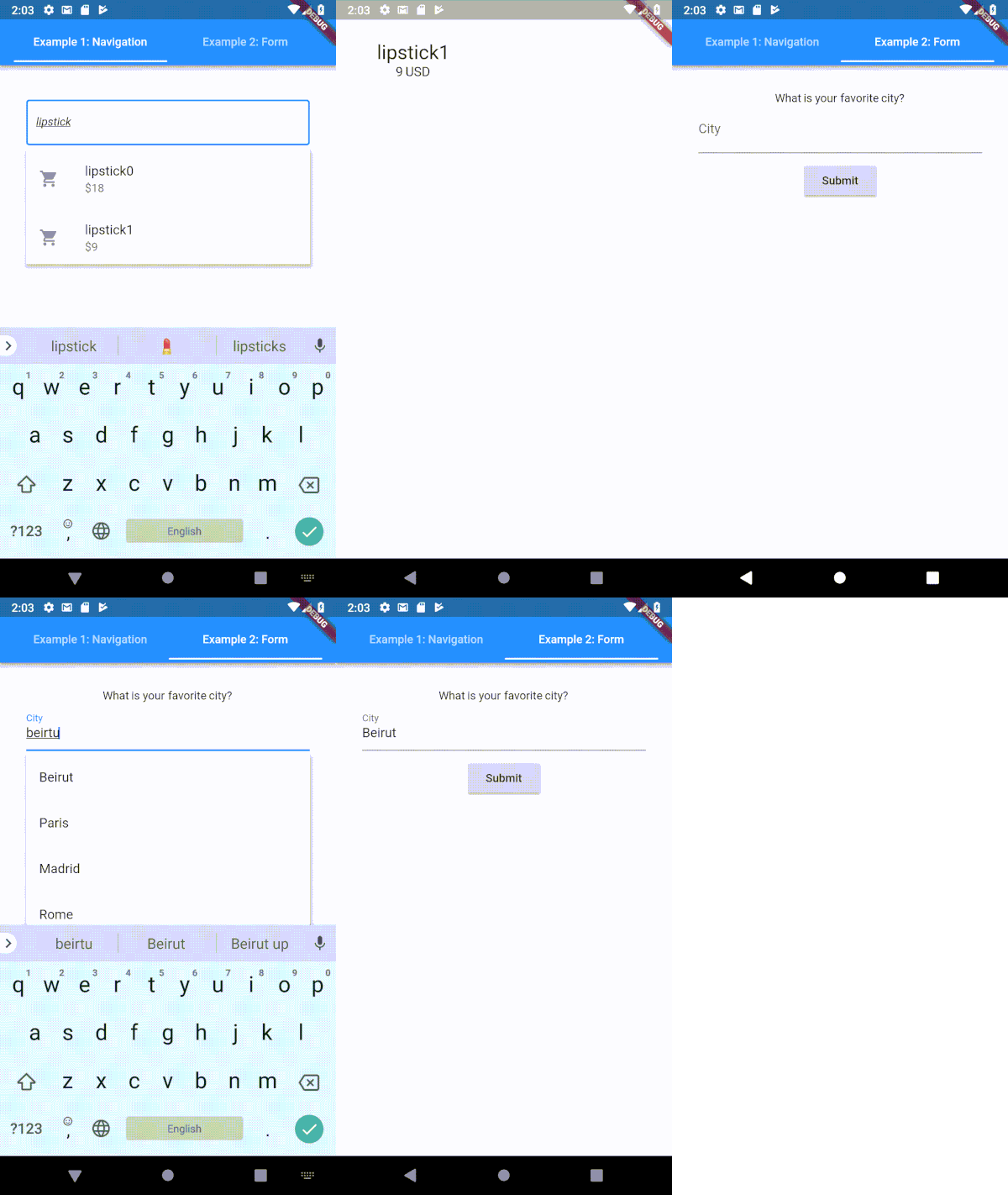
Flutter용으로 매우 사용자 정의 가능한 타입헤이 (자동 완성) 텍스트 입력 필드
 v2.3.2+8
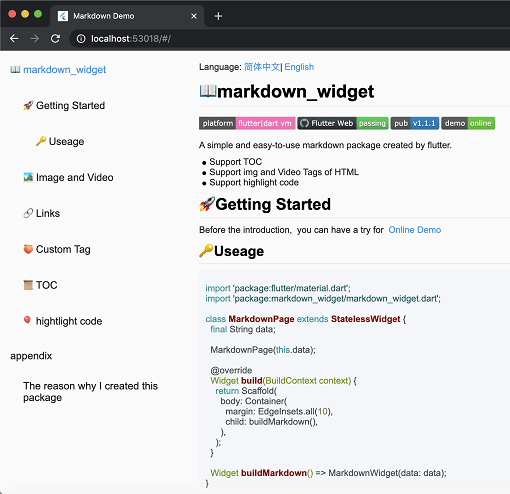
새로운 마크다운 패키지입니다. 목차(TOC) 기능, 코드 강조 표시를 지원하며 모든 플랫폼을 지원합니다.
 v0.1.6
탭 인디케이터에 버블 효과를 추가할 수 있는 Flutter 라이브러리입니다.
다트 가져오기를 자동으로 정리하세요
Dart용 플러그인 가능하고 모킹 가능한 파일 시스템 추상화입니다. 로컬 파일 시스템 액세스뿐만 아니라 메모리 내 파일 시스템, 기록 재생 파일 시스템 및 chroot 파일 시스템을 지원합니다.
비동기 검색의 대부분을 자동화하는 SearchBar 위젯입니다.
^3.3.7^0.1.6^2.0.5^7.0.0^2.0.2^3.0.2{"sdk":"flutter"}^8.1.3^4.6.2^5.1.0^2.2.3^1.1.0^1.1.0^0.18.1{"git":"https://github.com/asjqkkkk/markdown_widget"}^2.1.0^6.1.12^2.4.6^0.13.1^2.3.2{"sdk":"flutter"}^2.0.1^4.6.0아래는 영문 원문 스냅샷입니다. 최신 내용은 GitHub에서 확인하세요.
GitHub All Releases License: MIT bloc
| Get it on Google Play | Get it on F-Droid |
|---|
The tldr pages project is a collection of community-maintained help pages for command-line tools, that aims to be a simpler, more approachable complement to traditional man pages.
Maybe you are new to the command-line world? Or just a little rusty? Or perhaps you can't always remember the arguments to lsof, or tar?
It certainly doesn't help that the first option explained in man tar is:
-b blocksize
Specify the block size, in 512-byte records, for tape drive I/O.
This app is just that: an ever-growing collection of examples for the most common UNIX, Linux, macOS, SunOS and Windows command-line tools.
| https://raw.githubusercontent.com/techno-disaster/tldr-flutter/HEAD/android/fastlane/metadata/android/en-US/images/phoneScreenshots/1_en-US.png | https://raw.githubusercontent.com/techno-disaster/tldr-flutter/HEAD/android/fastlane/metadata/android/en-US/images/phoneScreenshots/2_en-US.png | https://raw.githubusercontent.com/techno-disaster/tldr-flutter/HEAD/android/fastlane/metadata/android/en-US/images/phoneScreenshots/3_en-US.png | https://raw.githubusercontent.com/techno-disaster/tldr-flutter/HEAD/android/fastlane/metadata/android/en-US/images/phoneScreenshots/4_en-US.png | https://raw.githubusercontent.com/techno-disaster/tldr-flutter/HEAD/android/fastlane/metadata/android/en-US/images/phoneScreenshots/5_en-US.png |
|---|
flutter pub getflutter runCurrently open to all contributions. Hit those issue and PR buttons.
Code released under the MIT License.