


v1.0.2
flutter_text_detect_area
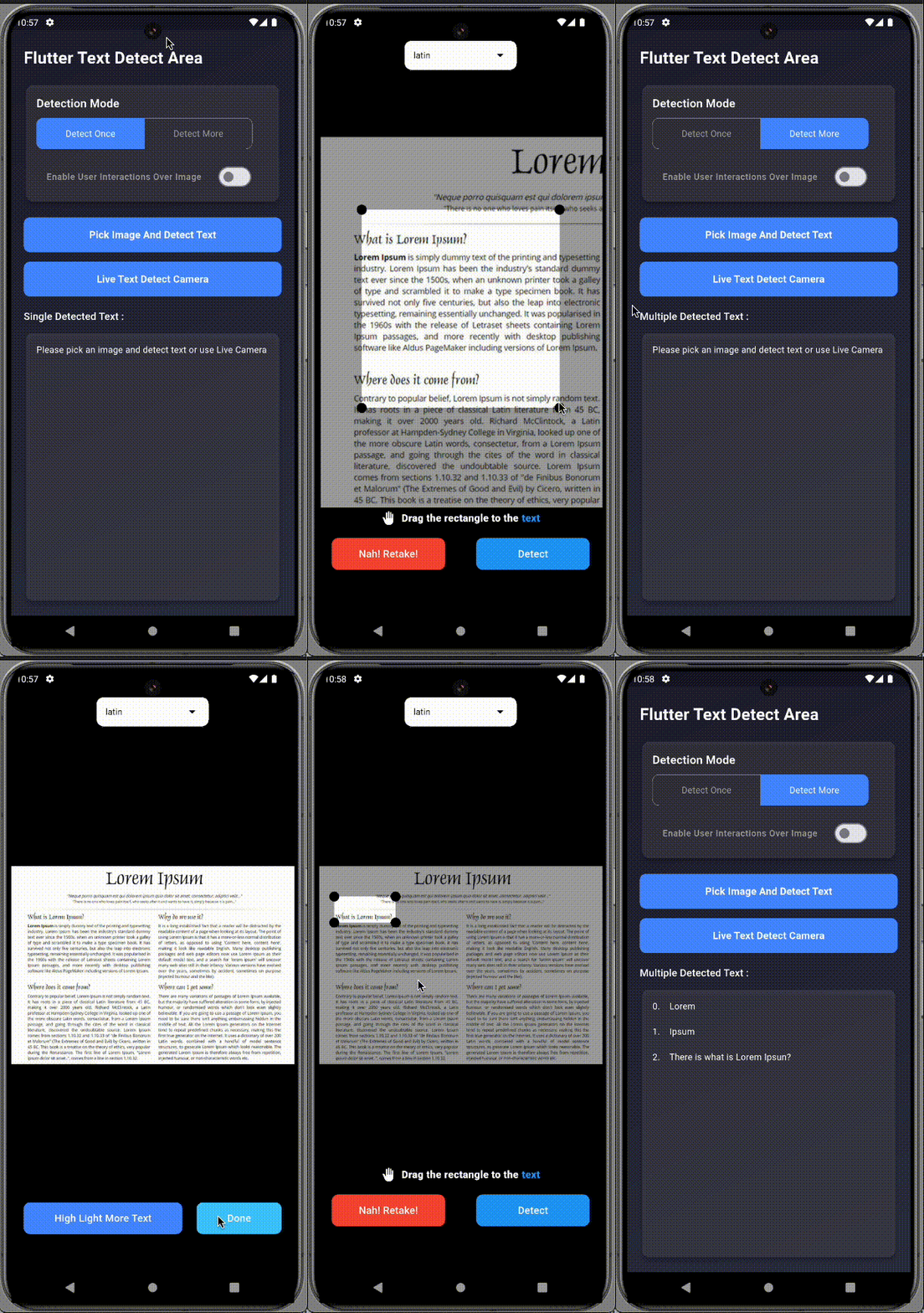
Flutter 텍스트 감지 영역의 텍스트 인식 기능은 영역 선택기를 드래그하거나 이동, 패닝하여 이미지의 특정 영역에서 텍스트를 인식/감지할 수 있습니다.
29좋아요 12730일 다운로드150Pub 점수
AndroidiOS
techvootsolutions/flutter_text_detect_area open-source repository details.

아래는 영문 원문 스냅샷입니다. 최신 내용은 GitHub에서 확인하세요.


A Flutter plugin that enables text detection from specific areas of an image or live camera preview. Just drag/select the area you want to scan, and let it extract the text using ML Kit.
Perfect for scanning:
Add to your pubspec.yaml:
dependencies:
  flutter_text_detect_area: <latest-version>
Import in your Dart file:
import 'package:flutter_text_detect_area/flutter_text_detect_area.dart';
| Pick Image (GIF) | Live Camera (GIF) |
|---|---|
 |
 |
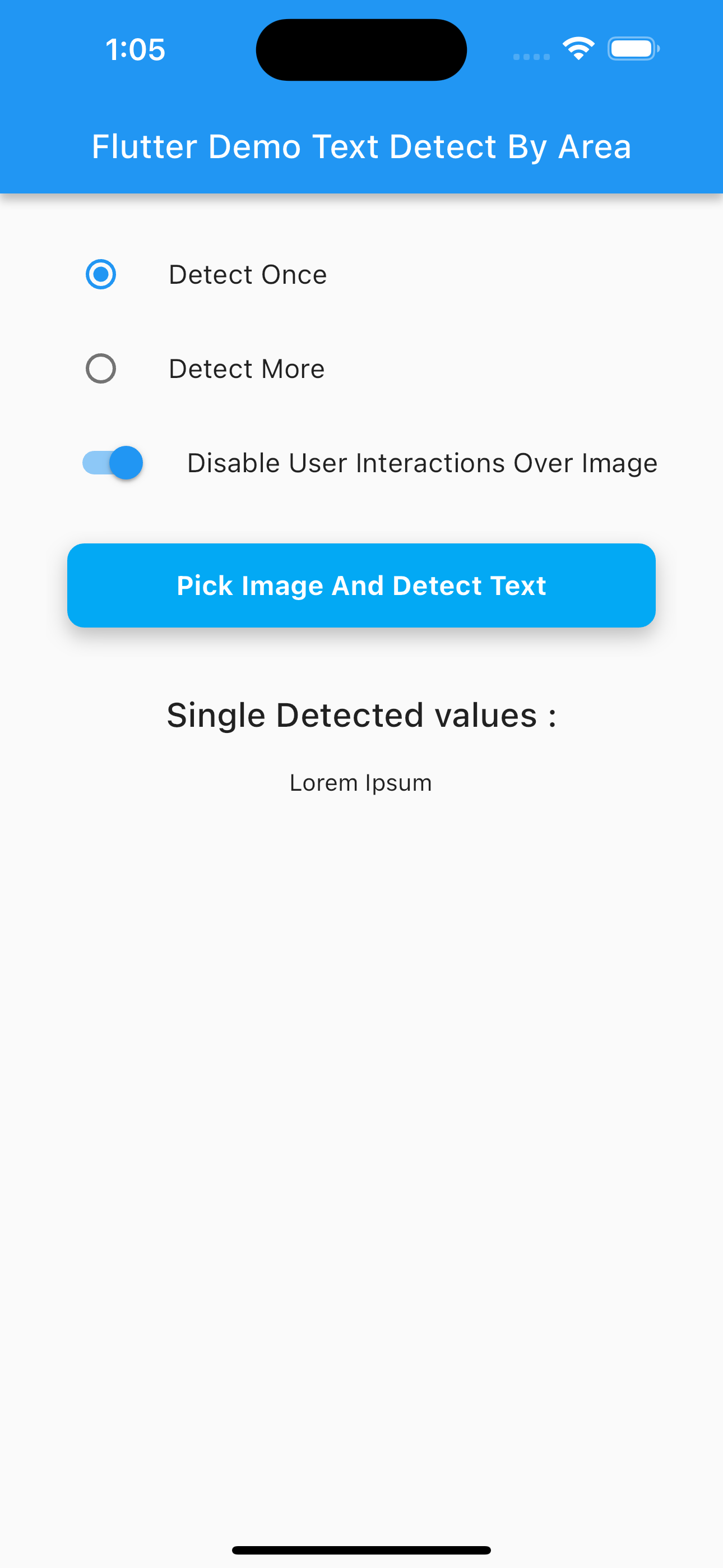
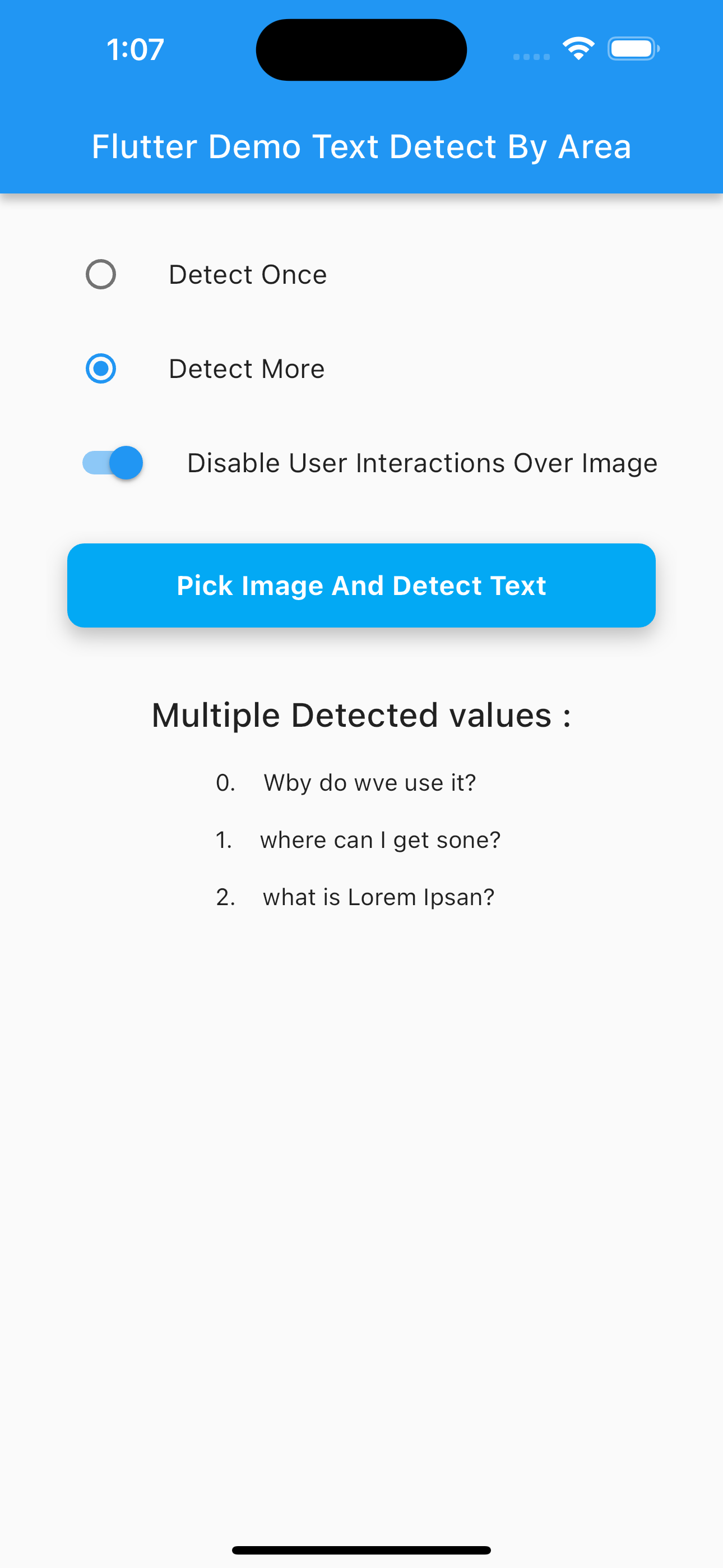
| Multi Text Detection (PNG) | Single Text Detection Camera (PNG) |
|---|---|
 |
 |
Use the image_picker package to choose an image:
final pickedFile = await ImagePicker().pickImage(source: ImageSource.gallery);
Navigator.of(context).push(
  MaterialPageRoute(
    builder: (context) => SelectImageAreaTextDetect(
      detectOnce: true, // Set to false for continuous scan
      enableImageInteractions: true,
      imagePath: pickedFile?.path ?? '',
      onDetectText: (value) {
        if (value is String) {
          print("Detected: $value");
        } else if (value is List<String>) {
          for (int i = 0; i < value.length; i++) {
            print("${i + 1}. ${value[i]}");
          }
        }
      },
      onDetectError: (error) {
        if (error is PlatformException &&
            (error.message?.contains("InputImage width and height should be at least 32!") ?? false)) {
          ScaffoldMessenger.of(context).showSnackBar(
            const SnackBar(content: Text("Selected area must be at least 32x32 pixels.")),
          );
        }
      },
    ),
  ),
);
AndroidManifest.xml)<uses-permission android:name="android.permission.CAMERA"/>
<uses-permission android:name="android.permission.READ_EXTERNAL_STORAGE"/>
Info.plist)<key>NSCameraUsageDescription</key>
<string>Need camera access for live scanning</string>
<key>NSPhotoLibraryUsageDescription</key>
<string>Need photo access to pick images</string>
| Platform | Supported |
|---|---|
| Android | ✅ |
| iOS | ✅ |
| Web | ❌ |
StringList<String>This project is licensed under the GNU GPLv3.
의존성 목록 10 개
{"sdk":"flutter"}^2.0.0^0.16.0^6.1.5+1^2.1.5^1.9.1^4.8.0^0.12.0+2{"sdk":"flutter"}^6.0.0사용 목적에 따라 검색하고 개발 활동을 비교한 뒤 원본 저장소에서 요구 사항을 확인하세요.
“A repository is the most basic element of GitHub.”
GitHub Docs — About repositories ↗