 v5.0.1
expandable
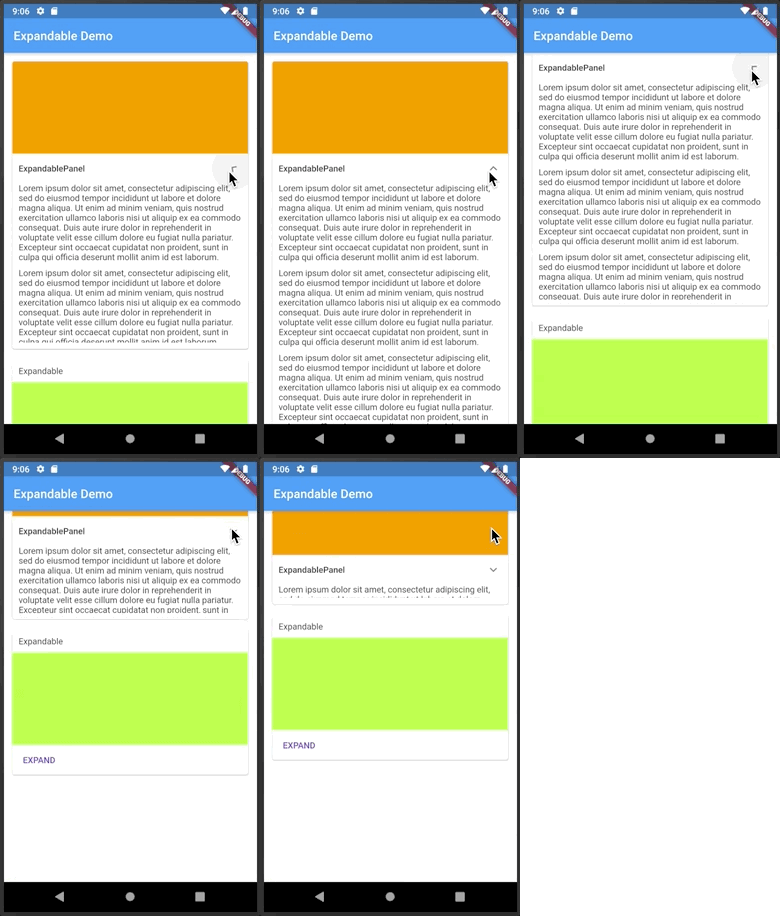
헤더 또는 아이콘을 클릭하여 확장하거나 축소할 수 있는 플러터 위젯입니다.
1.8천좋아요 30.8만30일 다운로드140Pub 점수
AndroidiOSWebmacOSWindowsLinux
블루투스를 통해 펌웨어 업로드

아래는 영문 원문 스냅샷입니다. 최신 내용은 GitHub에서 확인하세요.
Graphical application for upload firmware over Bluetooth.

Local files upload is disabled by default to prevent unknown firmware upload by end users, enable it by changing Always allow local files upload in Settings.
Additionally update functionality for specific hardwares is supported.
If you want end users have ability to update your hardware check doc/REGISTER_HARDWARE.md.
Fully works on Android and iOS.
On desktop Web can require additional browser flags, see doc/USING.md.
For other OS it depends on internal libraries.



REMARK: Application not released on
App Storeyet. Apple corporation require100$/yeardeveloper fees even for free and open source applications. If you want to support project, fill free to send me small amount or help with idea how to release app iniOSwithout developer fees.
Arduino library: https://github.com/vovagorodok/ArduinoBleOTA
헤더 또는 아이콘을 클릭하여 확장하거나 축소할 수 있는 플러터 위젯입니다.
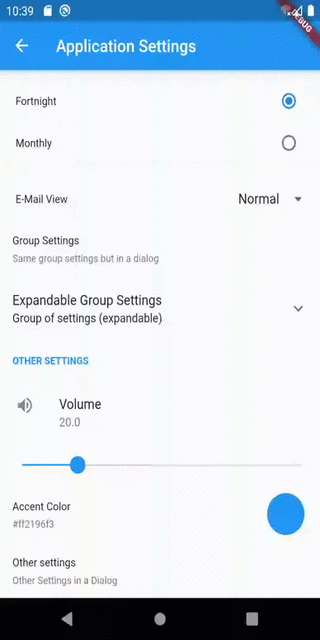
Flutter 앱용 설정 UI 화면을 구현하기 위한 간단한 플러그인입니다. UI 요소, 동작 또는 기반 스토리지 라이브러리에서 원하는 대로 사용자 정의할 수 있습니다.
Flutter 앱의 런처 아이콘을 업데이트하는 작업을 간소화하는 명령줄 도구입니다.
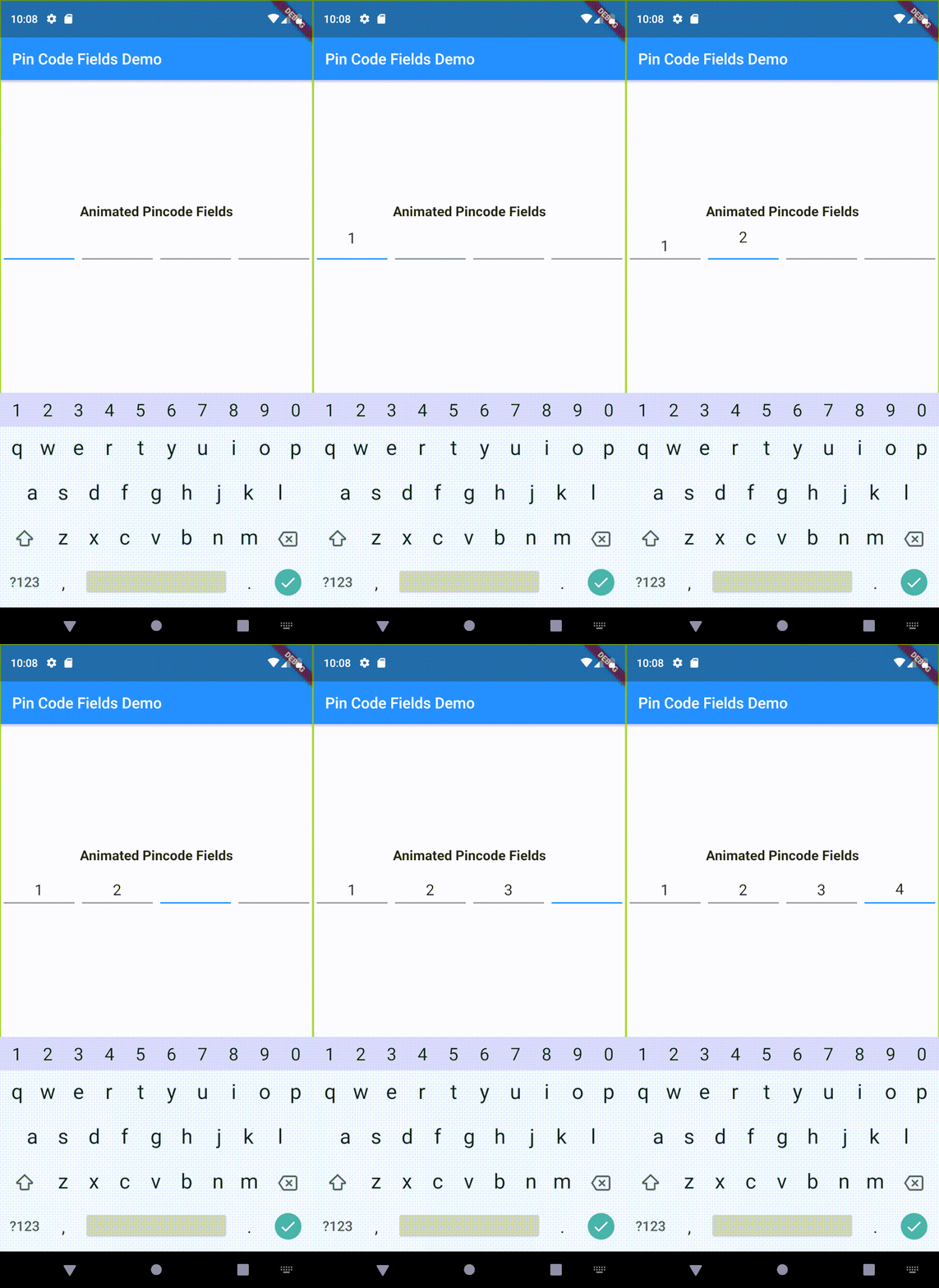
사용자 정의 가능한 핀 코드 필드를 생성하는 데 도움이 되는 플러터 패키지입니다. 로그인 핀 또는 OTP에 사용할 수 있습니다.
우리는 플러터 개발자들에게 애니메이션된 점프하는 점 인디케이터를 제공하고자 합니다.
의존성 목록 21 개
{"sdk":"flutter"}^1.5.0^1.5.0^2.1.0^1.0.8^10.3.3^1.5.0^12.0.1^12.1.0^1.4.0^5.0.1^1.16.0^0.0.7^3.0.8^0.7.7^2.2.0^0.3.4^6.3.2{"sdk":"flutter"}^6.0.0^3.0.3사용 목적에 따라 검색하고 개발 활동을 비교한 뒤 원본 저장소에서 요구 사항을 확인하세요.
“A repository is the most basic element of GitHub.”
GitHub Docs — About repositories ↗