v0.57.3
shadcn_ui
shadcn/ui portado para Flutter. Componentes de interface incríveis para Flutter, totalmente personalizáveis.
968Curtidas 91,1 milDownloads em 30 dias160Pontos Pub
AndroidiOSWebmacOSWindowsLinux
Transforma trechos de código simples em imagens visualmente atraentes e compartilháveis, ajudando desenvolvedores a adicionar um toque criativo ao seu trabalho e compartilhá-lo facilmente entre plataformas.

Texto original em inglês. Visite o GitHub para a versão atual.


SnapInk is a tool that transforms your code into beautiful, print-ready images. It allows developers to easily customize, share, and showcase their code with style.
Whether you’re new to open source or a seasoned pro, your contributions can help bring SnapInk to the next level.
SnapInk is just getting started! Starring helps spread the word, and each contribution or feedback brings us closer to an even better tool. You can help shape SnapInk by suggesting features, fixing bugs, or refining its performance.
To run SnapInk locally using Flutter Web, follow these steps:
Clone the Repository
git clone https://github.com/ildysilva/SnapInk.git
cd SnapInk
Install Flutter Follow the instructions on the Flutter official website.
Get Dependencies
flutter pub get
Run the Project
flutter run -d chrome
git checkout -b my-feature-branch
git commit -m "Add a new feature"
git push origin my-feature-branch
Let SnapInk be part of your coding journey—don’t forget to star and share with your dev community!
shadcn/ui portado para Flutter. Componentes de interface incríveis para Flutter, totalmente personalizáveis.
Superpoderes para o Dart. Coleção de métodos de extensão estáticos úteis.
Um conjunto de widgets que podem ser usados para definir uma interface responsiva legível para widgets.
Um plugin que permite ao usuário arrastar arquivos para seus aplicativos desktop do Flutter.
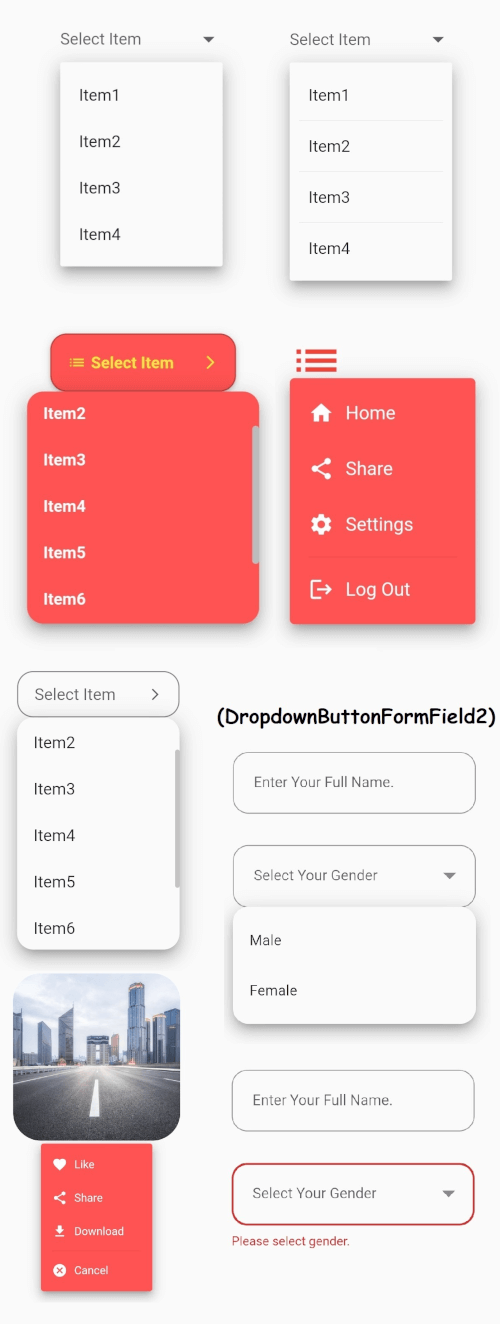
O widget Dropdown Button central do Flutter com um menu suspenso estável e muitas outras opções que você pode personalizar conforme suas necessidades.
Salve arquivos a partir de bytes, caminhos, fluxos e URLs em Android, iOS, Web, Windows, macOS e Linux.
Substituição de string com operações que são sensíveis a Unicode/clusters de grafemas.
Um mecanismo de auto-completar para Dart/Flutter, baseado em uma implementação otimizada de Trie.
Icons Plus é um pacote que possui muitos conjuntos de ícones populares e fáceis de usar, como Bootstrap, Font Awesome, Eva Icons, Line Awesome, Ionicons e outros.
Constantes para códigos de caracteres ASCII e comuns não-ASCII. Constantes inteiras correspondentes aos pontos de código de caracteres individuais.
Lista de dependências 25 itens
{"sdk":"flutter"}—^0.24.0^5.0.0^1.0.8any—^0.5.0^2.3.9^8.1.3^0.2.14—^2.0.0^1.2.1^1.3.1^1.17.2^2.0.5^1.2.0^1.9.1^1.0.1^0.3.5^2.0.1^6.1.8any{"sdk":"flutter"}Filtre pelo caso de uso, compare a atividade e confira o projeto original antes de adotá-lo.
“A repository is the most basic element of GitHub.”
GitHub Docs — About repositories ↗