
v6.1.0
android_intent_plus
Plugin Flutter para lançar Intents do Android. Não é compatível com iOS.
495Curtidas 458 milDownloads em 30 dias150Pontos Pub
Android
Um IDE/editor de código minimalista e poderoso para Android

Plugin Flutter para lançar Intents do Android. Não é compatível com iOS.
 v4.2.5
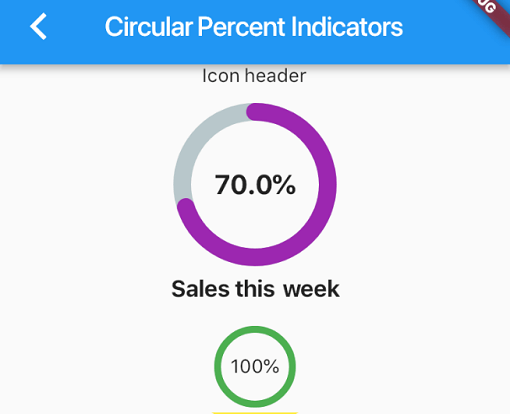
Biblioteca que permite exibir widgets de progresso com base em porcentagem, podendo ser circular ou linear, além de permitir personalização conforme suas necessidades.
 v4.0.0
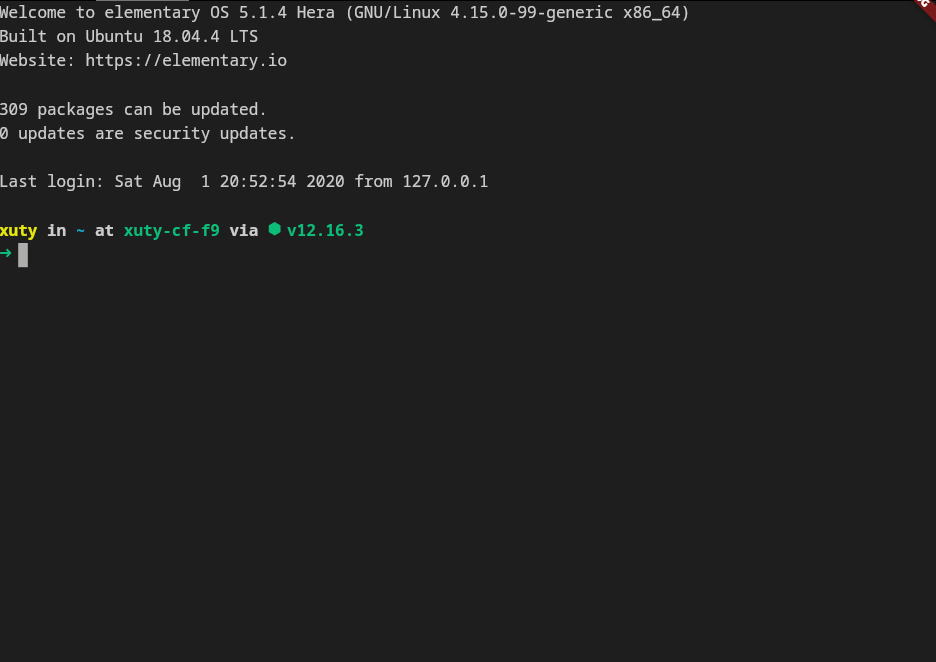
xterm.dart é um emulador de terminal rápido e totalmente funcional para aplicativos Flutter, com suporte para plataformas móveis e desktop.
 v2.3.2+8
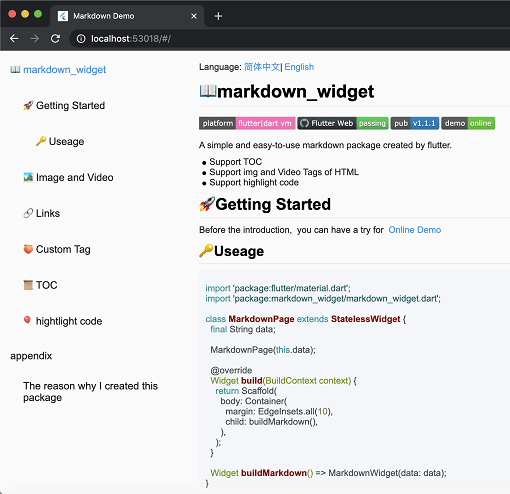
Um novo pacote de markdown. Ele suporta função de TOC, realce de código e é compatível com todas as plataformas.
Uma biblioteca de matemática vetorial para aplicações 2D e 3D.
Um plugin Flutter que fornece um widget PDFView no Android e no iOS.
Um pacote de editor de código sofisticado com conclusão por IA, suporte a LSP, realce de sintaxe e recursos avançados de edição.
Uma biblioteca Markdown portátil escrita em Dart que pode analisar Markdown em HTML.
 v0.0.3
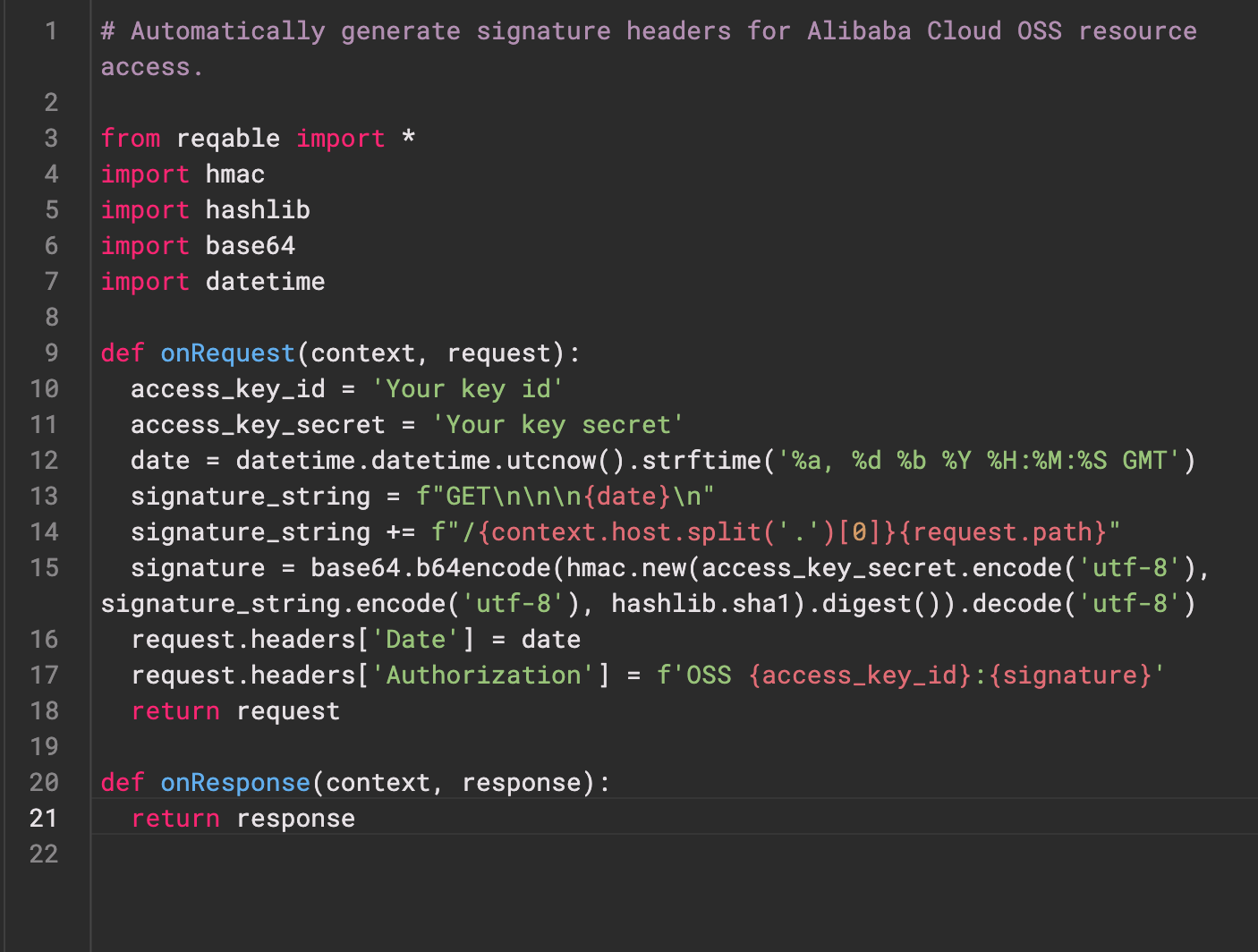
Re-Highlight é uma poderosa biblioteca de realce de sintaxe de texto.
 v0.3.2
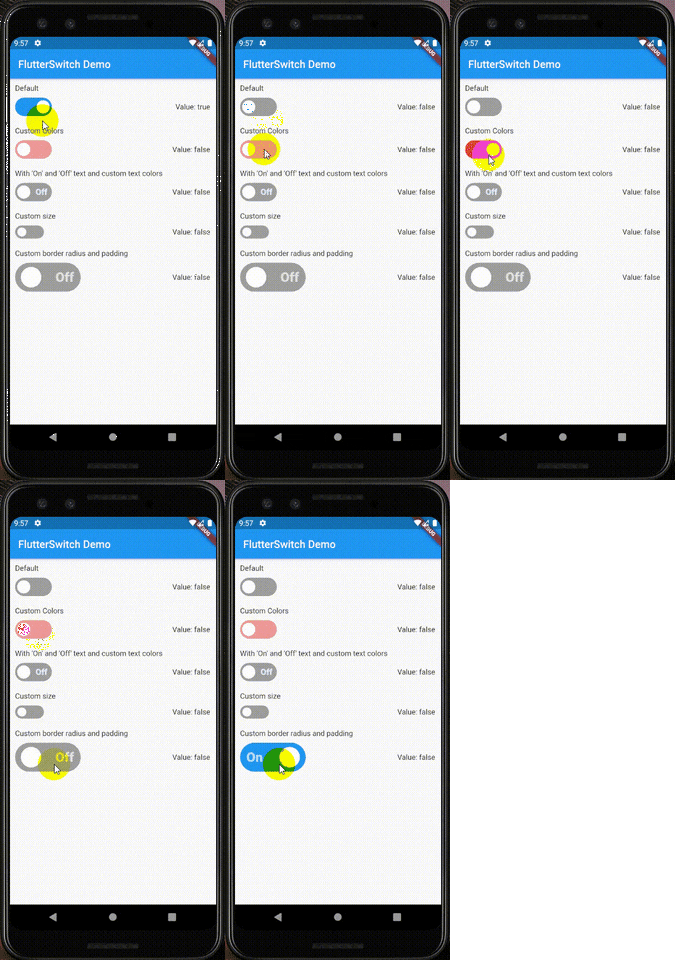
Um widget de interruptor personalizado que pode ter altura e largura personalizadas, bordas, raio de borda, cores, tamanho do interruptor, texto personalizado e ícones dentro do interruptor.
Plugin do Flutter para autenticar um usuário com um serviço da web.
Crie e extraia arquivos de arquivo ZIP no Android, iOS e macOS. Compacte todos os arquivos em um diretório recursivamente ou uma lista dada de arquivos.
Lista de dependências 39 itens
^6.0.0^9.2.1^10.14.0^2.9.0^4.1.0^0.4.1^2.1.0^12.2.0{"sdk":"flutter"}^6.3.1^9.1.1^1.1.0^2.1.1{"git":{"url":"https://github.com/pichillilorenzo/flutter_inappwebview.git","ref":"master","path":"flutter_inappwebview"}}^0.2.0^0.14.4{"sdk":"flutter"}^0.20.2^1.4.5^0.4.1^11.1.0^2.3.0^5.1.0^11.0.0^0.15.6^1.2.2{"git":"https://github.com/heckmon/Llama-Flutter.git"}^7.3.1^2.3.2+8^1.17.0^1.9.0^4.2.5^0.0.3^2.5.5^6.3.2^2.2.0^4.0.0^6.0.0{"sdk":"flutter"}Texto original em inglês. Visite o GitHub para a versão atual.
Roxum IDE is a mobile-first code editor and mini IDE for Android, built with Flutter. It combines editing, terminal workflows, Git/GitHub tooling, AI assistance, runtime downloads, and deep customization in one app.
| https://raw.githubusercontent.com/heckmon/android-arm64-shared-libraries/refs/heads/main/scrnshots/home.jpg | https://raw.githubusercontent.com/heckmon/android-arm64-shared-libraries/refs/heads/main/scrnshots/ag.jpg | https://raw.githubusercontent.com/heckmon/android-arm64-shared-libraries/refs/heads/main/scrnshots/ag_diff.jpg | https://raw.githubusercontent.com/heckmon/android-arm64-shared-libraries/refs/heads/main/scrnshots/rt-roxum.jpg |
| https://lh3.googleusercontent.com/o8_GNH3SBQnbnrJWduWE9xbW-RF8NBO3iphBx1mEc_gVYbSkyAGZyy5zEcMTGupt_1oCQipOpZMwbjlhJgbjyEs | https://raw.githubusercontent.com/heckmon/android-arm64-shared-libraries/refs/heads/main/scrnshots/ext.jpg | https://raw.githubusercontent.com/heckmon/android-arm64-shared-libraries/refs/heads/main/scrnshots/diag.jpg | https://raw.githubusercontent.com/heckmon/android-arm64-shared-libraries/refs/heads/main/scrnshots/accnt.jpg |
| https://raw.githubusercontent.com/heckmon/android-arm64-shared-libraries/refs/heads/main/scrnshots/explorer.jpg | https://raw.githubusercontent.com/heckmon/android-arm64-shared-libraries/refs/heads/main/scrnshots/lsp.jpg | https://raw.githubusercontent.com/heckmon/android-arm64-shared-libraries/refs/heads/main/scrnshots/ai_cmpl.jpg | https://raw.githubusercontent.com/heckmon/android-arm64-shared-libraries/refs/heads/main/scrnshots/themes.jpg |
| https://raw.githubusercontent.com/heckmon/android-arm64-shared-libraries/refs/heads/main/scrnshots/git_diff.jpg | https://raw.githubusercontent.com/heckmon/android-arm64-shared-libraries/refs/heads/main/scrnshots/gguf.jpg | https://raw.githubusercontent.com/heckmon/android-arm64-shared-libraries/refs/heads/main/scrnshots/termenu.jpg | https://raw.githubusercontent.com/heckmon/android-arm64-shared-libraries/refs/heads/main/scrnshots/term.jpg |
This section is intended for users from countries like China where the Play Store isn't accessible. Otherwise, it is recommended to download the full-featured APK from the Play Store as mentioned above.
Clone this repo, then:
Make sure that git-lfs is installed in your system and accessible via the path. Don't skip this step; the compilers and interpreters are stored in the GitHub large file storage.
aab bundle.[!NOTE]
To include all compilers, interpreters and extensions in the build, we build it as a standalone
aabfile, which is bigger compared to the APK downloaded from the Play Store. The Play Store build is smaller because these external dependencies are downloaded on demand when the user requests the particular compiler/interpreter/extension.
cd android && ./gradlew :app:bundleRelease
This will generate the output file in build/app/outputs/bundle/release/app-release.aab
To install aab in your device, it needs to be converted to apk first. For that, download the latest bundletool from the official repo: https://github.com/google/bundletool/releases
Then build the APK:
java -jar path/to/bundletool.jar build-apks --bundle=your_app/build/app/outputs/bundle/release/app-release.aab --output=output.apks --mode=universal
This will generate a file called output.apks in the current directory
Make sure that you are connected to an emulator or physical device via adb.
java -jar /path/to/bundletool.jar install-apks --apks=output.apks
Special Thanks ♥️