
 v1.0.25
fast_ui_kit
Fast UI Kit é um kit de interface para desenvolvimento rápido de aplicativos no flutter
43Curtidas 206Downloads em 30 dias50Pontos Pub
AndroidiOSmacOSWindowsLinux
kit de interface do flutter
Texto original em inglês. Visite o GitHub para a versão atual.
The "Fast UI Kit" is a Flutter package that aims to simplify application development by providing a collection of ready-to-use components. Similar to Quasar, it offers a set of components that can be used to quickly and efficiently create user interfaces while maintaining a consistent and elegant design.
The main goal of the "Fast UI Kit" is to expedite the development process by allowing developers to utilize pre-defined components instead of building each element from scratch. This saves time and effort while helping to maintain a cohesive visual appearance throughout the application.

✅ Dark Mode suporte ✅ Color scheme suporte
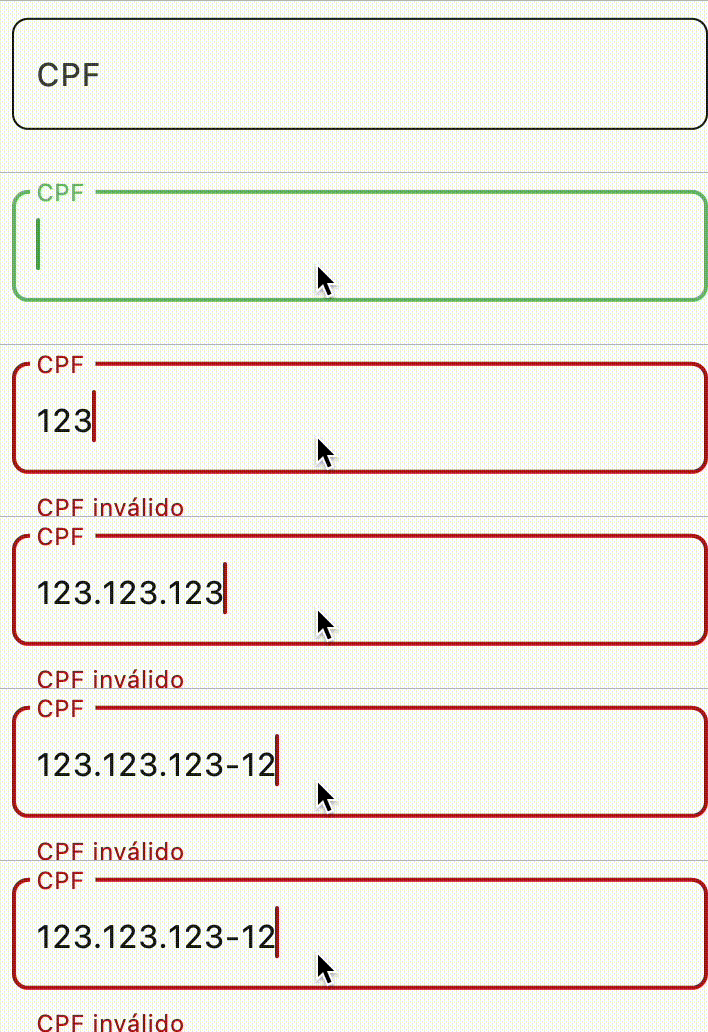
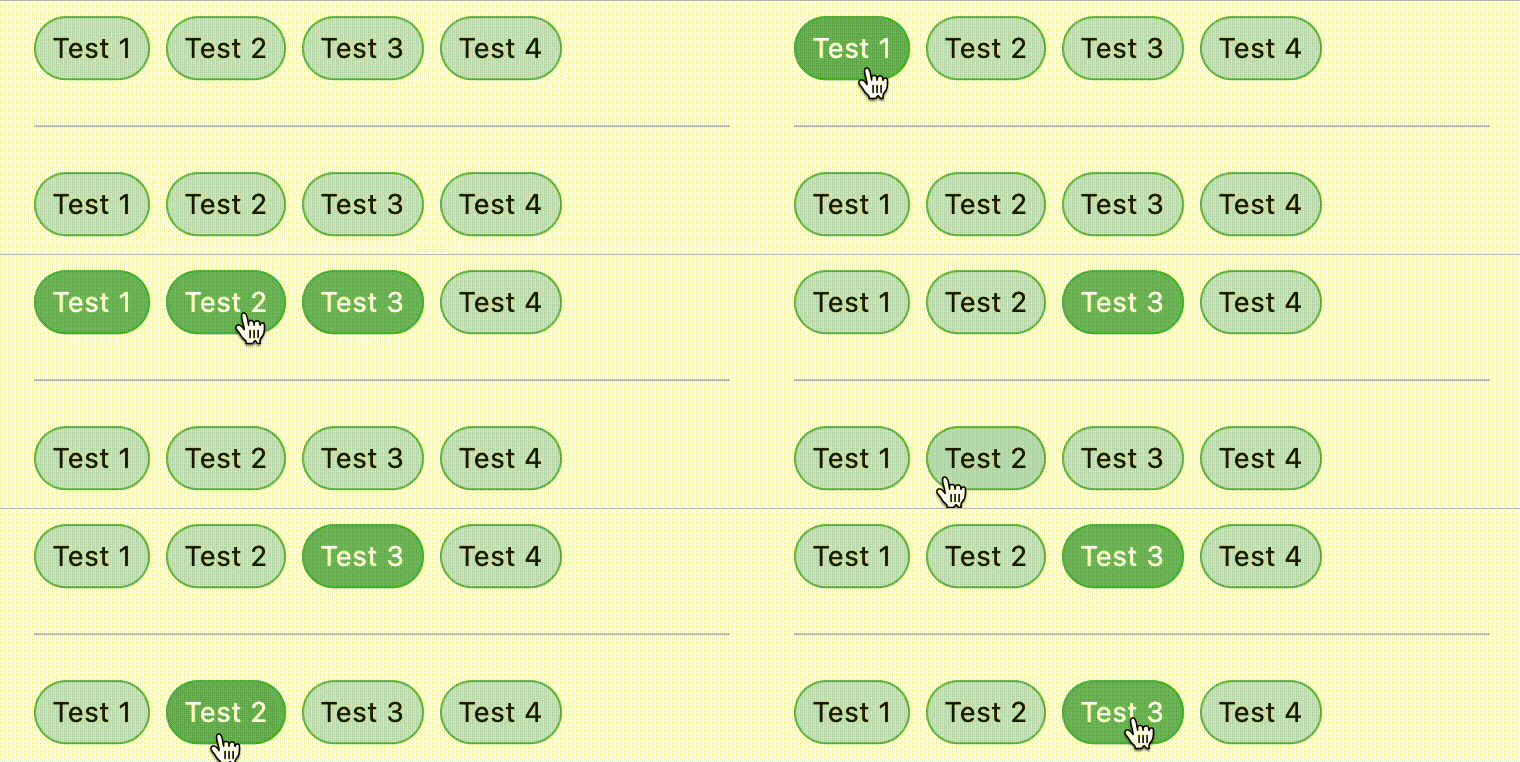
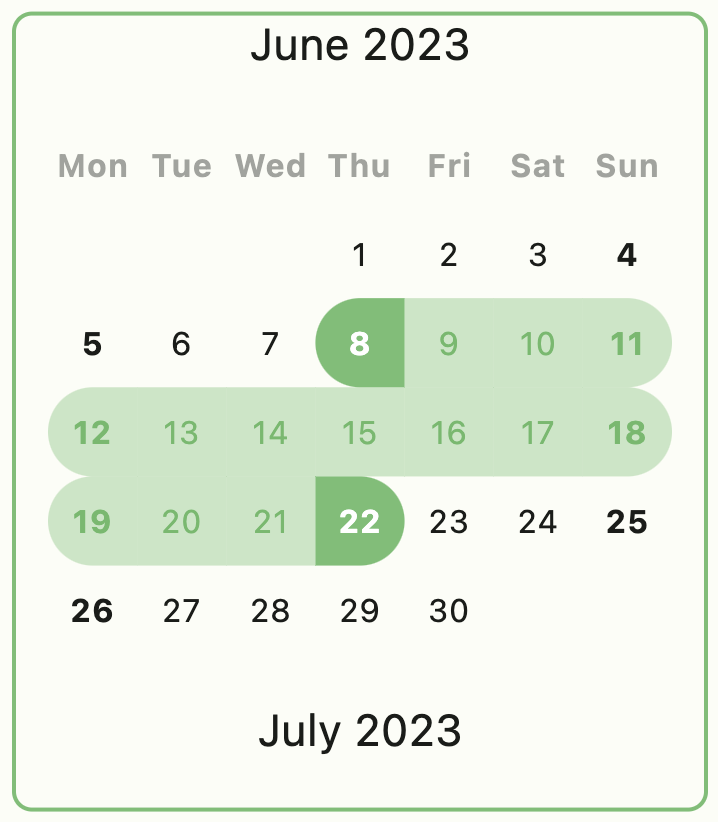
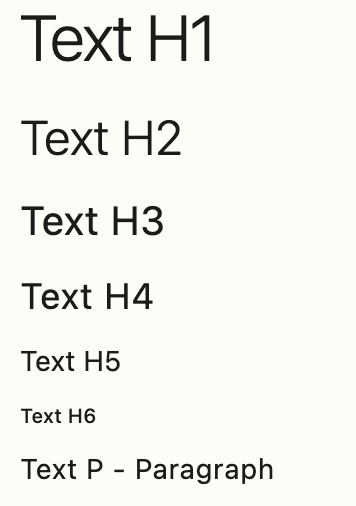
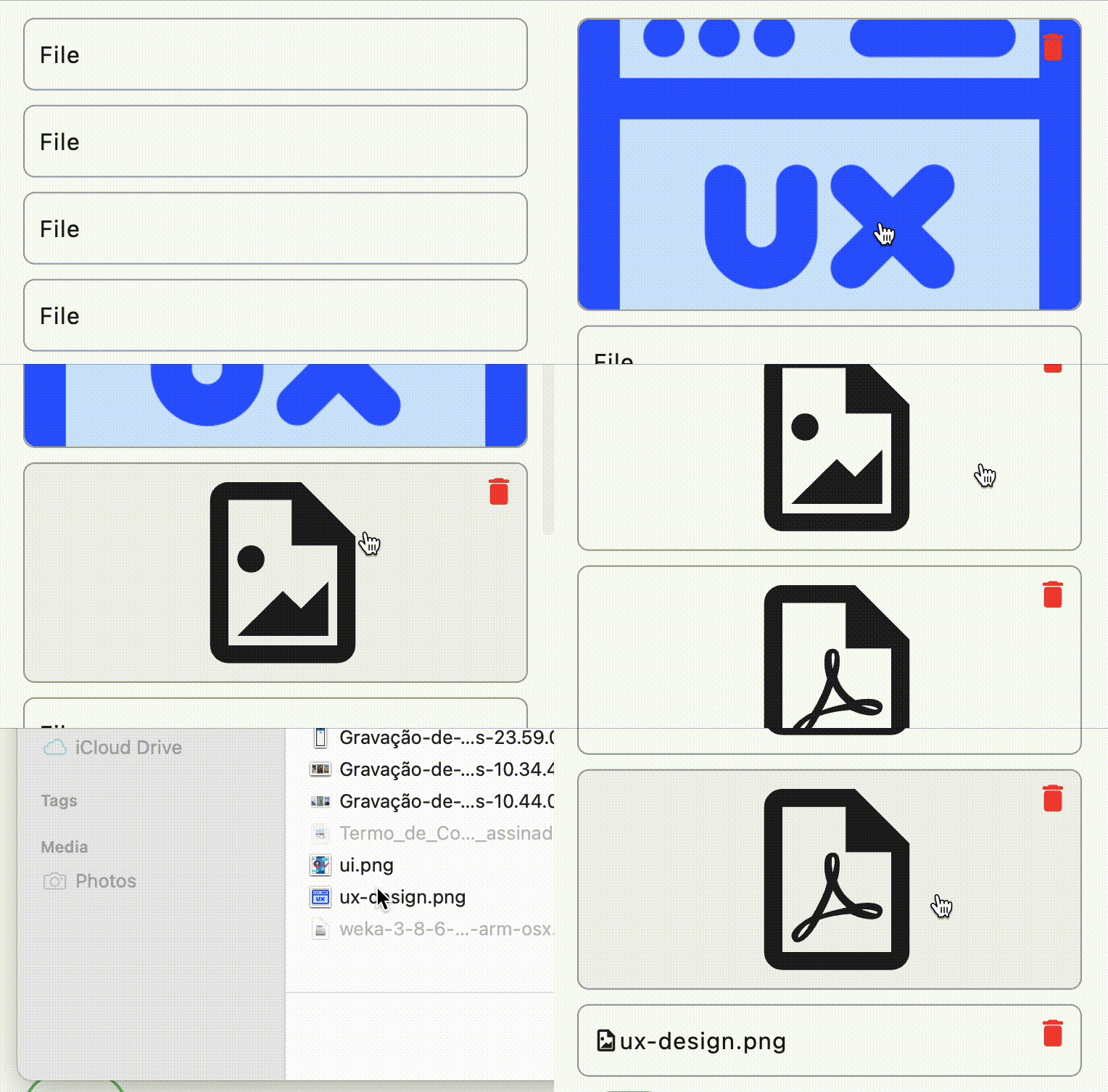
The components screenshots with colors scheme green selected







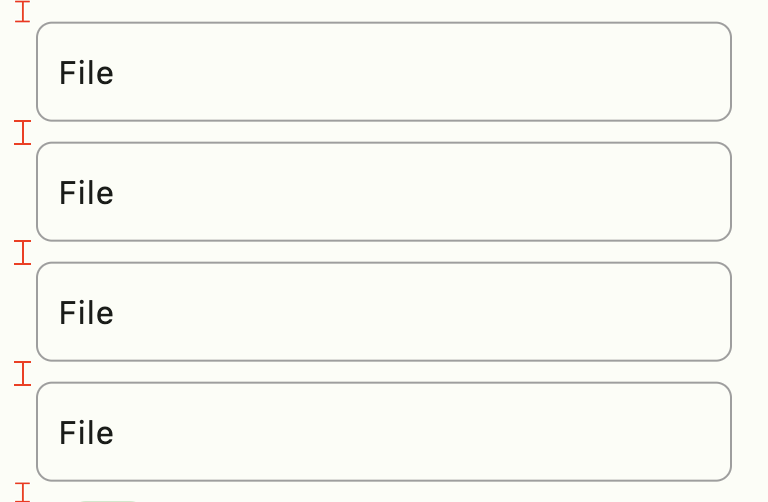
Use FastColumn to have a vertical gap between components
class MyApp extends StatelessWidget {
  MyApp({super.key});

  final theme = FastTheme(seed: Colors.green);

  @override
  Widget build(BuildContext context) {
    return MaterialApp(
      darkTheme: theme.dark,
      theme: theme.light,
      home: const HomePage(),
    );
  }
}
Icon(FastIcons.library.icon)color schemecurrent themebutton scheme of colorsbrightness of applicationexample:
context.showMessage(
  'Update user successful',
  title: 'Sucesso', //optional field
  type: MessageVariant.success, //optional field
  position: MessagePosition.top, //optional field
  style: Style.flat, //optional field
);
Feito com ❤️ by Weliton Sousa

Lista de dependências 13 itens
^3.0.2^11.0.2{"sdk":"flutter"}^4.2.0^1.0.5^1.0.1^6.1.0^1.4.1^4.1.0^3.0.1^3.0.0{"sdk":"flutter"}^4.0.0Filtre pelo caso de uso, compare a atividade e confira o projeto original antes de adotá-lo.
“A repository is the most basic element of GitHub.”
GitHub Docs — About repositories ↗