Orientação gerada a partir de informações públicas. Apenas para referência.
O pacote day_picker é uma biblioteca do Flutter projetada para simplificar a seleção de dias dentro de uma semana. Ele oferece um widget limpo e personalizável para que os usuários possam escolher dias específicos da semana, sendo ideal para agendamentos, planejamentos ou configurações de eventos recorrentes. O pacote suporta múltiplas plataformas, incluindo Android, iOS, Web, macOS, Windows e Linux, garantindo comportamento consistente entre dispositivos. Com componentes de interface intuitivos e integração fácil por meio do pub, ele melhora as interações relacionadas a datas em aplicativos Flutter.
Casos de uso
Agendamento de eventos recorrentes
Planejamento de rotinas semanais
Configurando calendários de agendamento
Configurando preferências do usuário
Criar ferramentas de gerenciamento de tarefas
Principais recursos
Interface de seleção de dia da semana
Compatibilidade multiplataforma
UI personalizável
Integração fácil com o pub
Suporta todas as principais plataformas do Flutter
Indicado para
Desenvolvedores de aplicativos construindo recursos de calendário
Equipes criando aplicativos de produtividade ou planejamento
Desenvolvedores que precisam de seletores simples de dias da semana
Iniciantes do Flutter explorando seletor de datas
Considerações
Limitado à seleção apenas de dias úteis
Sem suporte a intervalo de datas
Não inclui navegação por mês/ano
Mais adequado para fluxos de trabalho focados na semana
Requer manipulação manual da lógica de dias selecionados
README original
Snapshot do README original do repositório-fonte vinculado. Consulte o repositório para o conteúdo mais recente.
Day Picker
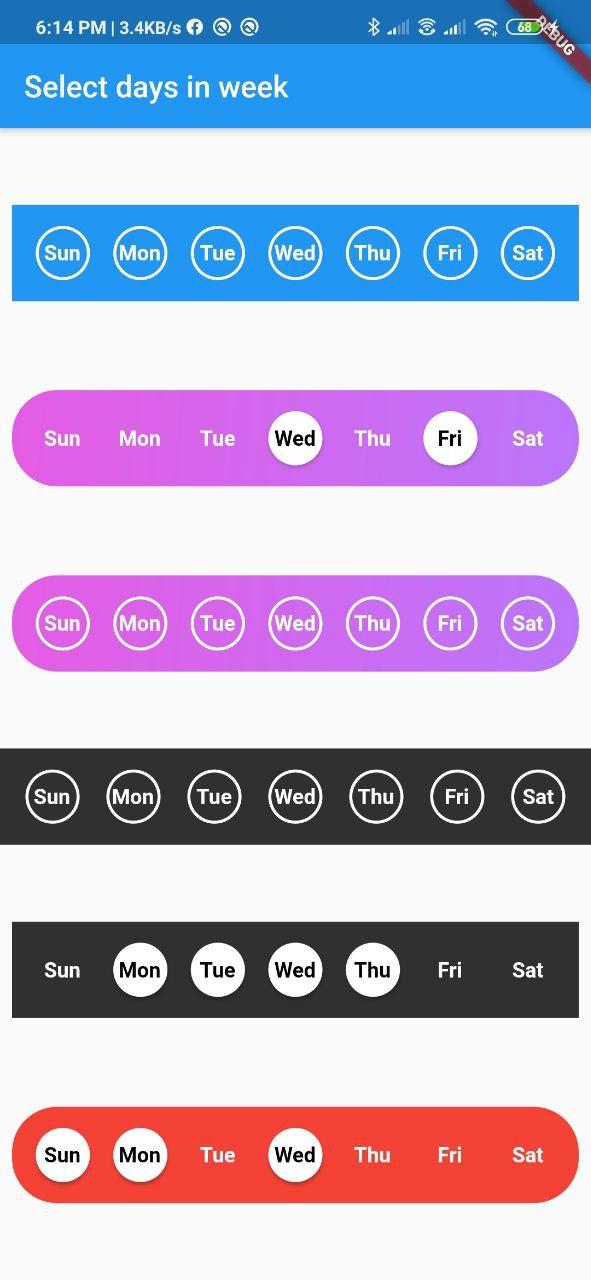
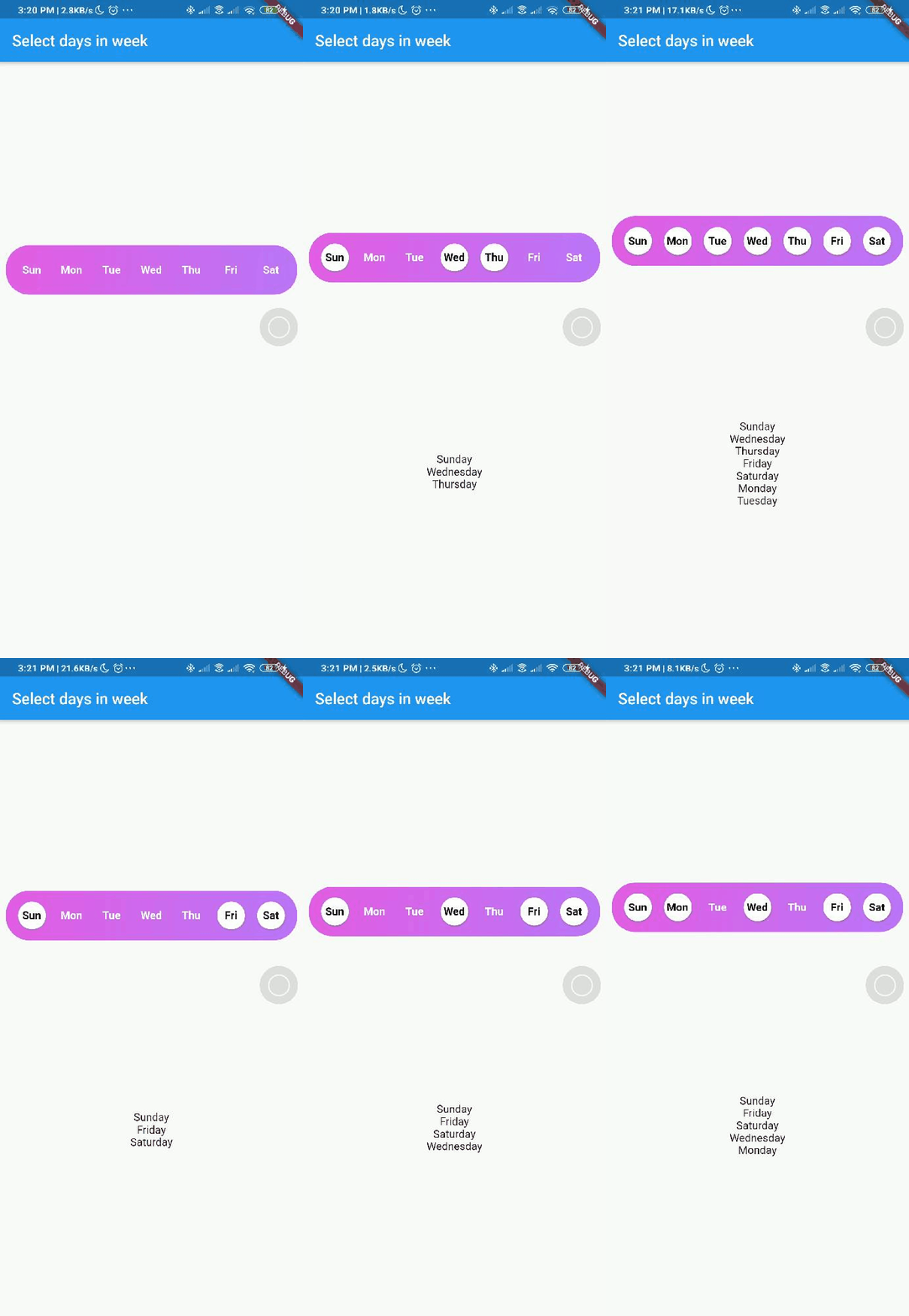
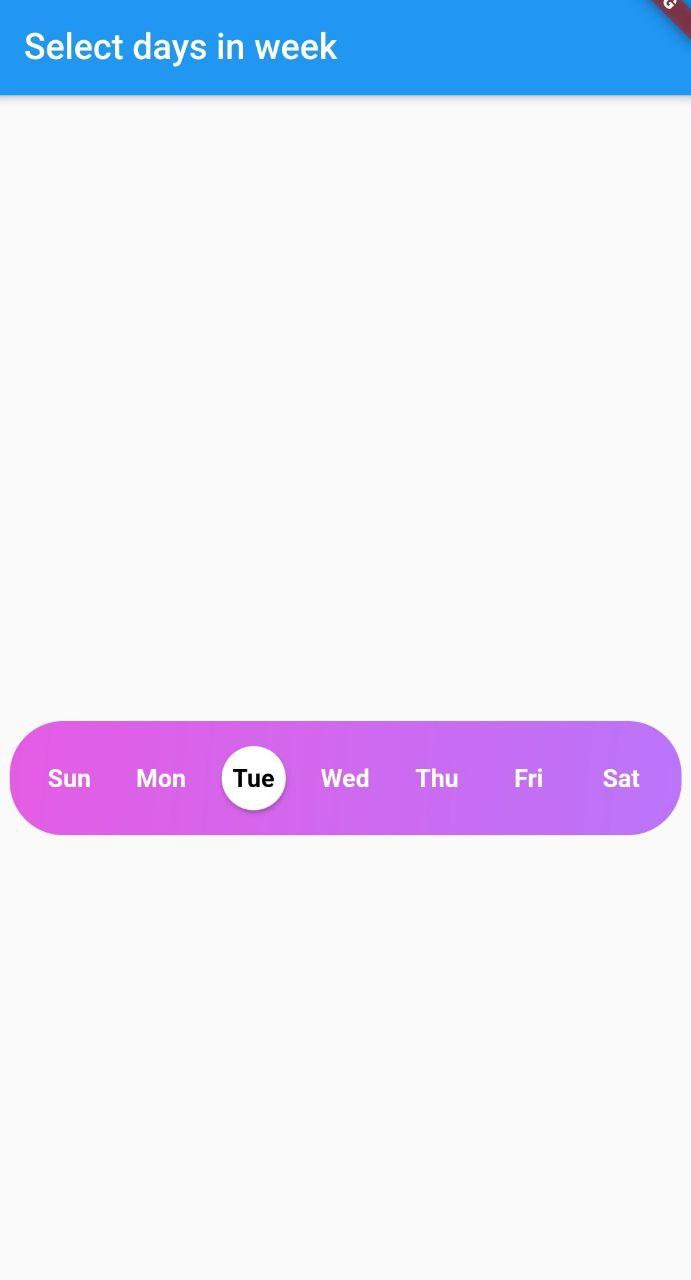
A Flutter widget library which helps us to select days in a week.
DayInWeek consist of three Properties [dayName], [dayKey] and [isSelected].
By default [isSelected] value will be false
Example:
voidhandleOnSelect(List<String> days){
//TODO: Manipulate the List of days selectedprint(days);
}
Customization
Property
Type
Description
onSelect
List<String>
Callback invoked when days are selected
days
List<DayInWeek>
List of days that need to be passed
padding
double
Padding between container and the buttons [by default it is 8.0]
boxdecoration
BoxDecoration
provides variety of ways to style the background container[gradient, color, border radius]
backgroundColor
Color
Property to change the color of the container
fontSize
double
Property to change size of font
fontWeight
FontWeight
Property to change the font weight of text
daysFillColor
Color
Property to change the color of rounded buttons when the days are selected
daysBorderColor
Color
Property to change the border color of rounded button
selectedDayTextColor
Color
property to change the text color of the selected days
unSelectedDayTextColor
Color
property to change the text color when the days are not selected
border
bool
Set this property to false if border is not needed around the rounded buttons[by default this property will be true]
With the implementation of the setDaysState method, developers can dynamically modify which days are selected within their application's code, even after the SelectWeekDays widget has already been constructed.
By utilizing the Global Key that is passed into the widget, one can easily update the selected dates as desired.
Contributions
Contributions of any kind are more than welcome😊! Feel free to fork and improve day_picker or open an issue.