Buscar pacotes, repositórios e categorias de apps

Capa de dynamic_background
Detalhes do pacotev0.6.0

dynamic_background

Permite aos desenvolvedores criar fundos animados para seus aplicativos Flutter.

AndroidiOSWebmacOSWindowsLinux
Downloads em 30 dias
512
Curtidas
52
Pontos Pub
160

Instalar pacote

flutter pub add dynamic_background

Visão geral do pacote

Orientação gerada a partir de informações públicas. Apenas para referência.

O pacote dynamic_background permite que desenvolvedores Flutter implementem fundos animados e suaves em seus aplicativos com facilidade. Ele oferece uma variedade de efeitos visuais, incluindo animações de gradiente, visuais baseados em shaders e padrões de movimento personalizáveis. Projetado para uso multiplataforma, funciona perfeitamente em Android, iOS, Web, macOS, Windows e Linux. O pacote se integra facilmente a projetos existentes do Flutter por meio de um simples comando pub add e fornece uma API flexível para ajustar com precisão velocidade de animação, direção e transições de cor. Ideal para melhorar a estética do aplicativo sem sobrecarregar o desempenho.

Casos de uso

  • Criando telas de inicialização imersivas
  • Melhorar experiências de boas-vindas
  • Adicionar charme visual aos painéis
  • Melhorando o engajamento do usuário por meio de movimento
  • Design de interfaces de aplicativos com tema

Principais recursos

  • Fundo gradiente animado
  • efeitos visuais baseados em shader
  • Velocidade e direção de animação personalizáveis
  • Compatibilidade multiplataforma
  • Leve e eficiente
  • Integração fácil por meio do pub.dev

Indicado para

  • Designers de UI procurando visuais dinâmicos
  • Desenvolvedores criando fluxos de introdução envolventes
  • Aplicativos que exigem fundos animados modernos
  • Projetos direcionados para múltiplas plataformas
  • Desenvolvimento de aplicativos criativos ou de estilo de vida

Considerações

  • Pode afetar o desempenho em dispositivos de baixa gama
  • Requer ajuste cuidadoso para taxas de quadros ótimas
  • Personalização limitada além dos parâmetros fornecidos
  • Melhor usado com conteúdo mínimo no primeiro plano
  • Não recomendado para designs estáticos ou minimalistas

README original

Snapshot do README original do repositório-fonte vinculado. Consulte o repositório para o conteúdo mais recente.

Dynamic Background

A blue and black logo for Dynamic BG

Dynamic Background is a Flutter package that transforms your app's background into a captivating canvas of animated elements. Whether you prefer sleek stripes, mesmerizing gradients, or playful shapes, Dynamic Background provides an easy-to-use solution to breathe life into your UI. This versatile package offers customizable options to suit any design aesthetic, effortlessly elevating your app's visual appeal. Take your Flutter development to the next level with Dynamic Background – where stunning visuals meet effortless implementation for an immersive and visually striking app interface.

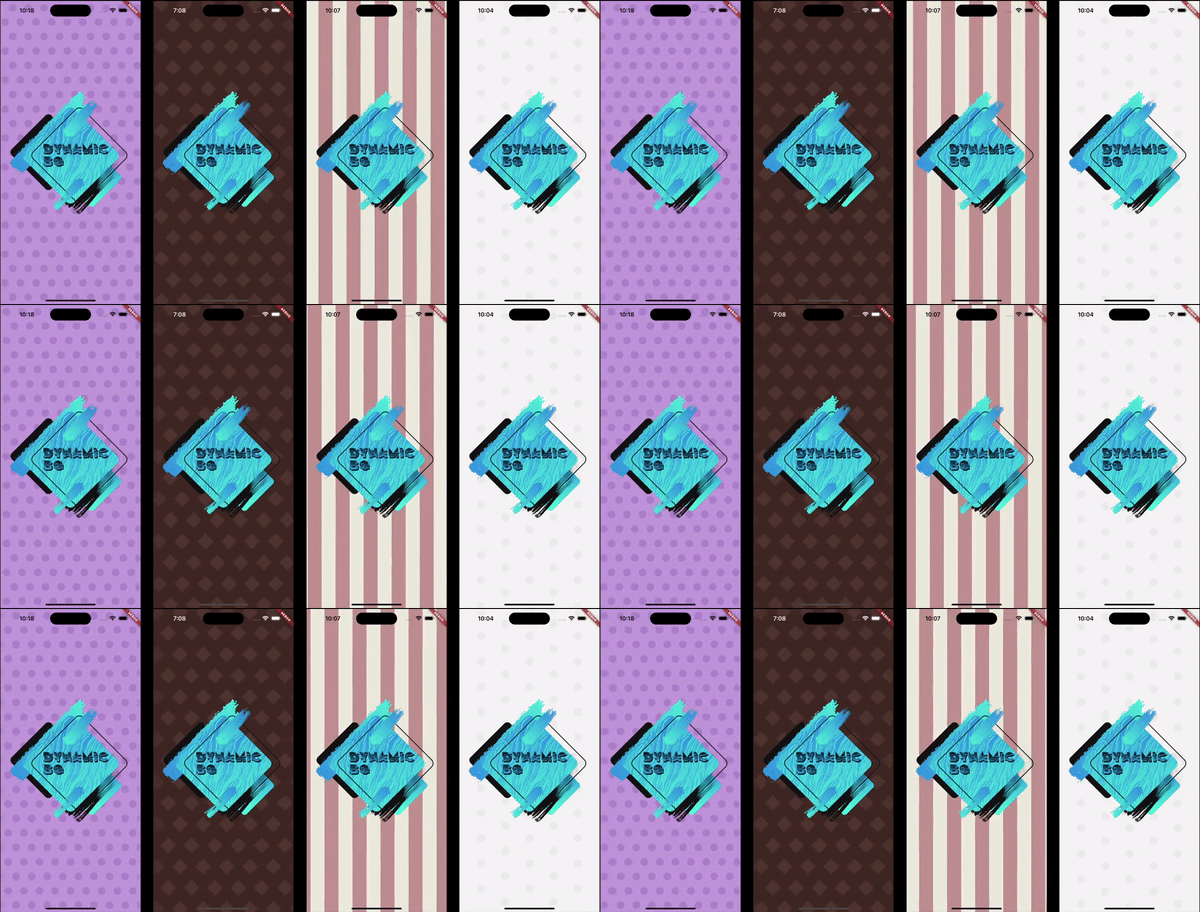
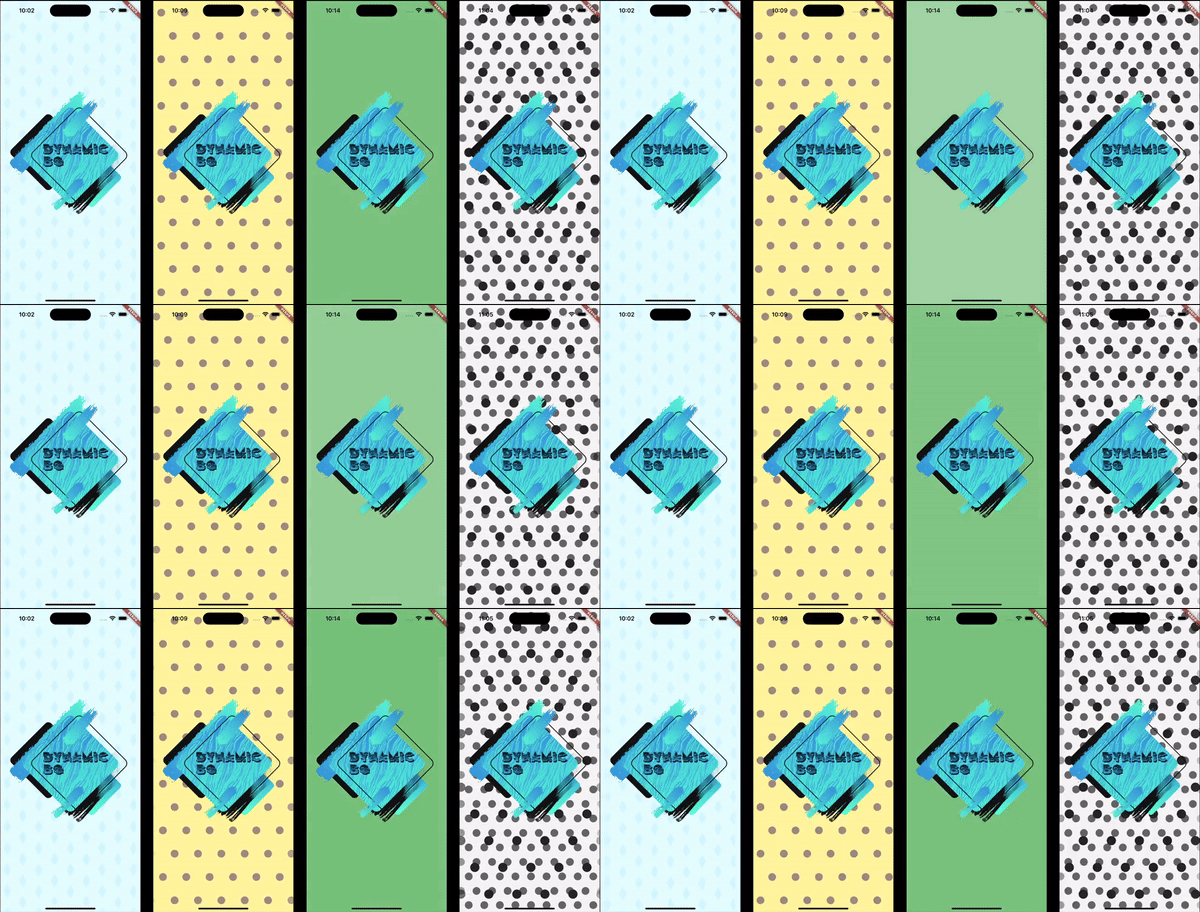
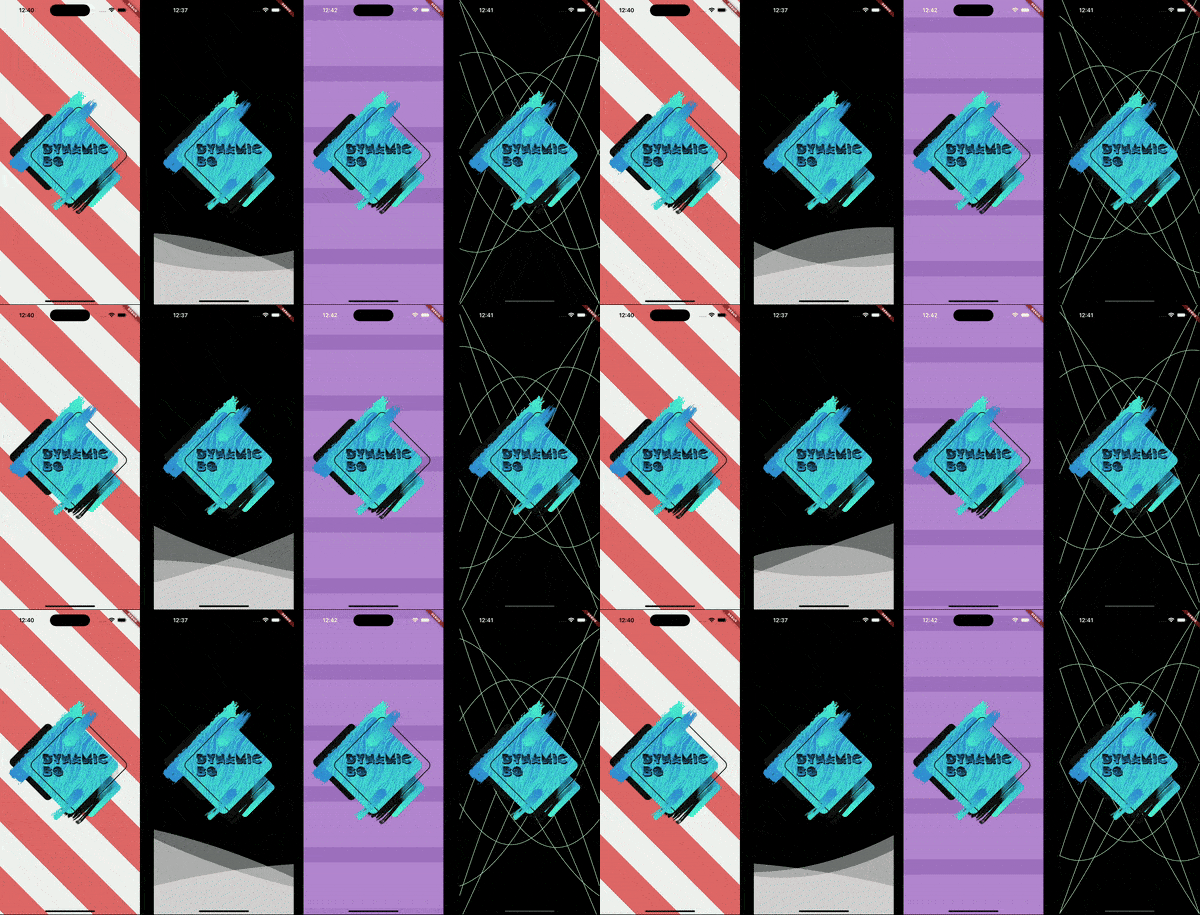
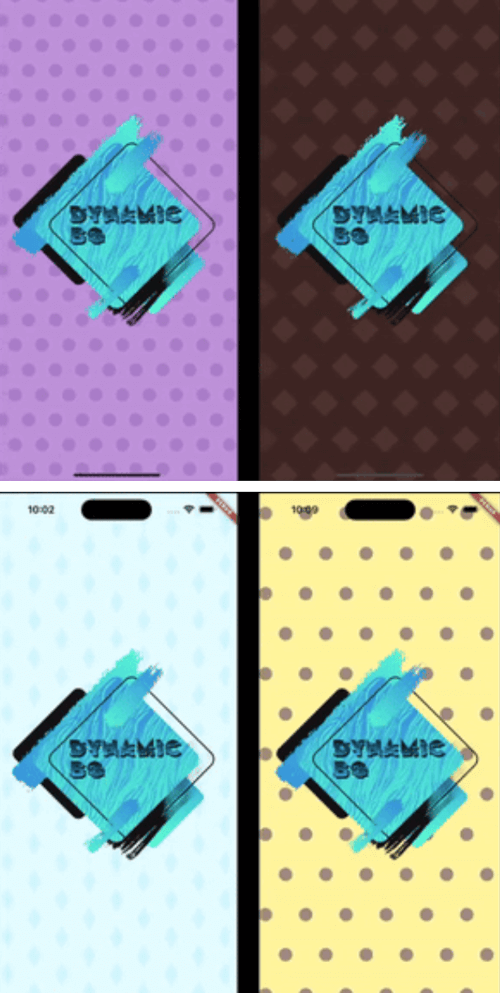
Four examples of different animated backgrounds. Four examples of different animated backgrounds. Four examples of different animated backgrounds.

Installation

In the pubspec.yaml of your project, add the following dependency:

dependencies:
  dynamic_background: ^0.5.0

Import it to each file you use it in:

import 'package:dynamic_background/dynamic_background.dart';

Usage

Example 1 - Simple circles scrolling

This example shows how to set up an animated background that shows blue circles scrolling from right to left on a pale blue background.

Note: The colors being used are provided with this package.

DynamicBg(
  painterData: ScrollerPainterData(
    shape: ScrollerShape.circles,
    backgroundColor: ColorSchemes.gentleBlueBg,
    color: ColorSchemes.gentleBlueFg,
    shapeOffset: ScrollerShapeOffset.shiftAndMesh,
  ),
  child: yourPageHere(),
),
Example 2 - Simple blue fader

This example shows how to set up an animated background that fades gently and randomly between different shades of blue.

Note: The colors being used are provided with this package.

DynamicBg(
  painterData: FaderPainterData(
    behavior: FaderBehavior.random,
    colors: ColorSchemes.gentleBlue,
  ),
  child: yourPageHere(),
),
Example 3 - Simple wave

This example shows how to set up an animated background with a blue, sine wave line in the middle of the screen.

Note: The colors being used are provided with this package.

DynamicBg(
  duration: const Duration(seconds: 5),
  painterData: WavePainterData(
    waves: [
      Wave(
        direction: WaveDirection.left2Right,
        amplitude: 50.0,
        offset: 0.5,
        color: Colors.transparent,
        lineColor: ColorSchemes.gentleBlueBg,
        lineThickness: 3.0,
      ),
    ],
  ),
  child: yourPageHere(),
),
Example 4 - Simple Lava Lamp

This example shows how to set up an animated background with moving circles to have a lava lamp effect.

Note: The colors being used are provided with this package.

DynamicBg(
  duration: const Duration(seconds: 35),
  painterData: LavaPainterData(
    width: 250.0,
    widthTolerance: 75.0,
    growAndShrink: true,
    growthRate: 10.0,
    growthRateTolerance: 5.0,
    blurLevel: 25.0,
    numBlobs: 5,
    backgroundColor: ColorSchemes.gentleWhiteBg,
    colors: [
      ColorSchemes.vibrantOrangeBg,
      ColorSchemes.vibrantOrangeFg,
      ColorSchemes.vibrantYellowBg,
      ColorSchemes.vibrantYellowFg,
    ],
    allSameColor: false,
    fadeBetweenColors: true,
    changeColorsTogether: false,
    speed: 20.0,
    speedTolerance: 5.0,
  ),
  child: yourPageHere(),
),
Example 5 - Prebuilt backgrounds

This example shows how to use prebuilt backgrounds.

This example also show the use of a custom duration. The prebuilt backgrounds give suggestions in their comments on how best to use them; this includes duration and platform brightness.

DynamicBg(
  duration: const Duration(seconds: 45),
  painterData: PrebuiltPainters.chocolate,
  child: yourPageHere(),
),
Example 6 - Modify prebuilt backgrounds

This example shows how to modify prebuilt backgrounds to best fit your needs.

The copyWith method can also be used on your own custom backgrounds.

DynamicBg(
  duration: const Duration(seconds: 45),
  painterData: PrebuiltPainters.chocolate.copyWith(
    backgroundColor: ColorSchemes.gentleYellowBg,
  ),
  child: yourPageHere(),
),
Example 7 - Stack backgrounds

This example shows how to stack backgrounds for interesting new effects.

DynamicBg(
  painterData: ScrollerPainterData(
    direction: ScrollDirection.left2Right,
    backgroundColor: ColorSchemes.gentleWhiteBg,
    color: ColorSchemes.gentleBlackFg,
    shapeOffset: ScrollerShapeOffset.shiftAndMesh,
  ),
  child: DynamicBg(
    duration: const Duration(seconds: 45),
    painterData: ScrollerPainterData(
      backgroundColor: Colors.transparent,
      color: ColorSchemes.vibrantBlackFg,
      shapeWidth: 28.0,
      spaceBetweenShapes: 55.0,
      shapeOffset: ScrollerShapeOffset.shiftAndMesh,
    ),
    child: yourPageHere(),
  ),
),
Example 8 - Backgrounds for smaller widgets

This example shows that you can apply dynamic backgrounds to widgets rather than the entire screen. Here is a button with an animated background.

final double buttonWidth = 500.0;
final double buttonHeight = 65.0;
final BorderRadius buttonRadius = BorderRadius.circular(5.0);

ClipRRect(
  borderRadius: buttonRadius,
  child: DynamicBg(
    width: buttonWidth,
    height: buttonHeight,
    painterData: ScrollerPainterData(
      direction: ScrollDirection.right2Left,
      shape: ScrollerShape.stripesDiagonalForward,
      backgroundColor: Color.fromARGB(255, 214, 232, 185),
      color: Color.fromARGB(255, 198, 225, 151),
      shapeWidth: 24.0,
      spaceBetweenShapes: 24.0,
      fadeEdges: false,
    ),
    child: Material(
      color: Colors.transparent,
      child: InkWell(
        onTap: () {
          print('Button pressed');
        },
        borderRadius: buttonRadius,
        child: Center(
          child: Text(
            'Save',
            style: TextStyle(
              color: Colors.white,
              fontSize: 25.0,
              fontWeight: FontWeight.w800,
            ),
          ),
        ),
      ),
    ),
  ),
),

If you found this helpful, please consider donating. Thanks!

buy me a coffee      paypal      venmo


Categorias

Dependências

Lista de dependências 1 itens

Repositório-fonte

Projetos que usam este pacote

Ainda não há dados.