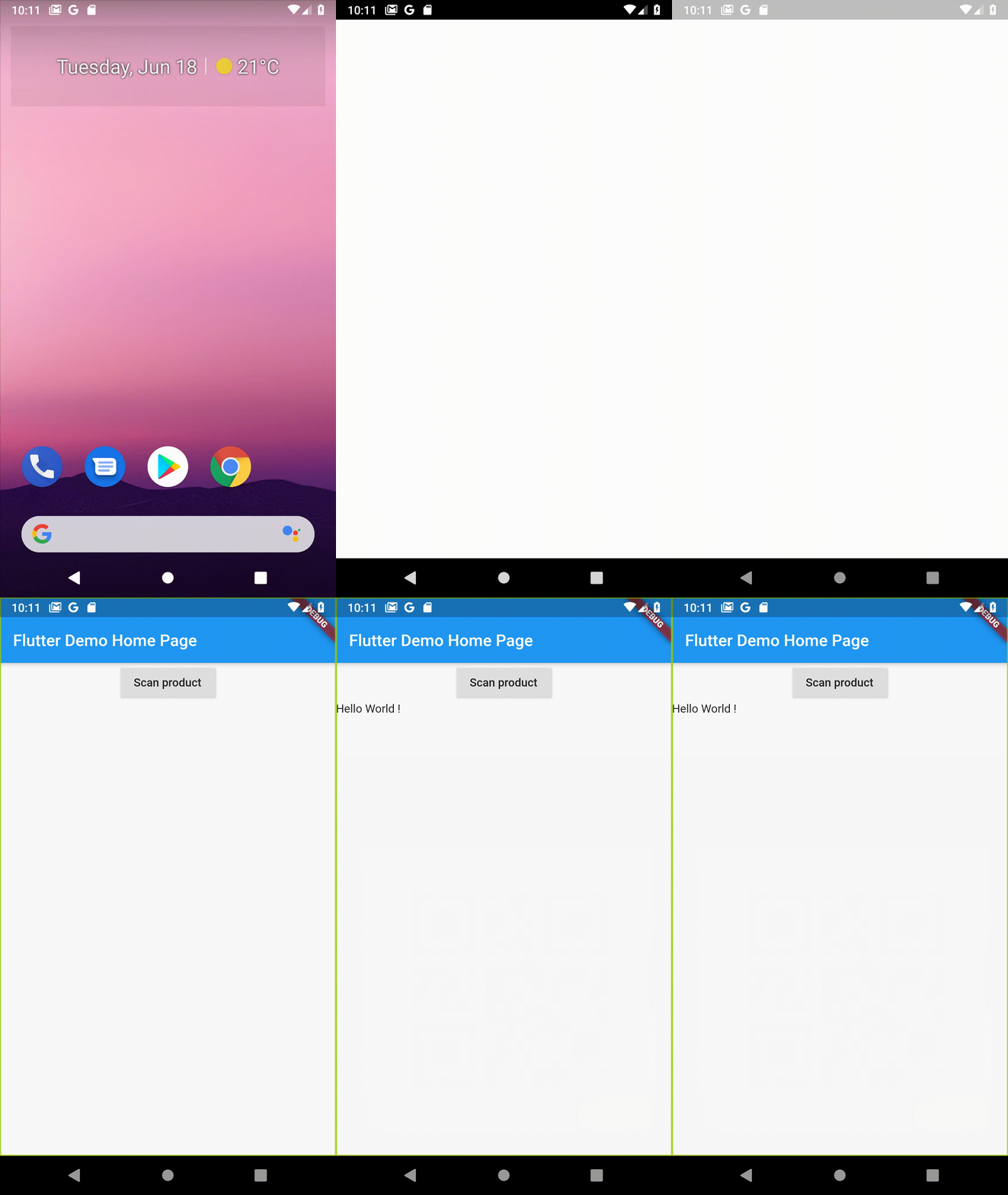
Um widget do Flutter que exibe o fluxo da câmera e permite reconhecimento de visão por máquina nele, permitindo detectar códigos de barras, rótulos, texto, rostos, entre outros.
Orientação gerada a partir de informações públicas. Apenas para referência.
Um widget Flutter que exibe um fluxo de câmera ao vivo e permite recursos de visão de aprendizado de máquina em tempo real, como detecção de códigos de barras, rótulos, texto e rostos. Criado para Android e iOS, integra-se perfeitamente aos aplicativos Flutter para fornecer análise de imagem local. Ideal para digitalização de documentos, reconhecimento de objetos e entrada automática de dados. O pacote utiliza o ML Kit por trás das cortinas para processamento preciso e eficiente.
Casos de uso
Digitalização de documentos
Leitura de código de barras
Extração de texto de imagens
Detecção de rosto
Rotulagem de imagem
Principais recursos
Feed de câmera em tempo real
Processamento de ML no dispositivo
Suporta várias APIs de visão
Multiplataforma (Android e iOS)
Integração simples com o Flutter
detecção de baixa latência
Indicado para
Aplicativos móveis que precisam de OCR
Ferramentas de gerenciamento de estoque
Escaneadores de documentos inteligentes
Sistemas de reconhecimento facial
Aplicações de varejo e logística
Considerações
Requer permissões de câmera
Pode afetar a vida útil da bateria
O desempenho varia conforme o dispositivo
Limitado aos tipos de visão de ML compatíveis
Necessita de tratamento adequado de operações assíncronas
README original
Snapshot do README original do repositório-fonte vinculado. Consulte o repositório para o conteúdo mais recente.
Flutter Camera Ml Vision
A Flutter package for iOS and Android to show a preview of the camera and detect things with Firebase ML Vision.
Installation
First, add flutter_camera_ml_vision as a dependency.
You must also configure Firebase for each platform project: Android and iOS (see the example folder or https://firebase.google.com/codelabs/firebase-get-to-know-flutter#3 for step by step details).
iOS
Add two rows to the ios/Runner/Info.plist:
one with the key Privacy - Camera Usage Description and a usage description.
and one with the key Privacy - Microphone Usage Description and a usage description.
Or in text format add the key:
<key>NSCameraUsageDescription</key>
<string>Can I use the camera please?</string><key>NSMicrophoneUsageDescription</key><string>Can I use the mic please?</string>
If you're using one of the on-device APIs, include the corresponding ML Kit library model in your Podfile. Then run pod update in a terminal within the same directory as your Podfile.
pod 'Firebase/MLVisionBarcodeModel'
pod 'Firebase/MLVisionFaceModel'
pod 'Firebase/MLVisionLabelModel'
pod 'Firebase/MLVisionTextModel'
Android
Change the minimum Android sdk version to 21 (or higher) in your android/app/build.gradle file.
minSdkVersion 21
ps: This is due to the dependency on the camera plugin.
If you're using the on-device LabelDetector, include the latest matching ML Kit: Image Labeling dependency in your app-level build.gradle file.
android {
    dependencies {
        // ...

        api 'com.google.firebase:firebase-ml-vision-image-label-model:19.0.0'
    }
}
Optional but recommended: If you use the on-device API, configure your app to automatically download the ML model to the device after your app is installed from the Play Store. To do so, add the following declaration to your app's AndroidManifest.xml file:
<application...>
...
<meta-dataandroid:name="com.google.firebase.ml.vision.DEPENDENCIES"android:value="ocr" /><!-- To use multiple models: android:value="ocr,label,barcode,face" --></application>
CameraMlVision is a widget that shows the preview of the camera. It takes a detector as a parameter here we pass the detectInImage method of the BarcodeDetector object.
The detector parameter can take all the different FirebaseVision Detector. Here is a list :