Orientação gerada a partir de informações públicas. Apenas para referência.
PositionedScrollObserver é um pacote do Flutter projetado para observar e gerenciar elegantemente posições de rolagem em diversos widgets roláveis. Permite saltos suaves ou animações para índices específicos em visualizações de rolagem sem interromper os estados atuais dos widgets existentes. Ideal para listas, grades e rolagens personalizadas, mantém a consistência da interface durante navegação. O pacote oferece suporte a todas as principais plataformas e se integra perfeitamente ao sistema de rolagem do Flutter.
Casos de uso
Rolagem programática para itens específicos da lista
Manter o estado de rolagem durante atualizações dinâmicas de conteúdo
Criando navegação baseada em índice em listas longas
Implementando pulos suaves animados em visualizações de rolagem
Sincronizando múltiplos componentes deslizantes
Principais recursos
Suporta todas as visualizações de rolagem padrão
Preserva o estado do widget durante saltos de rolagem
Transições suaves animadas de índice
Compatibilidade multiplataforma
Integração com boilerplate mínimo
Funciona com controladores de rolagem personalizados
Aplicativos que exigem navegação baseada em índice
Projetos com listas dinâmicas ou frequentemente atualizadas
Equipes priorizando experiência do usuário suave
Aplicativos Flutter direcionados a múltiplas plataformas
Considerações
Requer configuração de visualização de rolagem compatível
Pode ser necessário lógica adicional para visualizações de rolagem aninhadas
Melhor usado com referências de controlador de rolagem estável
Não destinado a widgets não roláveis
O impacto no desempenho depende da complexidade da visualização de rolagem
README original
Snapshot do README original do repositório-fonte vinculado. Consulte o repositório para o conteúdo mais recente.
Features
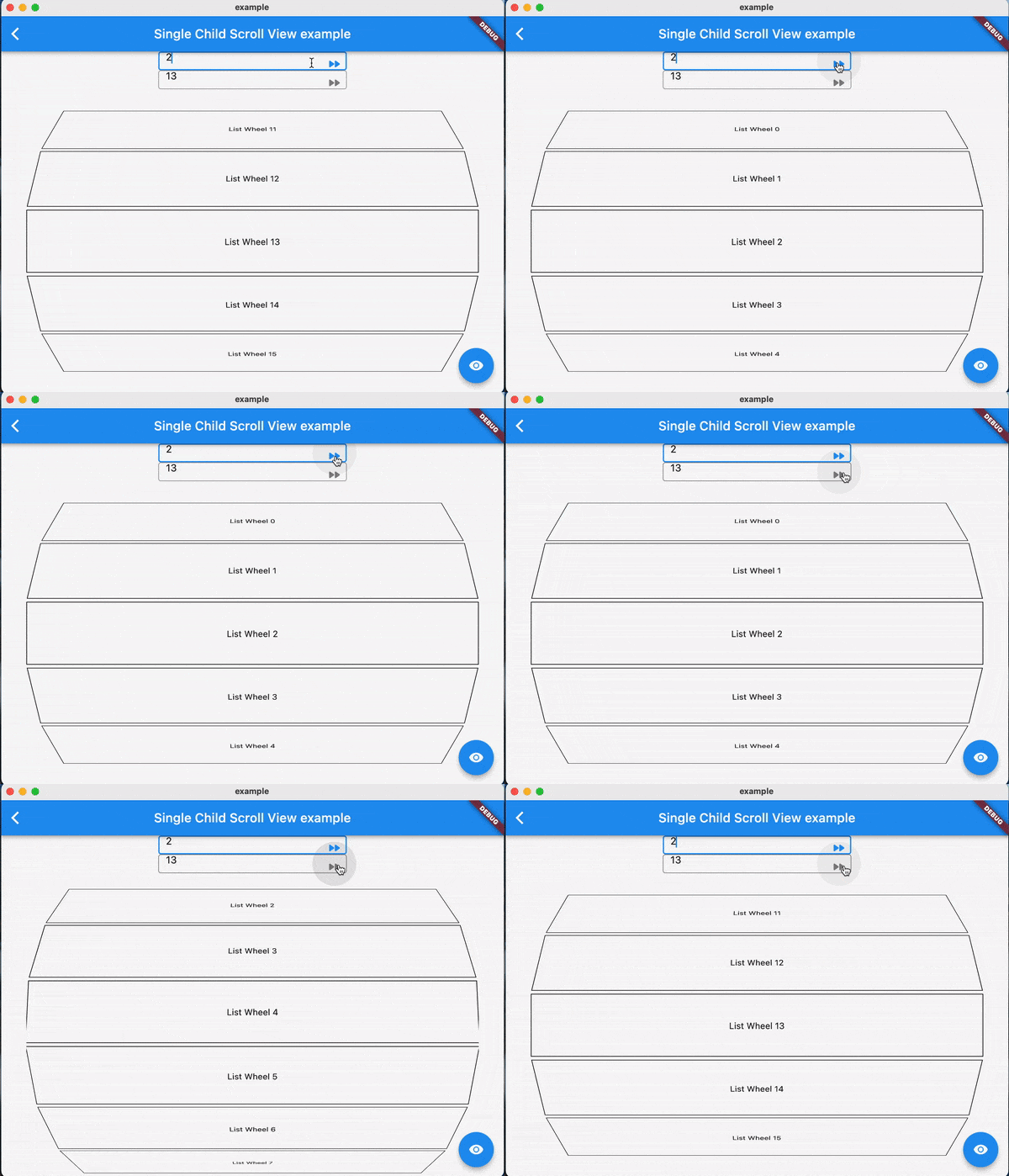
Using jumpToIndex and animateToIndex to scroll to the specific index
Jumping/animating to the position by specifying a ratio in a scroll view. See how to align the render object. That would be very useful if you want to quickly jump to the top, middle or end of a list/grid.
Using PositionRetainedScrollPhysics to retain the old offset to avoid scrolling when adding new items into the top of ListView. See retain old scroll offset.
Check if the specific index is visible on the screen. See check visibility.
Check which items are visible in the viewport. See get visible items
No breaking for your current sliver widgets, e.g., ListView/GridView, SliverList/SliverGrid/SliverAppBar, just wrapping your item widgets using ObserverProxy. Supported:
For ListView.custom and GridView.custom, you could also use PositionedChildListDelegate and PositionedChildBuilderDelegate for wrapping items in ObserverProxy conveniently
Usage
For observing slivers:
observing a sliver with single child, using ScrollObserver.sliverSingle to create.
observing a sliver with multi children, using ScrollObserver.sliverMulti to create.
For observing other scroll views that have no sliver descendants.
observing a box with single child, using ScrollObserver.boxSingle to create. (rare cases and need more testing)
observing a box with multi children, using ScrollObserver.boxMulti to create.
By setting different alignment, you could jump/animate to the position according to the ratio: alignment.
for alignment = 0.0, it would align the render object' leading to the leading of the viewport's main axis extent.
for alignment = 0.5, it would align the render object's center to the center of the viewport;s main axis extent.
for alignment = 1.0, it would align the render object's trailing to the trailing of the viewport's main axis extent.
you could also specify alignment as the number between [0, 1]
Pay attention
The item widget/builder must be wrapped using ObserverProxy
All observers would normalizeIndex to ensure the index is in a valid range determined by itemCount of observers, so developers should also update observers' itemCount when the scroll views' item count changes.
Items that have the same RenderObject observed by an observer should share the same observer instance, instead of creating different observers for each item.
When using ScrollObserver.boxMulti, axis is required so that the observer could estimate the scroll offset along the correct main axis.