Orientação gerada a partir de informações públicas. Apenas para referência.
O pacote serial_communication é um plugin para Android que permite a comunicação serial entre um aplicativo Flutter e dispositivos de hardware externos por meio das portas seriais disponíveis. Ele permite leitura e escrita nessas portas, facilitando a interação direta com sensores, microcontroladores ou outros periféricos conectados por interfaces UART/USB para serial. Projetado especificamente para Android, fornece uma API simples para desenvolvedores que integram funcionalidades baseadas em hardware em seus aplicativos. O pacote suporta troca de dados em tempo real e é ideal para aplicações de IoT, automação industrial e controle de sistemas embarcados.
Casos de uso
Conectando a dispositivos Arduino
Lendo dados do sensor em tempo real
Controle de equipamentos industriais
Integração com adaptadores USB para serial
Construindo sistemas de monitoramento IoT
Principais recursos
Compatível apenas com Android
Habilita operações de leitura e escrita em portas seriais
API simples para integração de hardware
Transmissão de dados em tempo real
Compatível com dispositivos UART e USB para serial
Indicado para
desenvolvedores de aplicativos IoT
Projetos de interface de hardware
Aplicativos industriais baseados em Android
Integradores de sistemas embarcados
Prototipagem com microcontroladores
Considerações
Limitado à plataforma Android
Requer compatibilidade de hardware
Sem suporte para iOS
Necessita de permissões adequadas e configuração do dispositivo
Pode exigir configuração nativa adicional para certos dispositivos
README original
Snapshot do README original do repositório-fonte vinculado. Consulte o repositório para o conteúdo mais recente.
Serial communication!
An Android Plugin for Serial Communication which allow you to read
and write the data through the available ports
The supported features are:
Listing the available serial ports on the device, including USB to serial adapters
Configuring serial ports (baud rate, stop bits, permission, ...)
Providing standard InputStream and OutputStream
Description
This PlugIn enables the communication with the
USBRS232RS485UART
Supported platforms:
Android
Video tutorial
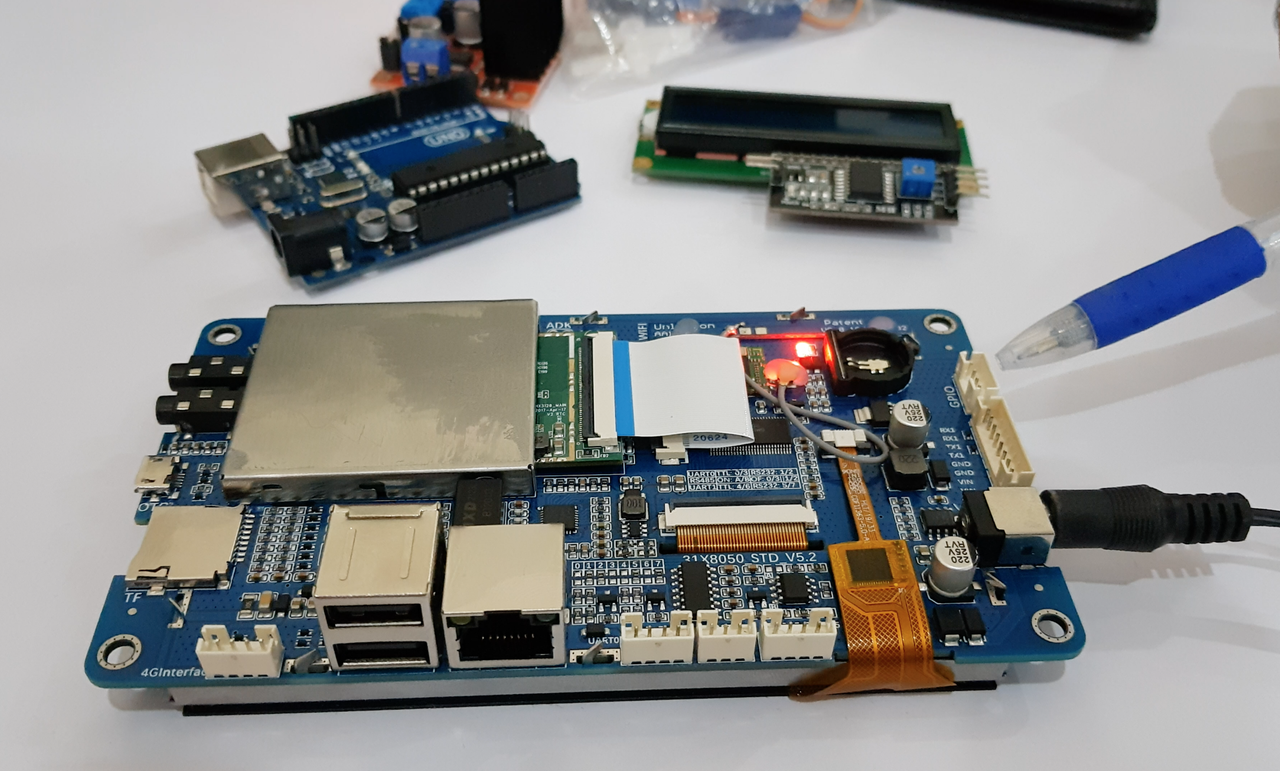
In order to completely understand you can view our sample video in which we are using an android Lcm module.
Click the image below to watch the video:
Getting Started
Add a dependency to your pubspec.yaml
dependencies:serial_communication:0.0.2
include the usbserial package at the top of your dart file.
Baud Rate
To get the Standard baud rates list
call the SerialCommunication().baudRateList
it will return the integer list of standard baud rate
Data Format
The Data format is used to convert the data type
To pass the data format in the open() method parameter
For ascii format
call the DataFormat.ASCII
For hex_String format
call the DataFormat.HEX_STRING
Contribution
Any help from the open-source community is always welcome and needed:
Found an issue?
Please fill a bug report with details.
Wish a feature?
Open a feature request with use cases.
Are you using and liking the project?
Promote the project: create an article, do a post or make a donation.
Are you a developer?
Fix a bug and send a pull request.
Implement a new feature.
Improve the Unit Tests.
Have you already helped in any way?
Many thanks from me, the contributors and everybody that uses this project!