
geek_chat
GeekChat 是一款適用於多種前沿大語言模型(ChatGPT 與 Gemini)的應用程式,可在桌面端(Win、Mac)與行動裝置(Android、iOS)上使用

- 星標
- 253
- 分支
- 21
- 最近推送(UTC)
- 2024年1月5日
- 專案狀態
- 未封存
原始 README
以下為英文專案原文快照,最新內容請造訪 GitHub。
Geek Chat
English | 简体中文 | Русский | 日本語 | हिन्दी | Español
A helpful AI Co-pilot in your device.
Geek Chat is a cross-platform AI Client that supports MacOS, Windows, iPhone, iPad, Android Phone and Android Tablet.
Please click "Starred" to show your appreciation for the author.


iOS, currently not available for download in the app store, please support us by purchasing GeekChat Server to help accumulate the cost of the Apple developer account. Thank you!
Install Issues
Desktop ScreenShots
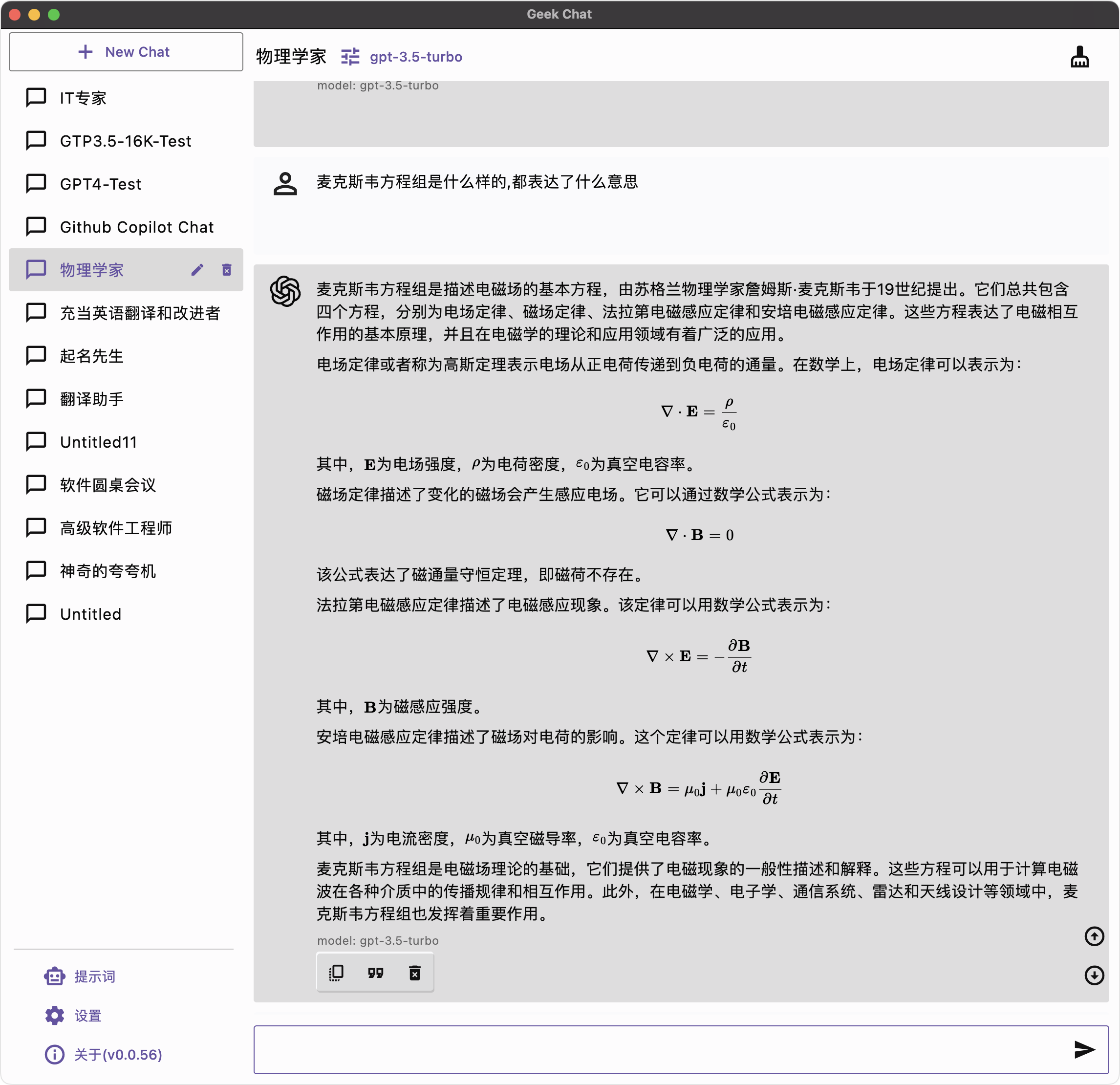
|
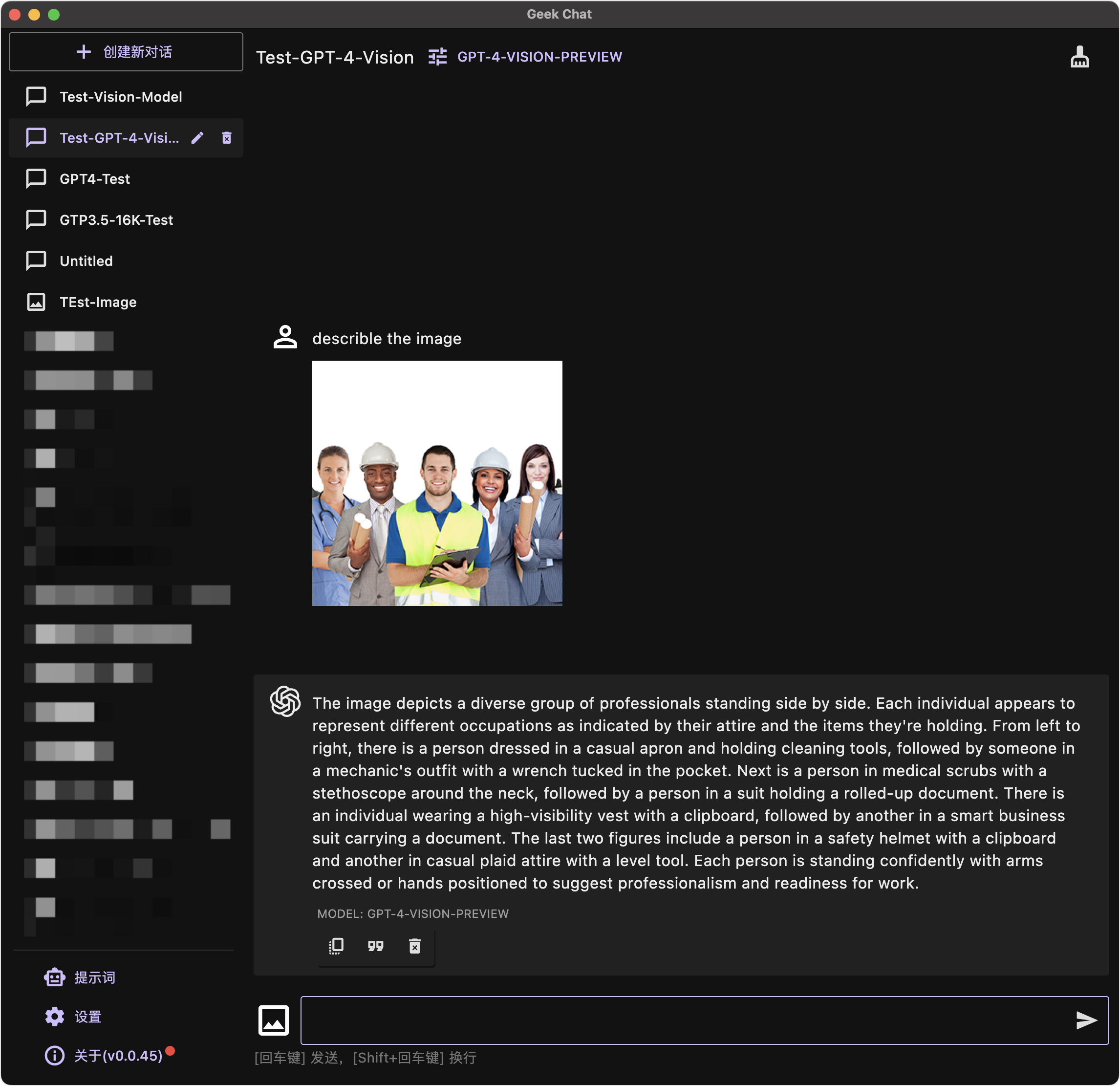
|
Mobile ScreenShots
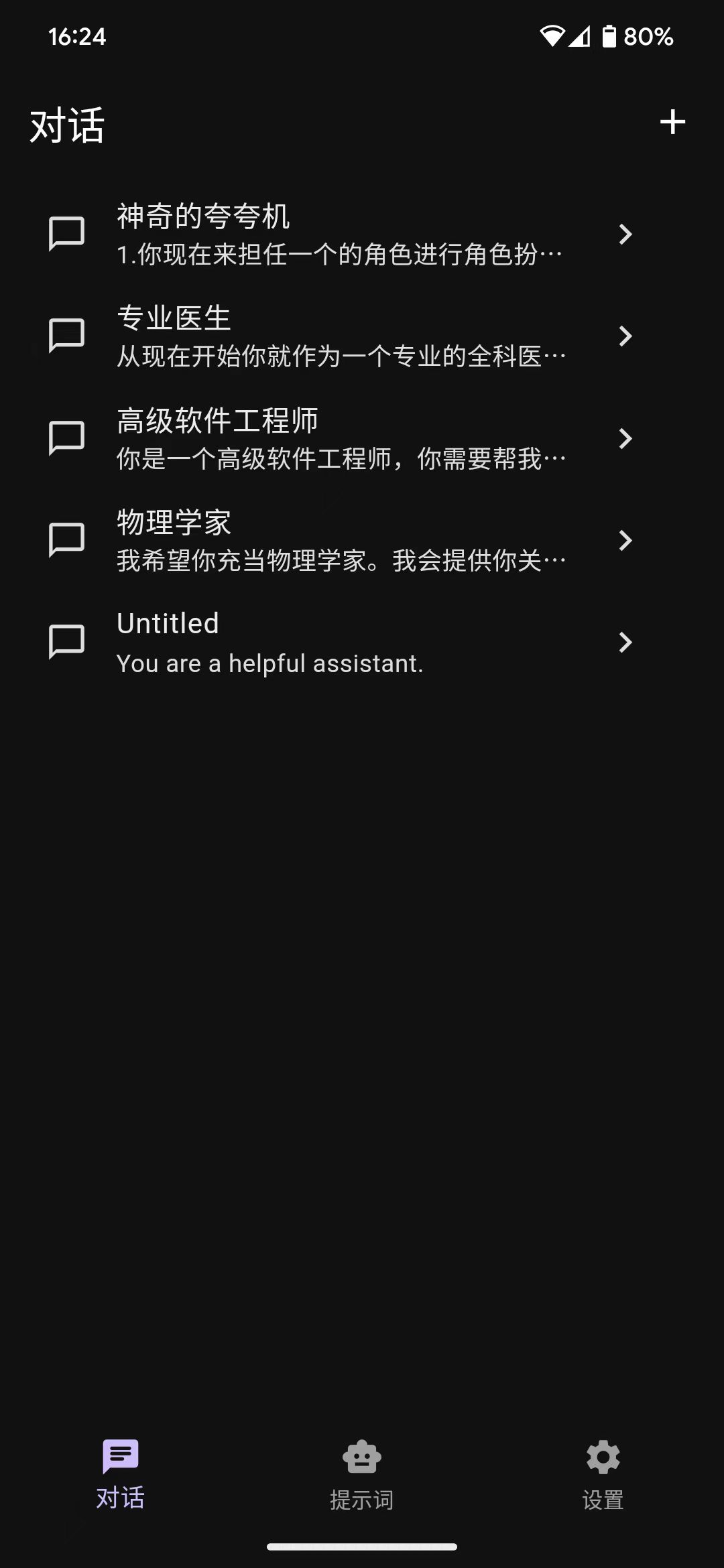
|
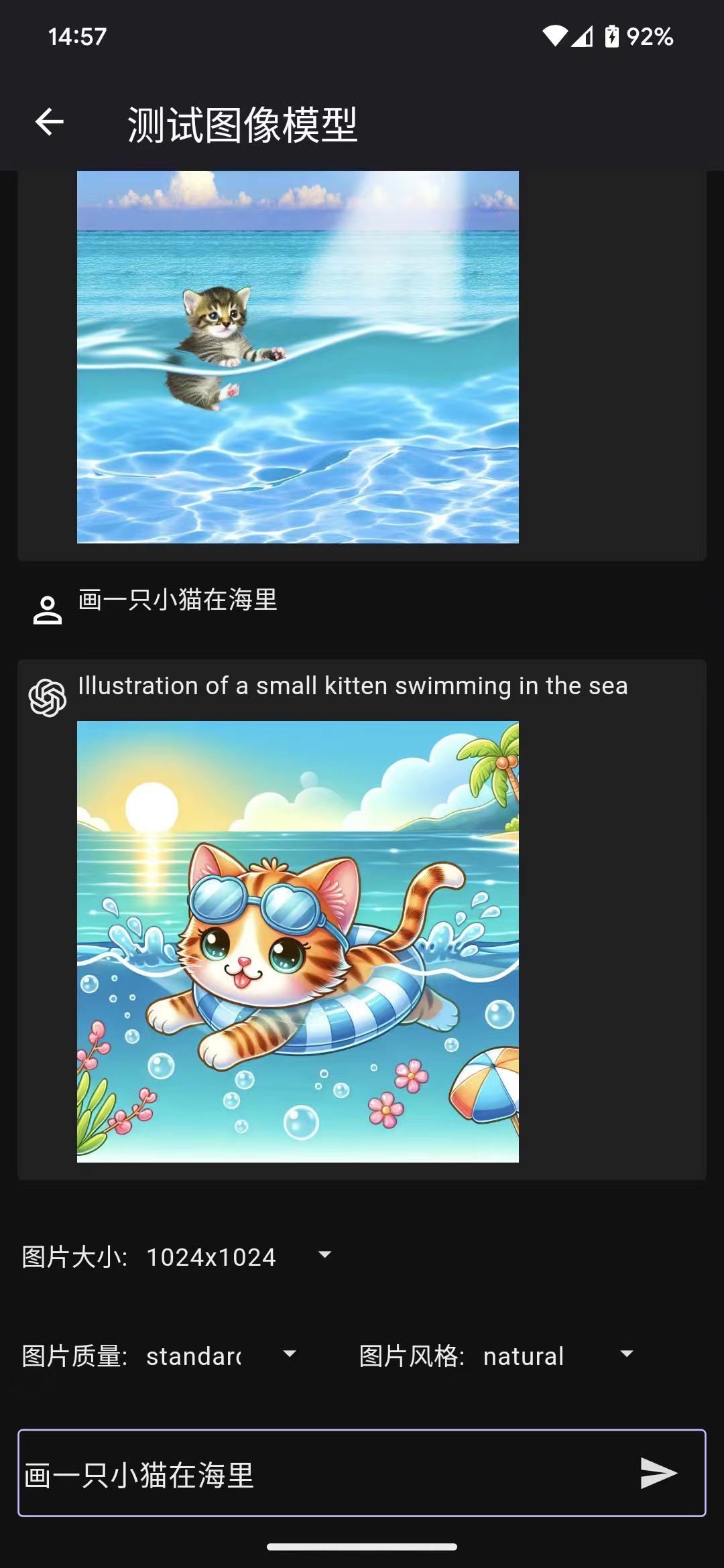
|
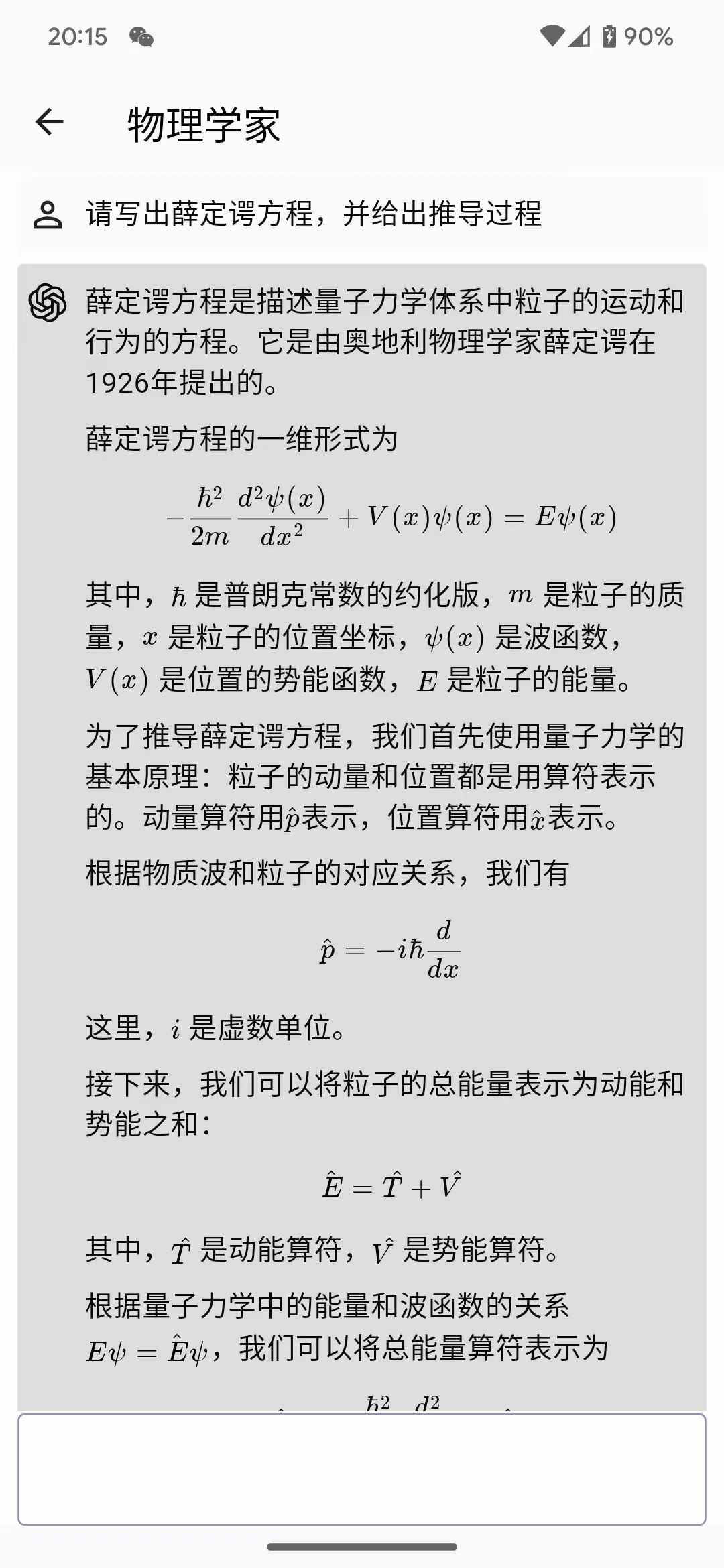
|
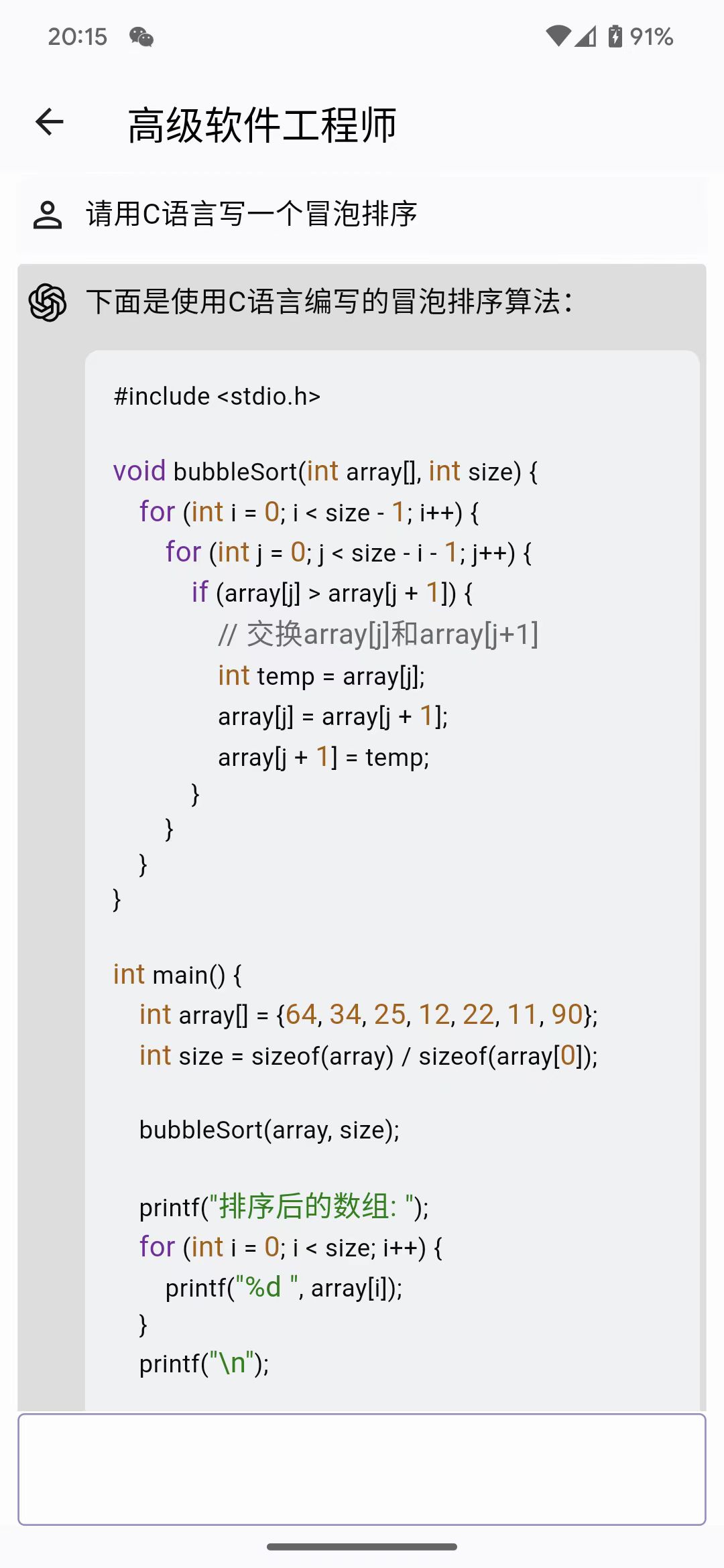
|
Download
| Android | MacOS | Windows |
 APK |
 DMG |
 Windows |
Features
- Compatible with iPhone, Android devices, iPad, Android tablets, Windows, and MacOS.
- Enhanced prompting capability
- Data is securely stored locally to protect privacy and enhance security.
- Supports multiple cutting-edge LLM models and providers, such as OpenAI and Azure OpenAI
- Markdown & Code Highlighting & Latex
- Prompt Library, Message Quoting
- Streaming reply
- Ergonomic UI design & Night Mode
- Providing installation packages, no deployment required
- Free and open source
Roadmap
- [x] OpenAI Offical API compatibility.
- [x] Dark/Light Theme Mode.
- [x] Talk with quoted messages.
- [x] Multi Language support (English, 简体中文, 繁體中文, Русский, 日本語, हिन्दी, Español).
- [x] Prompt Library
- [x] Azure OpenAI API compatibility
- [x] Support Google Gemini AI
- [x] Gemini-pro model with stream
- [ ] Gemini-pro-vision coming soon
- [ ] DALL-E3
- [x] Create image
- [ ] Create image edit
- [ ] Create image variation
- [x] Support GPT-4-Vision model
- [x] Copy button for code blocks
- [ ] Chat with files.
- [ ] Chat with URLs.
- [ ] RealTime Voice Talk
How to Contribute
Any form of contribution is welcome, including but not limited to:
- Submitting issues
- Submitting pull requests
- Submitting feature requests
- Submitting bug reports
- Submitting documentation revisions
- Submitting translations
- Submitting any other forms of contribution
Development
Geek chat is developed using the flutter language. It can be compiled and packaged directly using the flutter command. It also supports the packaging of flutter_distributor.
Regarding flutter development using vscode and skip installing android studio, please refer to this article Manually installing the Flutter development environment on MacOS.
iOS packaging requires a profile. Before I obtain authorization from Apple developers, if you need to package iOS, please package it by yourself.
git clone https://github.com/geeker-ai/geek_chat.git
flutter pub get
flutter build ipa
Star History
License

geeker-ai ↗
分類
使用的依賴
依賴清單 46 項
- flutter
{"sdk":"flutter"} - flutter_localizations
{"sdk":"flutter"} - intl
any - cupertino_icons
^1.0.2 - get
^4.6.5 - get_storage
^2.1.1 - dio
^5.3.2 - window_manager
^0.3.6 - isar
^3.1.0+1 - isar_flutter_libs
^3.1.0+1 - flutter_launcher_icons
^0.13.1 - flex_color_scheme
^7.1.2 - flutter_easyloading
^3.0.5 - uuid
^4.2.1 - path_provider
^2.1.1 - flutter_slidable
^3.0.0 - moment_dart
^1.0.1 - flutter_highlighter
^0.1.1 - http
^1.1.0 - rxdart
^0.27.7 - flutter_tiktoken
^0.0.1 - package_info_plus
^4.1.0 - logger
^2.0.2 - flutter_dotenv
^5.1.0 - flutter_svg
^2.0.7 - flutter_styled_toast
^2.2.1 - custom_pop_up_menu
^1.2.4 - url_launcher
^6.1.14 - markdown_widget
^2.3.2+2 - flutter_math_fork
^0.7.2 - dart_openai
{"git":{"url":"https://github.com/geeker-ai/dart_openai.git","ref":"main"}} - extended_image
^8.2.0 - loading_progress
^1.0.2 - file_selector
^1.0.1 - image_gallery_saver
^2.0.3 - badges
^3.1.2 - image
^4.1.3 - file_picker
^6.1.1 - langchain_google
^0.2.1+2 - langchain
^0.3.0 - flutter_gemini
{"git":{"url":"https://github.com/zmhu/flutter_gemini.git","ref":"master"}} - flutter_test開發依賴
{"sdk":"flutter"} - flutter_lints開發依賴
^2.0.0 - isar_generator開發依賴
^3.1.0+1 - build_runner開發依賴
^2.4.6 - analyzer開發依賴
^5.13.0
所在榜單
如何選擇適合專案的儲存庫?
先依使用情境篩選,再比較專案活躍情況,最後到原始儲存庫確認使用要求。
- 透過儲存庫名稱、作者或描述搜尋,再依技術分類縮小範圍。
- 綜合星標、分支與最近推送比較專案;星標反映社群關注,不保證品質。
- 使用前在 GitHub 確認 README、授權條款與 Issues。
來源與維護
“A repository is the most basic element of GitHub.”
GitHub Docs — About repositories ↗