v0.257.0
lucide_icons
適用於 Flutter 應用程式的 Lucide 圖示庫套件。Feather Icons 的分支,任何人都可貢獻圖示。
123喜歡 17.1萬近 30 天下載45Pub 分數
AndroidiOSWebmacOSWindowsLinux
Ozan 是一個受 Obsidian 啟發的個人知識庫,基於 Flutter 建構。

以下為英文專案原文快照,最新內容請造訪 GitHub。
Ozan — a personal knowledge base and journal application that combines simplicity with powerful features, offering a simple open-source alternative to Obsidian and Notion. Here are the key features and aspects of the app:
Markdown Support: Write notes using simple markdown syntax, with support for LaTeX, syntax highlighting for code blocks, and many custom features.
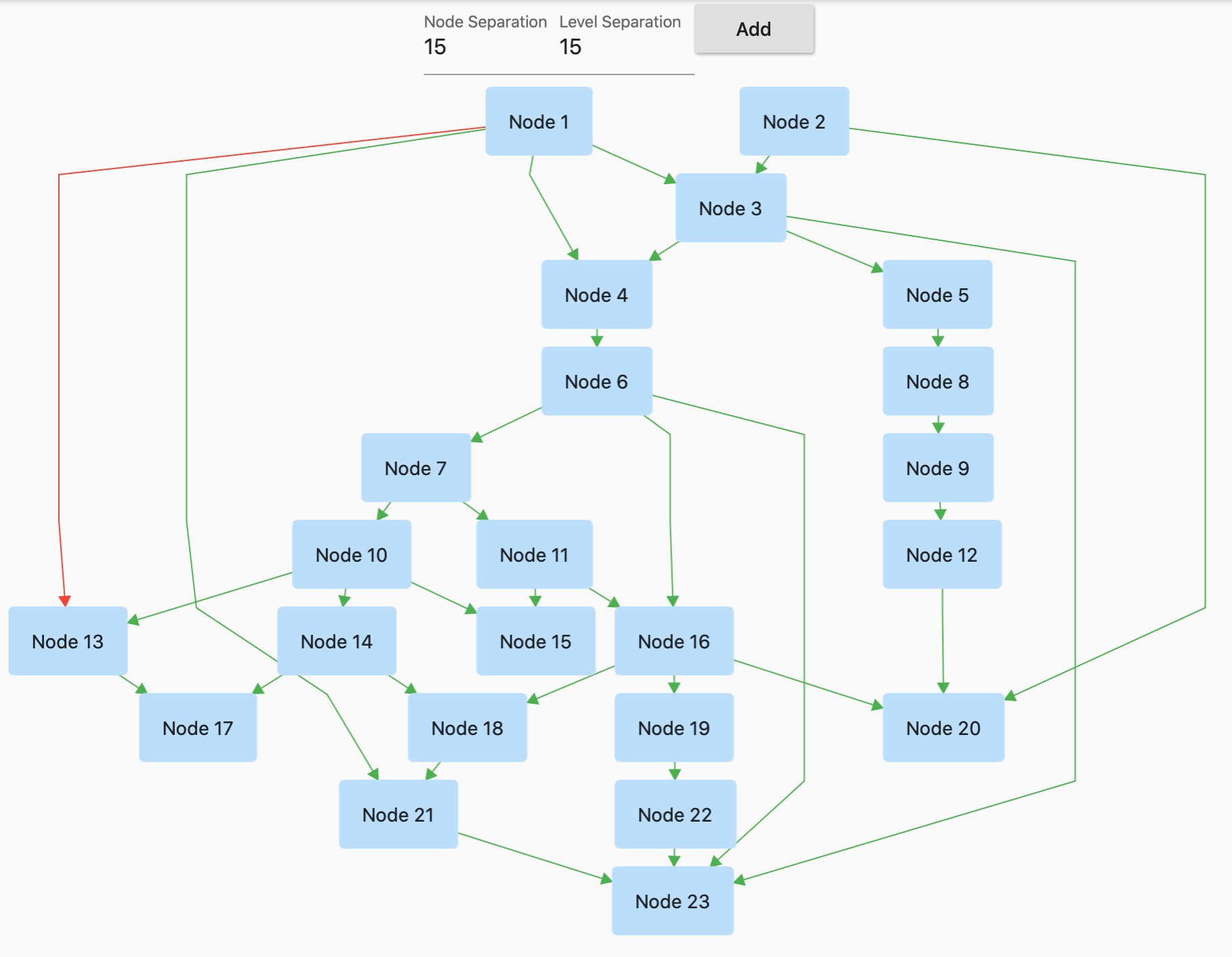
Graph View: Visualize your notes and ideas with a graph view to easily navigate your content.
Local Database: Ozan uses a local SQL database to store your data, ensuring all notes are accessible anytime.
Theming: Choose between light and dark themes for a personalized experience.
AI Copilot: An integrated AI assistant to help with various tasks, from content creation to summarization.
Import/Export: Seamlessly import and export markdown files to integrate with other applications. Export your notes as PDFs as well.
Clean, Minimalist Interface: A straightforward interface with a sidebar for navigation and a main content area for viewing and editing notes.
If you're excited about improving this app or adding new features, you’re welcome to contribute. Let’s build something amazing together! Give it a try, explore its features, and let me know your thoughts! Your feedback and suggestions are always welcome. If you like what you see, please consider starring the repo on GitHub!
Contributions are welcome! If you'd like to contribute to Ozan, feel free to submit a pull request.
This project is open source under the MIT License.
Feel free to reach out if you have any questions or suggestions!
適用於 Flutter 應用程式的 Lucide 圖示庫套件。Feather Icons 的分支,任何人都可貢獻圖示。
Fluent UI 系統圖示是一組來自微軟的熟悉、親切且現代的圖示。
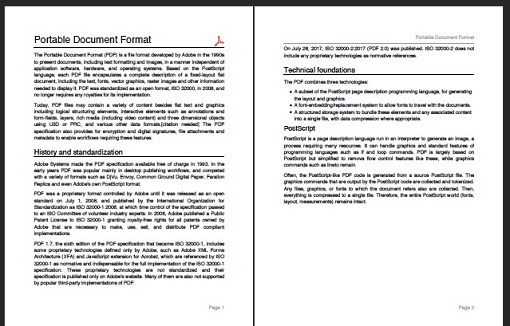
一個用於 Dart 的 PDF 產生器。它可以在 Web 或 Flutter 中建立 PDF 檔案。
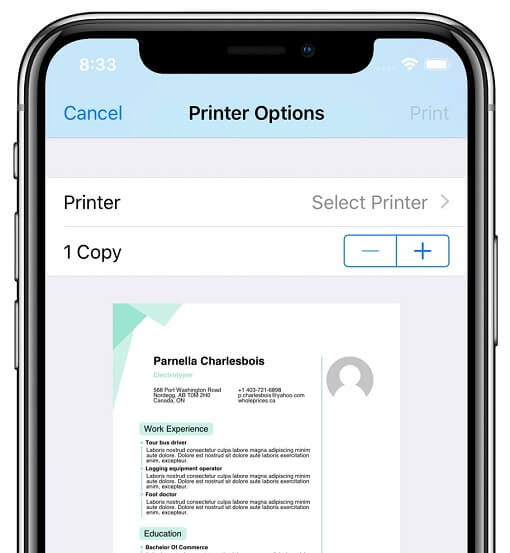
此外掛程式可讓 Flutter 應用程式在 Android、iOS、macOS、Windows 和 Linux 上,以及 Web 印表機上產生並列印文件。
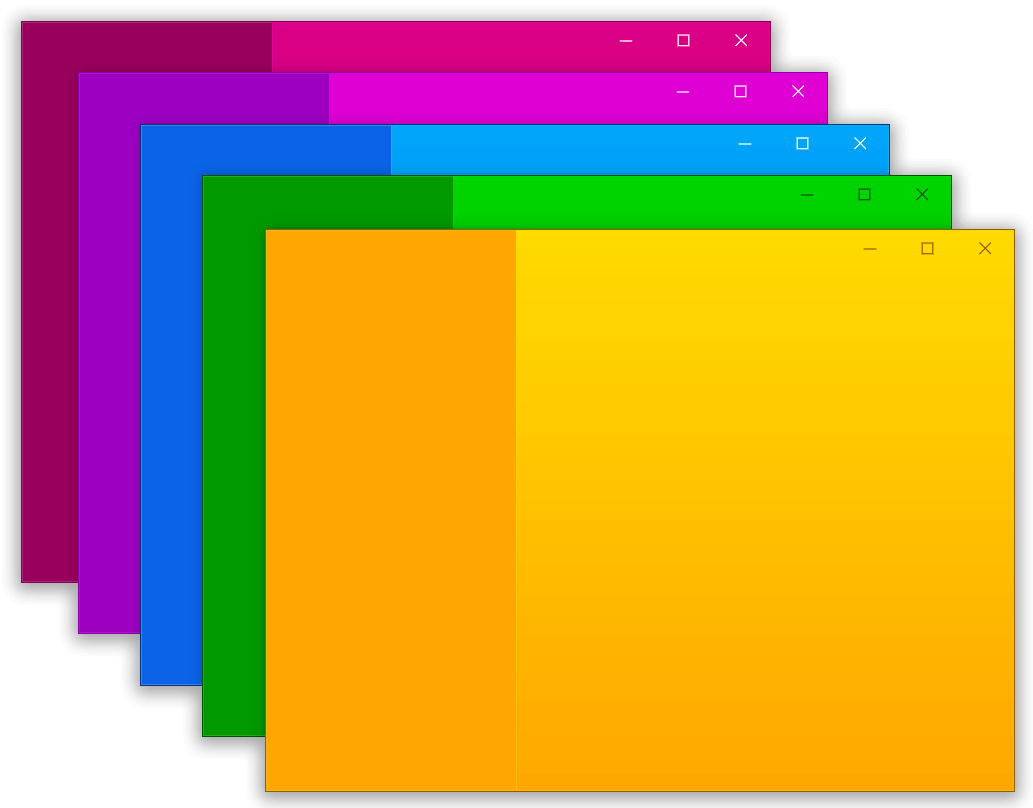
一個用於協助在 Flutter 桌面端建立自訂視窗(自訂邊框、標題列及最小化/最大化/關閉按鈕)與常見桌面視窗操作(顯示/隱藏/螢幕位置)的套件,適用於 Windows 與 macOS
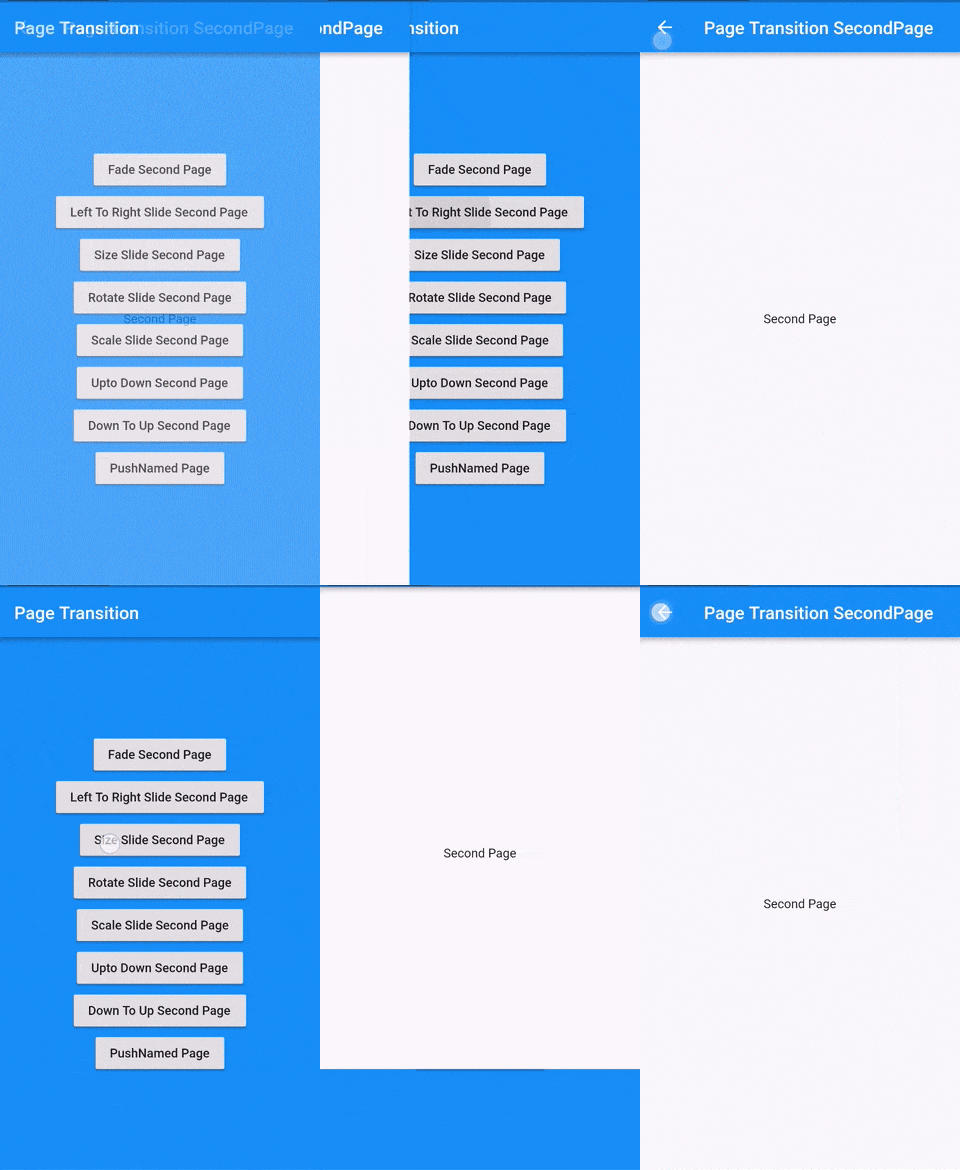
Flutter 頁面過渡套件,用於第二個頁面的過渡
GraphView 用於以圖形結構顯示資料。可顯示樹狀佈局、有向圖和分層圖。適用於家譜、層級檢視。
適用於 Flutter 的語法高亮小部件,支援多種語言和主題。
用於在 Column 和 Row 等 Flex 小部件或捲動檢視中輕鬆加入間距的 Flutter 小部件。
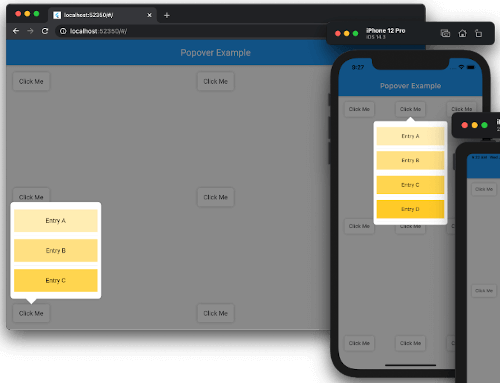
彈出框是在您點擊控制項或某個區域時,出現在螢幕上其他內容之上的暫時檢視。
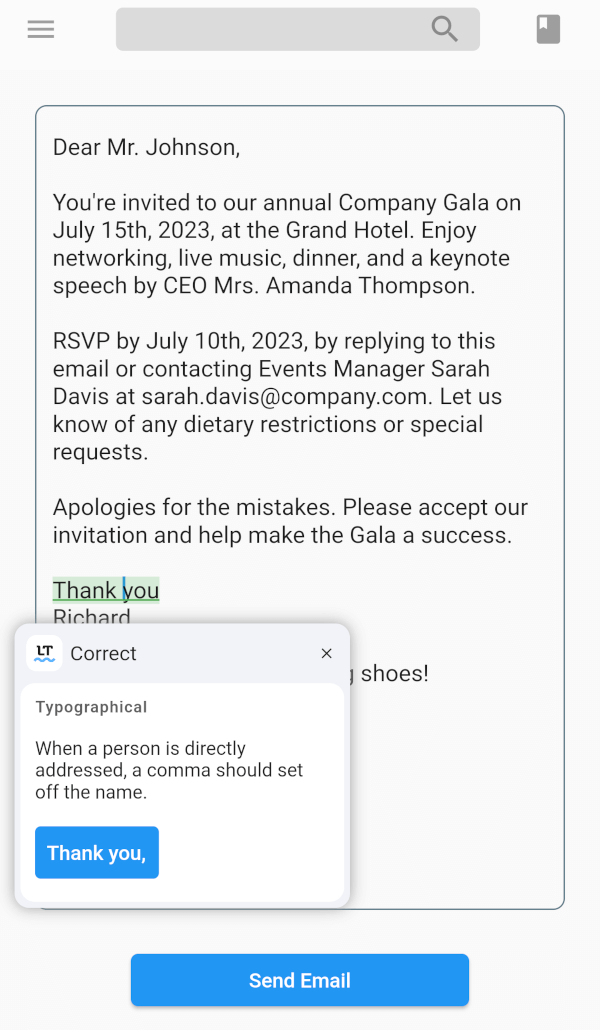
LanguageTool TextField 套件是一個為 Flutter 應用程式設計的拼字檢查器。這對於需要文字輸入的應用程式(如訊息、筆記和電子郵件)非常有用。
一個用於 flutter_markdown 套件的擴展,可呈現 Markdown 中的 LaTeX。
依賴清單 30 項
{"sdk":"flutter"}^3.0.1^0.6.18+3^6.1.1^0.3.8^0.19.0^0.1.1^0.7.0^1.1.226^6.1.1any^2.1.2^2.3.2^1.0.6^0.3.0^2.1.0^0.1.6^0.3.3^1.0.0^0.4.3^1.2.0^3.11.0^5.12.0^2.2.3^7.2.2^0.257.0^0.0.6^2.0.10+1{"sdk":"flutter"}^3.0.1先依使用情境篩選,再比較專案活躍情況,最後到原始儲存庫確認使用要求。
“A repository is the most basic element of GitHub.”
GitHub Docs — About repositories ↗