搜尋套件、儲存庫與 APP 分類

fluentui_system_icons 封面
套件詳情v1.1.273

fluentui_system_icons

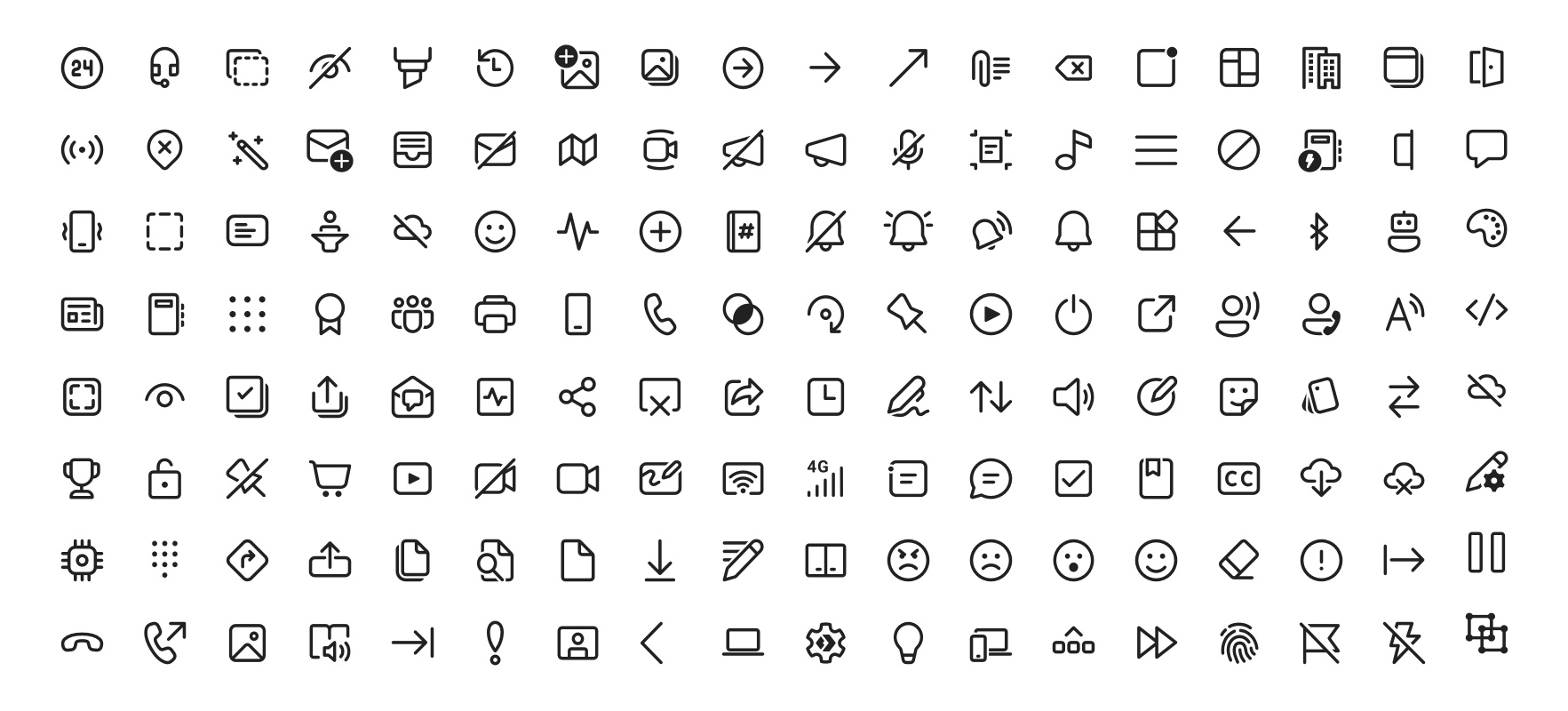
Fluent UI 系統圖示是一組來自微軟的熟悉、親切且現代的圖示。

AndroidiOSWebmacOSWindowsLinux
近 30 天下載
5.6萬
喜歡數
956
Pub 分數
160

安裝套件

flutter pub add fluentui_system_icons

套件介紹

根據套件公開資料產生的選型評估,僅供參考。

Fluent UI System Icons 是由微軟開發的全面現代、乾淨且一致的圖示集合。專為跨平台使用而設計,這些圖示與 Fluent Design System 保持一致,為應用程式提供統一的視覺語言。該套件可輕鬆整合至 Flutter 項目中,支援 Android、iOS、Web、macOS、Windows 和 Linux。著重於可存取性和可擴展性,讓開發者能以專業級別的圖示增強使用者介面,而無需額外的設計開銷。

適用情境

  • 應用介面優化
  • 跨平台應用設計
  • 現代介面樣式
  • 以可存取性為重點的設計
  • 品牌一致的圖示設計

主要特色

  • 官方 Microsoft 圖標集
  • 多平台支援
  • 可縮放向量圖示
  • 無障礙優化
  • 輕鬆整合 Flutter

適合對象

  • 使用 Fluent Design 的開發人員
  • 跨平台行動與桌面應用
  • 重視品牌一致性的團隊
  • 尋求現代圖示的設計師
  • 需要可存取圖示的專案

使用建議

  • 需要 Flutter 2.5 或更高版本
  • 有限的自訂選項
  • 依賴外部來源更新
  • 不適合高度自訂圖示的需求
  • 使用完整圖示集可能帶來的大小影響

原始 README

以下為關聯原始碼儲存庫的 README 原文快照,最新內容請造訪原始碼儲存庫。

Fluent UI System Icons

Pull request validation

Fluent UI System Icons are a collection of familiar, friendly and modern icons from Microsoft.

Fluent System Icons

Icon List

Direction

Within the metadata.json file for an icon, a property named directionType is used to indicate the direction of the icon. This property can have one of the following values:

  • unique, meaning that the icon is unique and has a specific RTL and LTR version
  • mirror, meaning that the icon can be mirrored for RTL or LTR languages

The property singleton is also used to indicate the default direction that should be used for the icon.

Installation

Android

The library is published via Maven Central, please ensure that the mavenCentral() repository has been added to the root build.gradle file:

repositories {
    ...
    mavenCentral()
}

Include the following dependency in your project's build.gradle:

implementation 'com.microsoft.design:fluent-system-icons:1.1.341@aar'

For library docs, see android/README.md.

iOS and macOS
CocoaPods
use_frameworks!

pod "FluentIcons", "1.1.341"
Carthage
git "git@github.com:microsoft/fluentui-system-icons.git" "1.1.341"

For library docs, see ios/README.md.

Flutter

In the pubspec.yaml of your flutter project, add the following dependency:

dependencies:
  ...
  fluentui_system_icons: ^1.1.341

For library docs, see flutter/README.md.

Plain svg

Inline svg directly. See packages/svg-icons/README.md.

Contributing

Importer

The importer generates the Android and iOS libraries from the icons in the assets directory.

Install dependencies from the repository root (this is a single yarn workspace, so dependencies for every package are installed in one go):

corepack enable
yarn install

Jump into the directory:

cd importer
yarn clean

List all the available commands:

yarn run
Build Pipeline

Our build pipeline runs deploy:android and deploy:ios to create the libraries. The build definitions are located in .github/workflows/.

Demo apps

You can build and run the demo apps following the steps below.

Android
  1. Follow the Importer section above and run the command yarn deploy:android
  2. Open the android directory in Android Studio
  3. Select the sample-showcase in the build configuration dropdown
  4. Click run
Flutter

Prerequisite: Make sure you have flutter configured in Android Studio

  1. Open the flutter directory in Android Studio
  2. Select the example in the directory and open it in Android Studio
  3. Click run

Contact

Please feel free to open a GitHub issue and assign to the following points of contact with questions or requests.

Code of Conduct

This project has adopted the Microsoft Open Source Code of Conduct. For more information see the Code of Conduct FAQ or contact opencode@microsoft.com with any additional questions or comments.

所屬分類

原始碼儲存庫

使用此套件的專案

所在榜單