v1.19.0
meta
用於表達開發人員意圖的註解,這些意圖無法透過靜態分析來推斷來源碼。
480喜歡 1930萬近 30 天下載150Pub 分數
AndroidiOSWebmacOSWindowsLinux
專為手寫設計的跨平台開源應用

以下為英文專案原文快照,最新內容請造訪 GitHub。
 Saber
Saber





English | čeština | Deutsch | 中文 (简体中文, 中国) | 中文 (繁體, 台灣) | العربية | Tiếng Việt
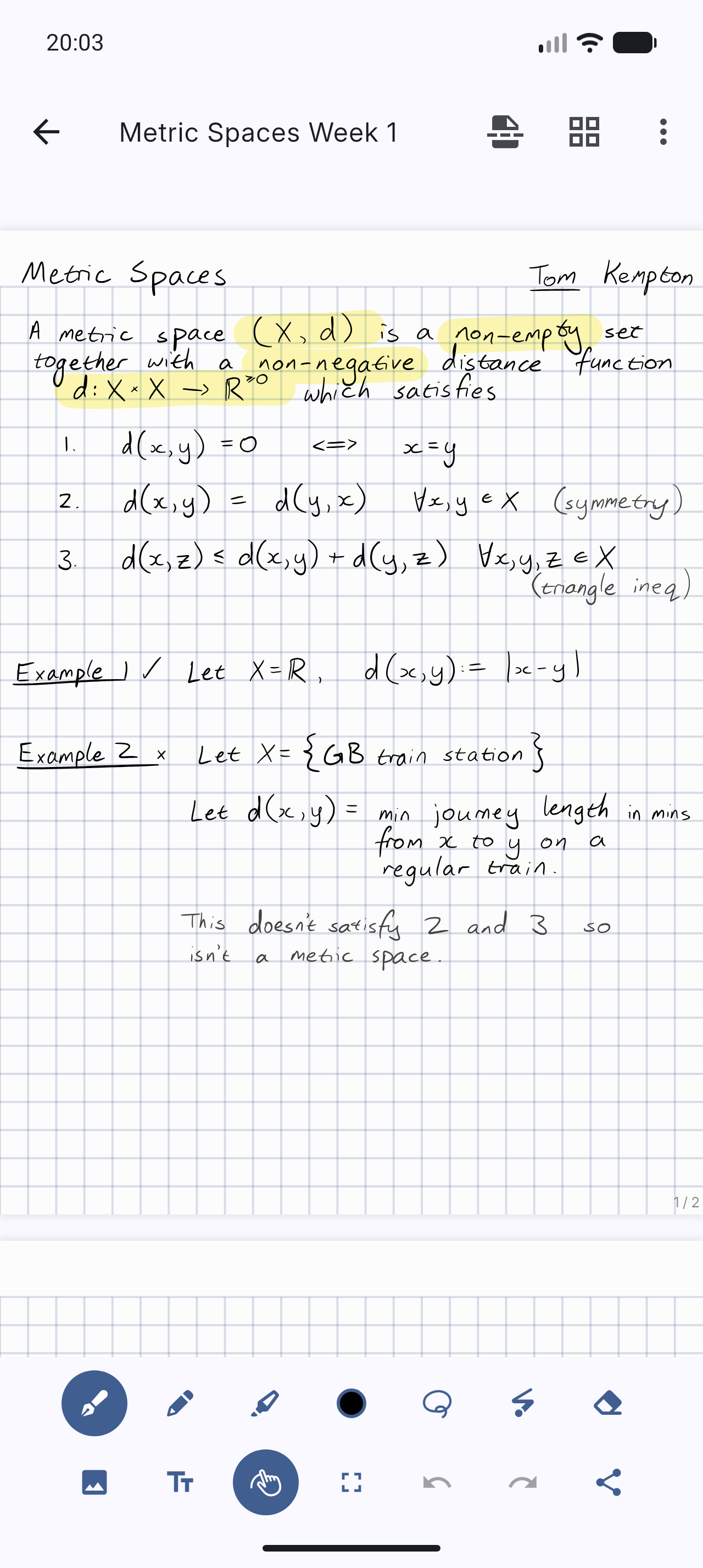
Saber is the notes app built for handwriting.
It's designed to be as simple and intuitive as possible, while still delivering unique features that you'll actually use. Additionally, Saber is available across all your devices, large and small, and syncs between them seamlessly.
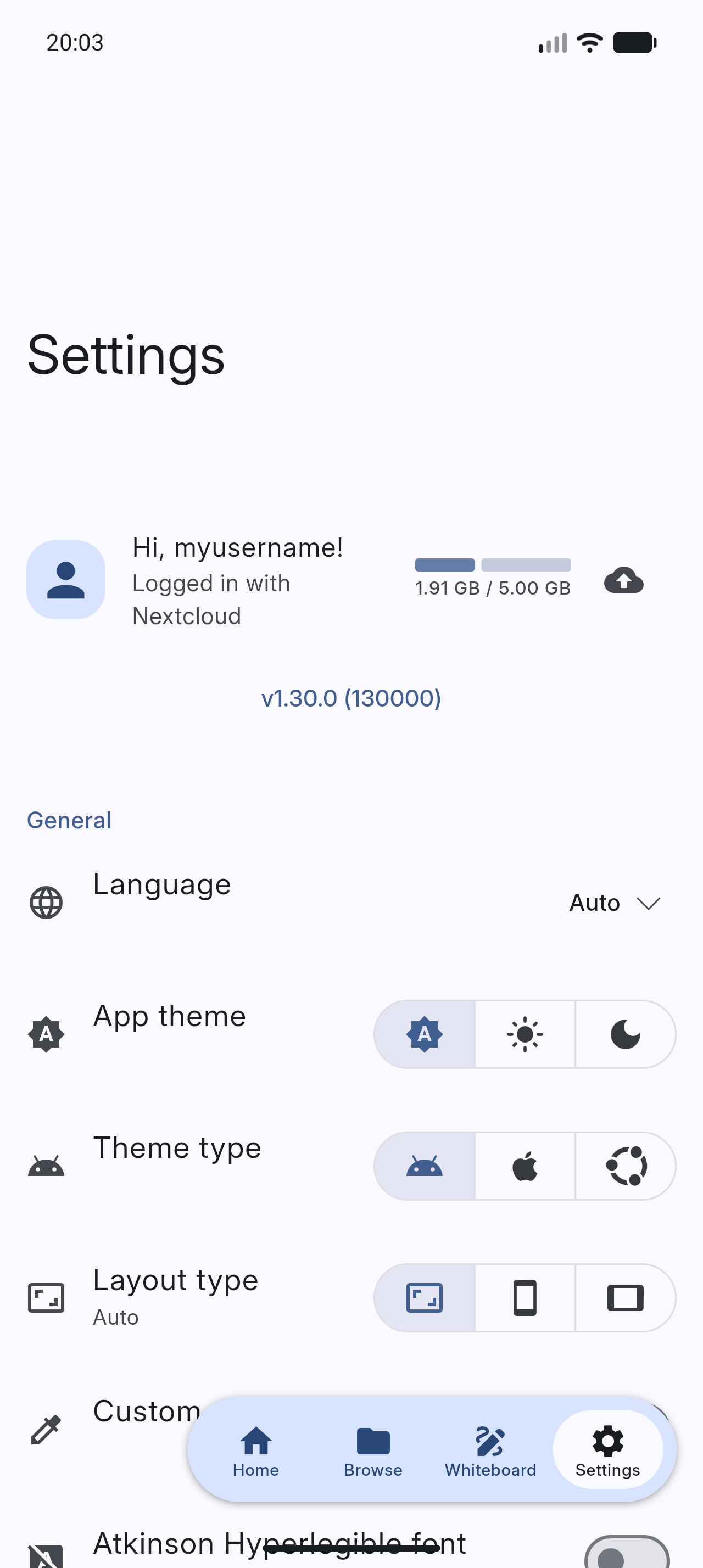
Notably, it can invert your notes when you're in dark mode. This allows you to write with white ink on a black background, which is much easier on the eyes in low-light environments like when the teacher turns off the lights in class. Images and PDFs are also inverted, so you can still use a digital printout or a textbook without the fuss.
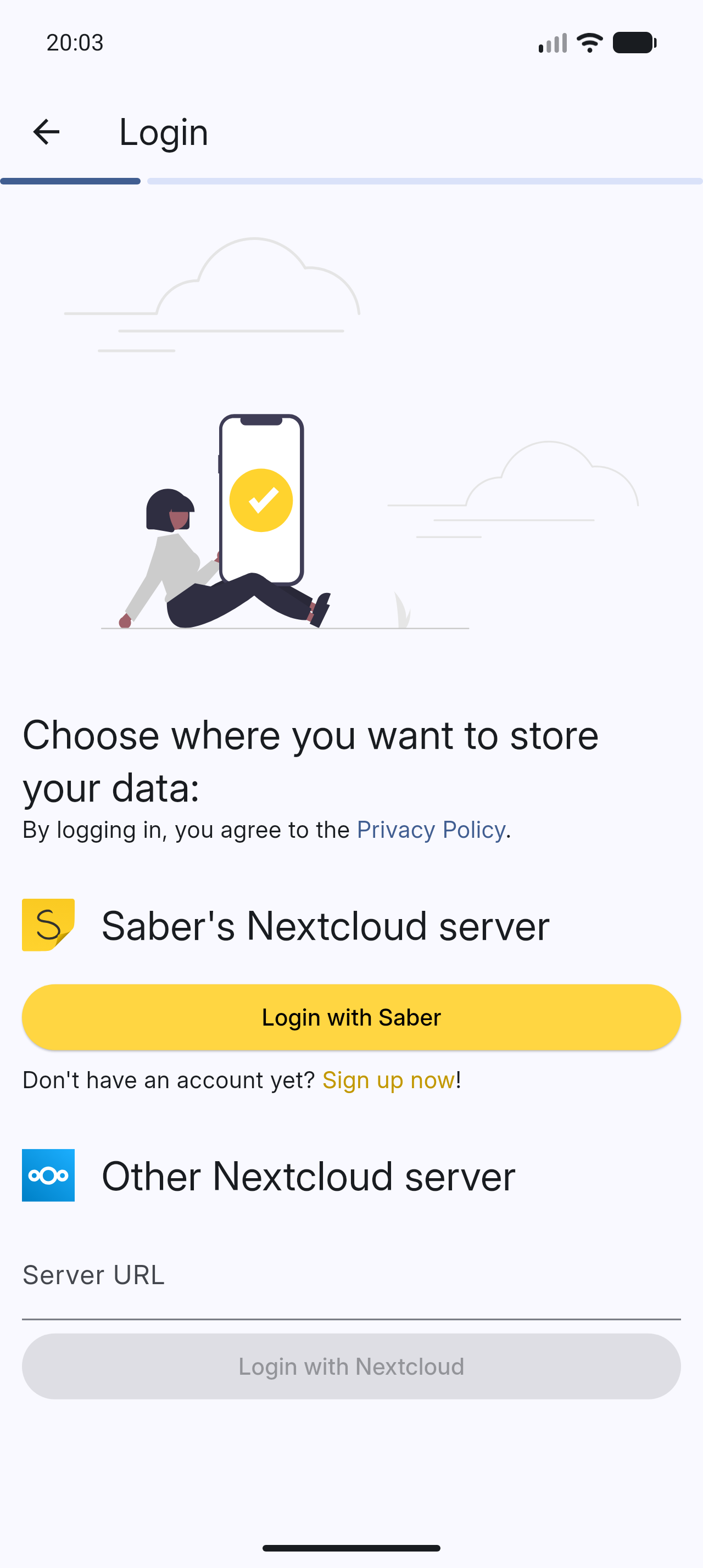
Saber uses a dual-password system to protect your notes from anyone but you, even if they have complete control over the server. You can safely store your notes on the official Saber server, another server, or even host your own!
The app is completely open-source so that anyone can view the source code and see exactly what it's doing and how it handles your data. Many other note-taking apps are closed-source and proprietary, meaning that their inner workings are a mystery to the public.
As someone who studies maths, highlighting multi-line equations was always a hassle with other apps, where the highlighter would change color when it overlapped with itself. Another problem I had was that in some apps, the highlighter would render on top of the text, fading it out and making it hard to read. Saber's highlighter has no such issues. It utilizes canvas compositing to render the highlighter in a way that is consistent with/better than traditional paper, where it handles overlaps and maintains color consistency.
Saber has everything you need to keep your notes organized. Create folders inside folders inside folders to your heart's content with no limit on the number of nested folders. And even though a note may be buried deep within a nested folder, you can still access it easily with your most recent notes always available on the home screen.
Discover a whole new way to capture and organize your thoughts with Saber. Whether you're a student, professional, or creative mind, Saber is your trusted companion for digital handwriting. Download now and let your ideas flow freely!










Please see #1 Saber progress.
Please see Install Saber on the wiki.
Please see Build Saber on the wiki.
All translations are thanks to our community of contributors.
If you'd like to help out translating Saber, head to Weblate!
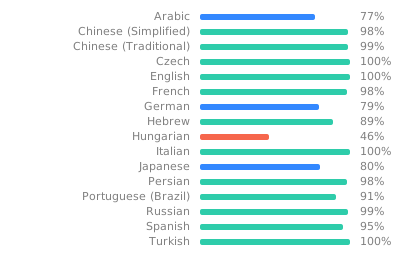
Note: To avoid falling back to English, any gaps in the translations are filled in by machine translation until a human can contribute.
If you like Saber, please consider supporting it by:
Please see Maintainer notes on the wiki.
用於表達開發人員意圖的註解,這些意圖無法透過靜態分析來推斷來源碼。
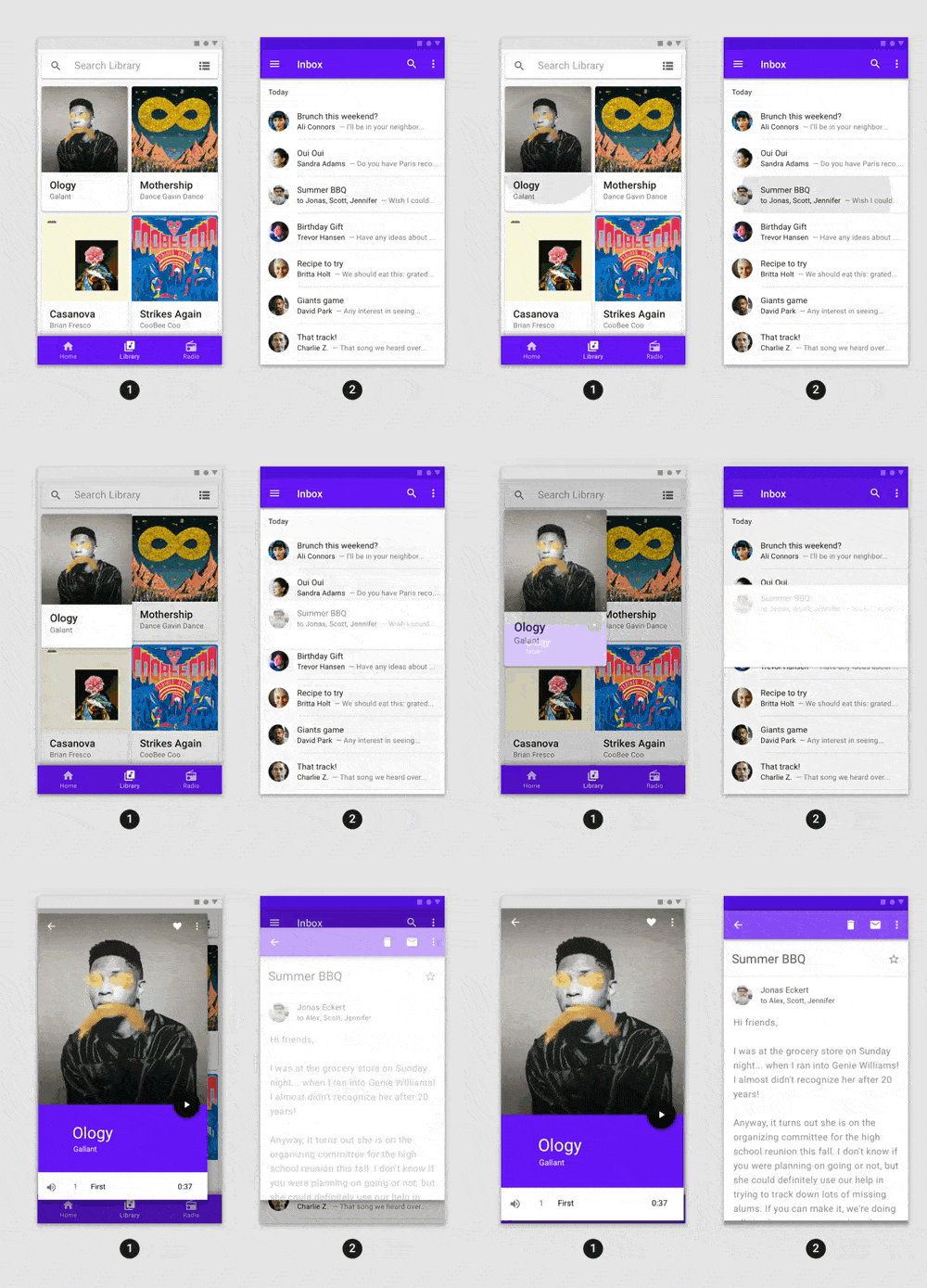
功能豐富的預建動畫,可輕鬆整合至任何 Flutter 應用程式中。
基於蘋果風格圖標的Cupertino元件預設圖示資源
一個用於 Flutter 的 SVG 渲染和小部件庫,可讓您繪製和顯示可縮放向量圖形 1.1 檔案。
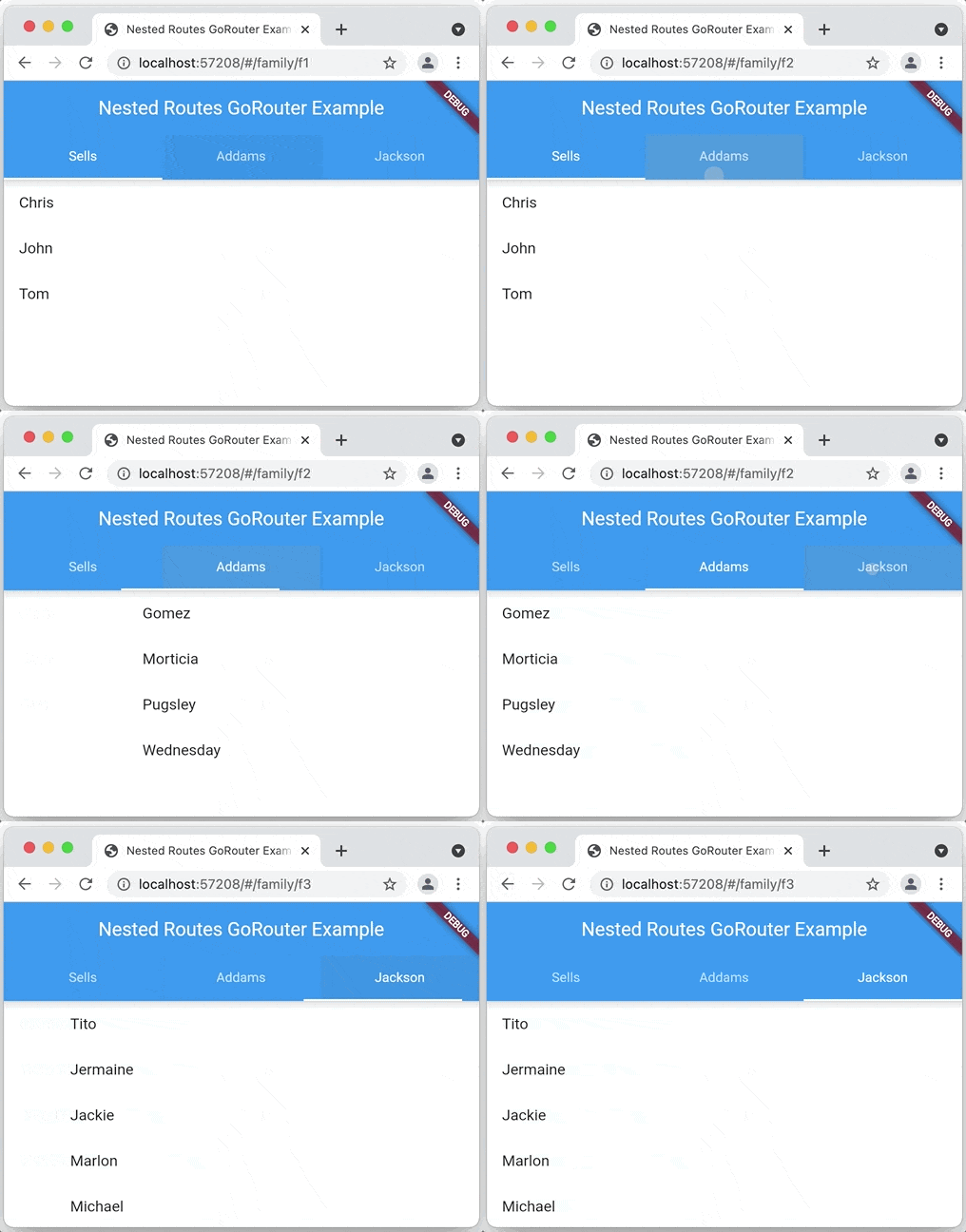
一個基於 Navigation 2 的 Flutter 聲明式路由器,支援深度連結、資料驅動路由等
用於讀取和寫入簡單鍵值對的 Flutter 插件。在 iOS 上封裝了 NSUserDefaults,在 Android 上封裝了 SharedPreferences。
React hooks 的 Flutter 實作。它新增了一種具備增強程式碼重用功能的小部件類型。
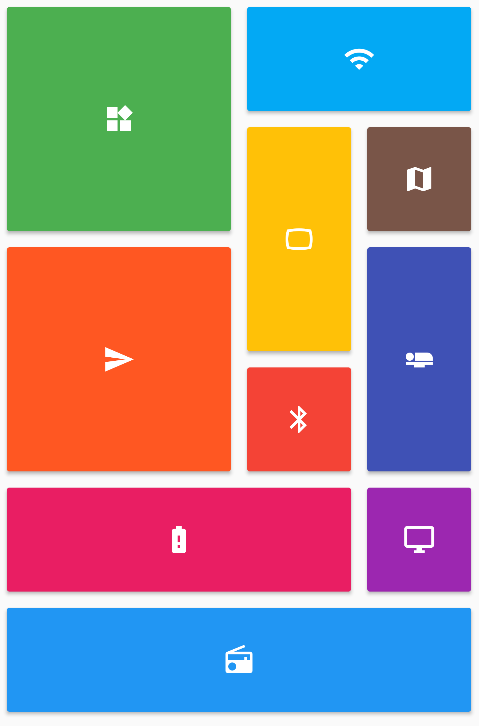
提供一組 Flutter 網格佈局(錯落、馬賽克、拼花、編織等)。
一個為 Android、iOS、Web 和桌面平台打造的富文字編輯器。它是 Flutter 的 WYSIWYG 編輯器與 Quill 元件。
Flutter 的權限外掛。此外掛提供跨平台(iOS、Android)API,用於請求和檢查權限。
Flutter 插件,提供有關裝置(品牌、型號等)的詳細資訊,以及應用程式正在執行的 Android 或 iOS 版本。
用於透過平台分享UI分享內容的Flutter外掛程式,Android使用ACTION_SEND意圖,iOS使用UIActivityViewController。
依賴清單 81 項
{"sdk":"flutter"}{"sdk":"flutter"}^1.0.5^4.2758.0{"path":"packages/sbn"}^1.5.4^0.7.0^17.0.0^0.4.0^2.5.1^2.0.11^11.0.0^6.1.8^9.0.0^1.0.0^2.1.2any^3.0.2^5.0.1^1.1.0^1.0.1^3.8.4^13.3.0^13.0.0—^2.0.0+1^4.12.1—^3.4.1^11.0.0^2.0.0+1^0.0.2^13.0.0^5.1.0^2.0.7^11.5.1^0.5.1^7.0.1^0.10.7^4.0.3^2.0.4{"path":"packages/onyxsdk_pen"}^3.0.0^1.0.1^5.13.2^4.0.0^0.10.0-dev.2^0.0.2^5.0.0^7.0.0^1.2.0^1.1.0^13.2.0^10.2.0^1.1.1^1.0.0^3.1.0^1.0.0^1.3.2^2.5.0^5.0.1>=2.4.2 <2.5.0^1.9.1^0.6.0^0.6.0^0.7.0^1.4.0^9.21.0^9.5.0^9.2.6^0.21.3+1^0.2.0^4.8.0^1.5.2{"sdk":"flutter"}{"sdk":"flutter"}^6.0.0^3.0.0^3.1.2^11.1.0^3.1.1先依使用情境篩選,再比較專案活躍情況,最後到原始儲存庫確認使用要求。
“A repository is the most basic element of GitHub.”
GitHub Docs — About repositories ↗