v1.2.0
sqflite_common_ffi_web
Sqflite 的 Web 實現,使用 sqlite3 ffi 和 sqlite3 wasm。
45喜歡 9.4萬近 30 天下載160Pub 分數
Web
Kaschuso(schulnetz)學校平台的跨平台行動客戶端。

以下為英文專案原文快照,最新內容請造訪 GitHub。

A cross-platform mobile client for the Kaschuso (schulnetz) School platform.
·
Report Bug
·
Request Feature


You can download & install Notely from either the App Store, Google Play Store or use it on the web.


Notely is a cross-platform app for the commonly used swiss school platform "Schulnetz" which allows you to see your grades, timetable and absences. It's currently only compatible with schools within the canton of Solothurn. (KSSO, GIBS, KBS, etc..)


To get a local copy up and running follow these simple steps.
Flutter and Dart need to be installed.
git clone https://github.com/thilojaeggi/Notely.git
flutter pub get
flutter build apk
flutter build ipa
On the login screen select your school, enter your credentails and tap "Log in". That's it.
See the open issues for a full list of proposed features (and known issues).
Contributions are what make the open source community such an amazing place to learn, inspire, and create. Any contributions you make are greatly appreciated.
If you have a suggestion that would make this better, please fork the repo and create a pull request. You can also simply open an issue with the tag "enhancement". Don't forget to give the project a star! Thanks again!
git checkout -b feature/AmazingFeature)git commit -m 'Add some AmazingFeature')git push origin feature/AmazingFeature)Distributed under the GNU Affero General Public License v3.0. See LICENSE.md for more information.
Thilo Jaeggi - thilo@notely.ch
Project Link: https://github.com/thilojaeggi/Notely
Sqflite 的 Web 實現,使用 sqlite3 ffi 和 sqlite3 wasm。
一個通用的 Flutter 條碼和二維碼掃描器,Android 使用 CameraX/ML Kit,iOS 與 macOS 使用 AVFoundation/Apple Vision,Web 使用 ZXing。
Flutter 內購與訂閱變得輕鬆。此外掛程式支援 iOS、macOS 與 Android。
整合 RevenueCat 付費牆的 Flutter 外掛程式。此外掛程式支援 iOS 與 Android。
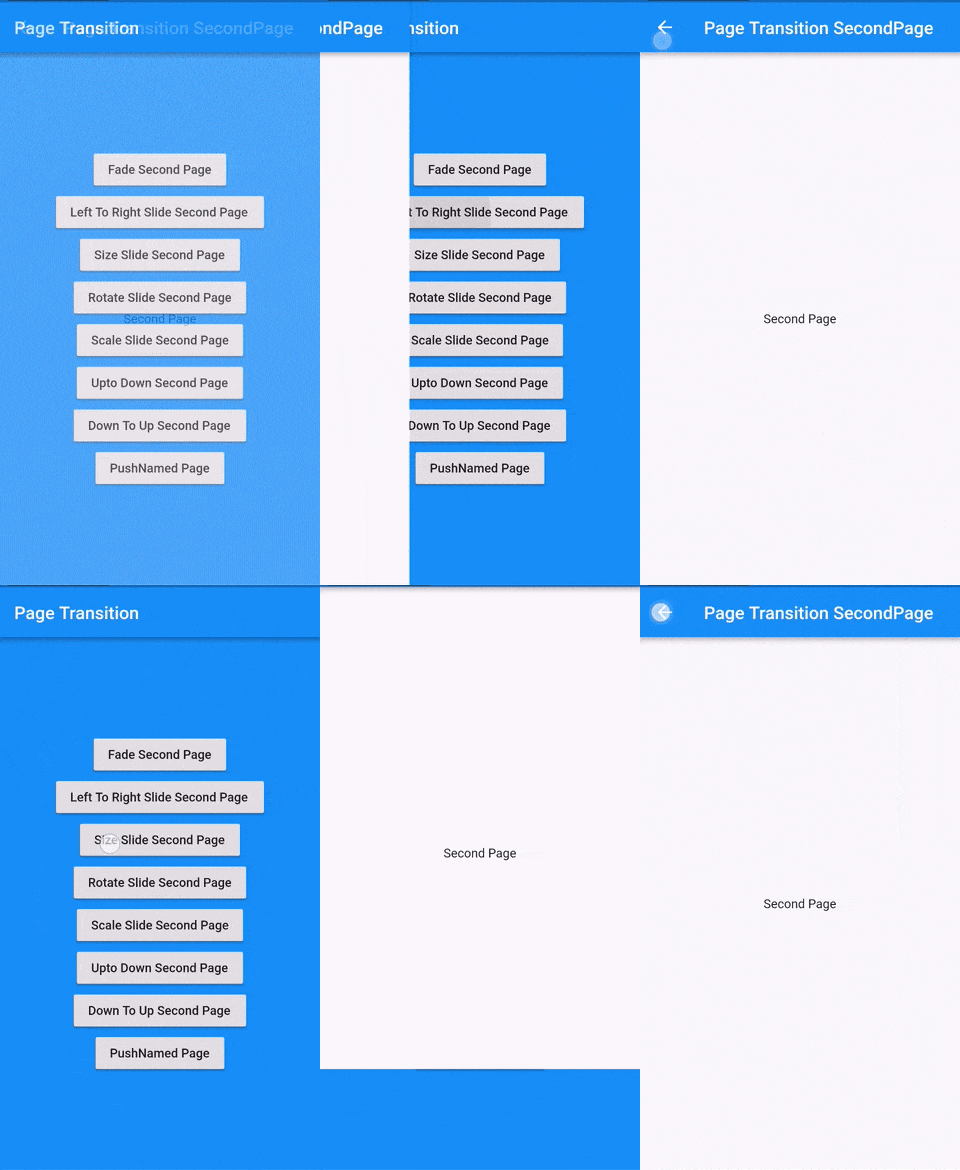
Flutter 頁面過渡套件,用於第二個頁面的過渡
Google 移動廣告的 Flutter 插件,支援橫幅、插頁式(全螢幕)、獎勵式及原生廣告
一個水平的日期選擇器,佔用螢幕空間很少,因此我們可以始終將其顯示出來,並便於單手使用。
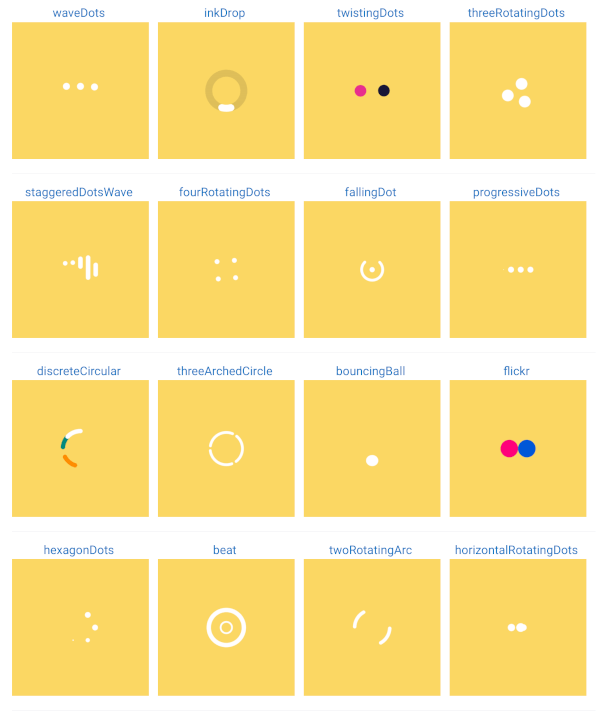
載入動畫或載入旋轉圖示或載入器。用於在應用程式處於載入狀態或某項作業需要不確定時間處理時顯示載入動畫。
幫助您變更或重新命名您的 Flutter 項目在 iOS、Android、macOS 和 Linux 平台上的 BundleId 和應用名稱
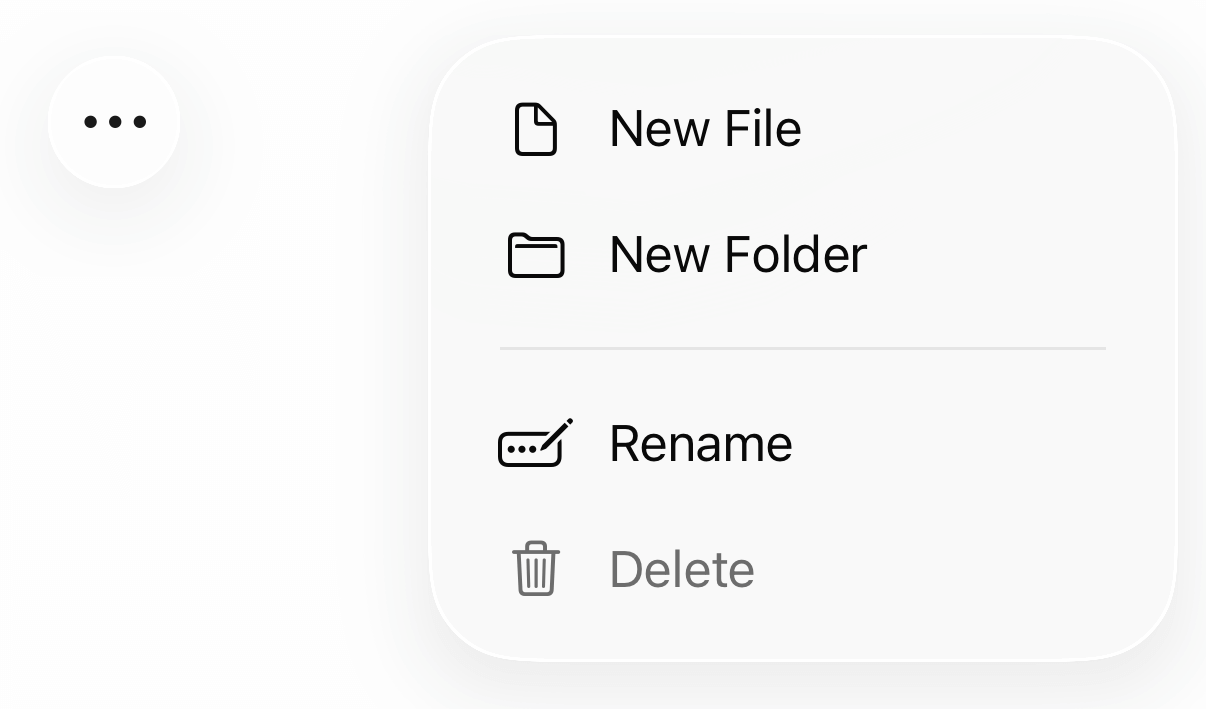
適用於 iOS 與 macOS 的原生液態玻璃元件,具備像素級精確度。
「easy_date_timeline」套件是一個可自定義的 Flutter 庫,可在水平檢視中顯示日期時間軸。
易於使用且可自訂的主題提供者。此組件可用來輕鬆地在整個元件樹中提供主題控制項。
依賴清單 47 項
{"sdk":"flutter"}^1.0.2^1.2.1^3.0.3^2.0.15^8.0.0^0.6.0^1.1.1^2.0.1^0.1.1^2.3.1^10.0.0^0.9.2^2.0.9^9.0.0^0.1.0^3.1.0^0.20.0^6.1.5^3.0.0^6.1.10^2.4.2^2.4.0+2^1.1.1^19.5.0{"git":{"url":"https://github.com/muhammadtalhasultan/calendar_timeline.git","ref":"dependabot/pub/intl-0.20.2"}}^2.0.9^4.2.1^16.1.0^12.0.4^1.2.0+4^2.0.0^5.1.1^1.4.1^2.0.6^2.0.1{"sdk":"flutter"}^0.15.4^10.9.1^10.9.1^7.1.3any^0.1.5^0.12.0^2.0.1^5.0.3{"sdk":"flutter"}先依使用情境篩選,再比較專案活躍情況,最後到原始儲存庫確認使用要求。
“A repository is the most basic element of GitHub.”
GitHub Docs — About repositories ↗