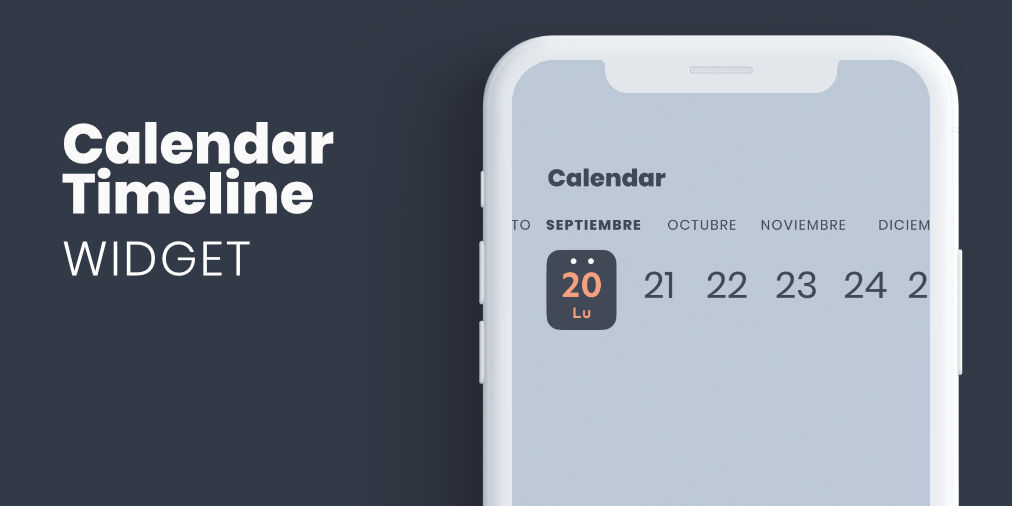
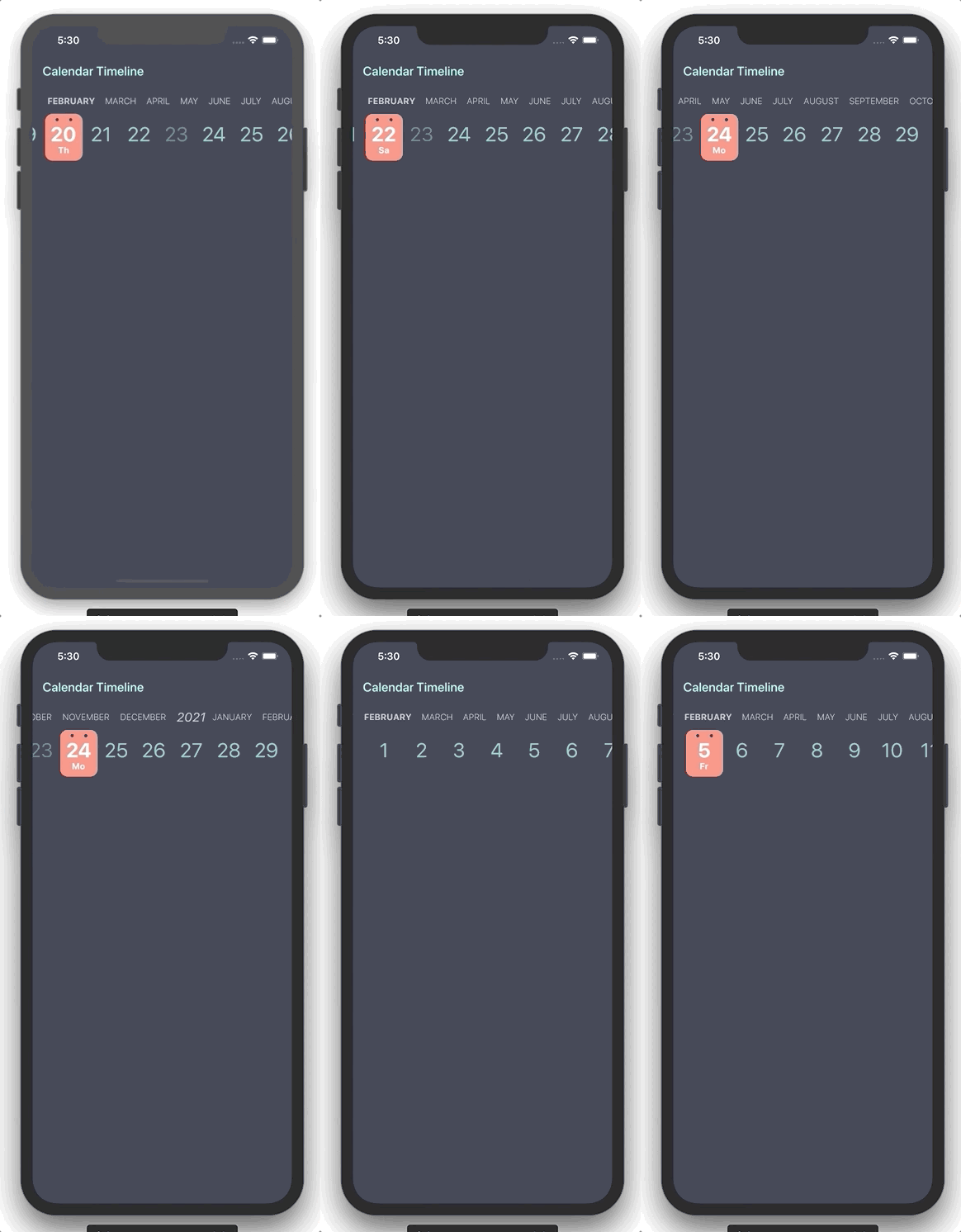
CalendarTimeline 是一個緊湊的水平日期選擇器,專為高效的一隻手操作和最小化螢幕空間而設計。它始終顯示當前日期,非常適合需要頻繁選擇日期的應用程式。時間軸佈局讓使用者可以順暢地滑動瀏覽天、週或月。基於 Flutter 建構,支援 Android、iOS、Web、macOS、Windows 和 Linux 等多個平台。其乾淨的介面在表單、排程工具和每日規劃中提升了易用性。
適用情境
每日任務追蹤
排程應用程式
活動策劃
以行動裝置為先的日期選擇
單手導航
主要特色
水平可捲動的時間軸
緊湊設計
單手操作可用性
跨平台支援
可自訂日期範圍
適合對象
行動應用程式開發人員
生產力應用
日曆整合
極簡主義使用者介面設計
時間敏感的工作流程
使用建議
僅限選擇日期
無內建事件渲染
需要手動處理日期變更
最適合線性時間導航
可能需要額外的樣式以支援深色模式
原始 README
以下為關聯原始碼儲存庫的 README 原文快照,最新內容請造訪原始碼儲存庫。
Flutter widget form select a date in horizontal timeline with customizable styles.
Getting Started
You can use this package when you need to add a date picker that takes up little screen space, so we can always have it visible, and that facilitates use with one hand.
Properties
Property
Type
Description
initialDate
DateTime
Initial date selected
firstDate
DateTime
First date available in calendar
lastDate
DateTime
Last date available in calendar
selectableDayPredicate
SelectableDayPredicate
Signature for predicating dates for enabled date selections
onDateSelected
OnDateSelected
Callback to notify that a date has been selected
leftMargin
double
Left margin to month and day list
monthColor
Color
Color for month list elements
dayColor
Color
Color for day list elements
activeDayColor
Color
Color for selected day text
activeBackgroundDayColor
Color
Color for selected day background
dotColor
Color
Color for top dots in select day
locale
String
Locale string to get formatted date
showYears
bool
Indicates if it show year selector
Use example
You can review the example folder for a complete example of using the widget.