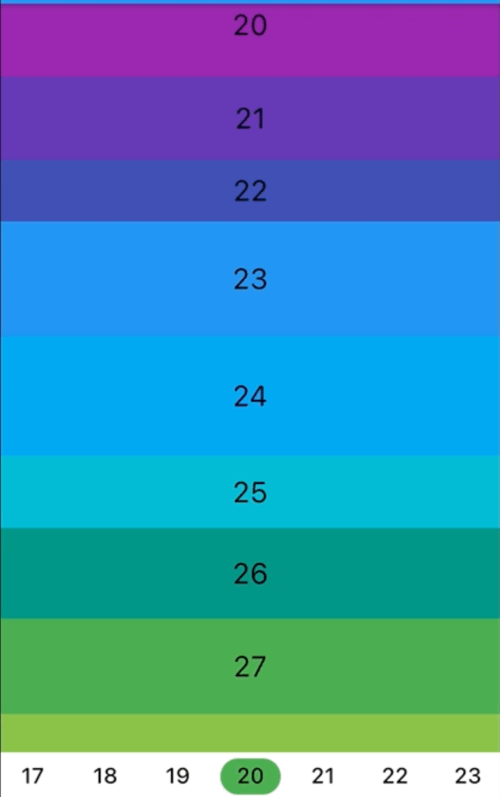
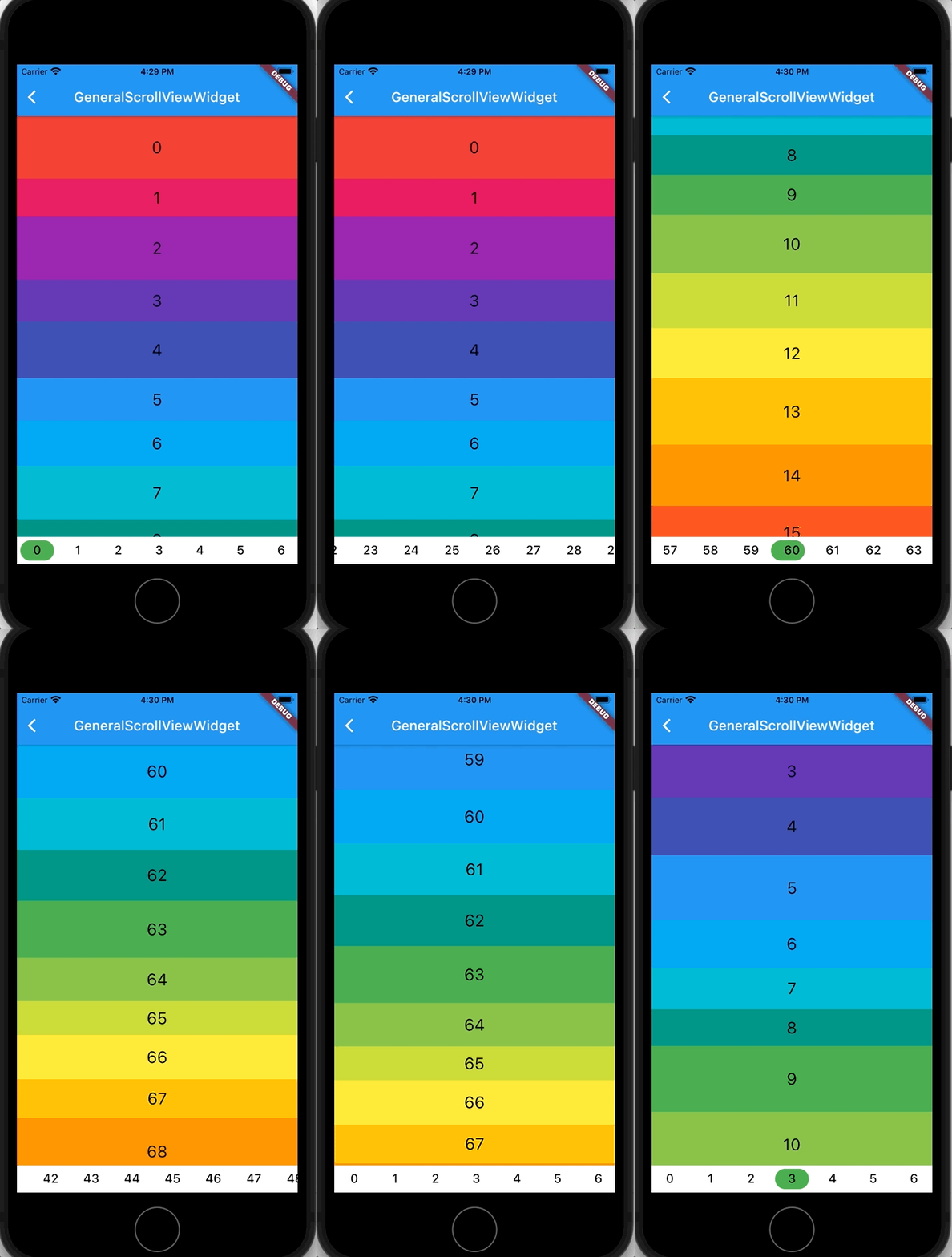
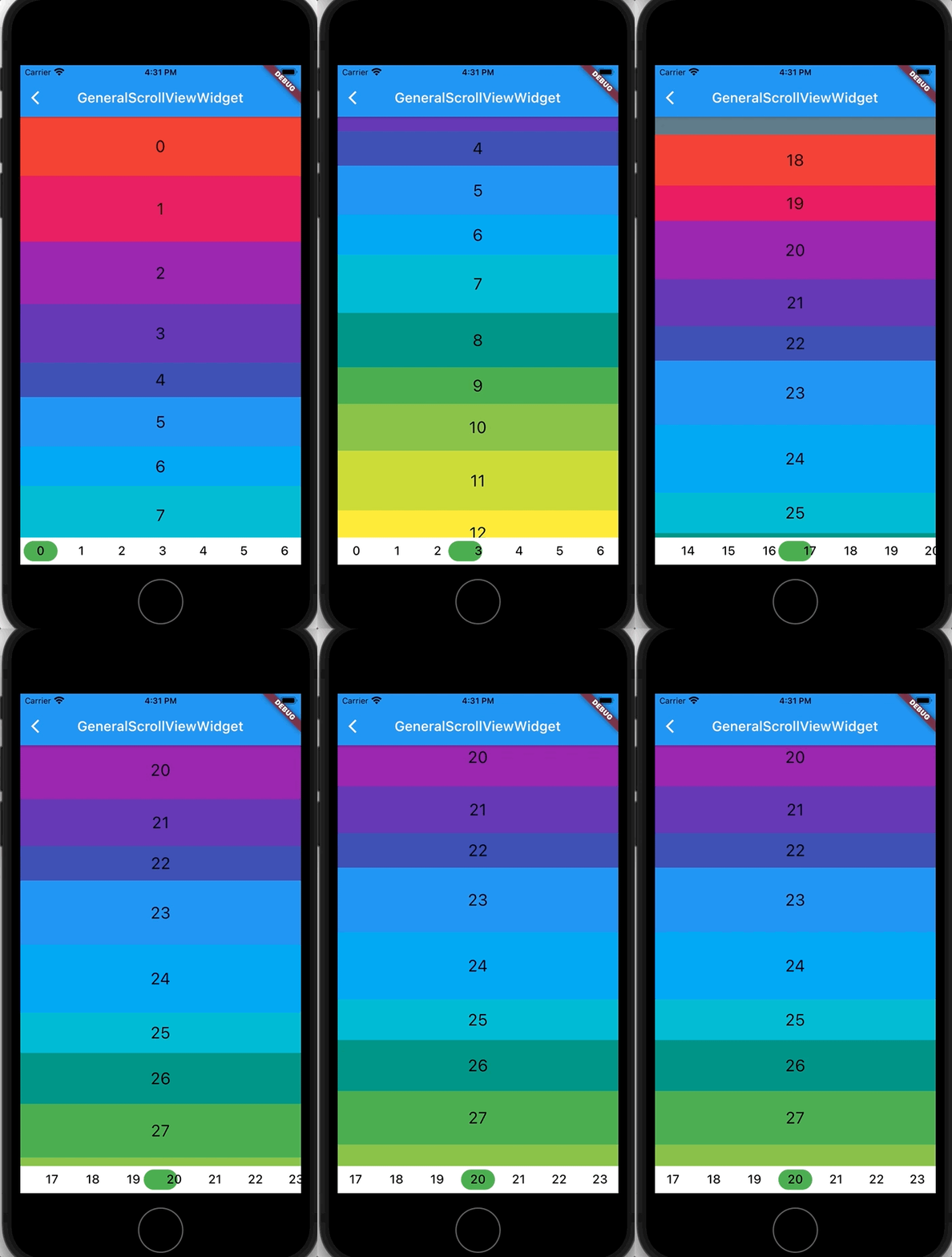
anchor_scroll_controller 套件提供了一個支援錨定的 ScrollController,可實現精確滾動至特定索引,並在使用者驅動的滾動過程中監聽索引變更。它透過允許開發者追蹤並回應可滾動清單中目前可見項目,增強了滾動互動體驗,非常適合用於導航選單、無限清單或同步 UI 元素等情境。此套件具備跨平台支援,可在 Android、iOS、Web、macOS、Windows 與 Linux 上順暢運作。
適用情境
滾動到特定列表項目
追蹤使用者滾動時的可見索引
同步捲動位置與UI元素
使用滾動感知建構導航菜單
實現帶錨點追蹤的無限滾動
主要特色
支援滾動到索引
監聽滾動過程中的索引變更
跨平台相容性
與 ListView 或 Scrollable 小部件的輕鬆整合
提供流暢的錨點捲動
適合對象
開發滾動感知使用者介面的開發者
需要精確滾動定位的應用
與滾動狀態綁定的導航系統
無限或動態列表實現
使用建議
需要手動處理錨點邏輯
可能需要額外的狀態管理
不適合簡單的靜態滾動
大型列表帶來的效能影響
限制為索引滾動內容
原始 README
以下為關聯原始碼儲存庫的 README 原文快照,最新內容請造訪原始碼儲存庫。
flutter anchor_scroll_controller
This package implement a ScrollController which supports anchor. That is, AnchorScrollController supports to scroll to index and listen to index changed while scrolling by user.
Features
Scroll to index
Listen to index changed
Getting Started
In the pubspec.yaml of your flutter project, add the following dependency:
If the size of items are fixed, there is no need to wrap item with AnchorItemWrapper. Just set the fixedItemSize param of AnchorScrollController to the size of items. For example, if the height of all items are 50, then set fixedItemSize param to 50.
For the ScrollView which needs to support pin, wrap pinned headers with AnchorItemWrapper. See pin_scroll_view.dart for more detail.
If you already have a ScrollController and want to use it, wrap the ListView with AnchorScrollViewWrapper and wrap its items with AnchorItemWrapper. Meanwhile, set the scrollViewWrapper param instead of controller param to AnchorItemWrapper. See cascaded_scroll_controller.dart for more detail.