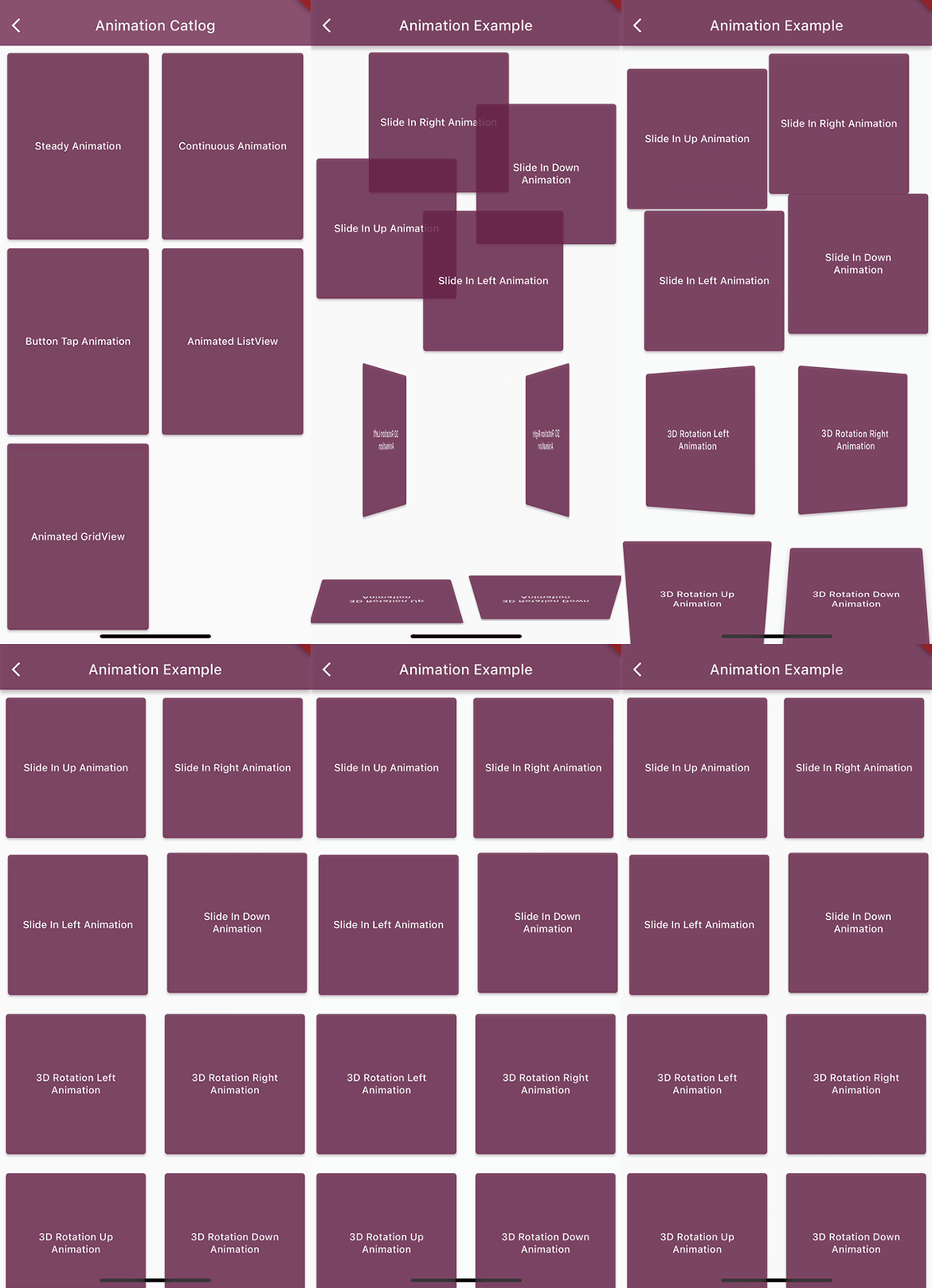
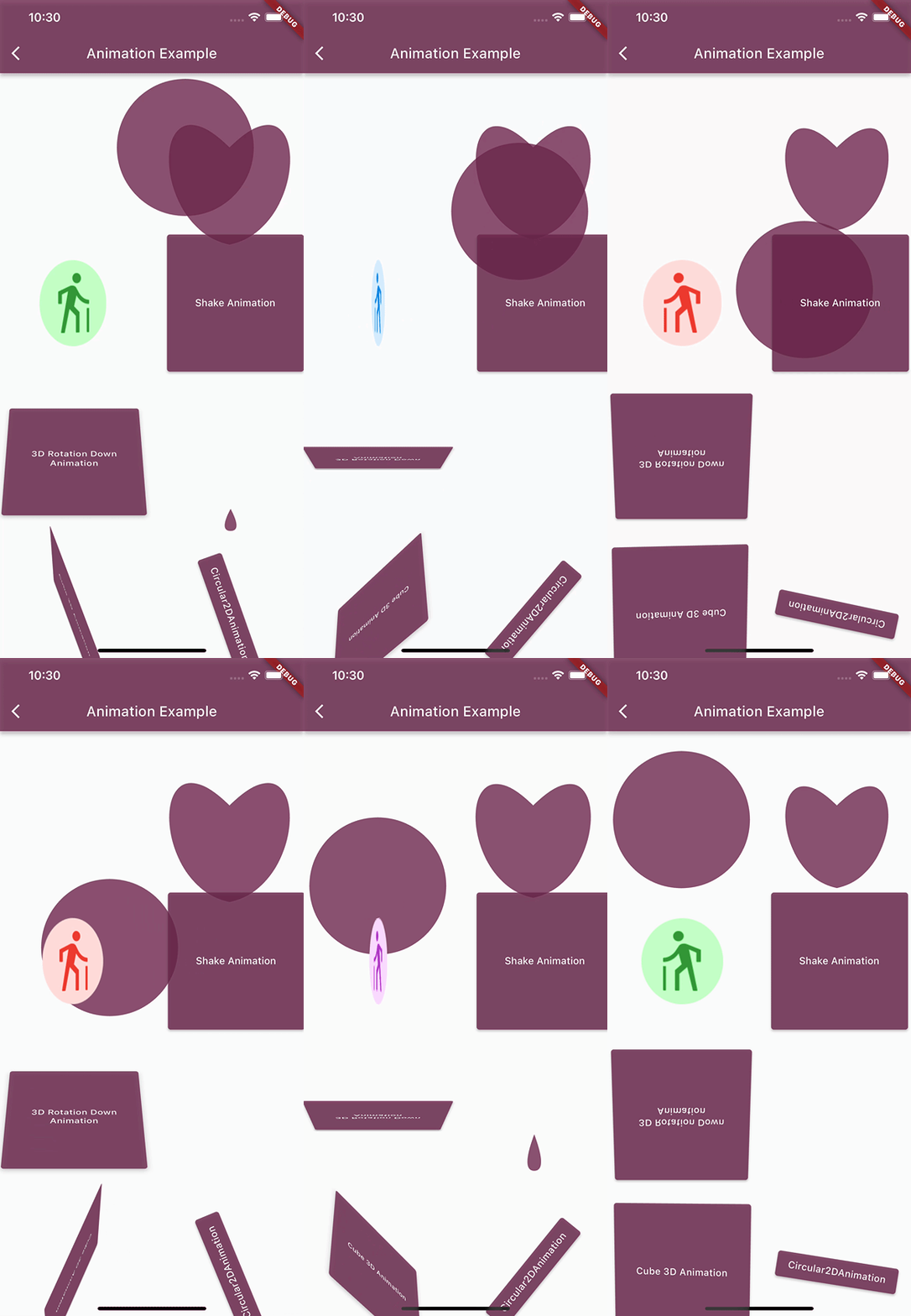
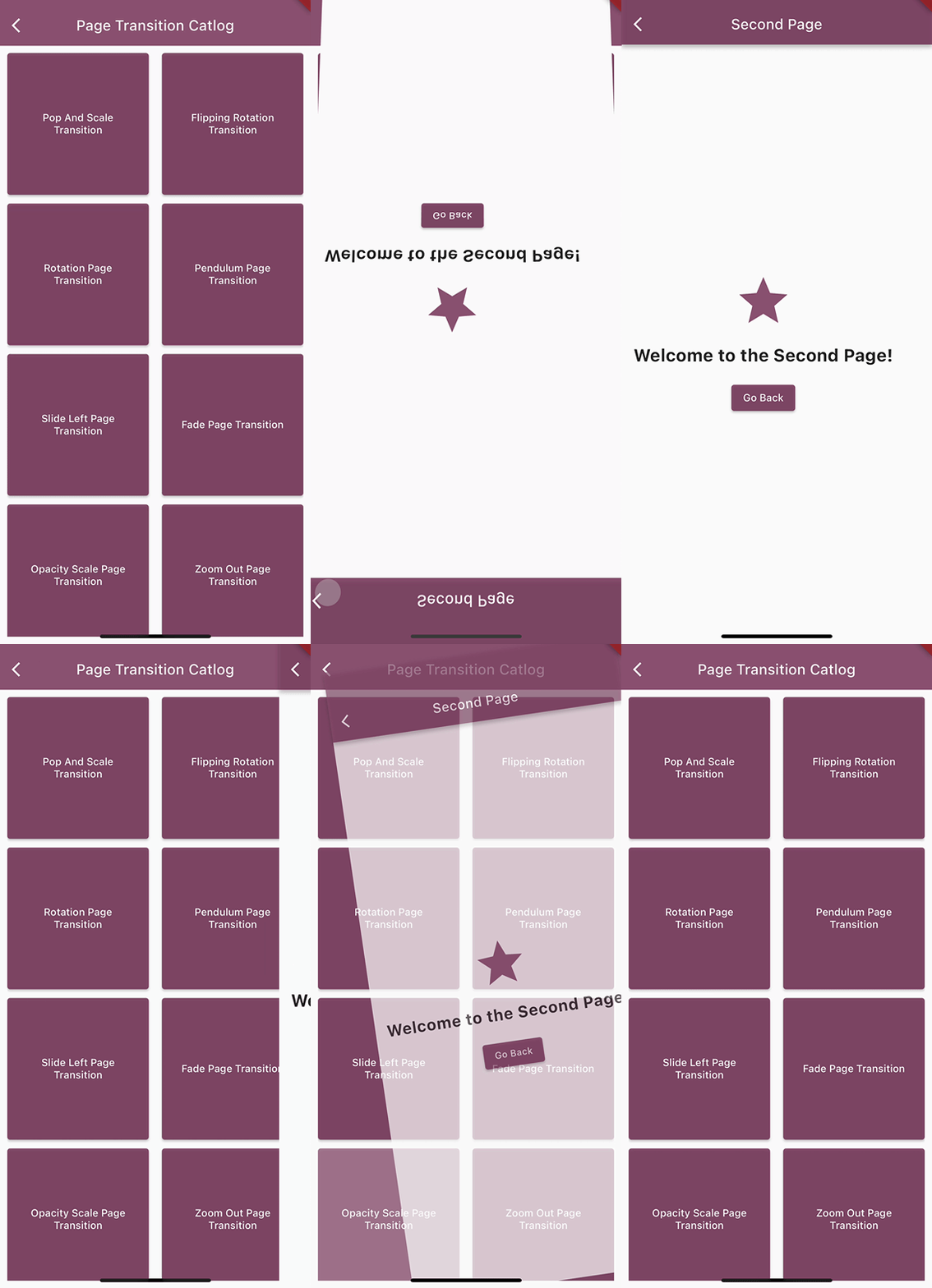
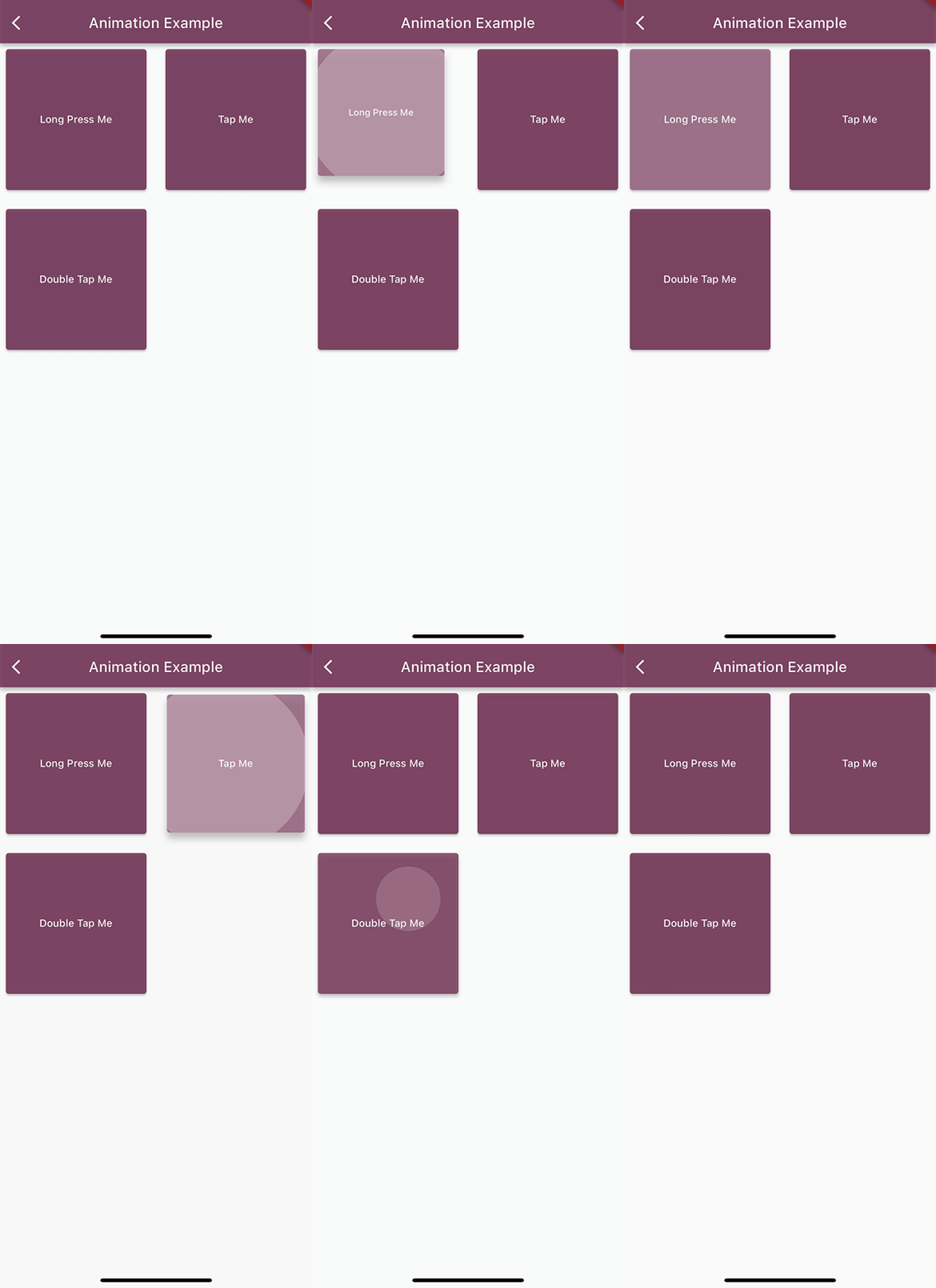
Elevate your Flutter app's user interface to a whole new level with animated_flutter_widgets. This versatile package lets you effortlessly add mesmerizing animations to any widget while also offering a collection of pre-designed animated widgets for accelerated development.
Supported platforms
Android
iOS
Web
MacOS
Windows
Linux
Features
* Steady Animations
* Continuous Animations
* Page Transition Animations
* Button Tap Animations
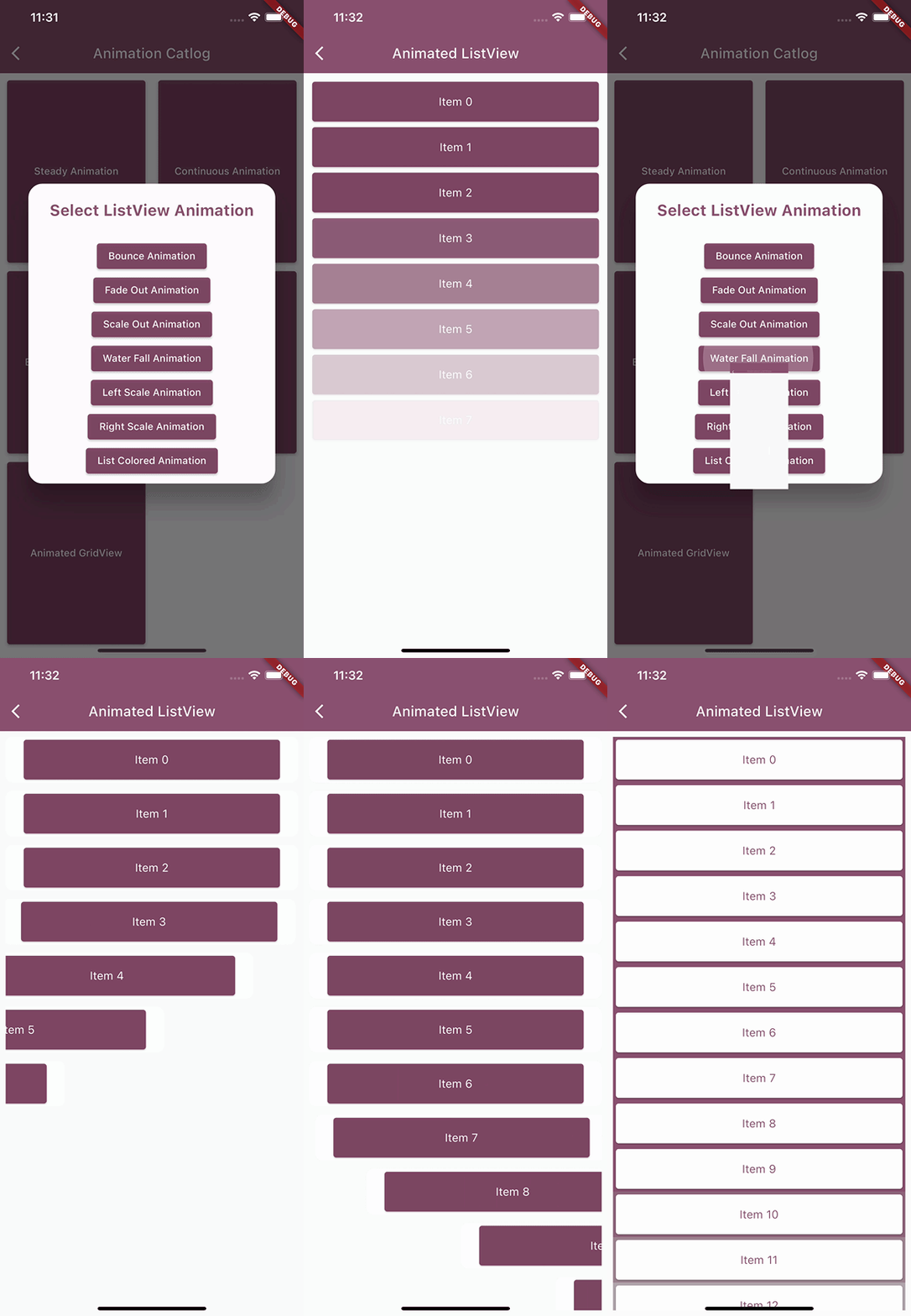
* Animated ListViews
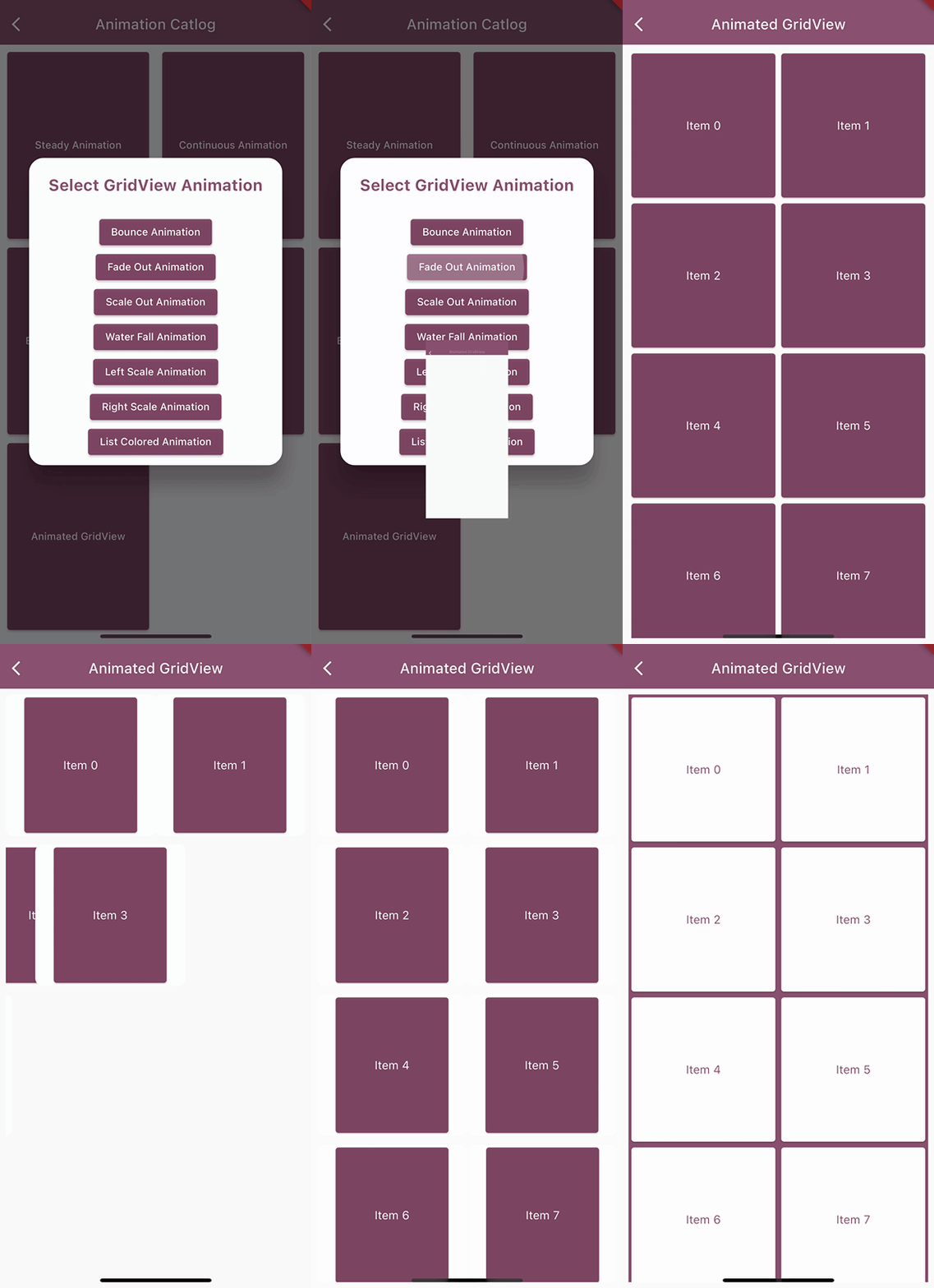
* Animated GridViews
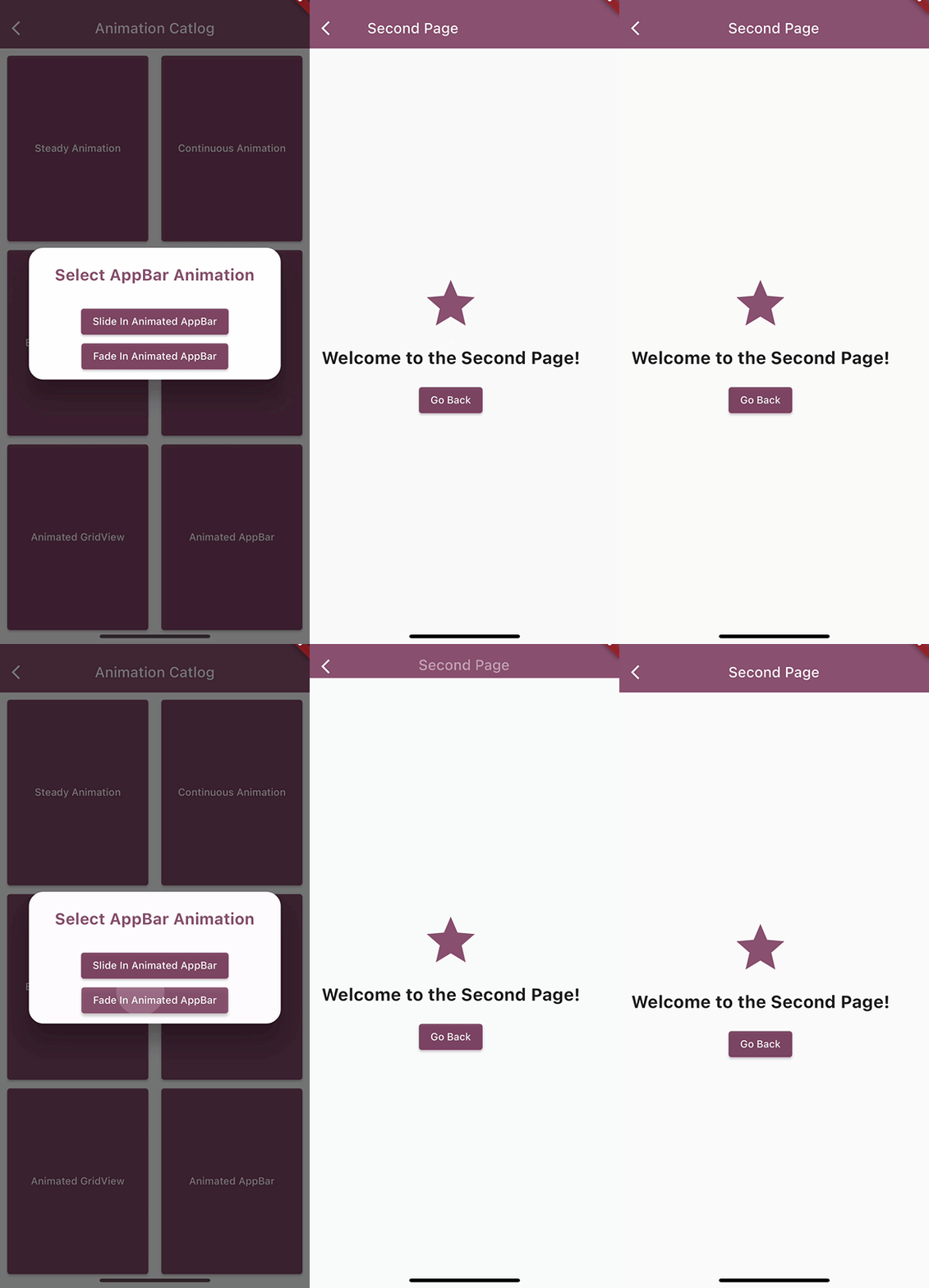
* Animated AppBars
Usage
/// Check example project to explore other animations as well/// To use these animations(Steady, Continuous & Tap Animations) wrap your widget inside the animation widgetsSlideInAnimation(
direction: Direction.right,
duration: constDuration(seconds: 1),
child: YourWidget()
);
Cube3DAnimation(
sideLength: 100,
duration: constDuration(seconds: 4),
isContinuous: true,
child: YourWidget()
);
LongTapAnimation(
// pressDuration: Duration(seconds: 0),
child: YourWidget()
);
/// To use Animated ListView & GridViewAnimatedListViewBuilder(
itemCount: 25, // Change this to your desired item count
customColor: ColorUtility.magenta, // Use this if you are using CollectionAnimationType.listColored
animationType: CollectionAnimationType.leftScale, //Change this to your desired animation type
itemBuilder: (context, index) {
returnYourWidget()
}
);
AnimatedGridViewBuilder(
itemCount: 25, // Change this to your desired item count
animationType: CollectionAnimationType.scaleOut, //Change this to your desired animation type
itemBuilder: (context, index) {
returnYourWidget()
}
);
/// To use Animated AppBarSlideInAnimatedAppBar(
backgroundColor: ColorUtility.magenta,
animationDuration: 1000,
title: constText('Second Page'),
)
/// To use Page Transition AnimationsNavigator.push(context,PopAndScaleTransition(page: YourPage()));
If you have any suggestions for including a feature or if something doesn't work, feel free to open a Github issue or to open a pull request, you are more than welcome to contribute!