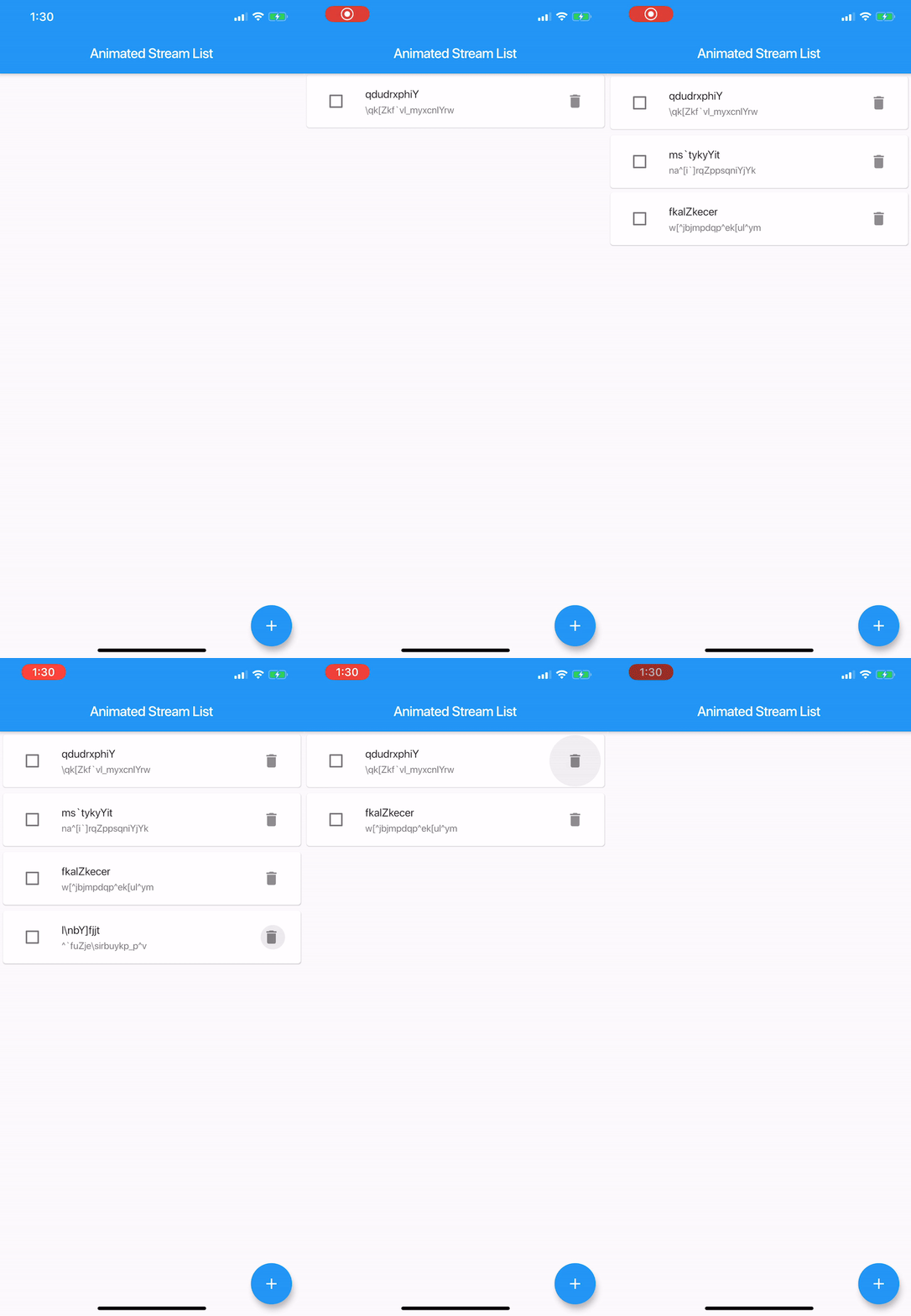
A Flutter library to easily display a list with animated changes from a Stream<List<E>>.
It's like StreamBuilder + ListView.Builder with animations.
Taken inspiration from the Animated List Sample and Java-diff-utils
AnimatedStreamListItemBuilder<T> is just a function which builds a tile
typedefWidgetAnimatedStreamListItemBuilder<T>(
T item,
int index,
BuildContext context,
Animation<double> animation,
);
Example
// create tile view as the user is going to see it, attach any onClick callbacks etc. Widget_createTile(String item, Animation<double> animation) {
returnSizeTransition(
axis: Axis.vertical,
sizeFactor: animation,
child: constText(item),
);
}
// what is going to be shown as the tile is being removed, usually same as above but without any // onClick callbacks as, most likely, you don't want the user to interact with a removed view Widget_createRemovedTile(String item, Animation<double> animation) {
returnSizeTransition(
axis: Axis.vertical,
sizeFactor: animation,
child: constText(item),
);
}
finalStream<List<String>> list = // get list from some source, like BLOC final animatedView = AnimatedStreamList<String>(
streamList: list,
itemBuilder: (String item, int index, BuildContext context, Animation<double> animation) =>
_createTile(item, animation),
itemRemovedBuilder: (String item, int index, BuildContext context, Animation<double> animation) =>
_createRemovedTile(item, animation),
);
}
Options
List<E> initialList;
Initial list
Equalizer equals;
Compares items for equality, by default it uses the == operator, it's critical this works properly.
Equalizer is function, that, given two items of the same type, returns true if they are equal, false otherwise
This amazing package was originally created by Dawid Bota over here. I have taken over the development with his blessing and all tracking will be done on this repo moving forward.