Animating Location Pin 


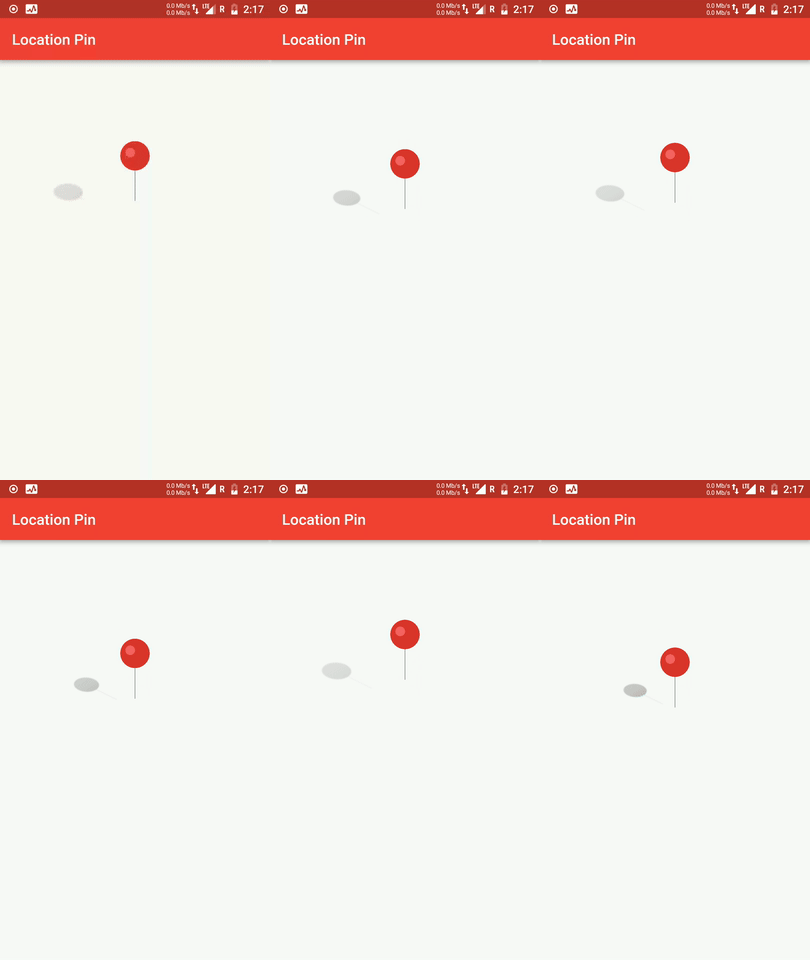
This Flutter package provides a Animating Location Pin Widget which can be used while fetching device location.
💻 Installation
In the dependencies: section of your pubspec.yaml, add the following line:

dependencies:
  animating_location_pin: <latest version>
❔ Usage
Import this class
import 'package:animating_location_pin/animating_location_pin.dart';
Add
Adding this widget is simple. Just directly use its instance for default configuration
Container(
  child: AnimatingLocationPin(),
)
Full Implementation
AnimatingLocationPin(
  pinAsset: 'assets/images/pin.png',
  shadowAsset: 'assets/images/shadow.png',
  shadowSizeFactor: 0.4,
  duration: Duration(milliseconds: 500),
  pinJumpHeight: 44.0,
  pinSize: 70.0,
),
Assets used are


Note
- Although this animation can be achieved easily with Flare Animation, but this widget involves a good learning to coding such animation manually in flutter
⭐ My Flutter Packages
- pie_chart
 Flutter Pie Chart with cool animation.
- avatar_glow
 Flutter Avatar Glow Widget with glowing animation.
- search_widget
 Flutter Search Widget for selecting an option from list.
⭐ My Flutter Apps
👍 Contribution
- Fork it
- Create your feature branch (git checkout -b my-new-feature)
- Commit your changes (git commit -m 'Add some feature')
- Push to the branch (git push origin my-new-feature)
- Create new Pull Request


