搜尋套件、儲存庫與 APP 分類

another_transformer_page_view 封面
套件詳情v2.0.1

another_transformer_page_view

另一個支援空值安全的 Flutter pageTransformer

AndroidiOSWebmacOSWindowsLinux
近 30 天下載
1.2萬
喜歡數
98
Pub 分數
150

安裝套件

flutter pub add another_transformer_page_view

套件介紹

根據套件公開資料產生的選型評估,僅供參考。

Another Transformer Page View 是一個 Flutter 套件,為 PageView 小工具提供增強的頁面轉換功能,支援空值安全。它能實現流暢且可自訂的頁面間動畫,非常適合建立具有動態過渡效果的引人入勝使用者介面。此套件以效能與易用性為設計核心,可無縫整合至跨多個平台的現有 Flutter 項目中。該套件由 juliansteenbakker 維護,適合尋求進階視覺效果但不需複雜實作的開發者。其輕量級設計確保最小開銷,同時提供豐富的互動體驗。

適用情境

  • 建立動畫引導螢幕
  • 使用視覺深度構建互動式滑塊
  • 透過動態頁面過渡增強導航
  • 設計沉浸式產品展示
  • 實現自定義滾動效果

主要特色

  • 空值安全性支援
  • 可自訂的頁面轉換
  • 流暢的動畫效能
  • 跨平台相容性
  • 與 PageView 的簡單整合
  • 可擴充的轉換邏輯

適合對象

  • Flutter 開發人員建構互動式 UI
  • 希望實現進階轉場效果的設計師
  • 需要視覺豐富滾動體驗的應用程式
  • 針對多個平台的專案
  • 重視程式碼潔淨與可維護性的團隊

使用建議

  • 需要理解 PageView 與動畫概念
  • 可能影響效能,特別是在進行大量轉換時
  • 除了基本範例之外,文件內容有限
  • 最適合中等複雜度的動畫
  • 不適用於簡單的線性滾動

原始 README

以下為關聯原始碼儲存庫的 README 原文快照,最新內容請造訪原始碼儲存庫。

another_transformer_page_view

PageTransformer for flutter. Fork from transformer_page_view

Very simple to use

import 'package:another_transformer_page_view/another_transformer_page_view.dart';

...

new TransformerPageView(
loop: true,
transformer: new AccordionTransformer(),
itemBuilder: (BuildContext context, int index) {
  return new Container(
    color: list[index%list.length],
    child: new Center(
      child: new Text("$index",style: new TextStyle(fontSize: 80.0,color: Colors.white),),
    ),
  );
},
itemCount: 3)

Almost the same as PageView.builder, simplely specify a transformer to TransformerPageView, which is a sub class of PageTransformer

Show cases

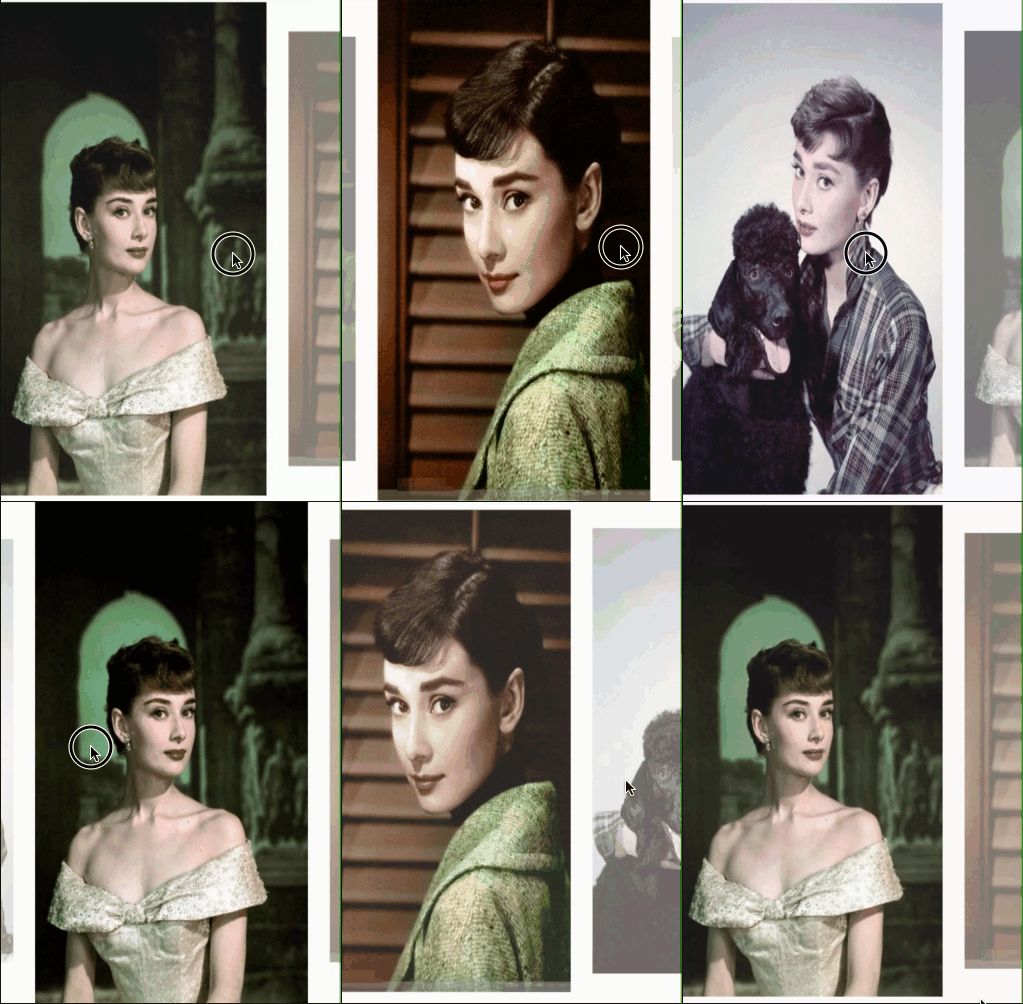
Parallax

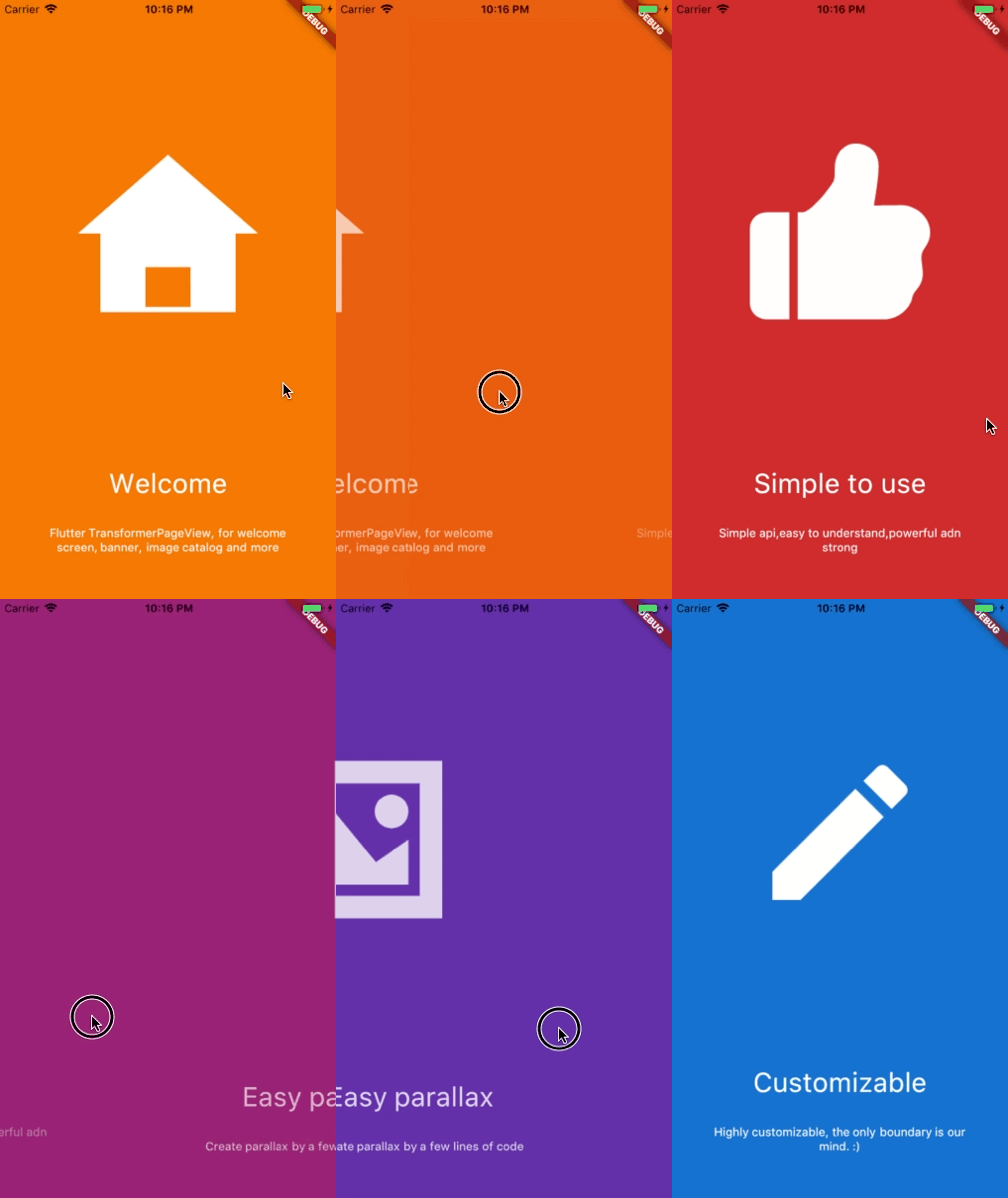
Welcome view

Basic

AccordionTransformer

See code here

ThreeDTransformer

See code here

ScaleAndFadeTransformer

See code here

ZoomInPageTransformer

See code here

ZoomOutPageTransformer

See code here

DepthPageTransformer

See code here

Getting Started

Installation

Add


another_transformer_page_view:

to your pubspec.yaml ,and run

flutter packages get 

in your project's root directory.

Basic Usage
Parameter Default Description
scrollDirection Axis.horizontal If Axis.horizontal, the scroll view's children are arranged horizontally in a row instead of vertically in a column.
loop false Set to true to enable continuous loop mode.
index none Index number of initial slide. if not set , it is controlled by the widget itself,otherwise, it is controlled by another widget, which is returned by itemBuilder
onPageChanged void onPageChanged(int index) Called with the new index when the user swiped
duration new Duration(milliseconds:300) The milliseconds of every transaction animation costs
transformer none The most important property of this widget, it returns a transformed widget that based on the widget parameter. If the value is null, a itemBuilder must be specified
itemCount none Number of the total items
itemBuilder none A function that returns a widget based on index,if it's null,a transformer must be specified
Build-in Parallax

We provide 3 build-in parallaxes, which handle color、image and container

ParallaxColor

ParallaxColor handles the color transform, which controls the color transform from one to another.

ParallaxImage

ParallaxImage handles the image, which speed is slower than the PageView

ParallaxContainer

ParallaxContainer handles the text or other staff, which speed is faster than the PageView

3 build-in parallaxes are all used in subclass of PageTransform,group these parallaxes together, we can create very cool things.

Inspired by page-transformer, and we have an easier way to create this.

See code here

Custom animation

所屬分類

原始碼儲存庫

使用此套件的專案