any_image_view
Show any image with one widget. Network, asset, file, XFile, SVG or Lottie:
hand it to AnyImageView and it takes care of loading, caching, retries and
errors. Zero dependencies.
Install
dependencies:
  any_image_view: ^2.5.0
import 'package:any_image_view/any_image_view.dart' ;
Usage
AnyImageView (imagePath: 'https://example.com/photo.jpg' , height: 200 , width: 200 )
AnyImageView (imagePath: 'assets/photo.png' , height: 200 , width: 200 )
AnyImageView (imagePath: 'assets/icon.svg' , height: 40 , width: 40 , svgColor: Colors .blue)
AnyImageView (imagePath: 'assets/loader.json' , height: 120 , width: 120 )
AnyImageView (imagePath: '/path/to/photo.jpg' , height: 200 , width: 200 )
AnyImageView (imagePath: pickedXFile, height: 200 , width: 200 )
AnyImageView (imagePath: url, height: 80 , width: 80 , shape: BoxShape .circle)
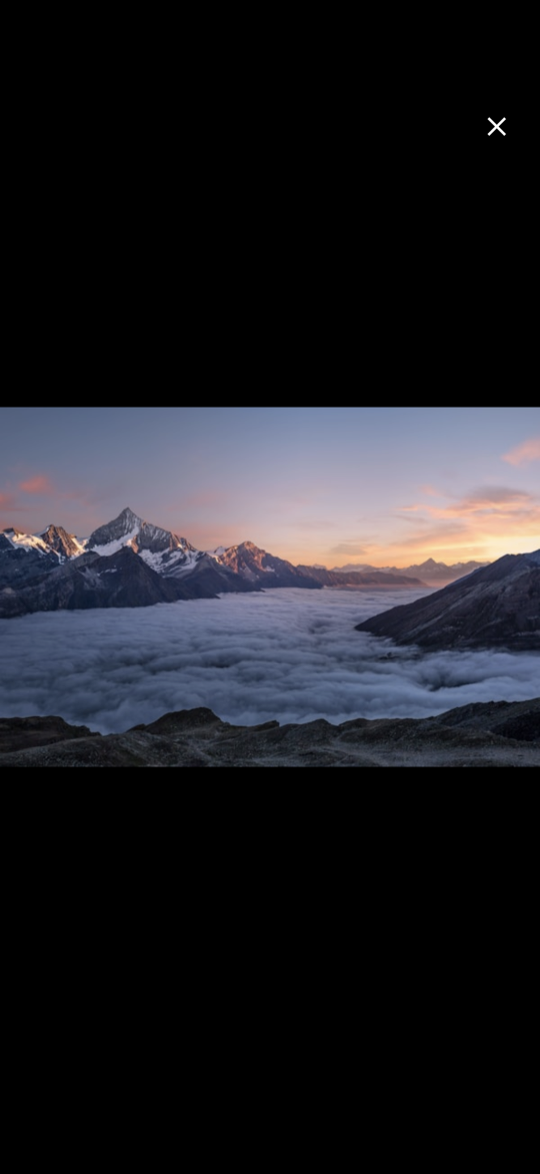
AnyImageView (imagePath: url, height: 200 , width: 200 , enableFullscreen: true )
AnyImageView (
imagePath: url,
height: 200 ,
width: 300 ,
fit: BoxFit .cover,
borderRadius: BorderRadius .circular (16 ),
placeholderWidget: const CircularProgressIndicator (),
errorWidget: const Icon (Icons .broken_image),
)
Supported formats
Type
Formats
Raster
PNG, JPG, WebP, GIF, BMP, ICO
Platform-decoded
AVIF, HEIC on Android 12+, iOS 16+, macOS 13+ and web
Vector
SVG
Animation
Lottie .json, .zip, .lottie
Sources
Network URL, asset, file path, file:// URI, XFile, File
The source is detected from the path. Matching is case-insensitive and
ignores query strings and fragments.
Parameters
Parameter
Type
Default
Purpose
imagePathObject?URL, asset path, file path, XFile or File
height, widthdouble?Size
fitBoxFit?coverHow the image fills the box (contain for SVG and Lottie)
alignmentAlignment?Alignment inside the container
shapeBoxShaperectanglerectangle or circle
borderRadiusBorderRadius?Rounded corners
borderBoxBorder?Border
boxShadowList<BoxShadow>?Shadows
margin, paddingEdgeInsetsGeometry?Outer and inner spacing
placeholderWidgetWidget?shimmer
Shown while loading
errorWidgetWidget?broken-image icon
Shown on failure
fadeDurationDuration400 ms
Fade-in
maxRetryAttemptsint3
Retries after a failed network load; 0 disables
httpHeadersMap<String, String>?Headers for network requests
enableZoomboolfalseInline pinch-to-zoom
enableFullscreenboolfalseTap opens a fullscreen viewer
onTapVoidCallback?Custom tap handler
svgColorColor?Tint for SVGs
svgColorFilterColorFilter?Custom SVG color filter
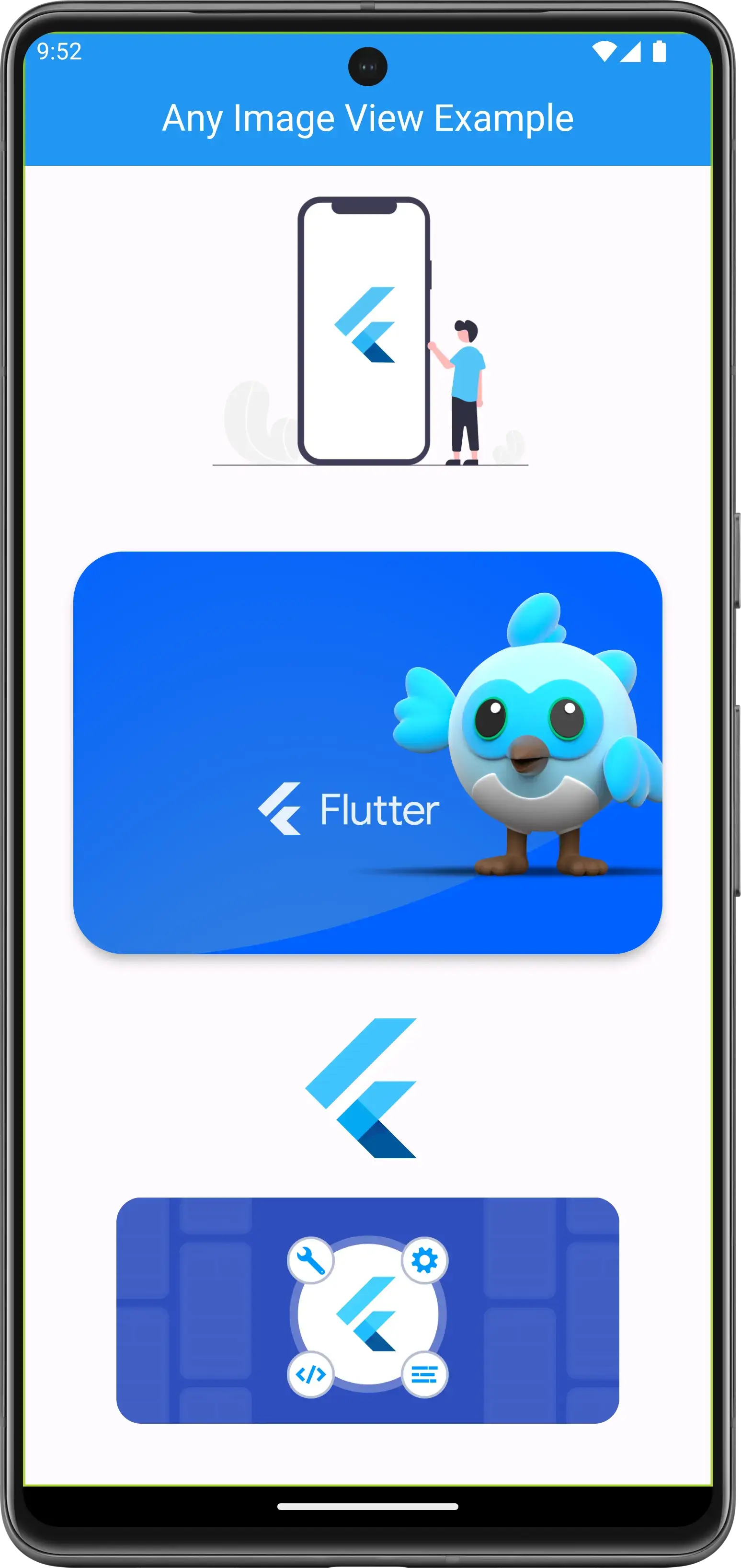
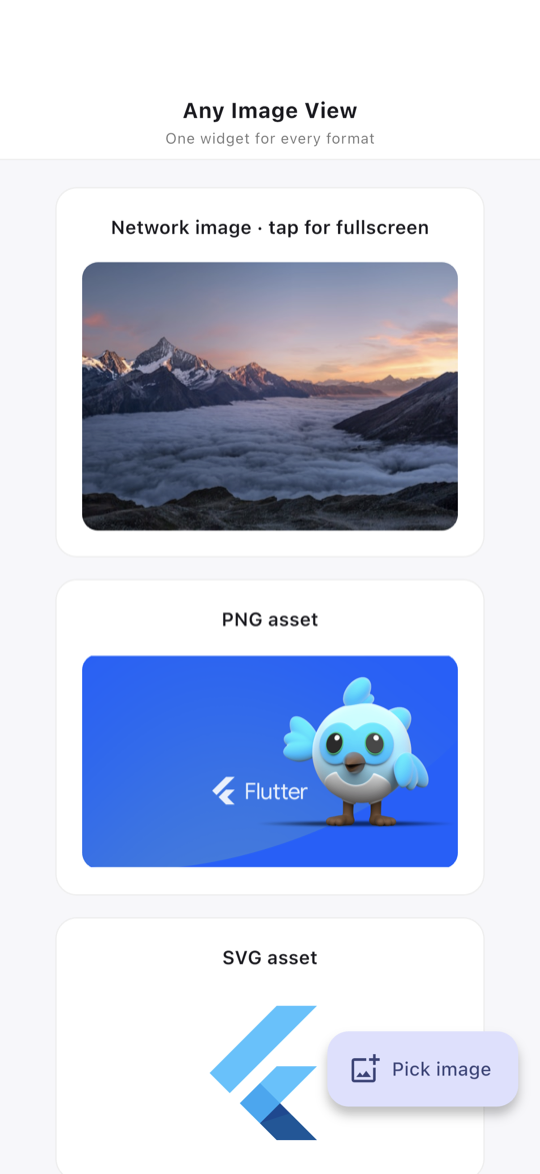
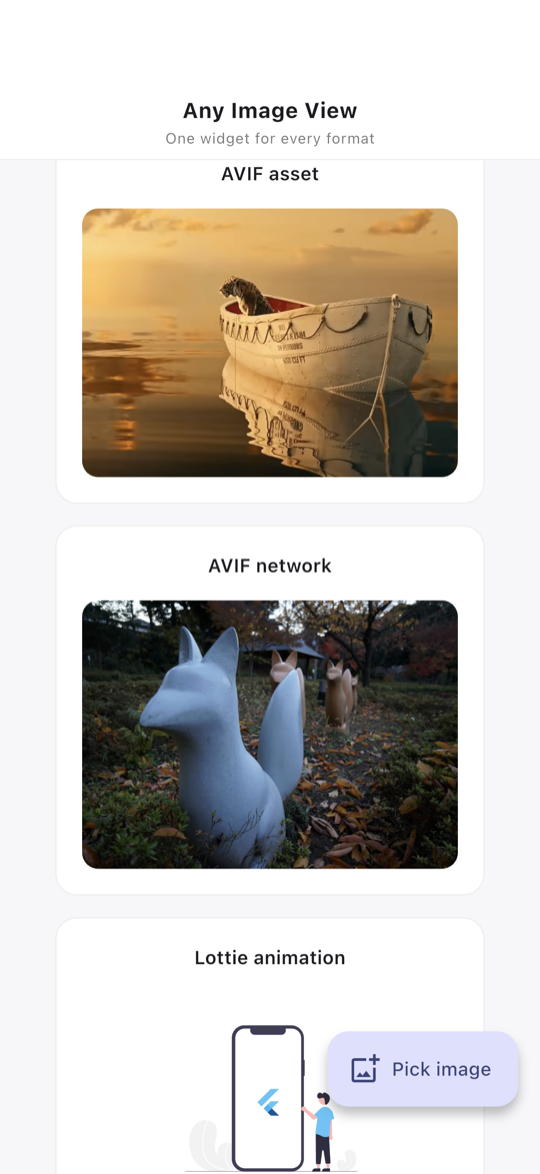
Screenshots
Network, PNG, SVG
AVIF
Lottie, avatar, error
Fullscreen