搜尋套件、儲存庫與 APP 分類

套件詳情v0.5.0

aptabase_flutter

Aptabase 的 Flutter SDK:開源、注重隱私且簡單的行動、桌面和 Web 應用程式分析工具

AndroidiOSmacOSWindowsLinux
近 30 天下載
5180
喜歡數
18
Pub 分數
150

安裝套件

flutter pub add aptabase_flutter

套件介紹

根據套件公開資料產生的選型評估,僅供參考。

Aptabase Flutter SDK 讓開發者能夠將輕量級、以隱私為首要考量的分析功能整合至行動、桌面與網路應用程式中。此 SDK 以透明度與使用者隱私為設計核心,僅收集最少的資料,且不會追蹤個人識別資訊。SDK 為開源,設定簡單,設計簡潔,非常適合重視道德資料收集的應用程式。支援在 Android、iOS、macOS、Windows 與 Linux 平台上的即時事件追蹤。

適用情境

  • 追蹤使用者參與度
  • 監控應用程式效能
  • 分析功能使用情況
  • 收集崩潰報告
  • 測量會話時長

主要特色

  • 注重隱私的數據收集
  • 開源且透明
  • 即時分析
  • 跨平台支援
  • 最小數據佔用

適合對象

  • 注重隱私的初創公司
  • 面向監管市場的應用
  • 尋求簡單分析的開發者
  • 開源項目
  • 小型到中型應用

使用建議

  • 有限的高級細分
  • 無內建使用者識別
  • 需要手動設定自定義事件
  • 不適合企業級分析
  • 依賴外部後端服務

原始 README

以下為關聯原始碼儲存庫的 README 原文快照,最新內容請造訪原始碼儲存庫。

Aptabase

aptabase_flutter

pub package pub points

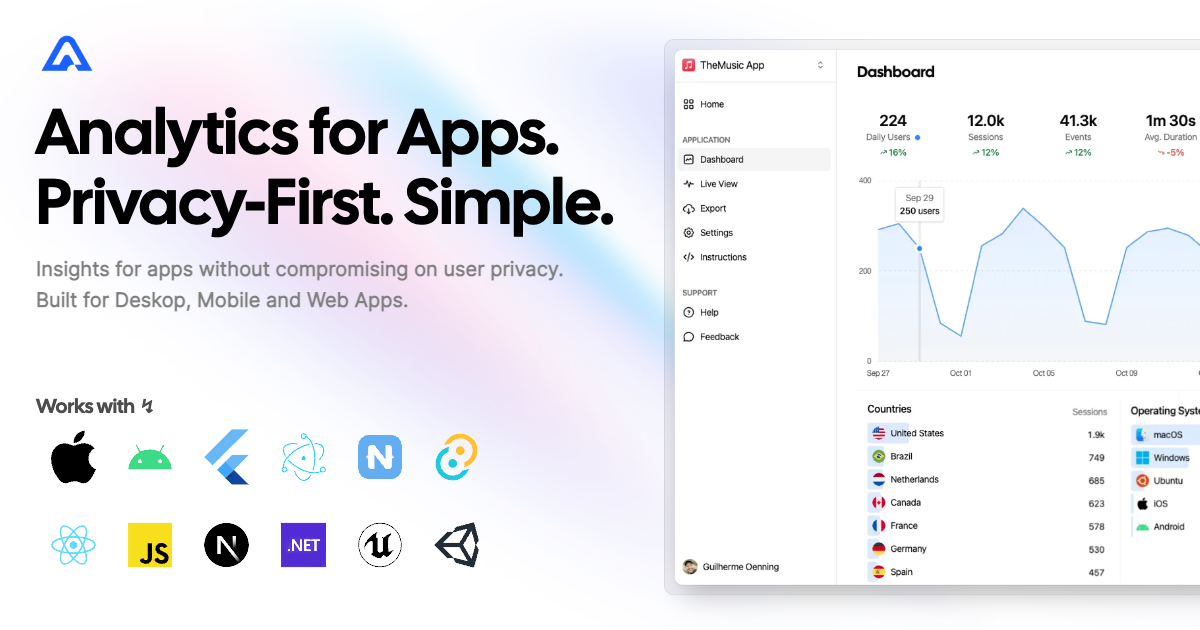
Instrument your app with Aptabase, an Open Source, Privacy-First, and Simple Analytics for Mobile, Desktop, and Web Apps.

Platform Support

Android iOS MacOS Web Linux Windows
✔️ ✔️ ✔️ ✔️ ✔️ ✔️

Install

You can install the SDK by running the following command:

flutter pub add aptabase_flutter

Android Requirements

If you're targeting Android, you'll need to add the following permissions to your AndroidManifest.xml:

<uses-permission android:name="android.permission.INTERNET" />

Usage

First, you need to get your App Key from Aptabase, you can find it in the Instructions menu on the left side menu.

On your main.dart, import package:aptabase_flutter/aptabase_flutter.dart and initialized the SDK.

void main() async {
+ WidgetsFlutterBinding.ensureInitialized();
+ await Aptabase.init("<YOUR_APP_KEY>"); // 👈 this is where you enter your App Key

  runApp(const MyApp());
}

Note: You need to change your main function to be async and call WidgetsFlutterBinding.ensureInitialized(); before initializing the SDK.

Afterward, you can start tracking events with Aptabase.instance anywhere in your Dart. Here's an example:

import 'package:aptabase_flutter/aptabase_flutter.dart';

class _CounterState extends State<Counter> {
  int _counter = 0;

  // Tracking how many times the user has clicked the button, alongside the current counter value
  void _incrementCounter() {
    Aptabase.instance.trackEvent("increment", { "counter": _counter });
    
    setState(() {
      _counter++;
    });
  }
}

A few important notes:

  1. The SDK will automatically enhance the event with some useful information, like the OS, the app version, and other things.
  2. You're in control of what gets sent to Aptabase. This SDK does not automatically track any events, you need to call trackEvent manually.
    • Because of this, it's generally recommended to at least track an event at startup
  3. You do not need to await for the trackEvent function, it'll run in the background.
  4. Only strings and numbers values are allowed on custom properties

Preparing for Submission to Apple App Store

When submitting your app to the Apple App Store, you'll need to fill out the App Privacy form. You can find all the answers on our How to fill out the Apple App Privacy when using Aptabase guide.

For AI/LLM integration instructions, see llms.txt

所屬分類

依賴

依賴清單 4 項

原始碼儲存庫

使用此套件的專案

暫無相關資料。