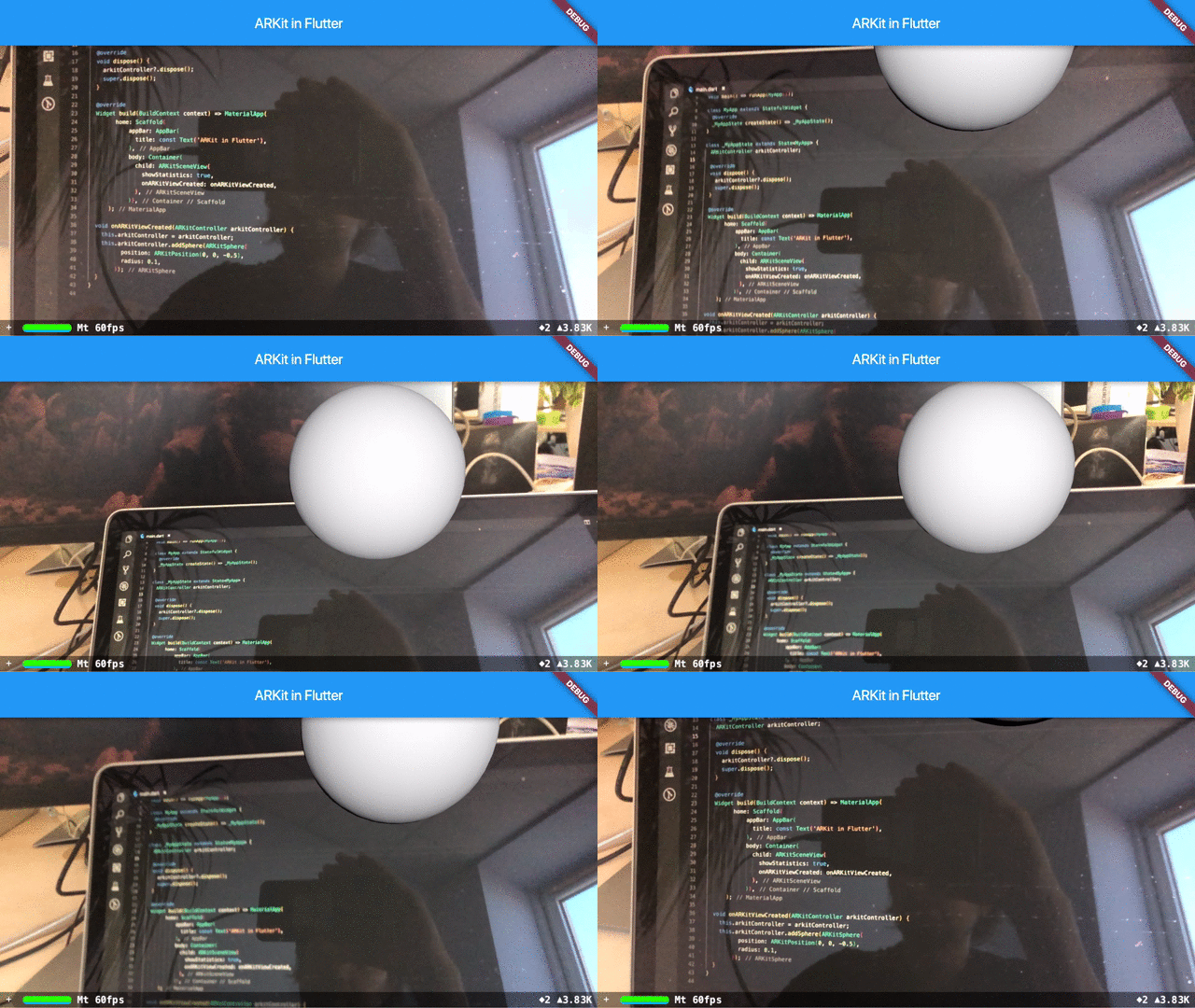
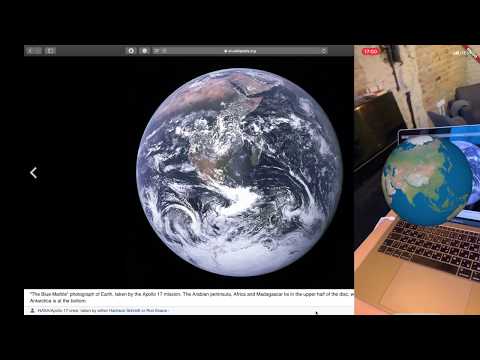
arkit_plugin 是一個 Flutter 套件,可讓開發者將 Apple 的 ARKit 整合到 iOS 應用程式中,促進增強實境體驗。它透過 Flutter 友好的介面提供對 ARKit 核心功能的存取,例如平面偵測、物件追蹤和 3D 渲染。此外,專為 iOS 設計的套件可讓 AR 內容在 Flutter 應用中無縫嵌入,並利用原生效能與功能。開發人員可使用 Dart 控制 AR 會話並與現實世界環境互動,以最少的樣板程式碼建立沉浸式 AR 應用。
適用情境
建構AR產品視覺化工具
創建互動式AR遊戲
啟用虛擬傢俱放置
開發教育類AR體驗
主要特色
原生 ARKit 集成
平面和圖像檢測
3D模型渲染
即時攝影機和運動追蹤
Flutter 相容 API
適合對象
iOS AR 應用開發者
產品可視化應用
教育類AR工具
互動遊戲應用
使用建議
僅支援iOS平台
需要支援 ARKit 的裝置
僅限蘋果生態系統
需要仔細處理AR會話生命週期
原始 README
以下為關聯原始碼儲存庫的 README 原文快照,最新內容請造訪原始碼儲存庫。
Note: ARKit is only supported by mobile devices with A9 or later processors (iPhone 6s/7/SE/8/X, iPad 2017/Pro) on iOS 11 and newer. For some features iOS 12 or newer is required. Flutter >=3.19.0 supports iOS 12.0 and newer, if iOS 11 support is needed use the plugin version before 1.1.0.
ARKit uses the device camera, so do not forget to provide the NSCameraUsageDescription. You may specify it in Info.plist like that:
<key>NSCameraUsageDescription</key><string>Describe why your app needs AR here.</string>
Update Podfile
At the top level of the ios folder uncomment the second line in the Podfile and change the iOS minimum version from 9.0 to the appropriate one.
The minimum supported iOS version is 13.0.
From:
# platform :ios, '9.0'
To:
platform :ios, '13.0'
NOTE: If when running for the first time you get a cocoapods error, delete the Podfile.lock file in the ios folder. Open the ios folder in the terminal and run:
If you prefer video here is a playlist with "AR in Flutter" videos:
UX advice
You might want to check the device capabilities before establishing an AR session. Review the Check Support sample for the implementation details.
If your app requires placing objects consider using coaching overlays. Review the Custom Object sample for the implementation details.
TrueDepth / Face Tracking
TrueDepth/face-tracking code is not compiled in by default, so most apps are App Store-safe without any extra configuration.
If your app uses face tracking, opt in by enabling the ENABLE_TRUEDEPTH_API Swift flag. Flutter 3.44+ builds plugins with Swift Package Manager, so follow the SPM steps below. The CocoaPods section applies only to older Flutter versions that still build with CocoaPods — if you've configured SPM, you don't need it.
SPM (Flutter 3.44+) — Add a key to ios/Runner/Info.plist:
<key>ARKitFaceTrackingEnabled</key><true/>
Then clear the SwiftPM manifest cache and DerivedData so Xcode re-evaluates the package manifest with the new value:
Important: clearing the manifest cache is required. SwiftPM caches the
evaluated Package.swift keyed on the manifest's own contents, so a change to
Info.plist alone does not invalidate it — flutter clean and Xcode's
Clean Build Folder are not enough on their own.
For monorepos or other layouts where ios/Runner/Info.plist is not found automatically, use an environment variable instead:
# When building from terminal (flutter run / flutter build)export ARKIT_FACE_TRACKING_ENABLED=1
# When building from Xcode GUI
launchctl setenv ARKIT_FACE_TRACKING_ENABLED 1
Then clear the SwiftPM manifest cache and DerivedData as above.
CocoaPods (older Flutter versions only) — if your project still builds with CocoaPods instead of SPM, add to ios/Podfile:
post_install do |installer|
  installer.pods_project.targets.each do |target|
    flutter_additional_ios_build_settings(target)
    if target.name == 'arkit_plugin'
      target.build_configurations.each do |config|
        config.build_settings['OTHER_SWIFT_FLAGS'] = '$(inherited) -DENABLE_TRUEDEPTH_API'
      end
    end
  end
end
FAQ
Is it possible to use this plugin on Android?
No, as ARKit is not available on Android. You might want to try ARCore plugin instead.
My app crashes when I open the AR scene several times. Why?
Most probably that's because you didn't call dispose method on the ARKit controller.
One of the features I need is merged in the repository, but is not available on pub.dev. How can I use the latest version?
You may use the latest version by changing the pubspec.yaml dependency to: