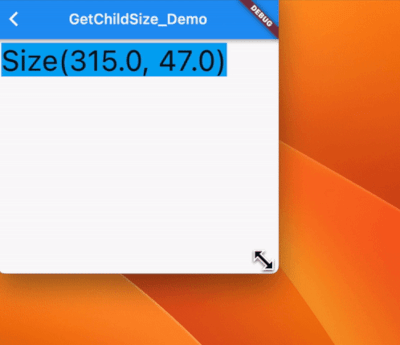
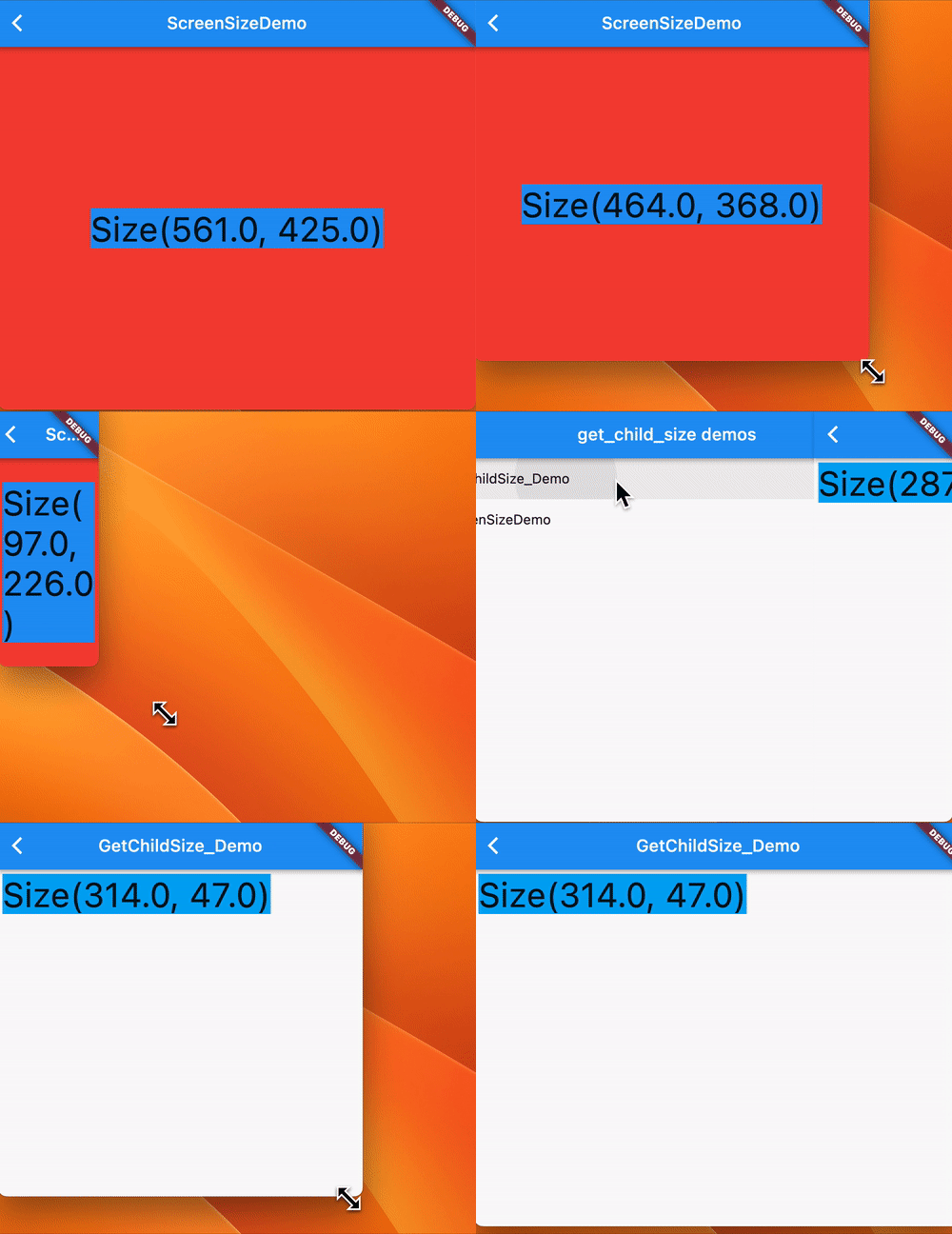
A widget that returns the size of the child object.
The [onChange] callback will run everytime the widget's size has changed.
Waring! will result in multiple passes from the layout algorithm if you rebuild a widget from onChange; it will affect performance.
This can happen even when just writing out to text the screen size. For example if you have more go from a '10' in the output to a '100', that can affect the size of a widget. Use with care.
This is a fundamental restriction in how widgets are built -> constraints go down & sizes go up -> if the constraints change the size could change.
returns the size of the child object and runs a callback
Other Info
Discussion on code & implementation
https://github.com/flutter/flutter/issues/14488
If you just want to know the dimensions between layouts (i.e. you're not using them to affect the layout), you can just read them right out of the rendering tree (get the RenderObject from the BuildContext, etc).
However, if you are using the dimensions to actually affect the layout, then that will lead to horrible effects like lagging one frame behind, or worse. In those cases, you want to just build your own render object, or use a layout builder, or similar, depending on exactly what your use case is.
I need the size of a child to use it in the parent's build.
Fundamentally that's not possible, because at the time of the parent's build the child hasn't laid out yet. If you want to get the child's size during the parent's layout, you can do that by creating your own RenderObject. Just look at how e.g. Align is implemented.