bottom_bar_page_transition
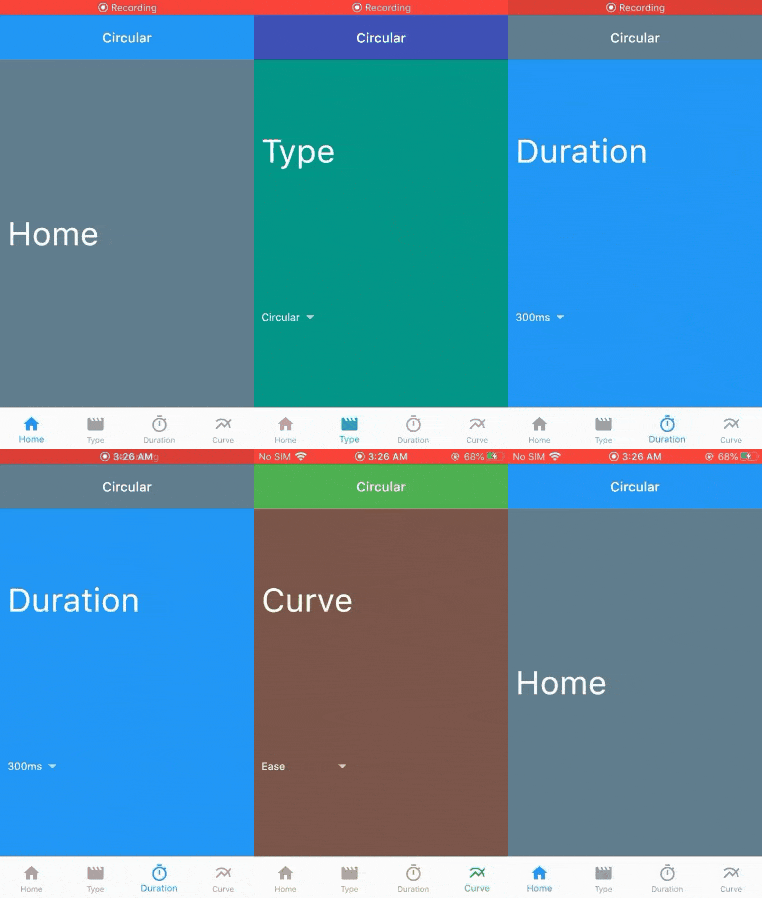
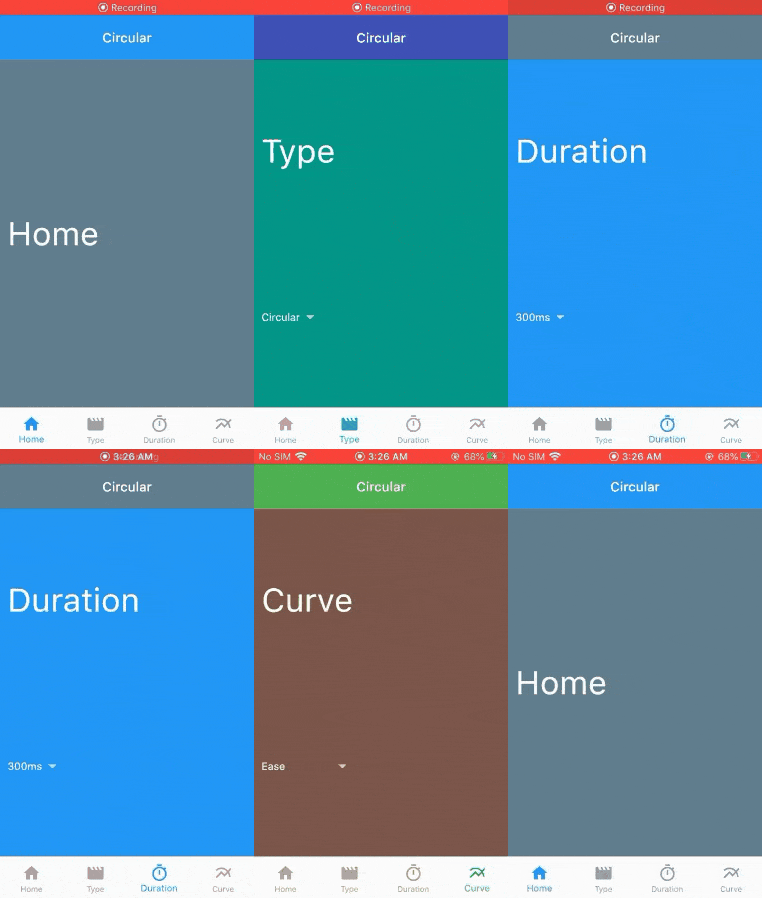
Flutter package to display transition for switching pages beween bottom bar page navigation.
Previews


Features
- Can be used to show animation while swiching pages in bottom navigation bar
- Add global key to widget to avoid reinitate widget
Getting Started
Installing
To use this package, add bottom_bar_page_transition as a dependency in your pubspec.yaml file.
In your dart file import the library by
import 'package:bottom_bar_page_transition/bottom_bar_page_transition.dart';
In build method
return Scaffold(
      body: BottomBarPageTransition(
        builder: (_, index) => _getBody(index),
        currentIndex: _currentPage,
        totalLength: totalPage,
        transitionType: transitionType,
        transitionDuration: duration,
        transitionCurve: curve,
      ),
      bottomNavigationBar: _getBottomBar(),
    );
create `_getBody(int index) method to return body of the widget
Widget _getBody(int index) {
return CustomScrollView(
slivers: <Widget>[
SliverAppBar(
title: Text('Page $index'),
),
SliverFillRemaining(
child: Center(child: Text('Page $index')),
)
],
);
}
create _getBottomBar() to create bottom bar
Widget _getBottomBar() {
    return BottomNavigationBar(
        currentIndex: _currentPage,
        onTap: (index) {
          _currentPage = index;
          setState(() {});
        },
        selectedItemColor: Colors.blue,
        unselectedItemColor: Colors.grey,
        type: BottomNavigationBarType.fixed,
        items: List.generate(
            totalPage,
            (index) => BottomNavigationBarItem(
                  icon: Icon(icons[index]),
                  title: Text(names[index]),
                )));
  }
Parameter Description
builder - function to return content of widget
currentIndex - current displaying page
totalLength - total number of pages
transitionType - tractionType can be circle/slide/fade
transitionDuration - Duration of animation
transitionCurve - Curve is animation curve and they are used to adjust the rate of change of an animation over time