搜尋套件、儲存庫與 APP 分類

套件詳情v4.0.4

bottom_sheet

具有滾動內容功能的靈活底部彈出視窗,即使沒有清單也能滾動內容。

AndroidiOSWebmacOSWindowsLinux
近 30 天下載
3萬
喜歡數
410
Pub 分數
140

安裝套件

flutter pub add bottom_sheet

套件介紹

根據套件公開資料產生的選型評估,僅供參考。

一個靈活的底部抽屜小部件,適用於 Flutter,即使內容未包裝在清單中也能支援滾動。它提供順暢且可自訂的過渡效果,並設計用於跨多個平台(包括 Android、iOS、Web、macOS、Windows 和 Linux)使用。該套件透過從螢幕底部呈現互動式內容並具備回應式行為,提升使用者體驗。非常適合用於對話方塊、篩選器或需要空間但不需要全螢幕導航的詳細檢視。

適用情境

  • 模態對話框
  • 篩選面板
  • 詳細內容檢視
  • 互動式表單
  • 快速操作選單

主要特色

  • 無 ListView 的可滾動內容
  • 跨平台支援
  • 可自訂的動畫
  • 靈活的高度控制
  • 響應式設計
  • 輕鬆整合

適合對象

  • 開發多平台應用的開發者
  • UI 豐富的應用程式
  • 需要可擴展內容區域的應用程式
  • 需要一致底部表單的設計系統
  • 使用 Surf Studio 的 Flutter 組件的團隊

使用建議

  • 需要仔細處理嵌套的可滾動組件
  • 複雜佈局可能需要額外的樣式
  • 使用大量內容時的效能影響
  • 除了基本用法外,文件內容有限
  • 未針對超大資料集進行優化

原始 README

以下為關聯原始碼儲存庫的 README 原文快照,最新內容請造訪原始碼儲存庫。

Bottom Sheet

Made by Surf 🏄‍♂️🏄‍♂️🏄‍♂️

Build Status Coverage Status Pub Version Pub Likes Pub popularity Flutter Platform

About

Custom bottom sheet widget that can be resized in response to drag gestures and then scrolled.

Overview

Main classes:

  1. FlexibleBottomSheet
  2. BottomSheetRoute and showing methods

Flexible and scrollable bottom sheet.

All you have to do is call showFlexibleBottomSheet() and you'll get a popup that looks like a modal bottom sheet and can be resized by dragging it up and down and scrolled when expanded.

There are 2 types of BottomSheets:

  1. BottomSheet
  2. StickyBottomSheet

Example

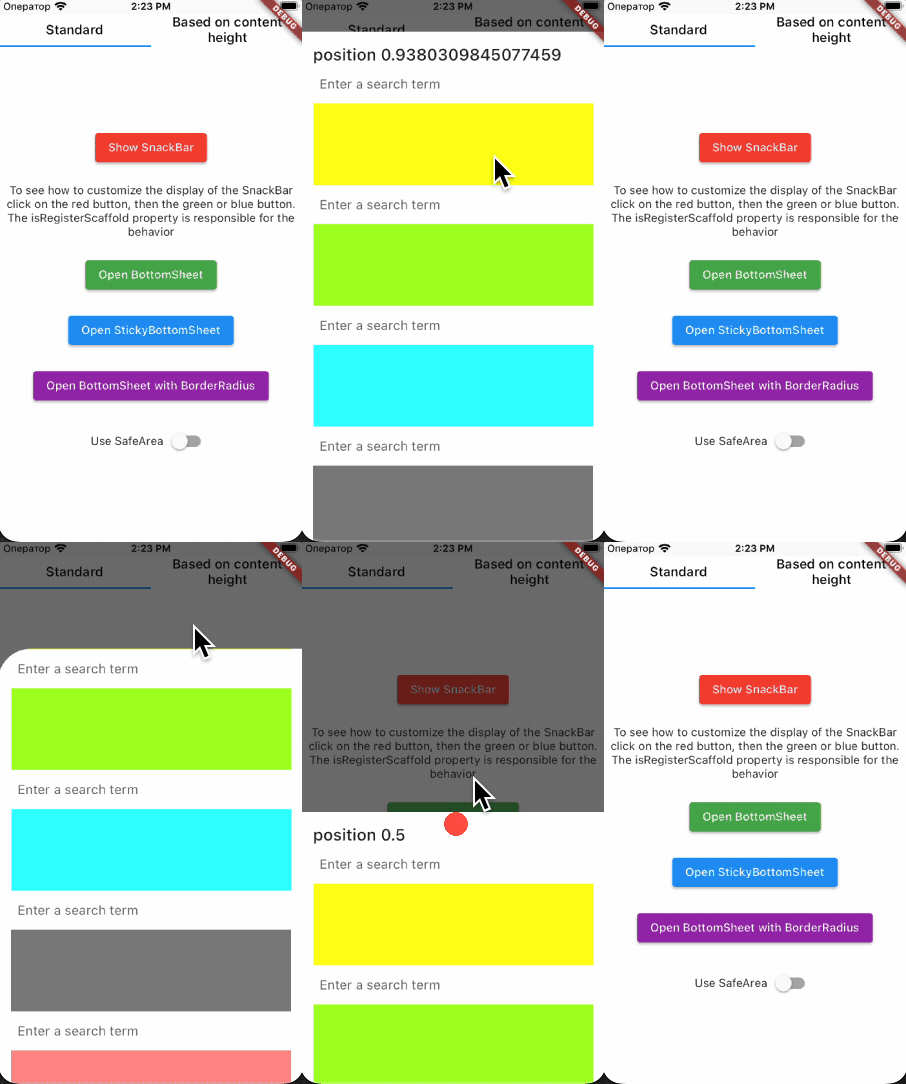
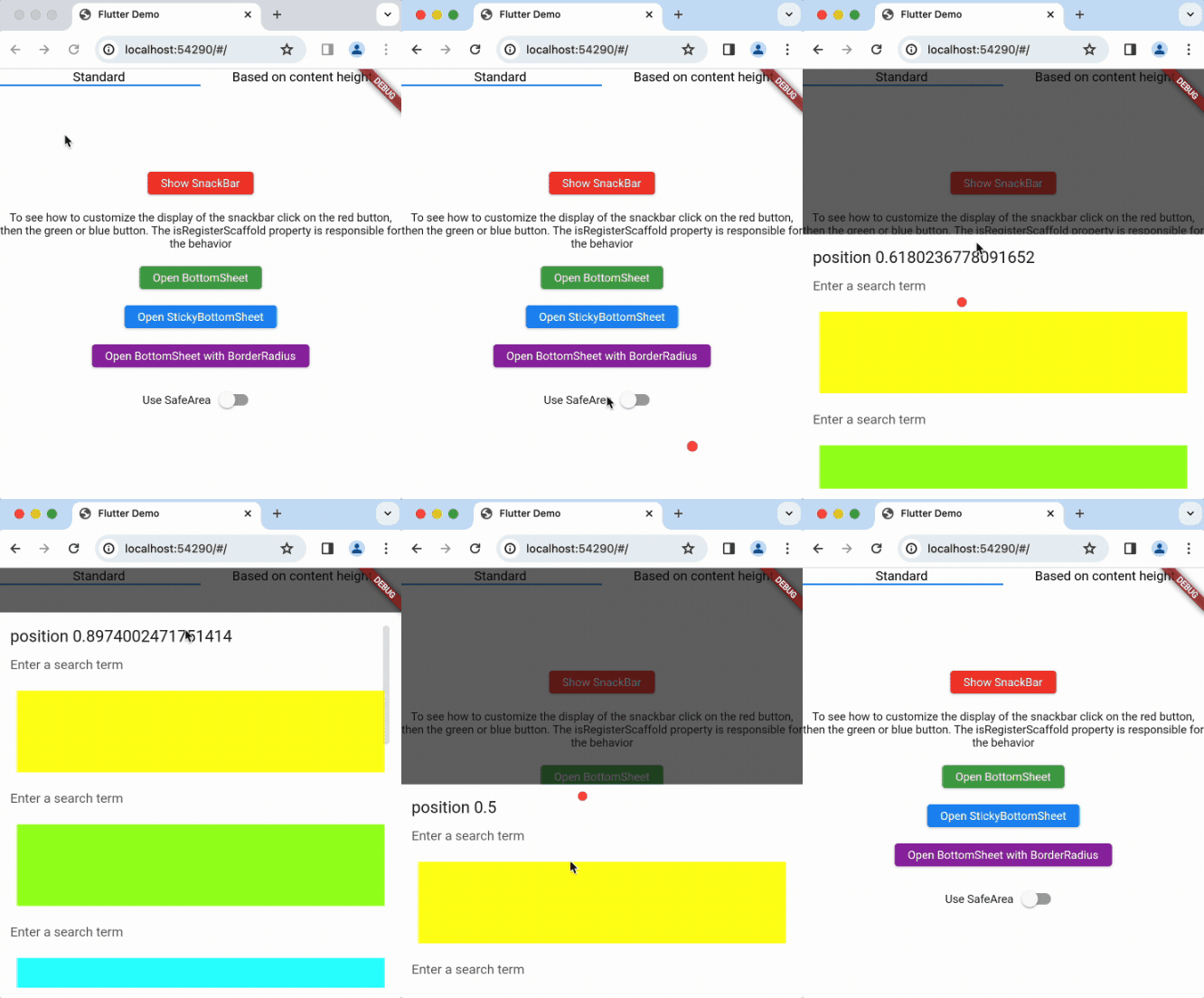
Simple BottomSheet

Demo

Demo

To show bottomSheet, use :

showFlexibleBottomSheet(
  minHeight: 0,
  initHeight: 0.5,
  maxHeight: 1,
  context: context,
  builder: _buildBottomSheet,
  anchors: [0, 0.5, 1],
  isSafeArea: true,
);

Widget _buildBottomSheet(
    BuildContext context,
    ScrollController scrollController,
    double bottomSheetOffset,
  ) {
    return Material(
        child: Container(
          child: ListView(
            controller: scrollController,
            ...
          ),
        ),
      );
  }
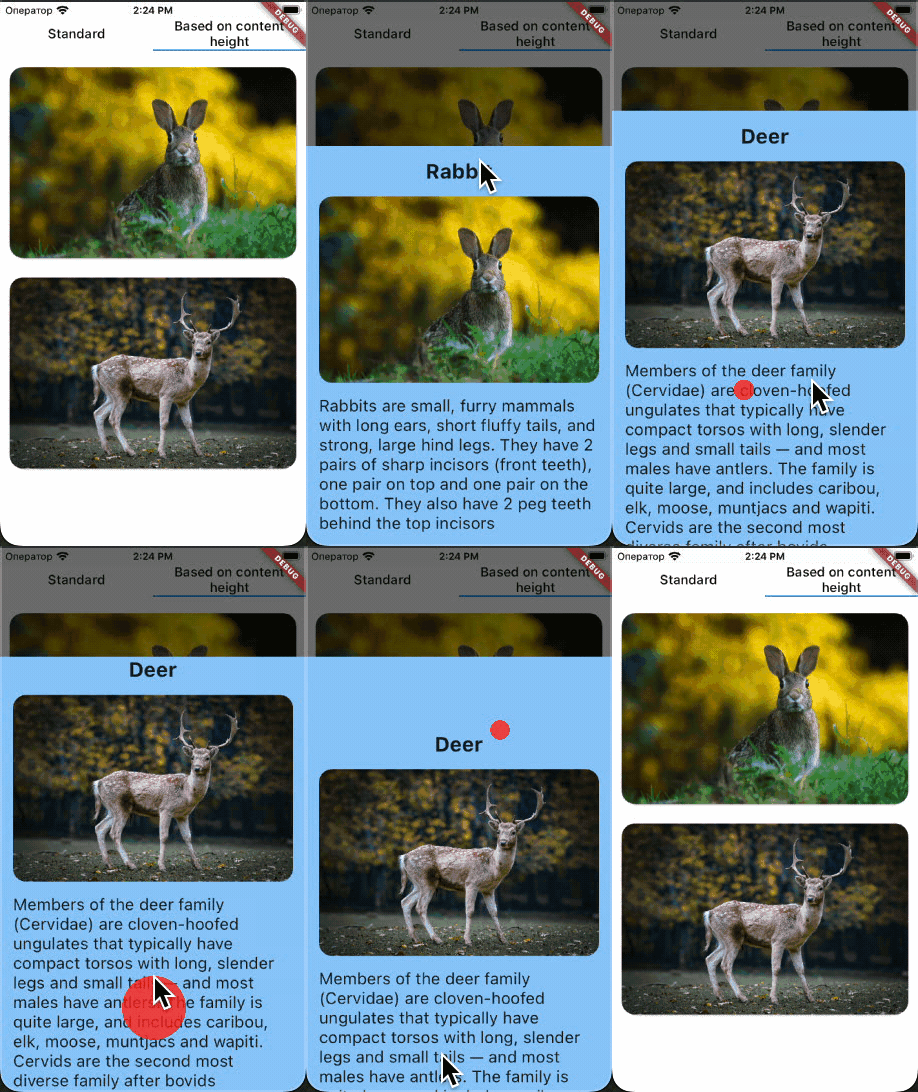
BottomSheet with height based on content

Demo

showFlexibleBottomSheet(
  minHeight: 0,
  initHeight: 0.8,
  maxHeight: 0.8,
  context: context,
  builder: _buildBottomSheet,
  isExpand: false,
);

Widget _buildBottomSheet(
    BuildContext context,
    ScrollController scrollController,
    double bottomSheetOffset,
  ) {
    return Material(
        child: Container(
          child: ListView(
              controller: scrollController,
              shrinkWrap: true,
              ...
          ),
        ),
      );
  }
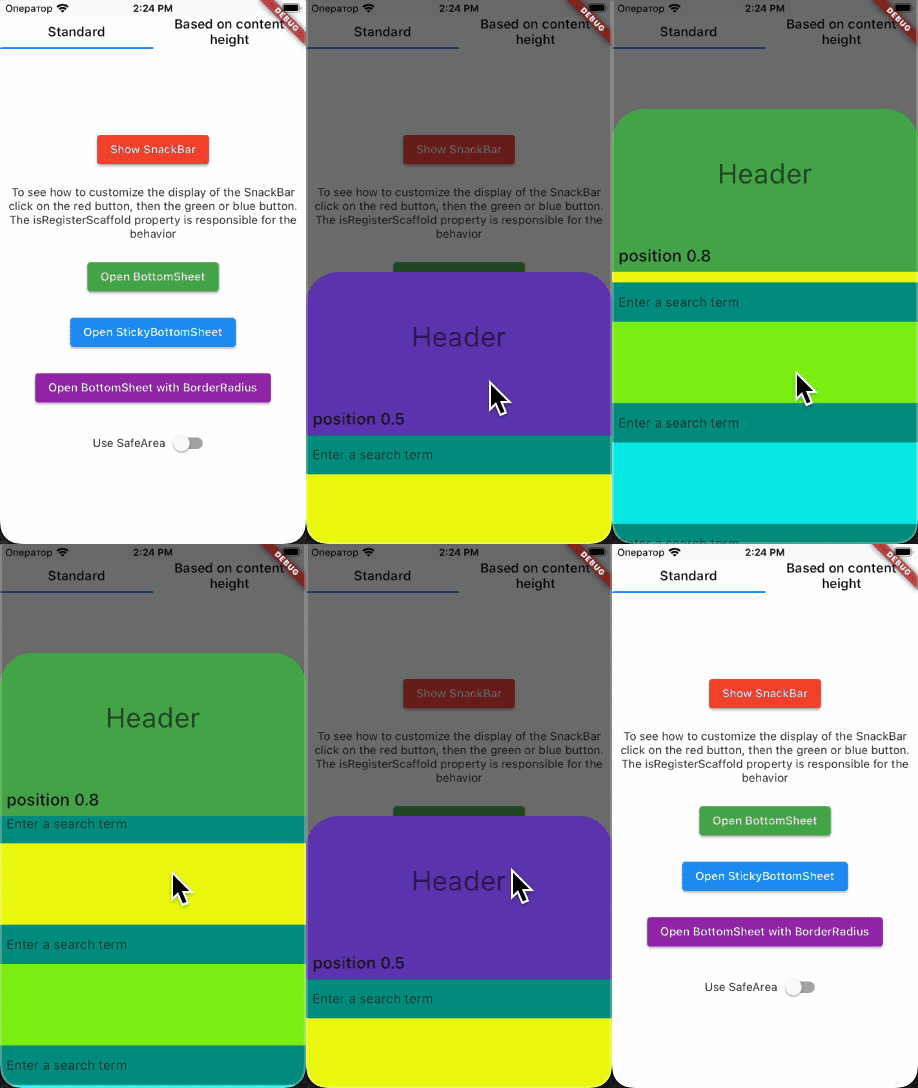
Sticky BottomSheet

Demo

To show sticky BottomSheet, use:
You have to return SliverChildListDelegate from builder !!!

showStickyFlexibleBottomSheet(
  minHeight: 0,
  initHeight: 0.5,
  maxHeight: 1,
  headerHeight: 200,
  context: context,
  backgroundColor: Colors.white,
  headerBuilder: (BuildContext context, double offset) {
    return Container(
      ...
    );
  },
  builder: (BuildContext context, double offset) {
    return SliverChildListDelegate(
      <Widget>[...],
    );
  },
  anchors: [0, 0.5, 1],
);

Installation

Add bottom_sheet to your pubspec.yaml file:

dependencies:
  bottom_sheet: $currentVersion$

At this moment, the current version of bottom_sheet is bottom_sheet version.

Changelog

All notable changes to this project will be documented in this file.

Issues

To report your issues, submit them directly in the Issues section.

Contribute

If you would like to contribute to the package (e.g. by improving the documentation, fixing a bug or adding a cool new feature), please read our contribution guide first and send us your pull request.

Your PRs are always welcome.

How to reach us

Please feel free to ask any questions about this package. Join our community chat on Telegram. We speak English and Russian.


Telegram

License

Apache License, Version 2.0

所屬分類

依賴

依賴清單 1 項

  • bottom_inset_observer^3.1.0

原始碼儲存庫

使用此套件的專案