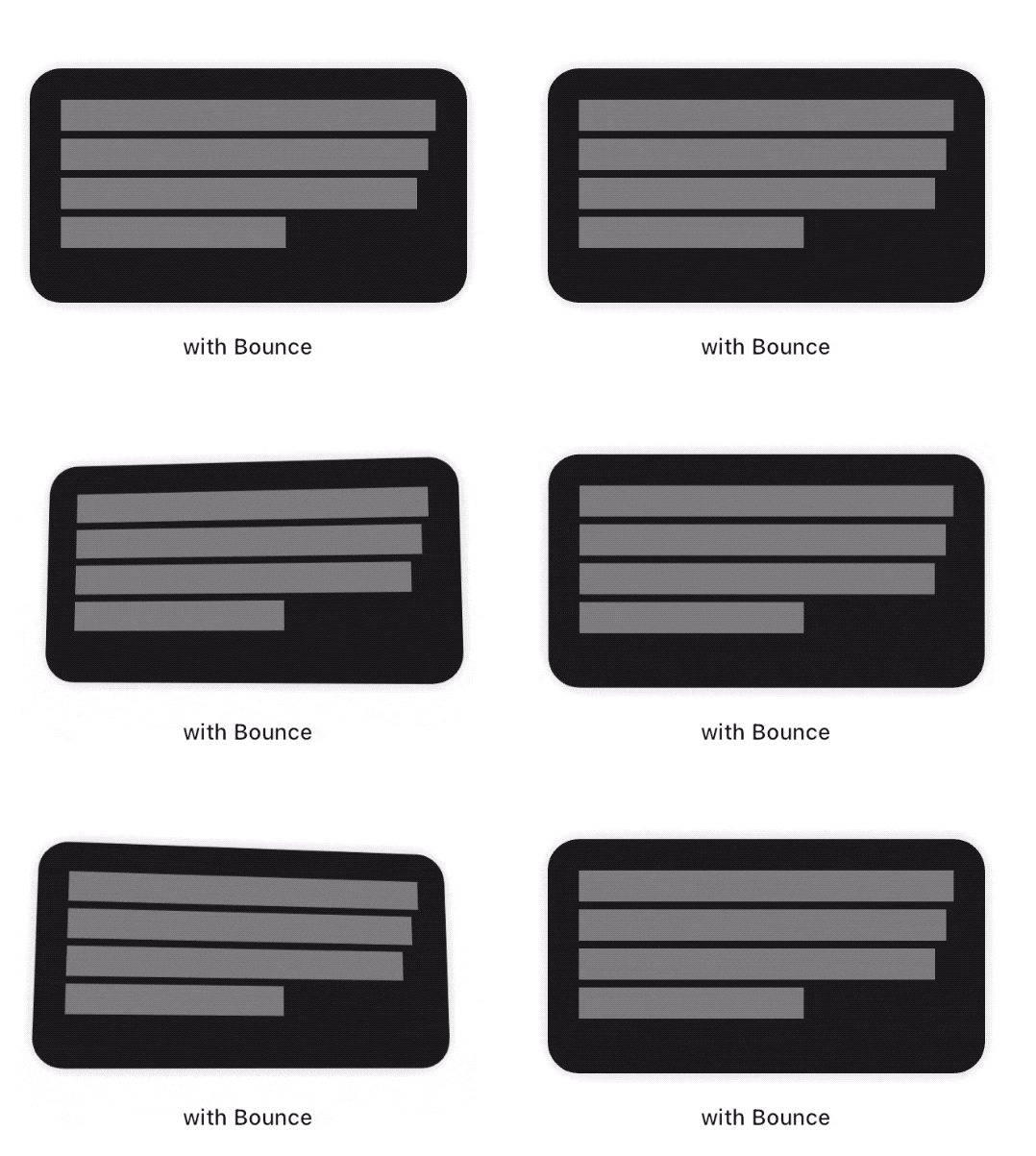
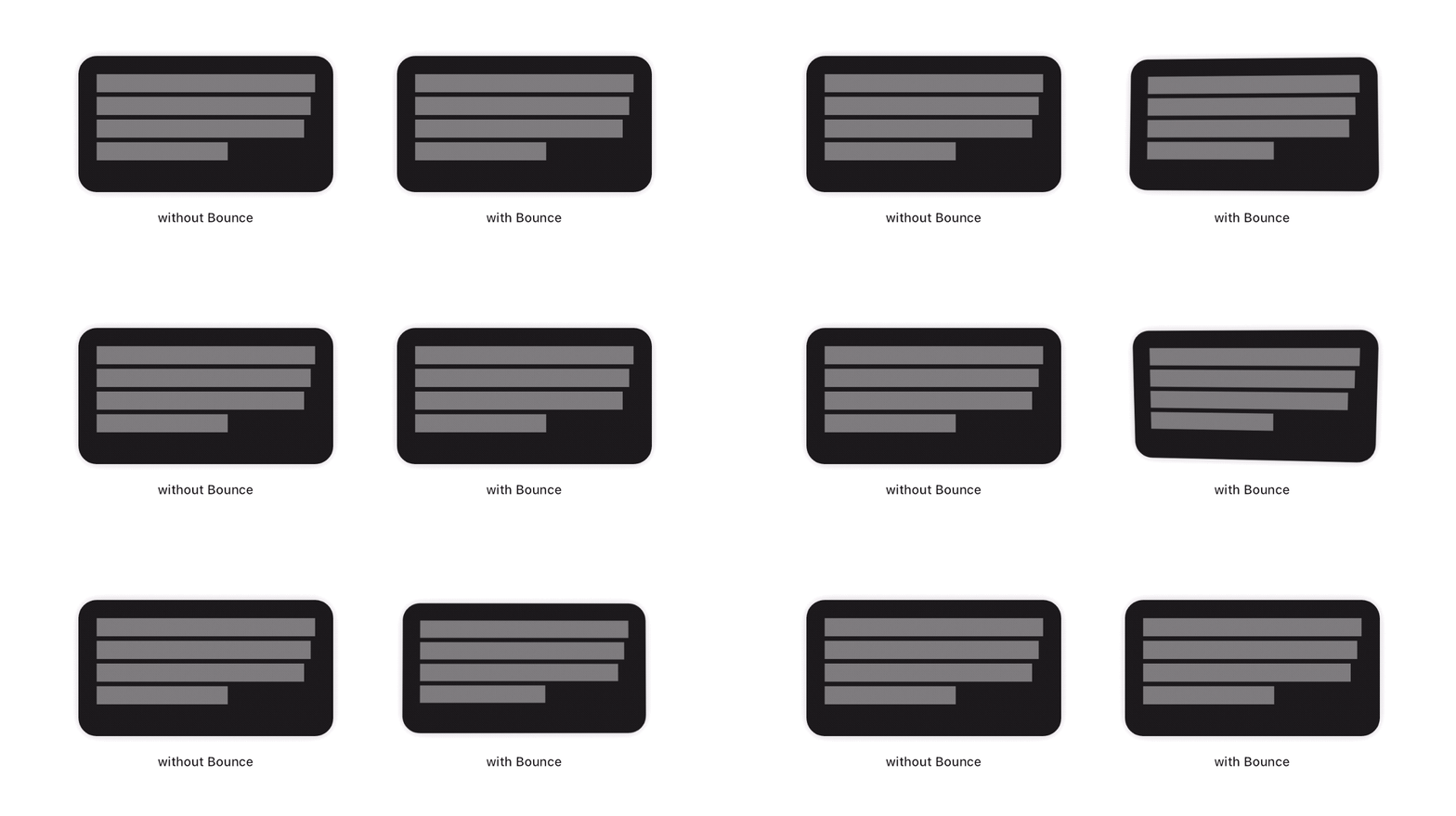
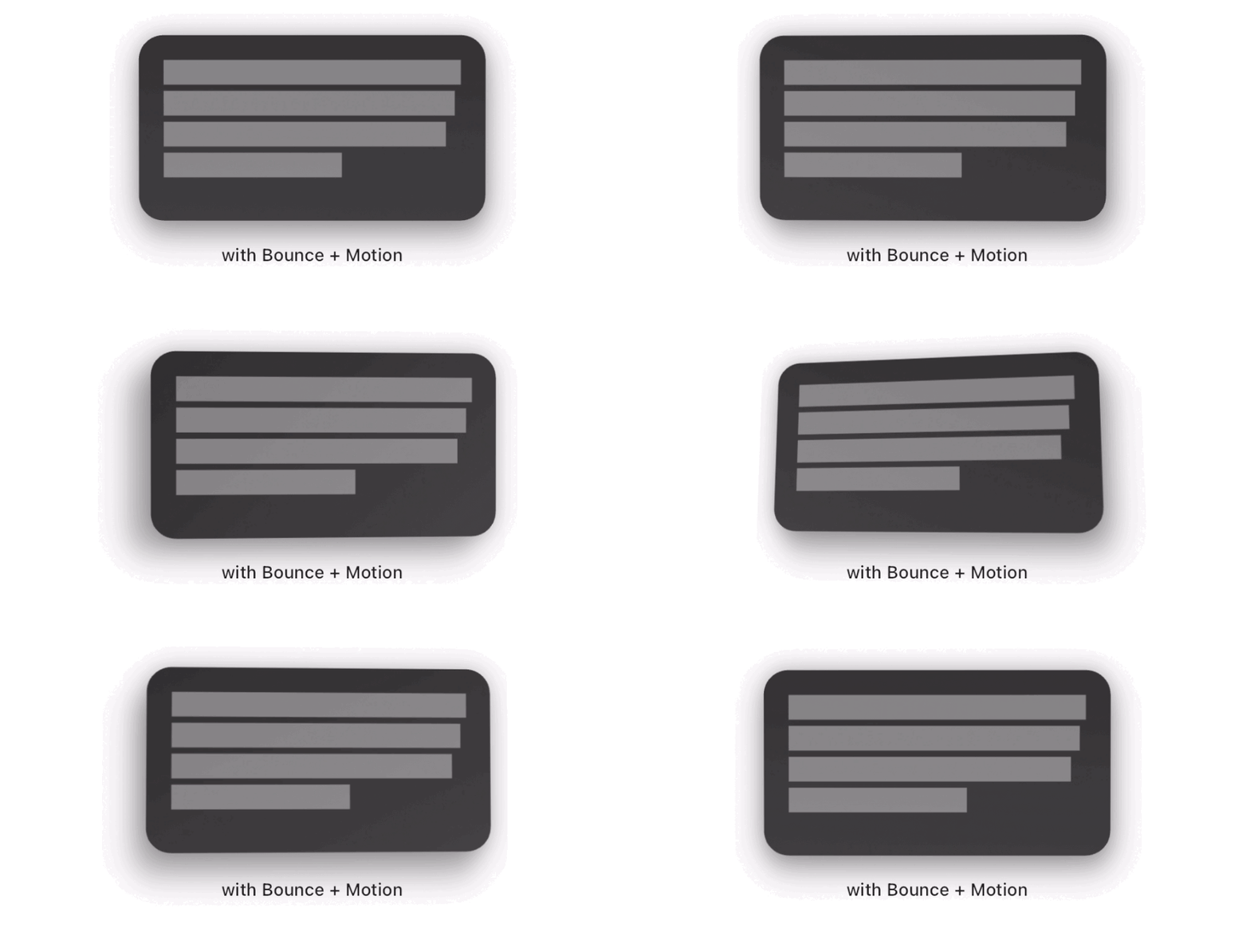
Bounce 套件提供了一個 Flutter 小工具,當被觸碰時,其子組件會加入平滑的縮放與旋轉動畫。它透過動態回應觸控輸入來增強使用者互動,創造出一種輕鬆且吸引人的反饋效果。適用於按鈕、卡片或任何互動元件,可在 Android、iOS、Web、macOS、Windows 及 Linux 等所有主要平台運作。動畫流暢且可自訂,設定簡單。特別有效於提升數位介面的觸覺感受。
適用情境
互動式按鈕
卡片的觸控反饋
遊戲化使用者介面元素
行動應用程式微互動
Web 界面增強功能
主要特色
平滑縮放和旋轉動畫
基於觸控的觸發
跨平台支援
最小設定
對觸控位置敏感
適合對象
尋求互動反饋的應用開發者
設計師透過動畫增進使用者體驗
需要輕量級動畫的專案
Flutter 初學者探索手勢
觸控操作密集型應用
使用建議
可能不適合極簡設計風格
複雜佈局上的效能影響
除了縮放和旋轉之外,自訂功能有限
建議節制使用,以免造成分心
需要處理手勢檢測
原始 README
以下為關聯原始碼儲存庫的 README 原文快照,最新內容請造訪原始碼儲存庫。
Bounce
This package adds a new Bounce widget that applies a tap-triggered bounce animation to Flutter widgets. Depending on the touch location, a tilt effect is also added on the child.
To see examples of the following effect on a device or simulator:
cd example/
flutter run --release
How to use
First, add the dependency to your pubspec.yaml file:
dependencies:bounce:^<latest-version>
Then, wrap your target widget as child of a Bounce widget. You may optionally specify additional behavior, such as disabling the tilt effect by adding tilt: false to the constructor. The simplest usage of this widget is the following :
You may specify the maximum angle applied by the tilt effect using the tiltAngle. This angle will be reached when the child widget is tapped at its edges. No tilt is applied when the child is tapped exactly at its center.
Scale effect
You may specify the maximum factor applied by the scale effect using the scaleFactor parameter.
Tap delay
To fine tune your user experience, you may want the various effects to animate back for a few milliseconds after the tap has occured. By default, this delay is set to 150 milliseconds.
Filter quality
The Bounce widget implementation wraps the child with a matrix-based Transform widget. On most platforms, it is a good practice to have it set to FilterQuality.high, which is the default value. You may specify other FilterQuality values directly from the widget's constructor :