搜尋套件、儲存庫與 APP 分類

colorful_safe_area 封面
套件詳情v1.0.0

colorful_safe_area

SafeArea 小部件的更可自訂取代方案。它讓您設定 SafeArea 的顏色,而不會影響其子項的顏色。

AndroidiOSWebmacOSWindowsLinux
近 30 天下載
9980
喜歡數
59
Pub 分數
150

安裝套件

flutter pub add colorful_safe_area

套件介紹

根據套件公開資料產生的選型評估,僅供參考。

ColorfulSafeArea 是標準 SafeArea 小部件的可自訂替代方案,允許開發者為安全區域設定獨特的背景顏色,而不會影響子小部件的外觀。它提供對填入和視覺樣式的細緻控制,非常適合需要在不同裝置上實現精確 UI 排版的應用程式。該套件支援所有主要平台,並與 Flutter 的渲染流程無縫整合。

適用情境

  • 自訂安全區域背景
  • 建立視覺上截然不同的導航欄
  • 設計沉浸式的全螢幕體驗
  • 實作平台特定的內邊距調整
  • 增強跨裝置的UI一致性

主要特色

  • 安全區域的獨立顏色控制
  • 對子 Widget 樣式無影響
  • 跨平台支援
  • 與現有程式碼的簡單整合
  • 靈活的內邊距設定

適合對象

  • 尋求視覺精確度的UI設計師
  • 開發響應式版面的開發者
  • 具有複雜導航欄的應用程式
  • 需要一致邊距的專案
  • 針對多個平台的團隊

使用建議

  • 可能需要對邊緣情況做額外測試
  • 不適用於巢狀安全區域情境
  • 僅限背景顏色自訂
  • 不取代 SafeArea 的核心功能
  • 在需要獨立控制背景顏色時效果最佳

原始 README

以下為關聯原始碼儲存庫的 README 原文快照,最新內容請造訪原始碼儲存庫。

ColorfulSafeArea

Pub

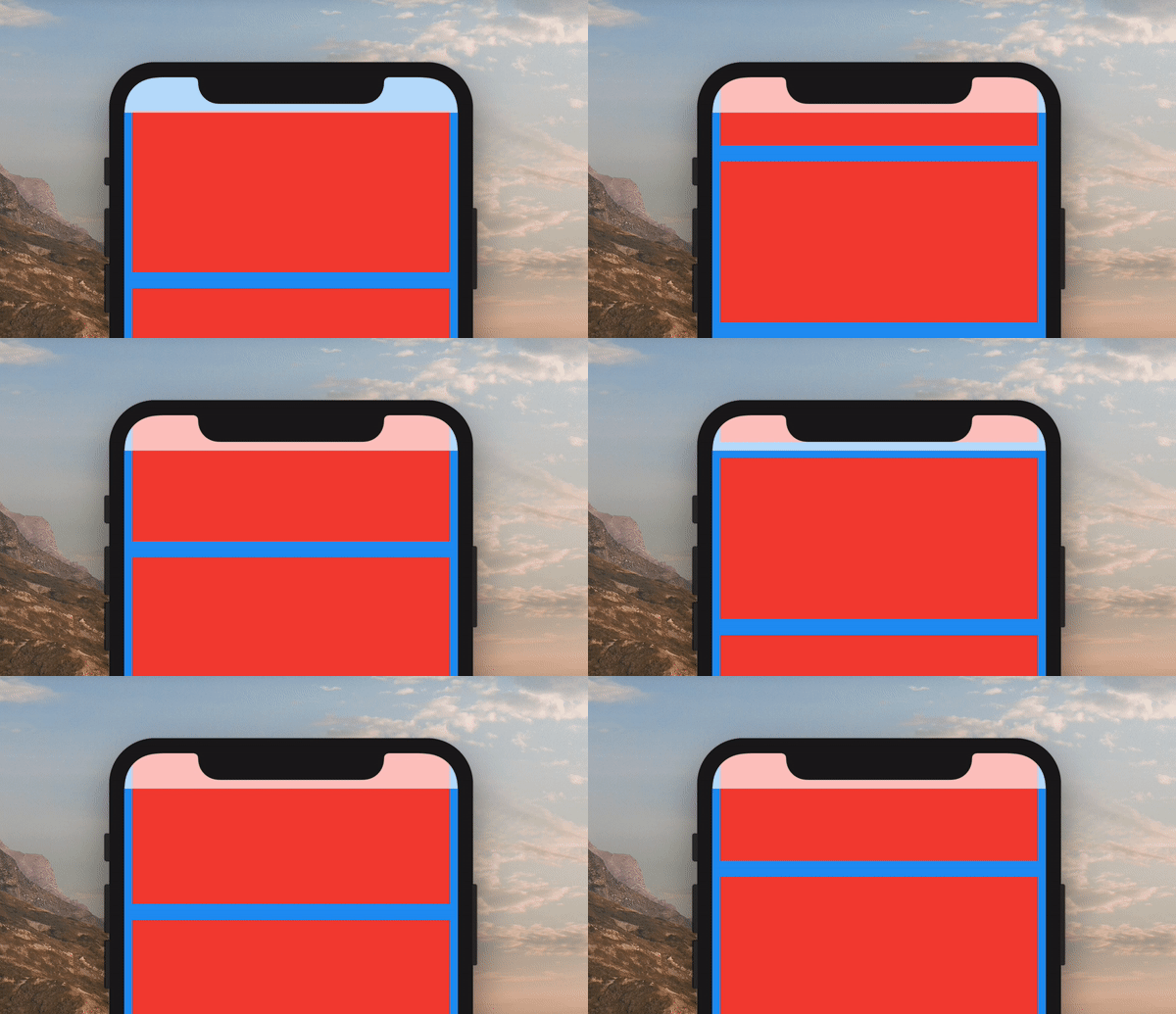
A more customizable replacement for the SafeArea widget. It lets you set the color of your SafeArea without affecting the color of its child.

Example of ColorfulSafeArea

Use it just like a regular SafeArea widget.

Scaffold(
    body: ColorfulSafeArea(
        child: SomeWidget(),
    ),
);

Setting Color

The color of ColorfulSafeArea widgets are transparent by default. To change their color, set the color property.

Scaffold(
    body: ColorfulSafeArea(
        color: Colors.red,
        child: SomeWidget(),
    ),
);

Using Transparent Colors

You can use any color that has transparency

Scaffold(
    body: ColorfulSafeArea(
        color: Colors.red.withOpacity(0.7),
        child: SomeWidget(),
    ),
);

Overflow Rules

If you are using a transparent color and want the child of the ColorfulSafeArea to appear behind it, you can set overflowRules to define how the ColorfulSafeArea's child should appear. The default value is OverflowRules.all(false). The OverflowRules class works much like EdgeInsets.

// allows the child to overflow behind all sides
overflowRules: OverflowRules.all(true)

// allows the child to overflow only on the left and bottom sides
overflowRules: OverflowRules.only(left: true, bottom: true)

// allows the child to overflow on the top and bottom
overflowRules: OverflowRules.symmetric(vertical: true)

Blurring Overflow Area

If you want to apply a blur effect to the ColorfulSafeArea, you can apply a filter.

Scaffold(
    body: ColorfulSafeArea(
        overflowRules: OverflowRules.all(true),
        filter: ImageFilter.blur(sigmaX: 10, sigmaY: 10),
        child: SomeWidget(),
    ),
);

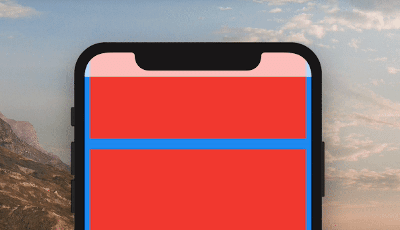
Making Overflow Area Interactive

When you set overflowRules and would like for the parts of the child that have overflowed to be interactable behind the ColorfulSafeArea, you can set overflowTappable to true.

Scaffold(
    body: ColorfulSafeArea(
        overflowRules: OverflowRules.all(true),
        overflowTappable: true
        child: SomeWidget(),
    ),
);

所屬分類

原始碼儲存庫

使用此套件的專案

暫無相關資料。